Add media-first galleries anywhere
Place visual media grids, masonry experiences, and Photofall browsing surfaces inside the current site layout.
Big King Media gives WordPress flexible media shortcodes so site owners can place Photofall galleries, media players, frontend uploaders, shared media experiences, and creative media features inside pages, posts, landing pages, sidebars, builder layouts, and theme-safe content areas.
Shortcodes make the Big King Media WordPress Media Operating System easier to deploy without replacing the active theme. A site can add a media-first gallery, an upload surface, a player, a studio experience, or a curated media layer exactly where the current design can display it.
WordPress site owners often need media features in specific places: a homepage section, ministry page, school portal, artist release page, client gallery, event archive, upload page, sidebar, landing page, or custom builder layout.
Big King Media shortcodes make those features portable. Instead of forcing a theme rebuild, the media operating system can be inserted into the existing site where it belongs.
Media operating system shift: shortcodes turn Big King Media into deployable infrastructure. The media system can appear wherever the site needs galleries, players, uploaders, curated collections, or front-end media experiences.
Big King Media shortcodes give site owners practical placement control for the major media experiences inside the system.
Place visual media grids, masonry experiences, and Photofall browsing surfaces inside the current site layout.
Use shortcodes to place audio players, playlist experiences, and creative media playback where visitors need them.
Create controlled media submission areas for trusted contributors, teams, clients, ministries, schools, creators, or editors.
Bring shared media workflows into pages and front-end experiences where selected media needs to appear.
Use shortcodes to support Princess Keilah Studio experiences such as audio, slideshows, playlists, and media releases.
Add media operating system features to the active WordPress theme without starting from a full redesign.
The exact shortcode names depend on your installed Big King Media version and configuration, but the deployment logic is simple: choose the media experience, place the shortcode, and let the page become more media-capable.
[big_king_media_photofall]
[big_king_media_uploader]
[big_king_media_player]
[big_king_media_gallery]
[big_king_media_studio]
Practical result: galleries, players, uploaders, and media experiences can be placed inside existing pages, landing pages, builder sections, and theme-safe layouts.
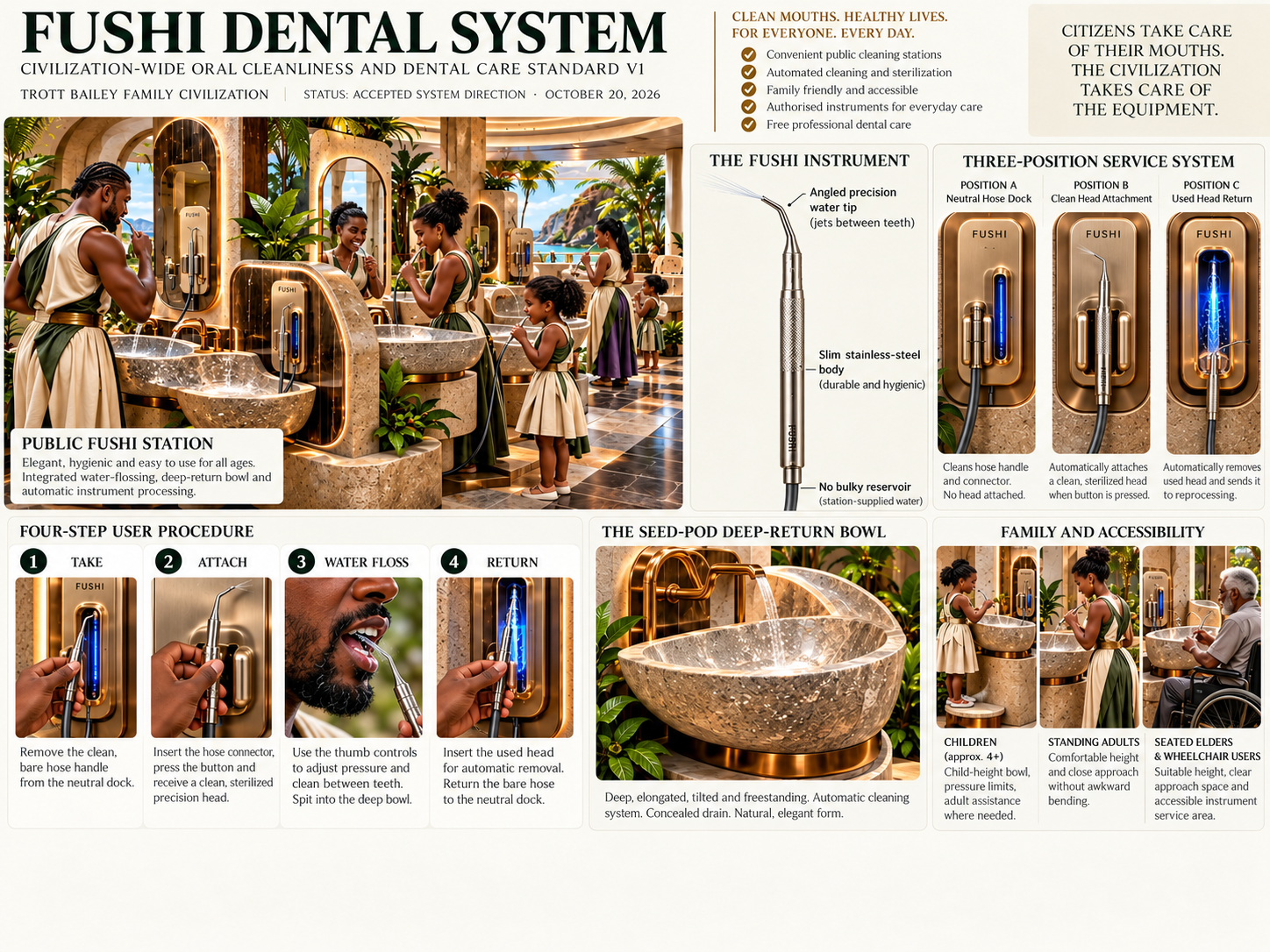
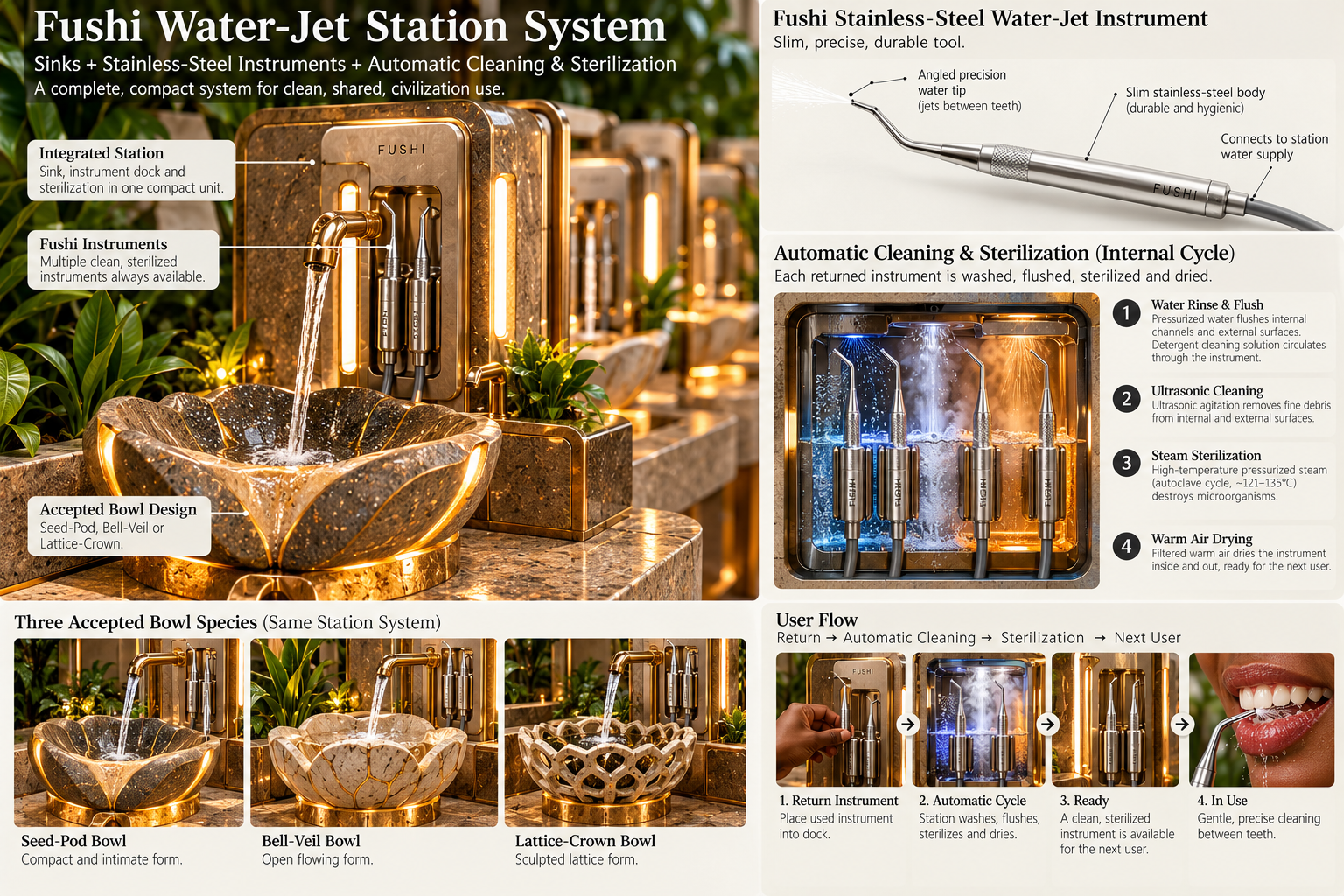
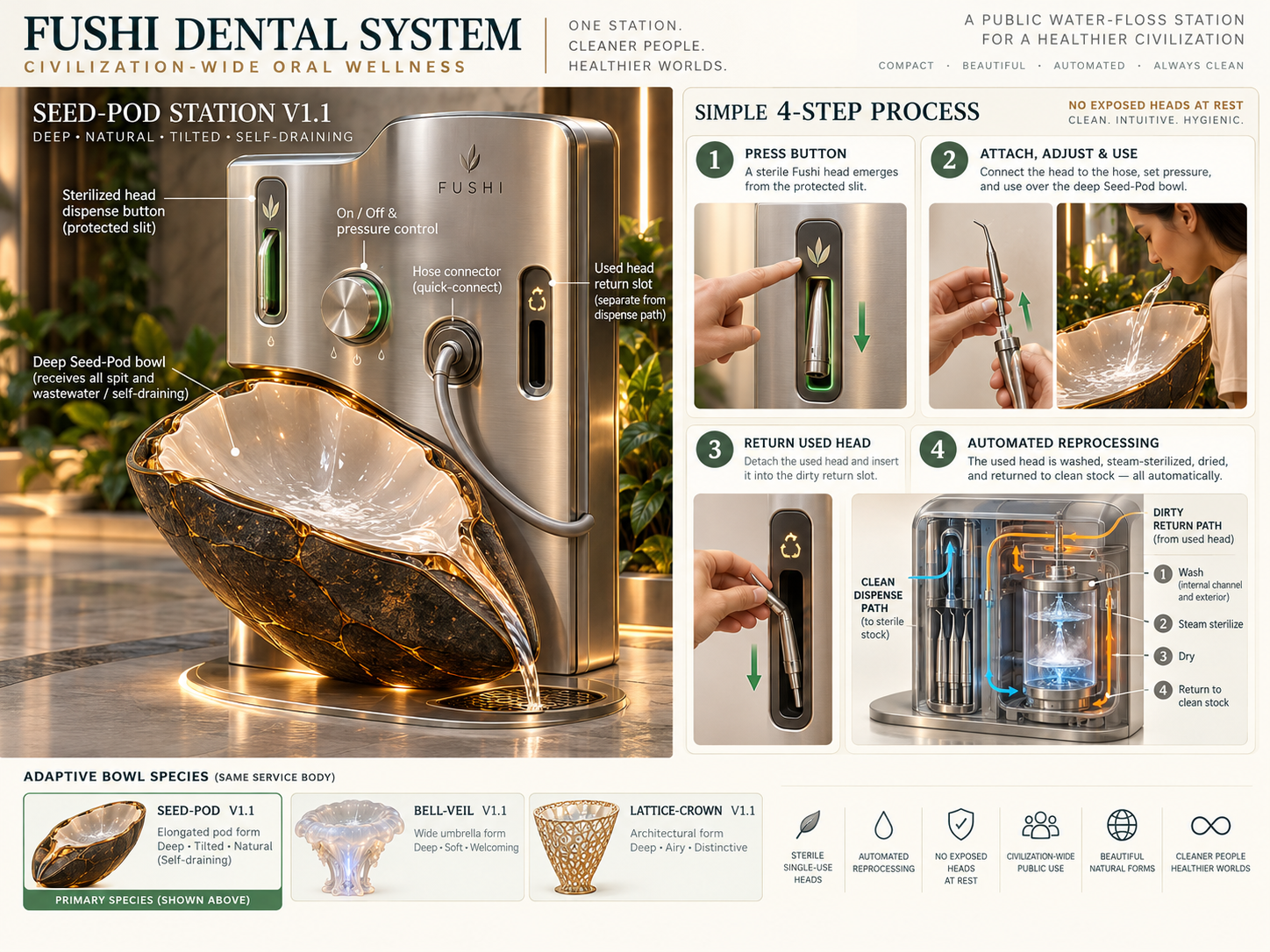
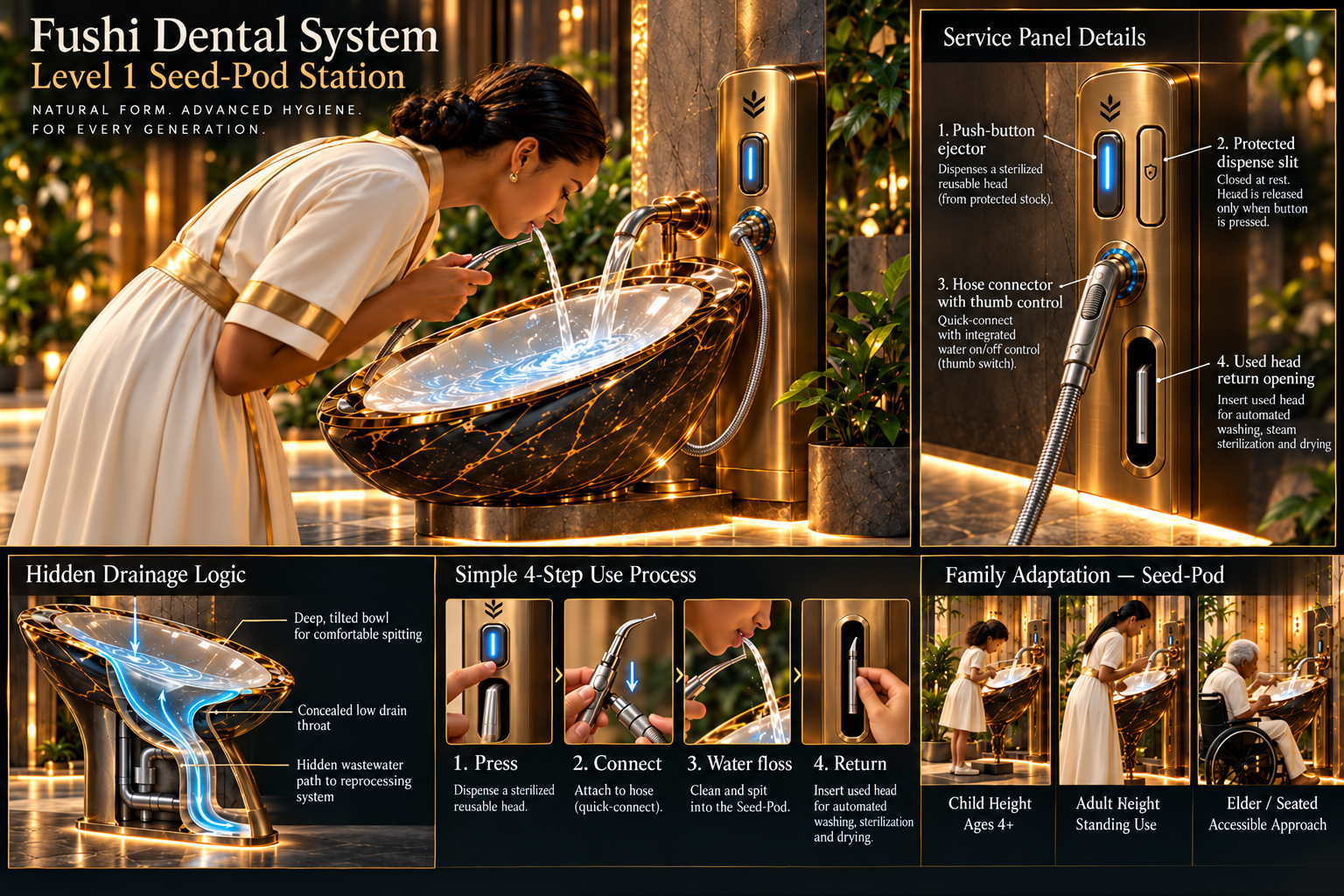
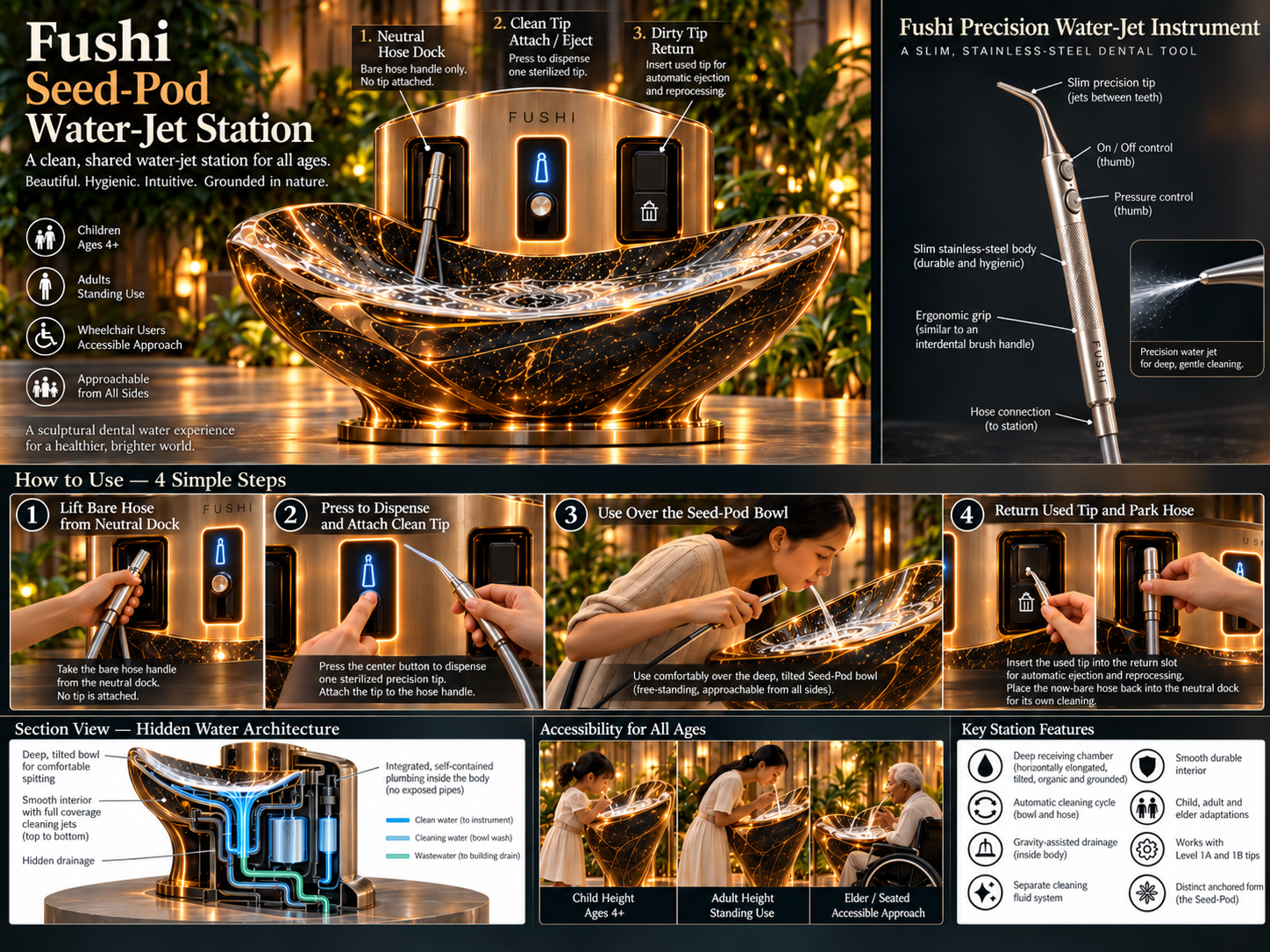
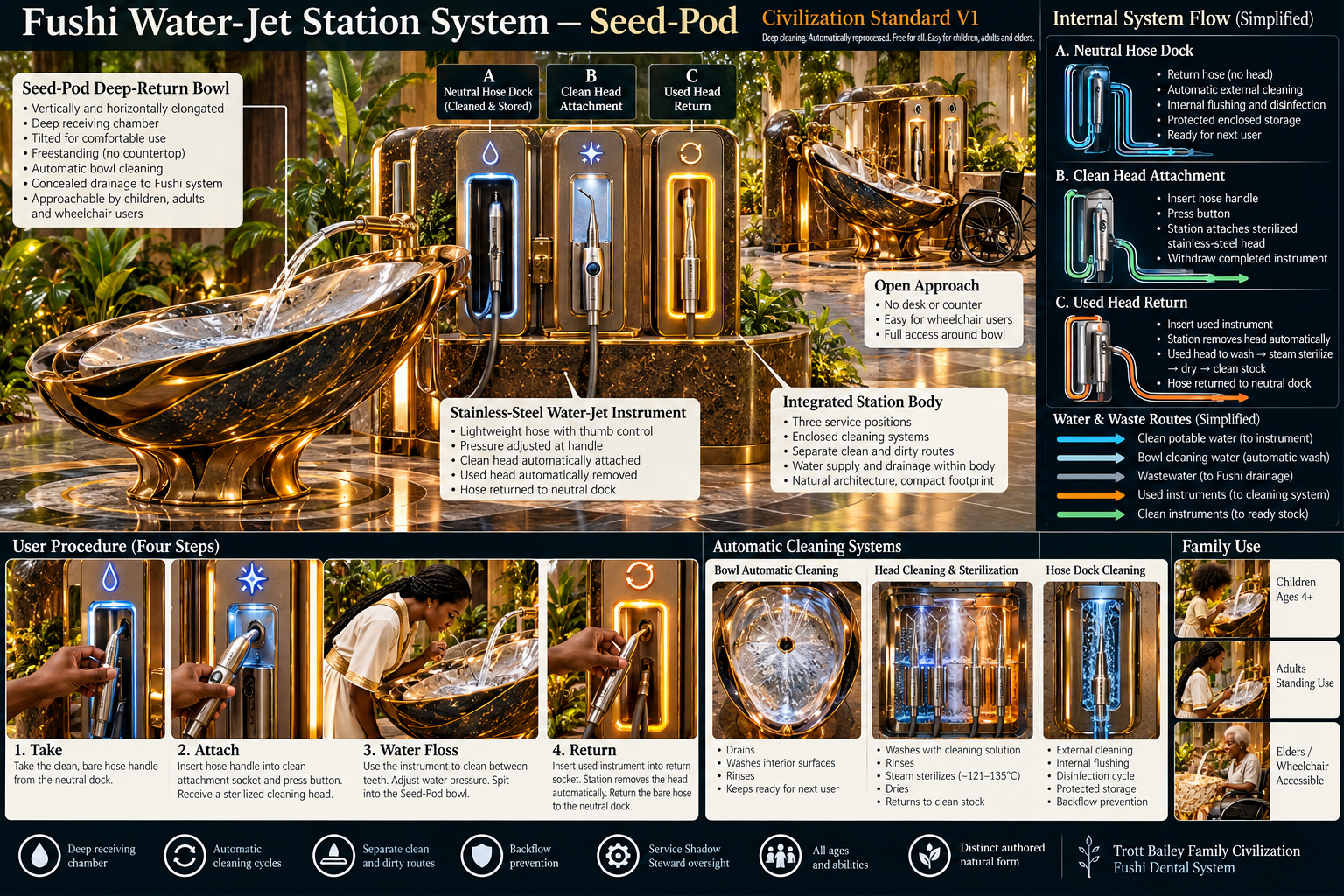
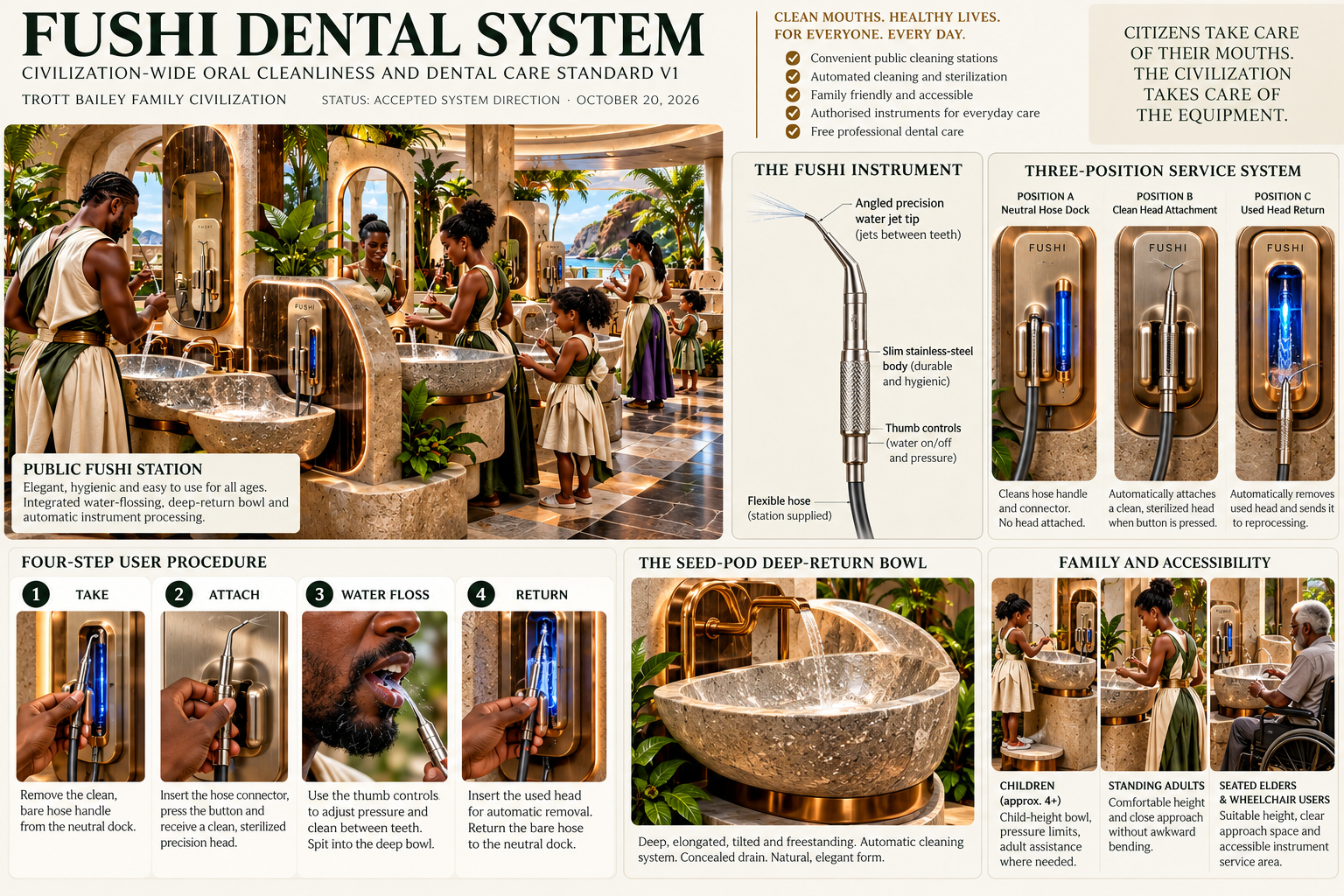
These product assets show how shortcode deployment connects galleries, uploaders, players, lightbox, studio media, shared media, and media SEO.
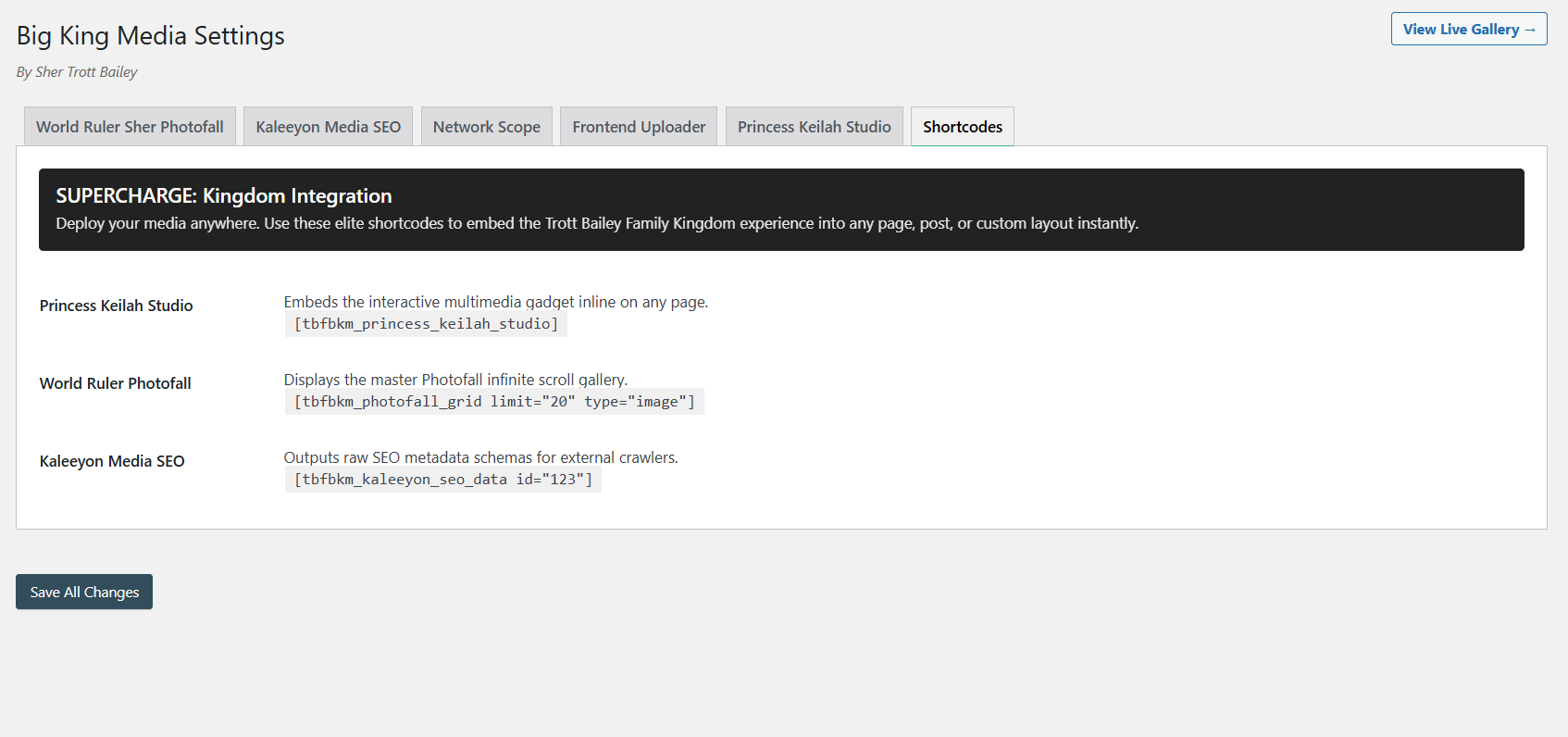
Add players, galleries, and uploaders wherever the site needs media functionality.
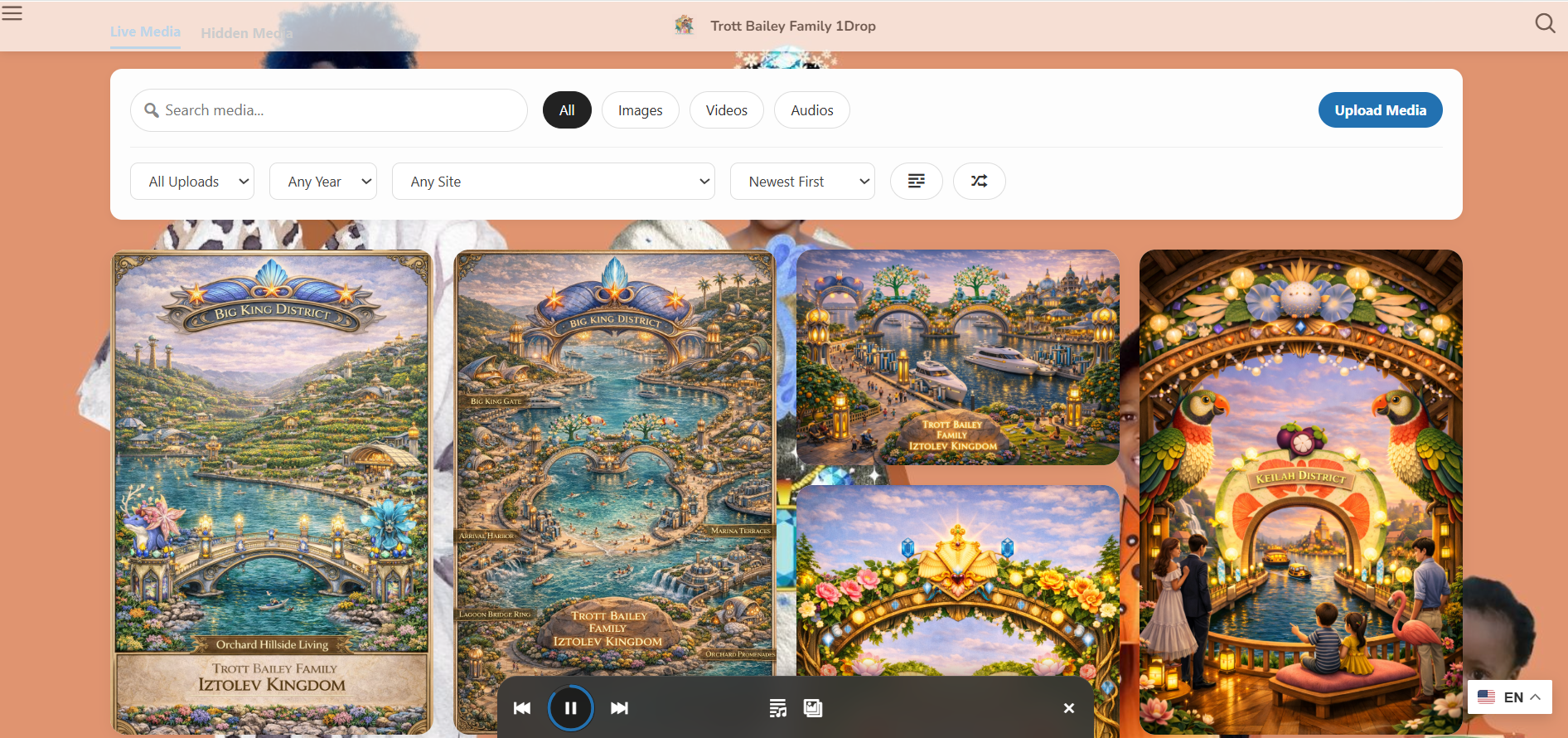
Place media-first galleries into pages, archives, landing pages, or homepage layers.
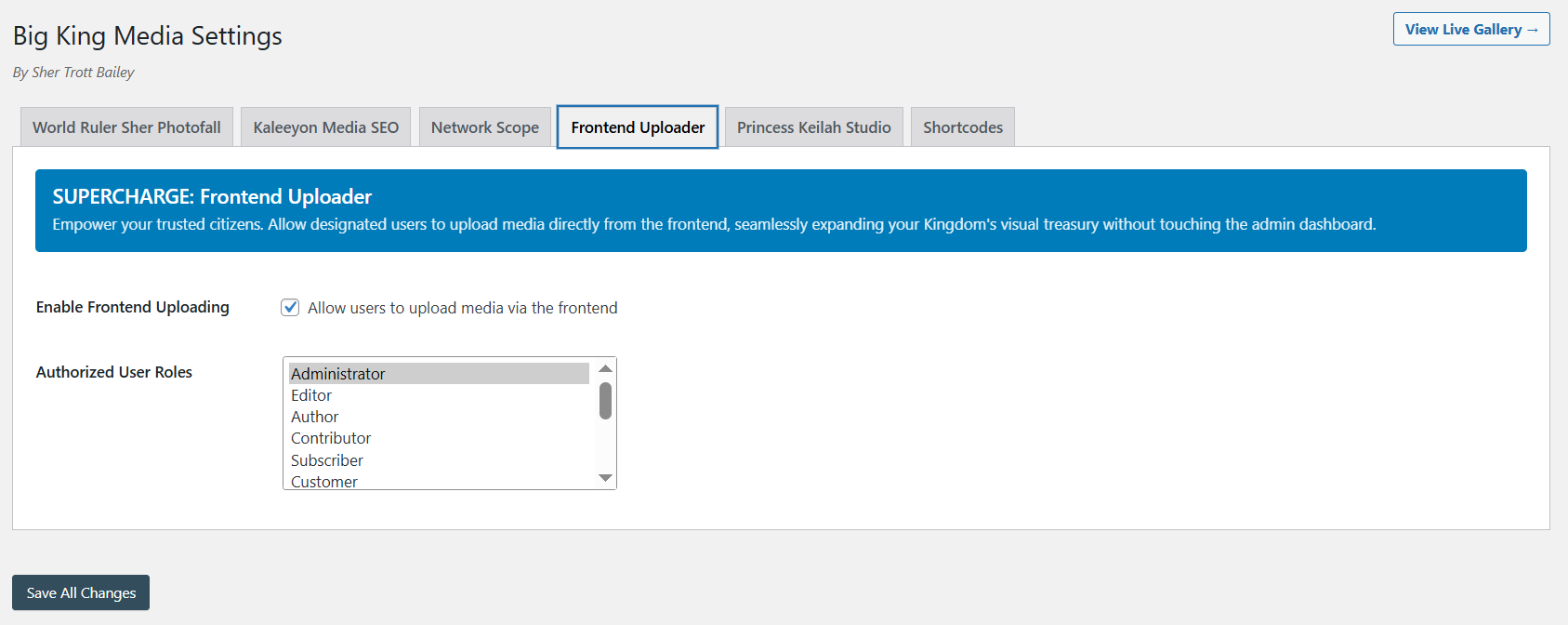
Add controlled upload surfaces for contributors without sending them into wp-admin.
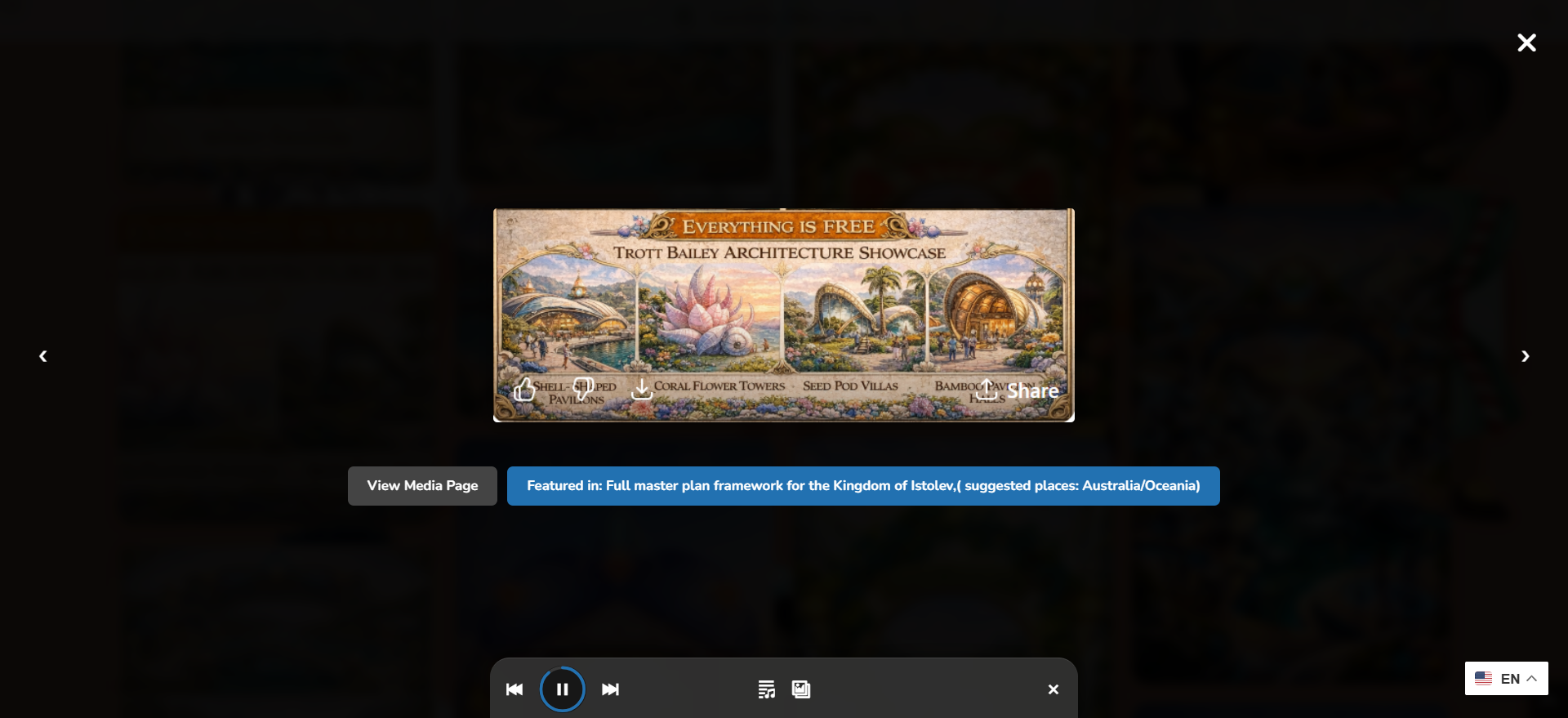
Shortcode galleries can connect visitors to richer image, video, audio, and media viewing.
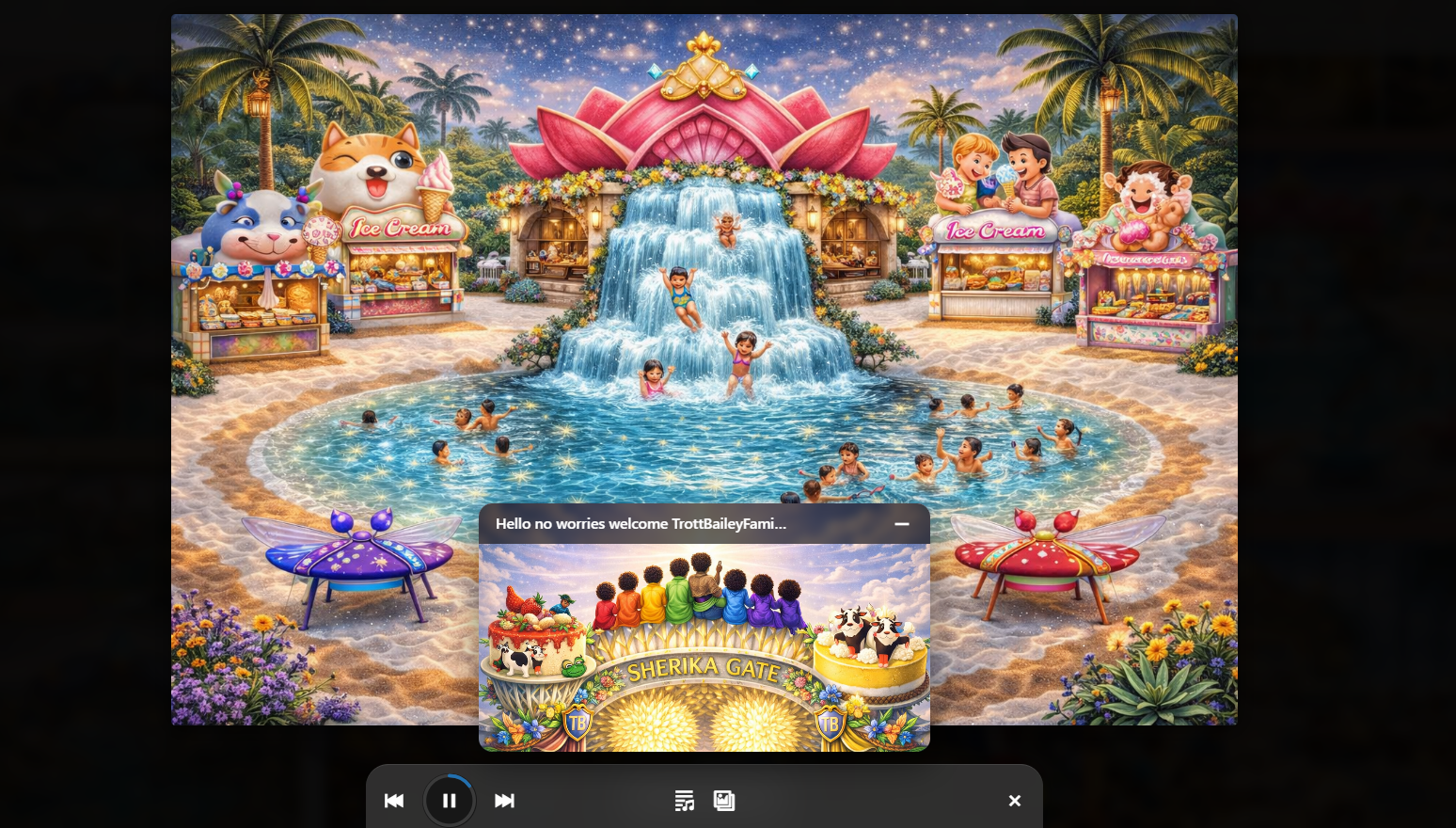
Creative media experiences can appear inside the existing page structure.
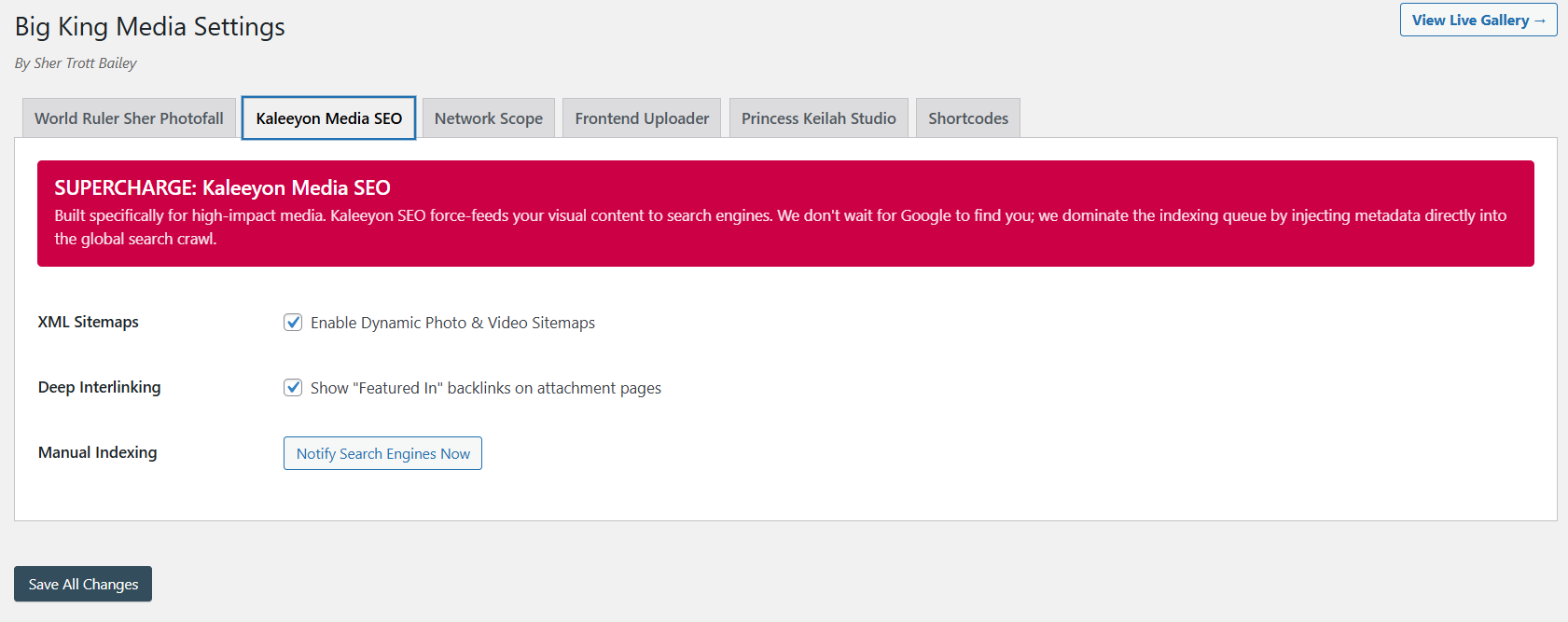
Media placed through shortcodes still benefits from metadata, visibility, and discoverability workflows.
The product video and Masterclass show how Big King Media connects shortcode deployment to galleries, players, uploaders, Photofall, lightbox, shared media, studio workflows, SEO, and theme-safe front-end publishing.
This video shows the larger media-first product direction behind shortcode deployment.
The Masterclass gives visitors the full product context.
Big King Media shortcodes make media deployment practical. Site owners can choose the right experience, place it inside the existing page, and connect visitors to media without rebuilding the whole site.
Hard-coded media layouts can work, but they are expensive to change and difficult for non-developers to reuse. Big King Media shortcodes give WordPress site owners a more flexible way to deploy media features.
| Approach | Strength | Limitation | Big King Media advantage |
|---|---|---|---|
| Hard-coded template | Can be highly custom. | Requires development work for every major layout change. | Shortcodes let media features move into pages without rebuilding templates. |
| Theme-only media section | Matches the theme design. | Usually limited to what the theme already provides. | Adds a media operating system on top of the active theme. |
| Separate plugins for each feature | Can solve narrow needs. | Creates plugin sprawl across galleries, players, uploaders, and media tools. | Big King Media connects these features into one media system. |
| Page builder widgets only | Easy inside builder layouts. | May be locked to one builder or limited feature set. | Shortcodes can work across many WordPress content areas. |
| Big King Media shortcodes | Deploy galleries, players, uploaders, and media experiences inside existing pages. | Requires correct shortcode setup and feature configuration. | Makes the WordPress Media Operating System portable and theme-safe. |
Media shortcodes are useful for any site that needs to place advanced media functionality inside existing content without rebuilding the theme.
Place players, music video experiences, release galleries, upload forms, and media pages inside artist websites.
Add sermon players, event galleries, ministry media upload forms, announcements, and visual archives to existing pages.
Place classroom uploaders, student galleries, media projects, lesson media, and campus archives into school pages.
Deploy richer media sections for clients without requiring a full custom theme or platform rebuild.
Place media feeds, post-and-media discovery surfaces, video galleries, and audio experiences into editorial layouts.
Add galleries, uploaders, oral history players, archive collections, and media-first pages to existing sites.
Big King Media shortcodes let WordPress site owners place media players, Photofall galleries, uploaders, studio experiences, and media-first surfaces inside the site they already have.
These answers support searches around WordPress media shortcodes, gallery shortcodes, frontend upload shortcodes, audio player shortcodes, and theme-safe media deployment.
Big King Media shortcodes let site owners place media features such as Photofall galleries, players, frontend uploaders, and media experiences inside WordPress pages, posts, layouts, and content areas.
Yes. Big King Media shortcodes can place media-first gallery experiences such as Photofall into pages, posts, homepage sections, and landing pages.
Yes. Big King Media shortcode deployment can support frontend uploader placement so trusted contributors can submit media without entering wp-admin.
Yes. Big King Media shortcodes can support player and creative media placement, including audio, playlist, slideshow, and Princess Keilah Studio experiences where configured.
Yes. Shortcodes are useful because they allow Big King Media features to appear inside the active theme’s content areas without forcing a full theme replacement.
Because they make the media system deployable. Galleries, uploaders, players, shared media, studio experiences, folders, visibility controls, and media SEO can appear where the public site needs them.

 and then