Find images with no description
Identify media library images that need alt text so teams can prioritize accessibility remediation.
Kaleeyon AI helps WordPress site owners find missing alt text, detect weak or gibberish alt text, and generate better image descriptions as part of the media workflow.
Most AI alt text plugins treat accessibility as a separate task. Big King Media connects AI alt text to the broader media stack: shared media, frontend uploads, metadata, image SEO, video discovery, Photofall galleries, and long-term media governance.
A media library can contain thousands of images, but many of them have missing, weak, copied, or meaningless alt text.
Some images have no alt text at all. Others have filenames like IMG_2049, camera timestamps, random numbers, or upload hashes. That weak metadata makes the archive harder to understand, harder to search, weaker for accessibility, and less useful as a long-term media system.
Kaleeyon AI positioning: AI alt text should not be a disconnected gimmick. It should be part of a disciplined WordPress media workflow that improves accessibility, search clarity, media SEO, and archive quality.
Kaleeyon AI is strongest when it is explained as a practical remediation system: find the weak spots, generate better descriptions, respect usage limits, preserve visible text, and improve the media library over time.
Identify media library images that need alt text so teams can prioritize accessibility remediation.
Flag alt text that looks like filenames, camera strings, random numbers, upload hashes, or useless placeholders.
Use AI-assisted description generation to speed up alt text writing while still allowing human review and control.
When images contain visible text, the workflow can preserve those words first and then add helpful description context.
Usage tracking and throttling help control batch generation so AI remediation does not become uncontrolled API activity.
Alt text improvement supports accessibility, archive quality, image context, and search-friendly media workflows.
The best AI alt text workflow is not “press one button and forget.” It should be careful, batch-aware, configurable, reviewable, and connected to the full media system.
These Big King Media assets show why AI alt text should be part of the larger operating layer, not a separate disconnected tool.
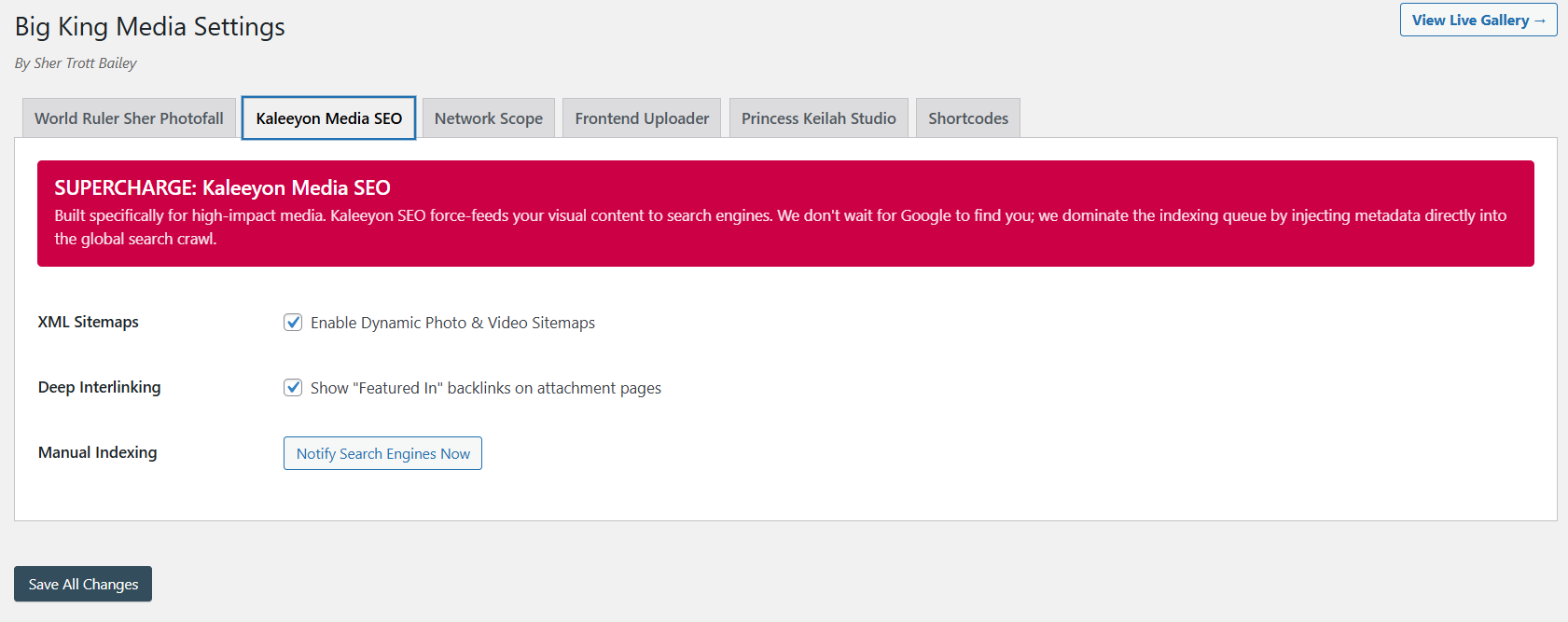
Alt text, metadata, visibility, and media discovery belong in one workflow.
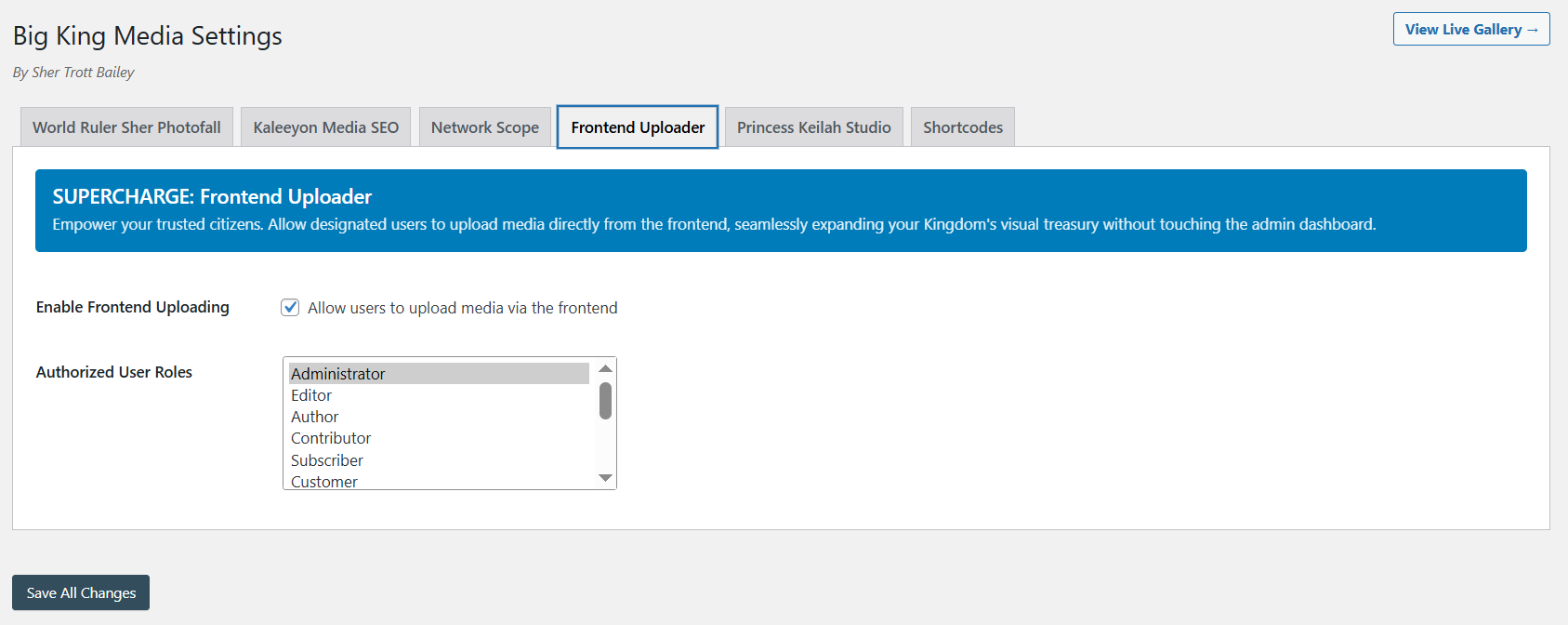
Media contribution should be connected to metadata quality from the beginning.
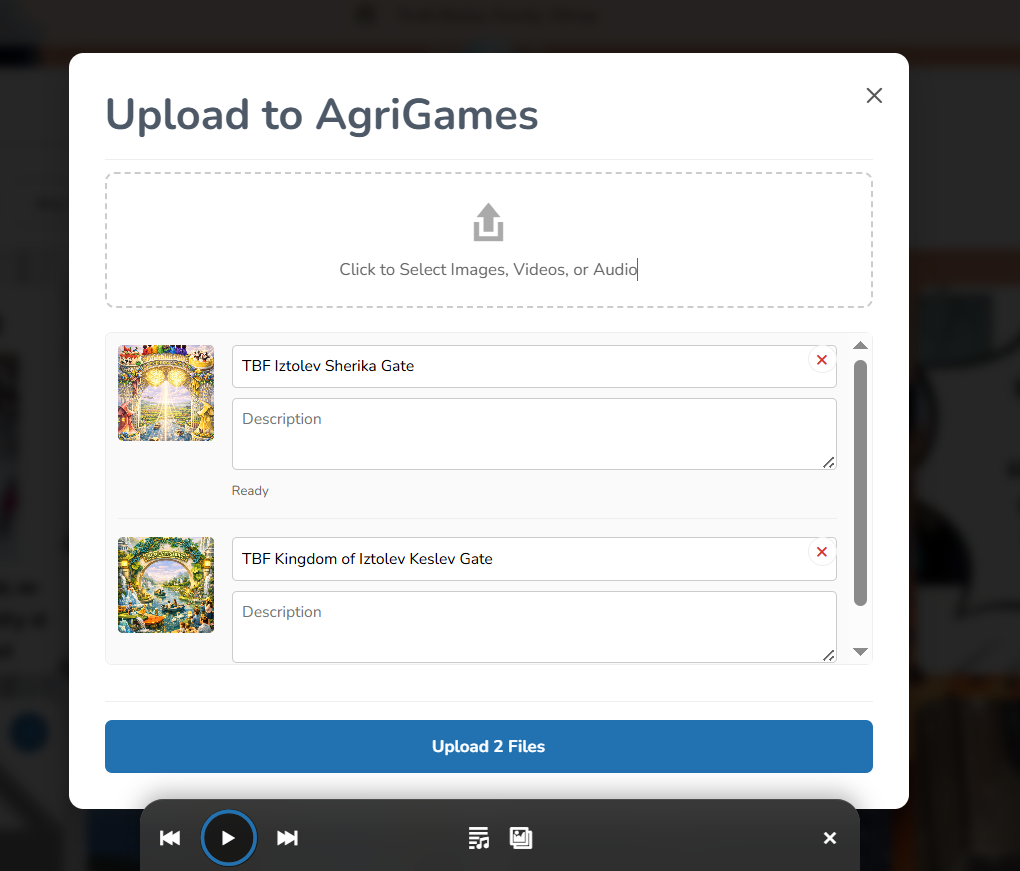
Better media systems capture meaning, not only files.

Alt text is more valuable when the media library is searchable and indexed.
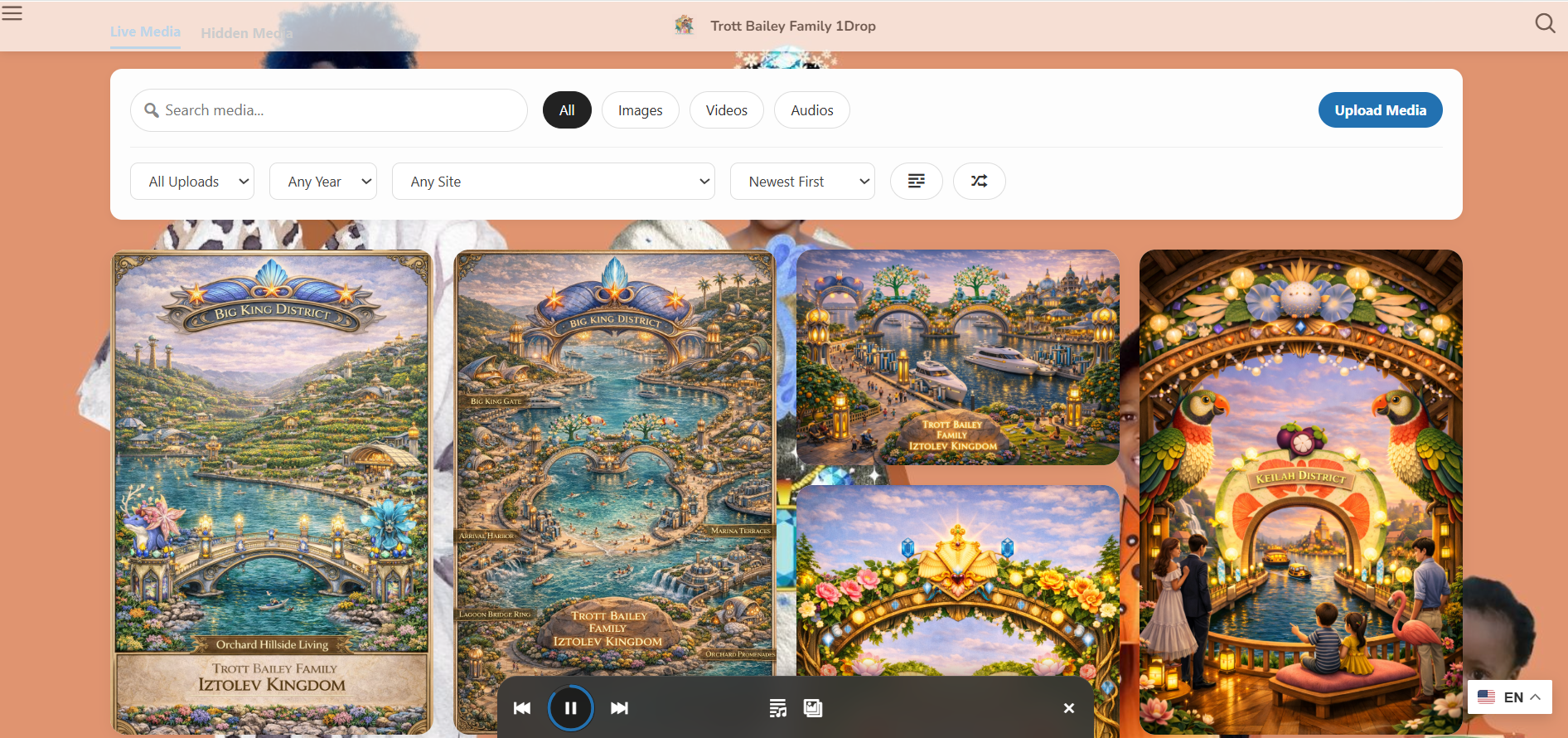
Media descriptions help galleries become more accessible and meaningful.
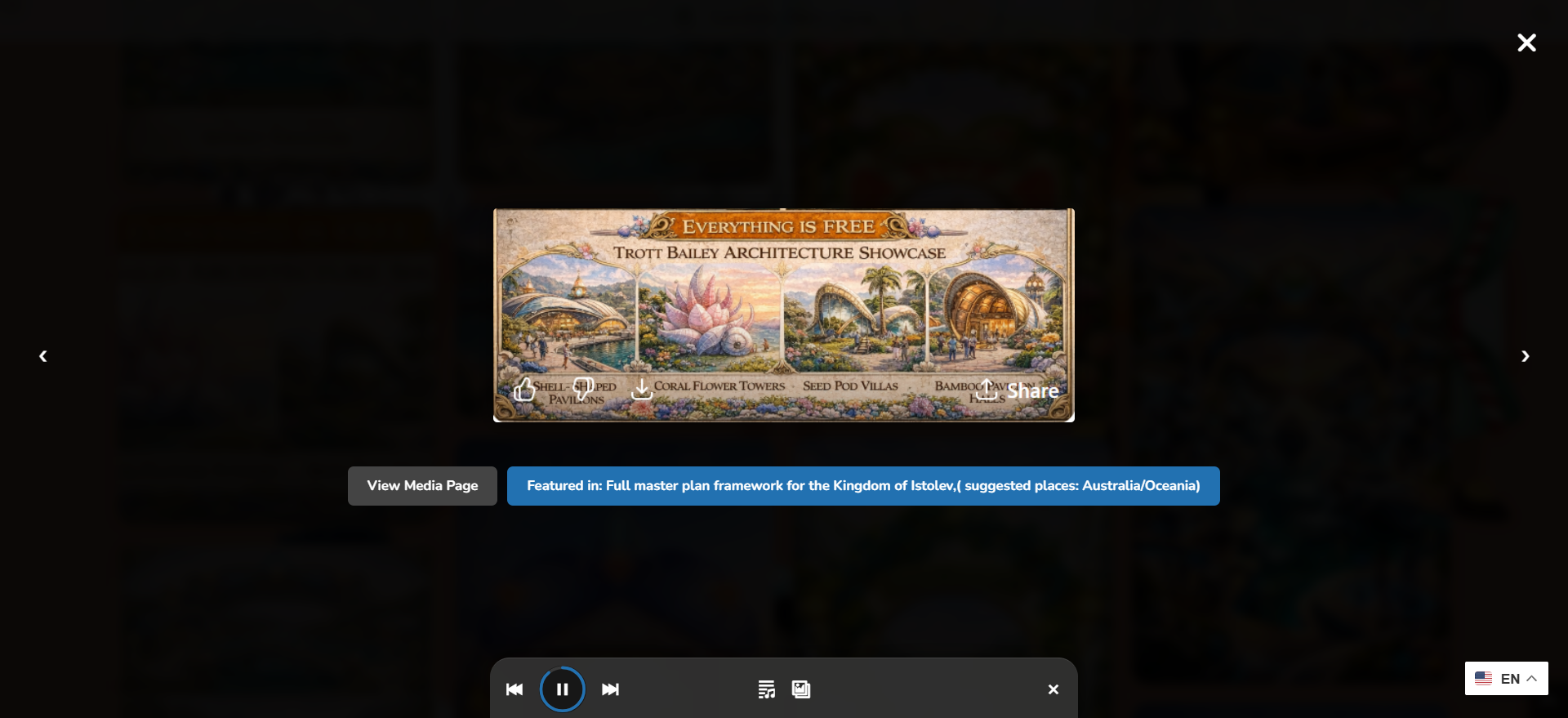
Good metadata supports a richer viewing, browsing, and accessibility experience.
AI alt text can quickly become expensive or messy if it runs without limits. Kaleeyon AI should be presented as a controlled remediation workflow, not an uncontrolled generator.
Usage tracking, daily limits, batch processing, and configurable generation style are important because WordPress sites may contain hundreds or thousands of images. A serious media layer should help site owners improve metadata without losing control over API usage.
Production positioning: AI assistance should accelerate accessibility work while keeping the site owner in control of cost, volume, style, review, and data flow.
The advantage is not only that Big King Media can generate alt text. The advantage is that alt text lives inside a broader media operating layer.
| Capability | Standalone AI alt plugin | Kaleeyon AI inside Big King Media | Why it matters |
|---|---|---|---|
| Generate alt text | Usually yes. | Yes, as part of a larger media workflow. | Generation is useful, but it is stronger when connected to the full media system. |
| Missing-alt scanning | Sometimes. | Part of the remediation workflow. | Teams need to know what to fix before generating at scale. |
| Gibberish-alt detection | Often limited. | Designed to identify weak filename-style alt text. | Bad alt text can be as harmful as missing alt text because it gives false confidence. |
| Visible text preservation | Depends on tool. | Positioned as a key workflow option. | Images with words need careful handling so readable text is not ignored or invented. |
| Media SEO connection | Often separate. | Connected to Big King Media’s media SEO and discovery direction. | Alt text should support accessibility and media discoverability together. |
| Shared media context | Usually no. | Connected to shared media, indexes, galleries, uploads, and governance. | Large WordPress sites need alt text as part of media operations, not a separate cleanup chore. |
Kaleeyon AI is especially valuable for sites with many images, many contributors, older archives, or fast-moving media workflows.
Sites with hundreds or thousands of images can use scanning and batch remediation to identify what needs work first.
Educational sites need accessible media, clearer descriptions, and better image context for students and families.
Event photos, sermon graphics, community images, and teaching media become more accessible and searchable.
Client media libraries can be audited for missing and weak alt text as part of a stronger maintenance workflow.
Historical media becomes more meaningful when images are described instead of being stored as nameless files.
Network operators can treat alt text as part of media governance rather than leaving each subsite to fix it alone.
Kaleeyon AI helps Big King Media turn WordPress media from a folder of silent files into a more accessible, searchable, and meaningful archive.
These answers support searches around WordPress AI alt text, bulk alt text, missing alt text, image SEO, and media accessibility.
Kaleeyon AI is the AI-assisted alt text and media metadata direction inside Big King Media. It helps identify missing or weak alt text and generate better image description drafts as part of the WordPress media workflow.
Yes. Big King Media’s AI and media SEO workflow is positioned to help find missing alt text so site owners can identify images that need accessibility and metadata improvements.
Yes. Kaleeyon AI is designed around detecting weak alt text such as camera filenames, random numbers, upload hashes, placeholder strings, and other labels that do not meaningfully describe the image.
No. AI alt text should be treated as an assisted draft workflow. Human review remains important, especially for sensitive images, products, people, historical archives, visible text, and context-heavy media.
Because alt text is connected to the rest of the media workflow: uploads, indexing, shared media, Photofall galleries, media SEO, lightbox experiences, folders, and long-term governance.
The workflow should preserve readable visible text when images contain important words, then add description context where appropriate. This helps avoid ignoring text that users need to understand the image.

 and then