Bring media into WordPress with context
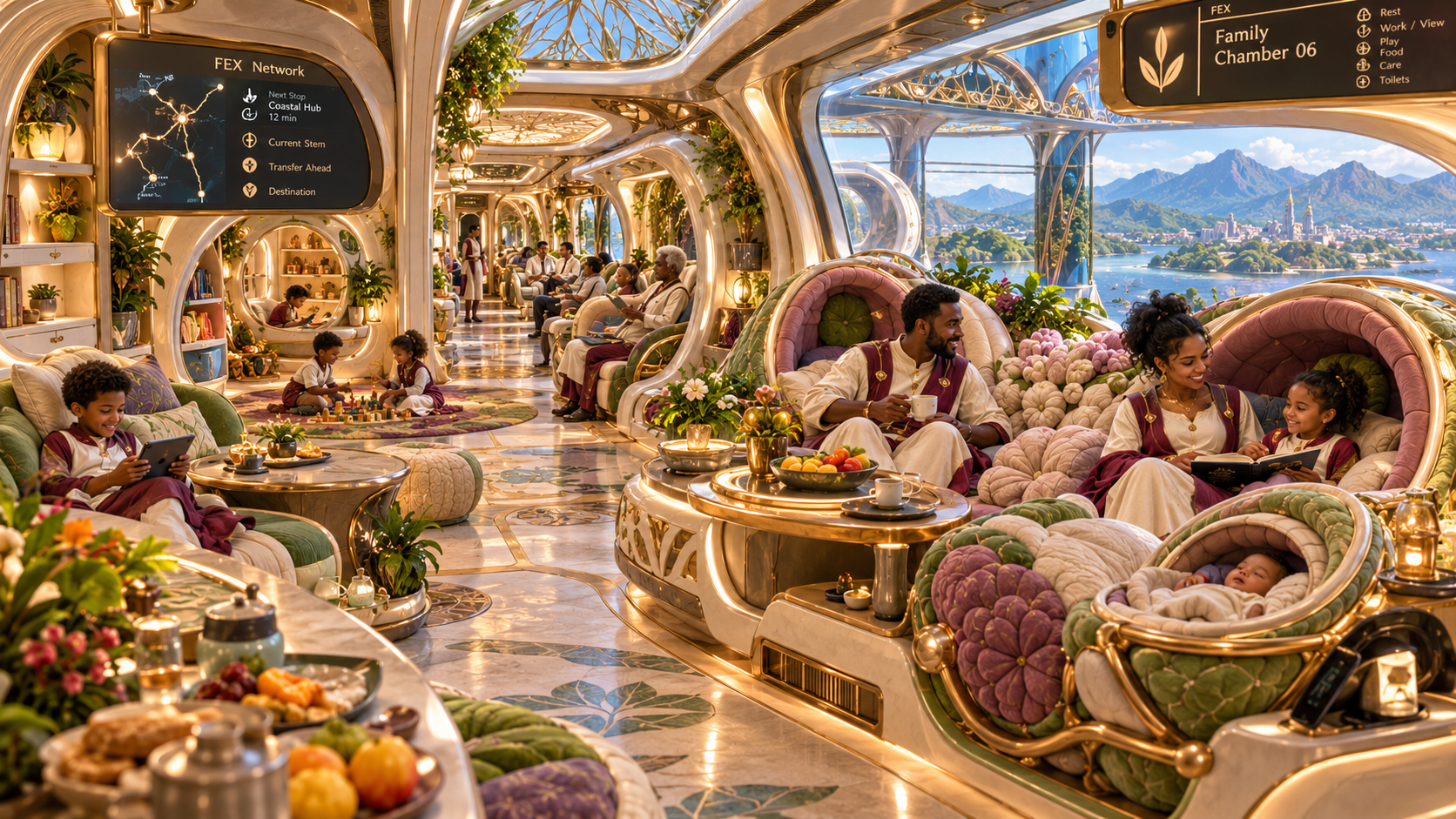
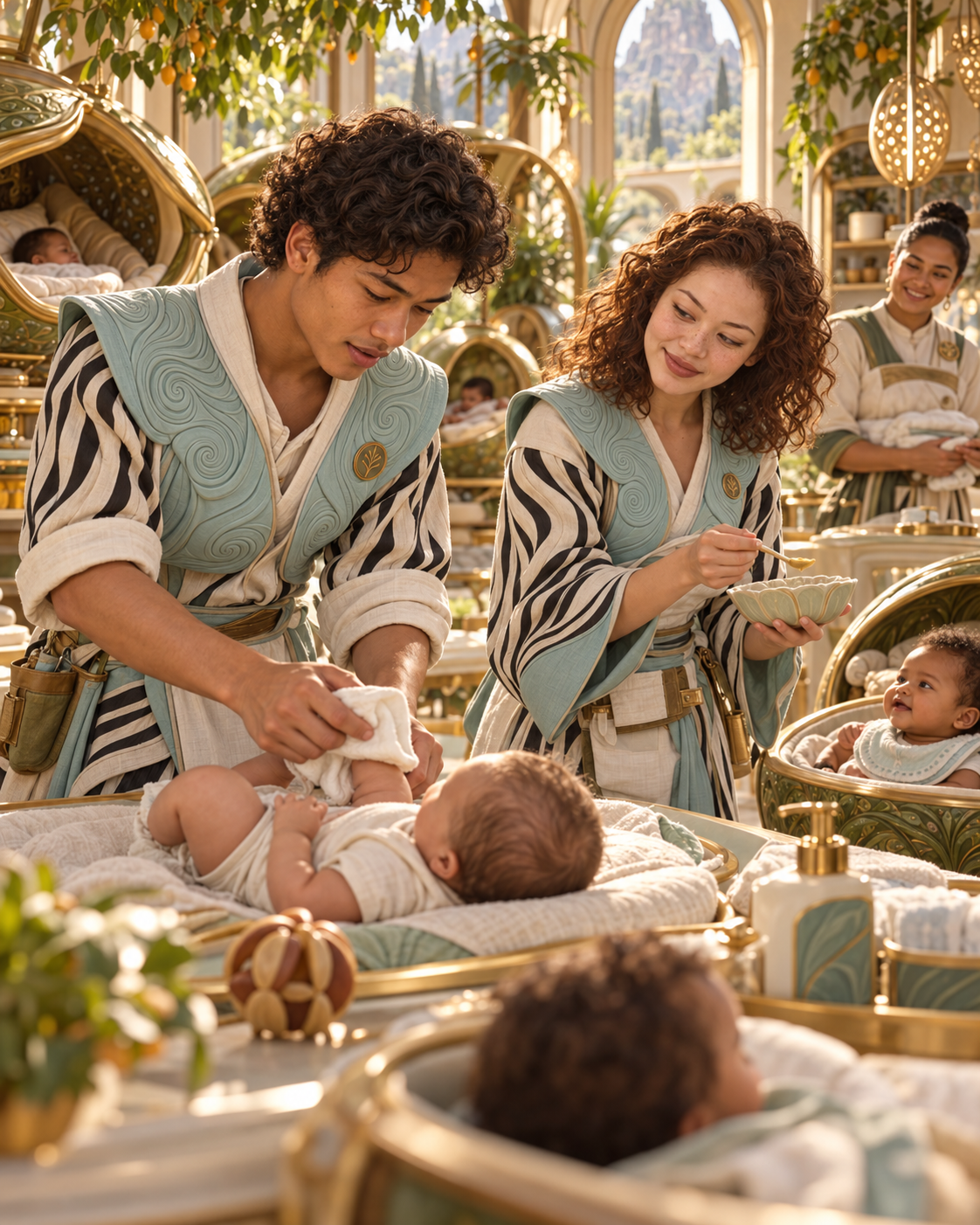
Frontend uploads and shared library uploads can capture titles, alt text, folder direction, and contributor workflows.
Big King Media is no longer just a shared media library plugin. It is a WordPress Media Operating System for media-heavy websites, creators, churches, schools, agencies, publishers, family archives, and WordPress Multisite networks.
It brings galleries, shared media, frontend uploads, folders, visibility controls, AI alt text, media SEO, Photofall, lightbox, post orchestration, audio, video, slideshows, music videos, and theme-safe media-first presentation into one connected media system.
A modern site may need a gallery plugin, audio player, video tool, frontend uploader, media folder plugin, SEO plugin, alt text tool, lightbox, multisite sharing plugin, content grid, and custom homepage media layout.
That creates plugin sprawl. Each tool solves one narrow problem, but the media workflow remains fragmented. Big King Media changes the product category by connecting the major media jobs into one WordPress Media Operating System.
Category shift: Big King Media is the move from a “shared media plugin” to a full WordPress Media Operating System — a connected layer for media intake, governance, discovery, playback, publishing, and presentation.
Big King Media connects the major parts of a serious WordPress media operation: media libraries, front-end experiences, publishing flows, creative tools, metadata, and multisite reuse.
Each feature is useful alone, but Big King Media becomes powerful because the features connect. Uploads feed folders. Folders support galleries. Galleries open in lightbox. Media SEO improves discovery. Featured media enriches posts. Studio tools turn audio into visual experiences.
Frontend uploads and shared library uploads can capture titles, alt text, folder direction, and contributor workflows.
Folders, hidden media, visibility controls, and metadata help prevent the media library from becoming a pile of files.
Shared indexing, media SEO, metadata, search, and source controls make media more useful across the site or network.
Photofall, lightbox, shortcodes, post cards, homepage layers, and media cards make the front end more alive.
Princess Keilah Studio connects audio, playlists, slideshows, images, video clips, and music-video style releases.
Shared media, network source controls, post orchestration, and reusable assets help multisite networks operate more efficiently.
Big King Media supports a richer featured media direction for modern WordPress publishing.
Posts and media cards can use featured images, featured videos, featured slideshows, or featured music videos. Photofall can pull that featured media into the browsing layer so each card can show the content in its strongest form.
Use strong images for posts, cards, galleries, archives, and media-first pages.
Use video when a demonstration, scene, performance, or visual moment carries the story best.
Use slideshow featured media for events, lessons, portfolios, stories, albums, and multi-image posts.
Use music video featured media for songs, sermons, podcasts, lessons, spoken-word pieces, and release experiences.
Photofall can display the selected featured media type so public browsing feels richer and more accurate.
Featured media connects to lightbox, posts, media SEO, studio workflows, visibility controls, and homepage layers.
These product assets show the operating system in action: Photofall, lightbox, shared media, frontend uploads, studio experiences, shortcodes, and media SEO working as one connected direction.
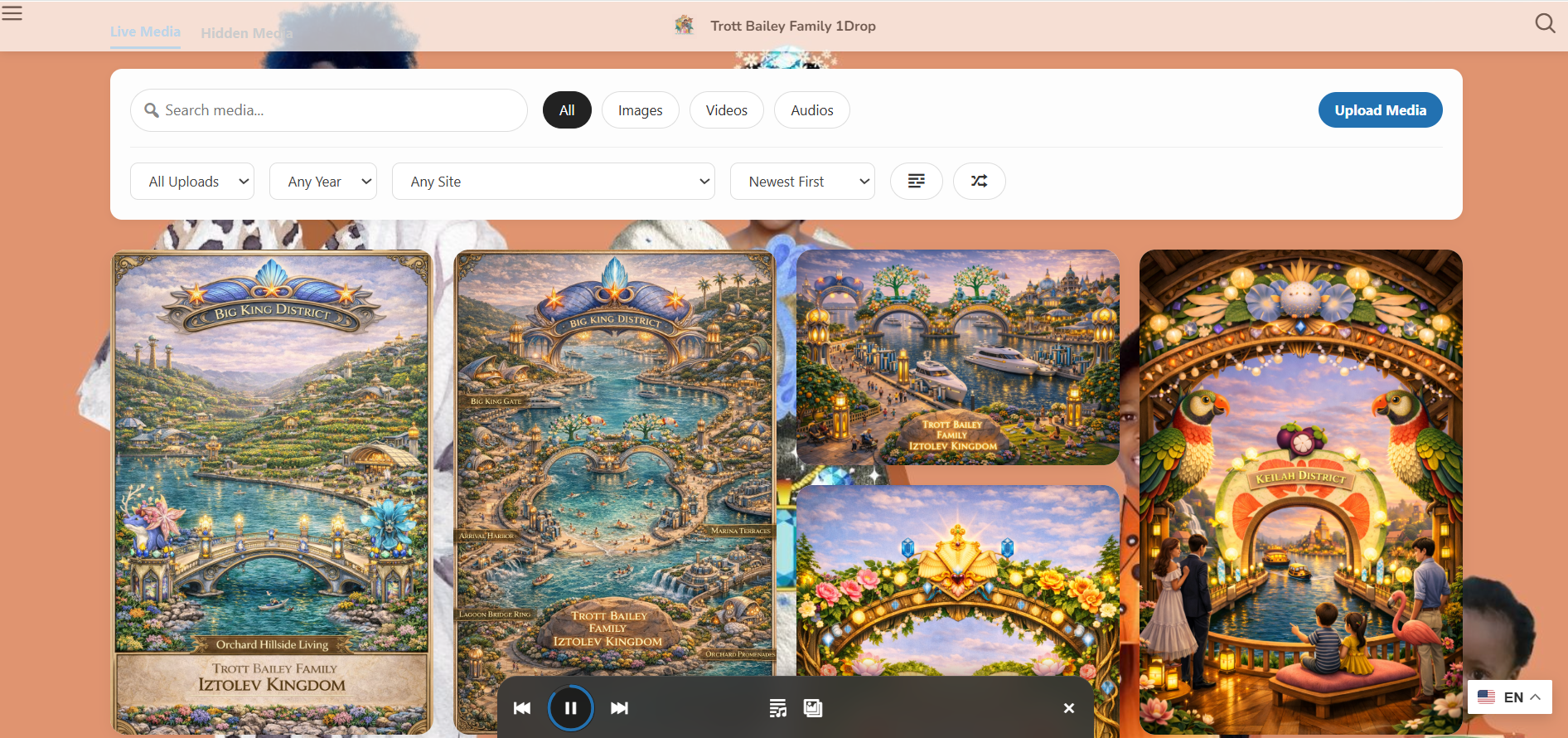
The visual front-end surface for media, posts, rich cards, and public browsing.
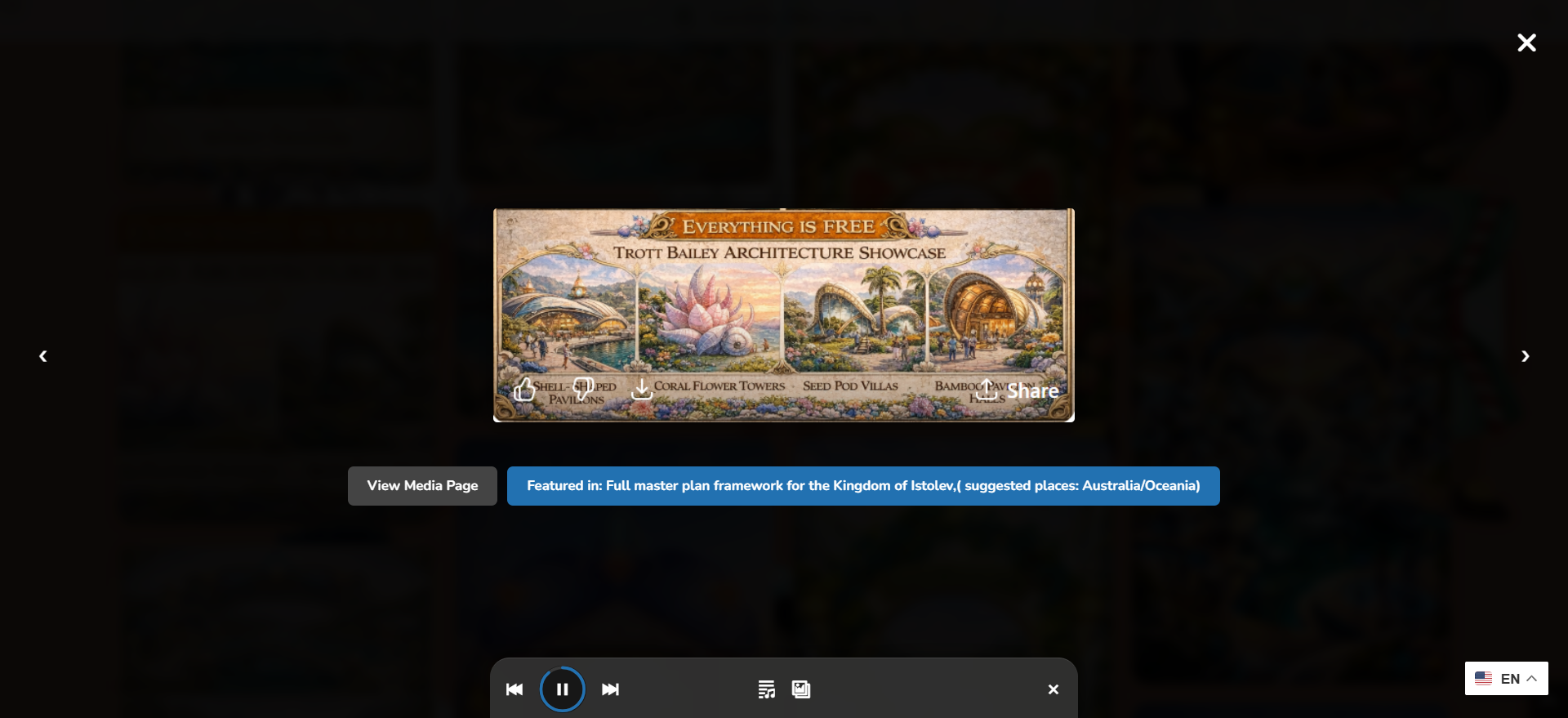
Open media, audio, video, posts, and collections without breaking the browsing flow.

Find, reuse, and govern media across larger WordPress and multisite workflows.
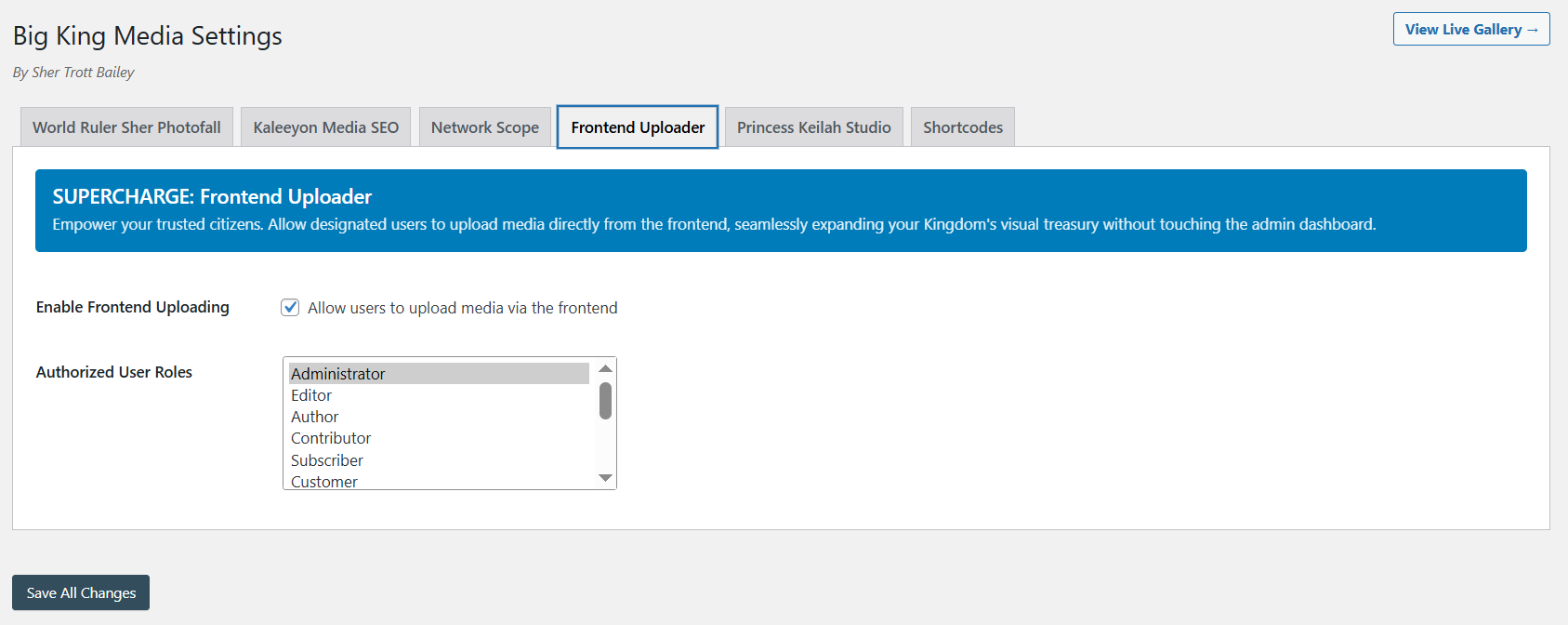
Let trusted users contribute media without forcing them into wp-admin.
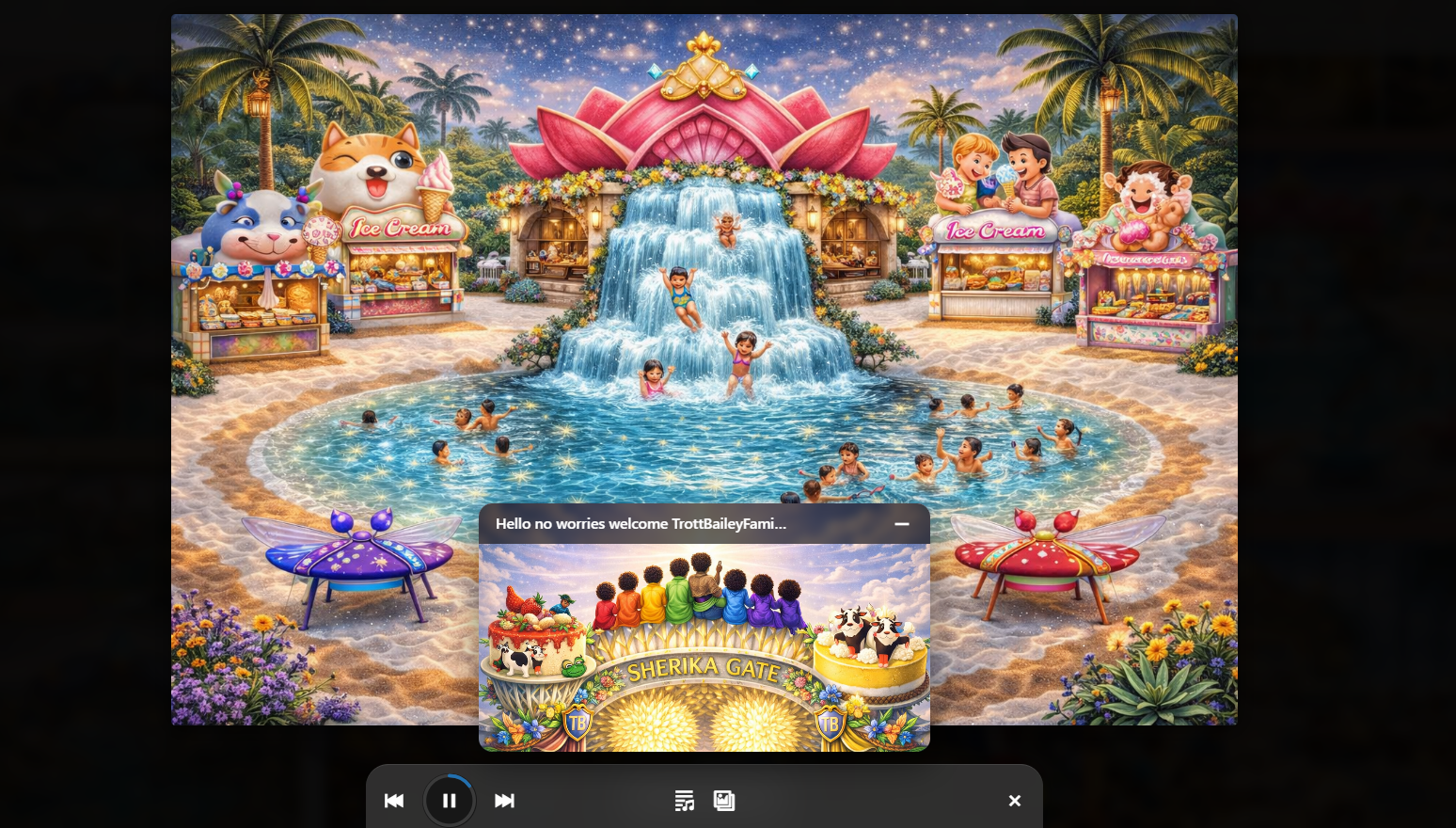
Audio, slideshows, playlists, and music-video style experiences inside WordPress.
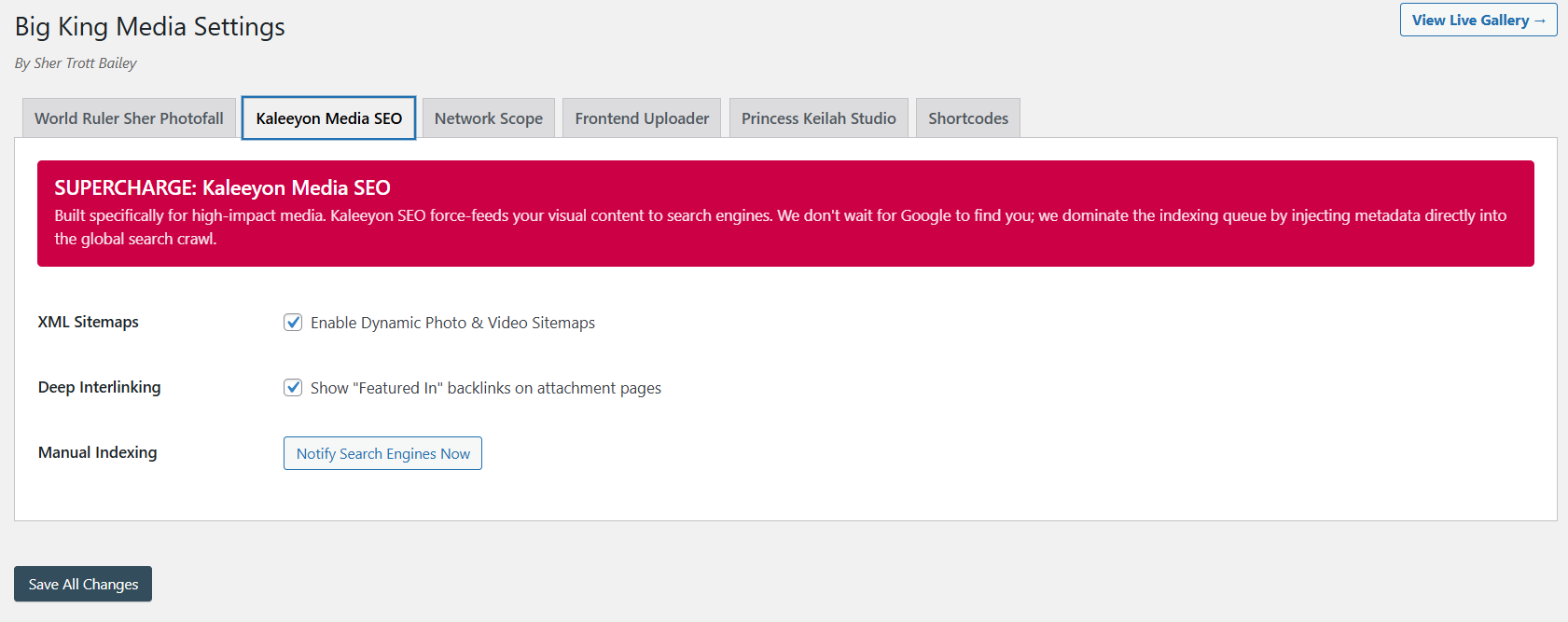
Improve media discoverability, alt text, visibility, and long-term media value.
The product video and Masterclass show how Big King Media connects shared media, Photofall, lightbox, uploads, shortcodes, studio media, post orchestration, featured media, media SEO, and theme-safe publishing.
This product video shows the media-first direction behind the full WordPress Media Operating System.
The Masterclass gives visitors the full product context.
Big King Media gives WordPress a connected media workflow. Media enters the system, receives context, gets organized, becomes discoverable, and turns into a public experience.
Separate plugins can solve narrow problems, but they often leave the media workflow fragmented. Big King Media connects the major jobs into one WordPress-native media system.
| Media need | Separate plugin approach | Big King Media approach | Why it matters |
|---|---|---|---|
| Gallery display | A gallery plugin displays media. | Photofall displays media, posts, rich cards, featured media, and grouped experiences. | Public browsing becomes more than a static grid. |
| Frontend uploads | A form plugin collects files. | Frontend uploads connect to titles, alt text, folders, shared media, and governance. | Media enters the system with context. |
| Audio and video | Separate players handle playback. | Princess Keilah Studio connects audio, playlists, slideshows, video clips, and music-video sequences. | Playback becomes a creative media experience. |
| Media organization | Folder plugins organize files visually. | Folders connect to upload routing, shared media, visibility, media SEO, and publishing. | Organization supports operations, not only tidiness. |
| Media SEO | SEO plugins handle some metadata. | Media SEO connects to alt text, visibility, sitemaps, uploads, galleries, and AI assistance. | Discoverability improves across the media workflow. |
| Multisite reuse | Often requires duplication or separate workflows. | Shared media and network workflows support reuse across WordPress Multisite. | Large networks reduce media fragmentation. |
| Theme-safe presentation | Theme features are limited to the theme. | Shortcodes and homepage layers add media power without replacing the active theme. | Sites can upgrade media functionality with less redesign risk. |
Big King Media is built for sites where media is central to the public experience, internal workflow, storytelling, teaching, publishing, or network operations.
Share media, reduce duplication, orchestrate posts, reuse assets, and manage media across selected sites.
Publish songs, playlists, cover art, videos, music-video experiences, galleries, and release pages from one system.
Manage sermons, worship media, event galleries, announcement graphics, teaching posts, audio, video, and media archives.
Support student media, classroom uploads, event galleries, lessons, videos, audio learning, and public school updates.
Add advanced media functionality to client sites without building a custom media platform from scratch.
Connect posts, featured media, galleries, video, audio, cross-site content, and media-first discovery surfaces.
Turn photos, videos, oral histories, audio memories, documents, and stories into searchable public media experiences.
Organize product media, portfolios, case studies, client galleries, marketing assets, and public-facing media pages.
Build visual article feeds, featured media cards, rich post discovery, lightbox reading, and SEO-ready media archives.
Big King Media brings the media jobs of WordPress into one connected system: shared media, galleries, uploaders, folders, visibility, AI alt text, media SEO, featured media, audio, video, slideshows, music videos, post orchestration, shortcodes, lightbox, and theme-safe public presentation.
These answers support searches around WordPress media operating system, media management, media galleries, shared media, frontend uploads, media SEO, AI alt text, and multisite media workflows.
A WordPress Media Operating System is a connected system for media intake, organization, governance, discovery, publishing, playback, SEO, and public presentation. Big King Media brings these media workflows together inside WordPress.
A normal media library plugin usually solves one narrow issue. Big King Media connects shared media, Photofall galleries, frontend uploads, folders, visibility controls, AI alt text, media SEO, audio, video, music videos, post orchestration, shortcodes, and theme-safe media presentation.
Yes. Shared media remains a major part of Big King Media, but the product has grown beyond that into a broader WordPress Media Operating System.
Yes. Single sites can use Photofall, frontend uploads, folders, visibility controls, media SEO, AI alt text, Princess Keilah Studio, music-video workflows, post cards, and theme-safe media pages.
No. Big King Media can add media-first functionality through shortcodes, Photofall, media homepage layers, players, galleries, and uploaders while keeping the active WordPress theme in place.
Big King Media supports a richer featured media direction, including featured images, featured videos, featured slideshows, and featured music videos that can be pulled into Photofall cards.
Big King Media is built for media-heavy WordPress sites, creators, churches, schools, agencies, publishers, family archives, cultural archives, businesses, and WordPress Multisite networks that need stronger media workflows.

 and then