The Ultimate Multisite Shared Media Library Review: Finding the Best Solution for Your Network
Managing media across a WordPress Multisite network is notoriously frustrating. By default, WordPress silos images, videos, and audio files into individual subsite directories. This leads to massive server bloat, duplicate uploads, and administrative headaches when trying to maintain consistent branding across a network.
To solve this, developers have created shared media library plugins. However, not all networks have the same needs. Some require seamless virtual access, some need physical file synchronization, and others require robust frontend management. In this comprehensive review, we strip away the marketing fluff and objectively analyze the four leading solutions on the market.
1. Rudrastyh Multisite Shared Media Library
Rudrastyh’s plugin is a masterclass in native WordPress integration. It does not try to reinvent the wheel or bloat your dashboard with hundreds of settings. Instead, it solves the core problem of virtual media sharing with remarkable elegance.


The Pros: It feels like a core WordPress feature. The UX is flawless, and user adoption is instant because it doesn’t change how authors interact with the media library. If you just want a shared tab in the standard media uploader, this is arguably the cleanest implementation.
The Cons: It is strictly a backend tool. It lacks frontend capabilities, gallery tools, or advanced metadata SEO optimization. It simply shares the folder.
2. WordPress Multisite Media Sync/Unsync (CodeCanyon)
This premium Envato plugin takes a fundamentally different technical approach to network media management. Instead of creating a virtual “shared access” point, it physically synchronizes (clones) media files across the network.
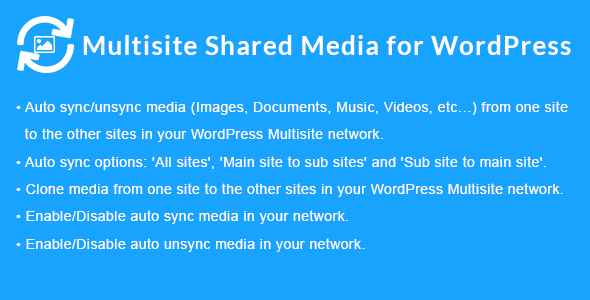
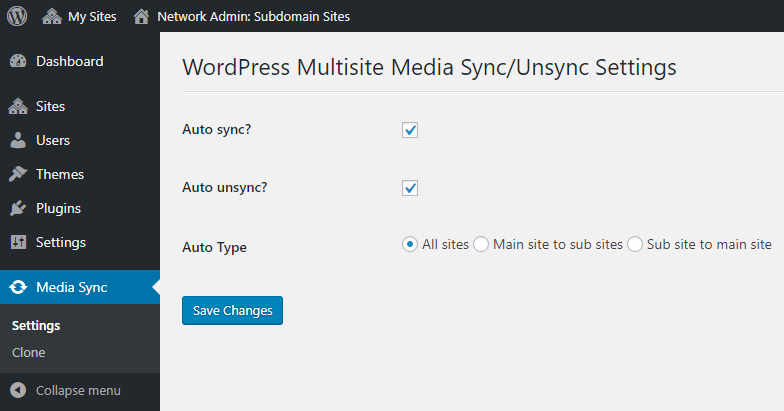
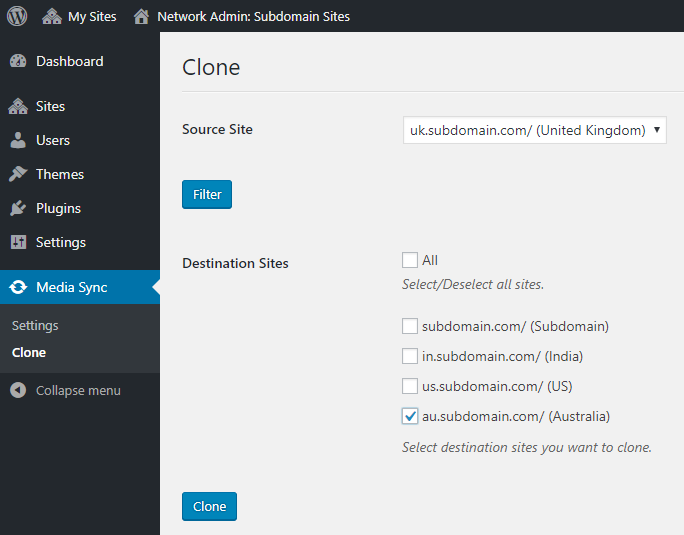
The Pros: This plugin has features the others do not. If you have a legitimate need to physically duplicate files—perhaps because certain subsites will eventually be exported out of the network, or you need localized backups—this is the tool for the job. It allows granular pushing/pulling of media (Main to Sub, Sub to Main, All to All).
The Cons: Because it physically copies files, it does not solve the problem of server storage bloat. In fact, it actively multiplies your storage usage.
3. Central Media Library for Network Websites
Found on the WordPress repository, this is a straightforward utility designed to switch the media upload path of subsites to point to the main site’s uploads folder. It is a simpler, barebones alternative to Rudrastyh for administrators on a budget.
The Pros: It achieves the basic goal of centralizing assets without complex setups.
The Cons: Support can be limited, and it lacks the refined UI integration of Rudrastyh or the powerhouse feature sets of TBF Big King Media.
4. TBF Big King Media
As a software reviewer, it is rare to encounter a plugin that makes you question why it is free. TBF Big King Media is not just a shared media folder; it is a comprehensive media management ecosystem. While it lacks the physical file cloning features of the CodeCanyon plugin, it completely dominates the market regarding virtual sharing, frontend capabilities, and visual presentation.
Centralized Command & High-Speed Indexing
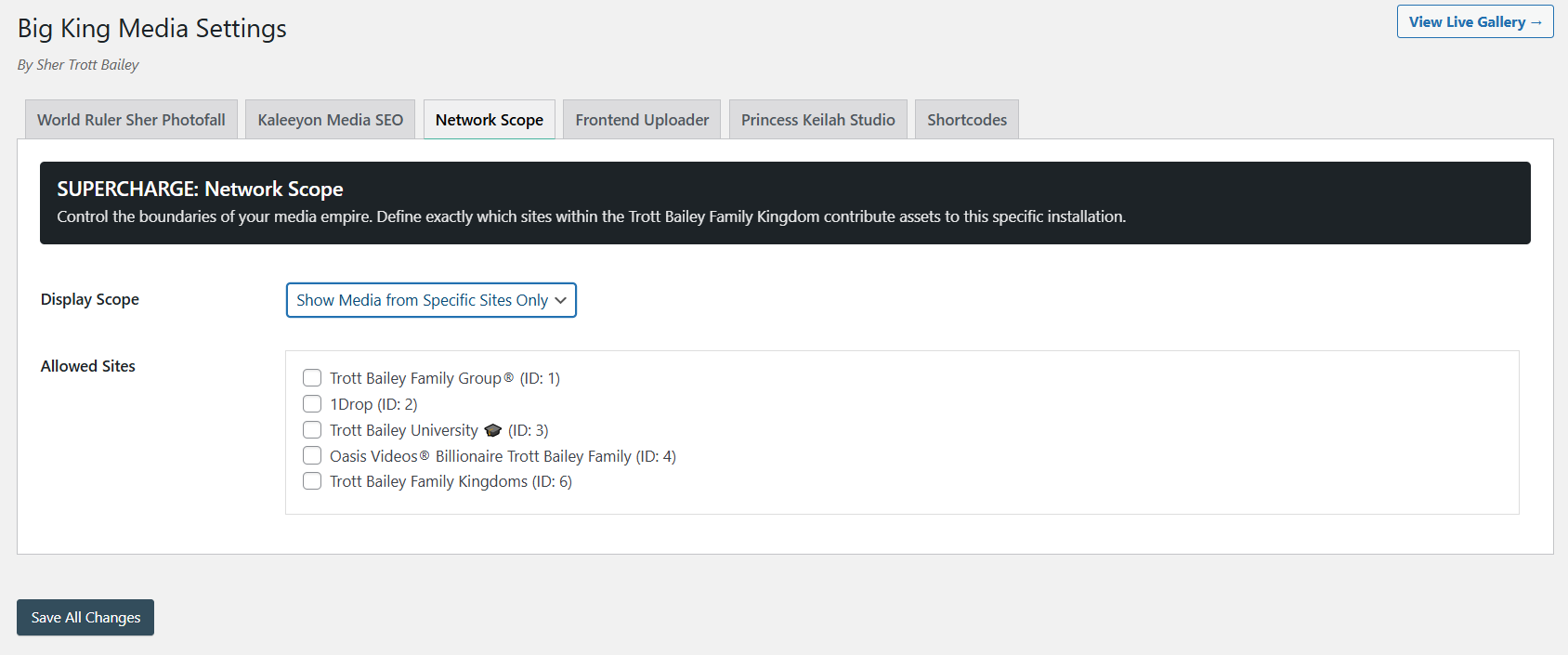
Rather than just tweaking WordPress core hooks, Big King Media implements an AJAX-powered Network Media Indexer. This allows master admins to scan and manage assets globally without server timeouts.



Frontend Dominance
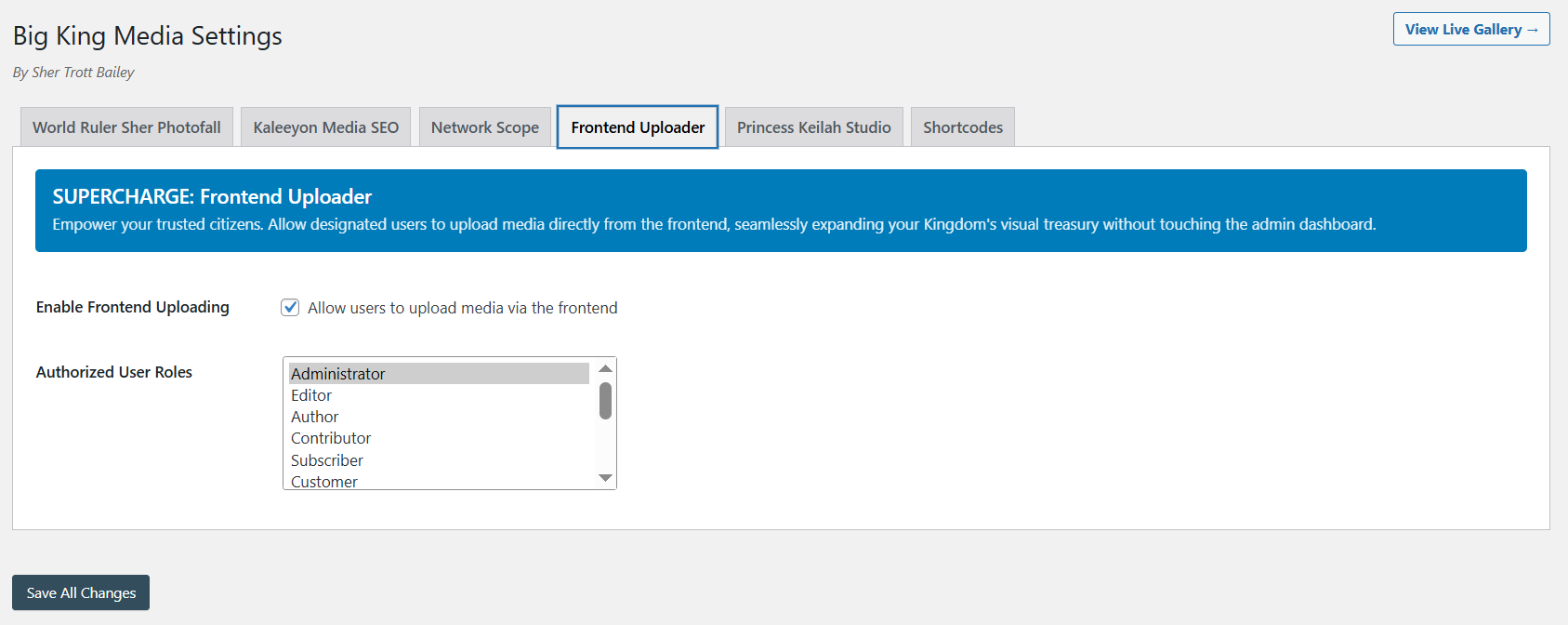
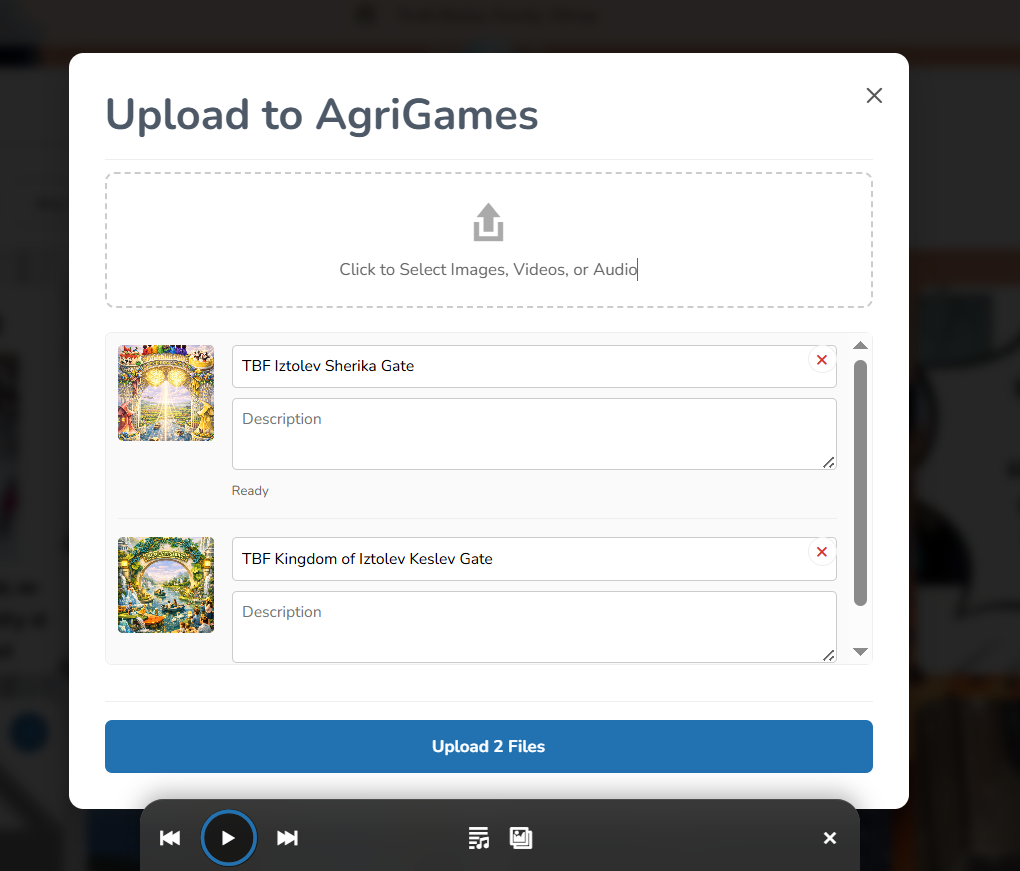
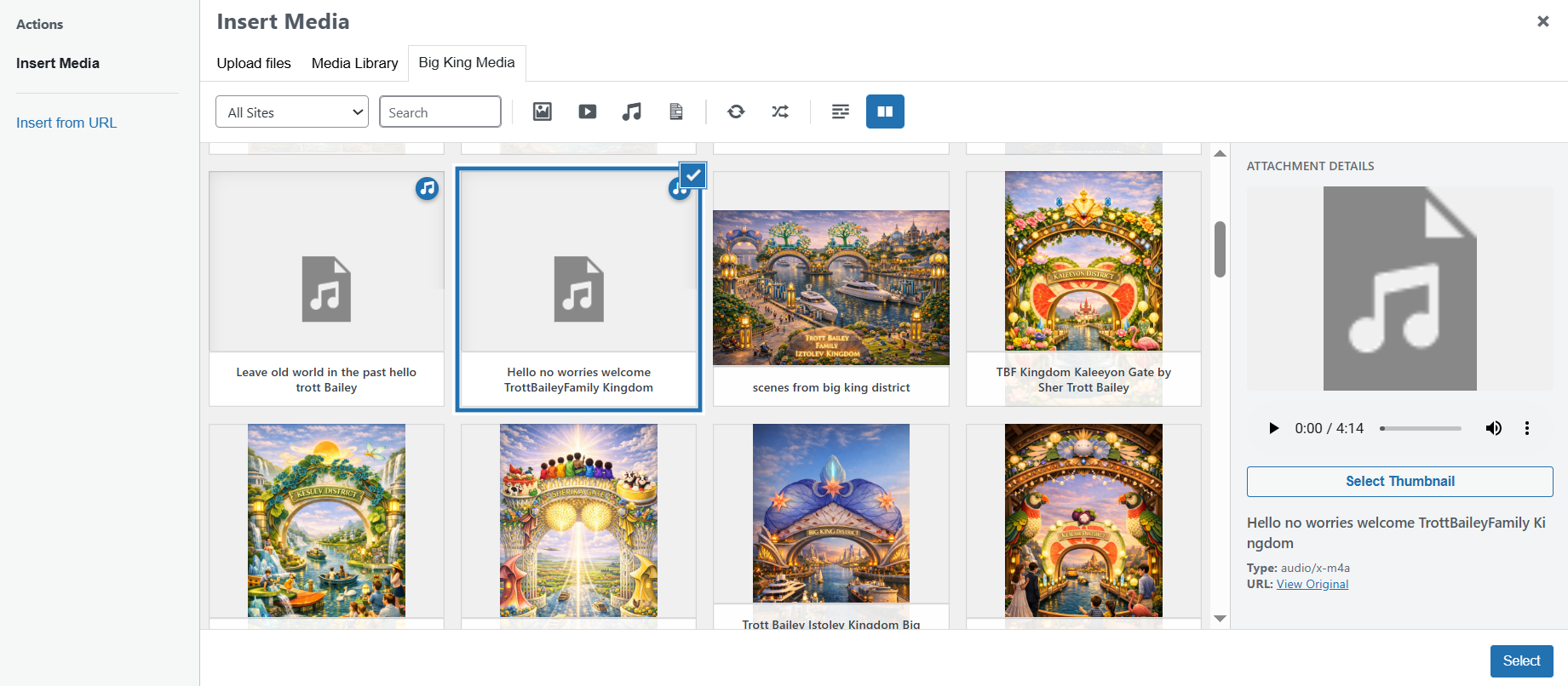
This is where TBF Big King Media separates itself from Rudrastyh. It provides a full suite of frontend tools. Authorized users can upload assets, add titles and alt text, and even delete or hide media—all without ever logging into the `wp-admin` dashboard.

Built-in Visuals: Masonry Grids & Princess Keilah Studio
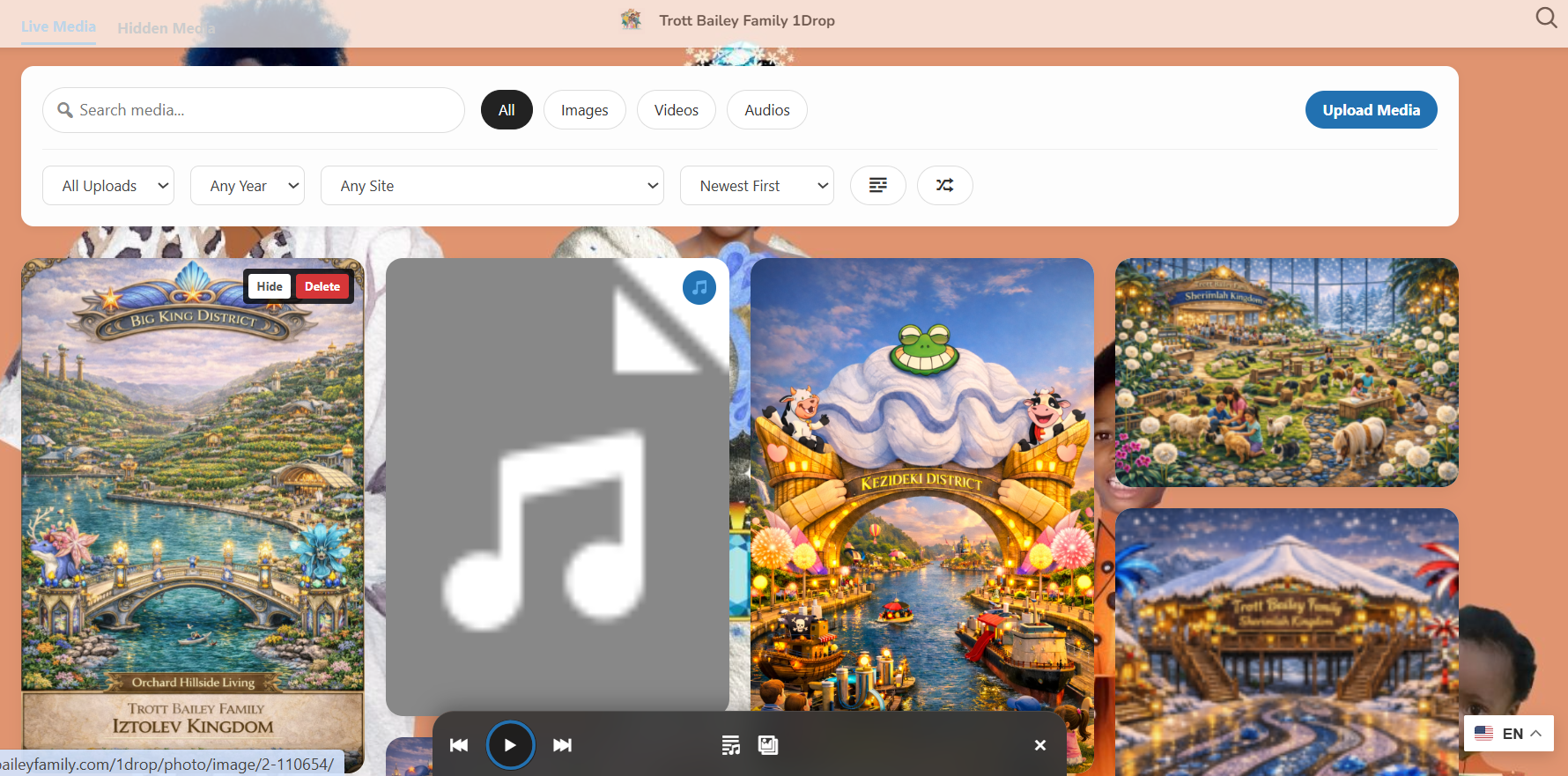
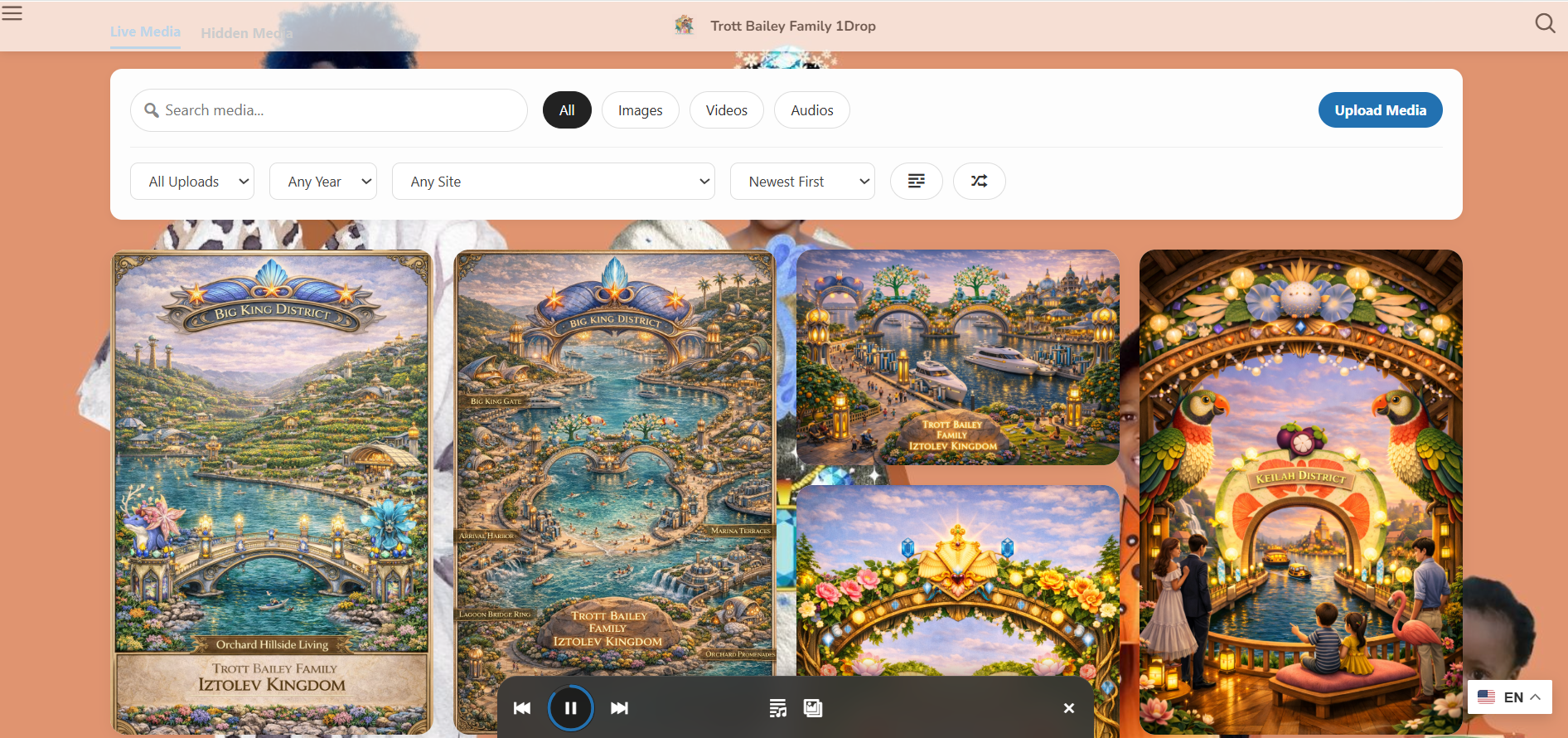
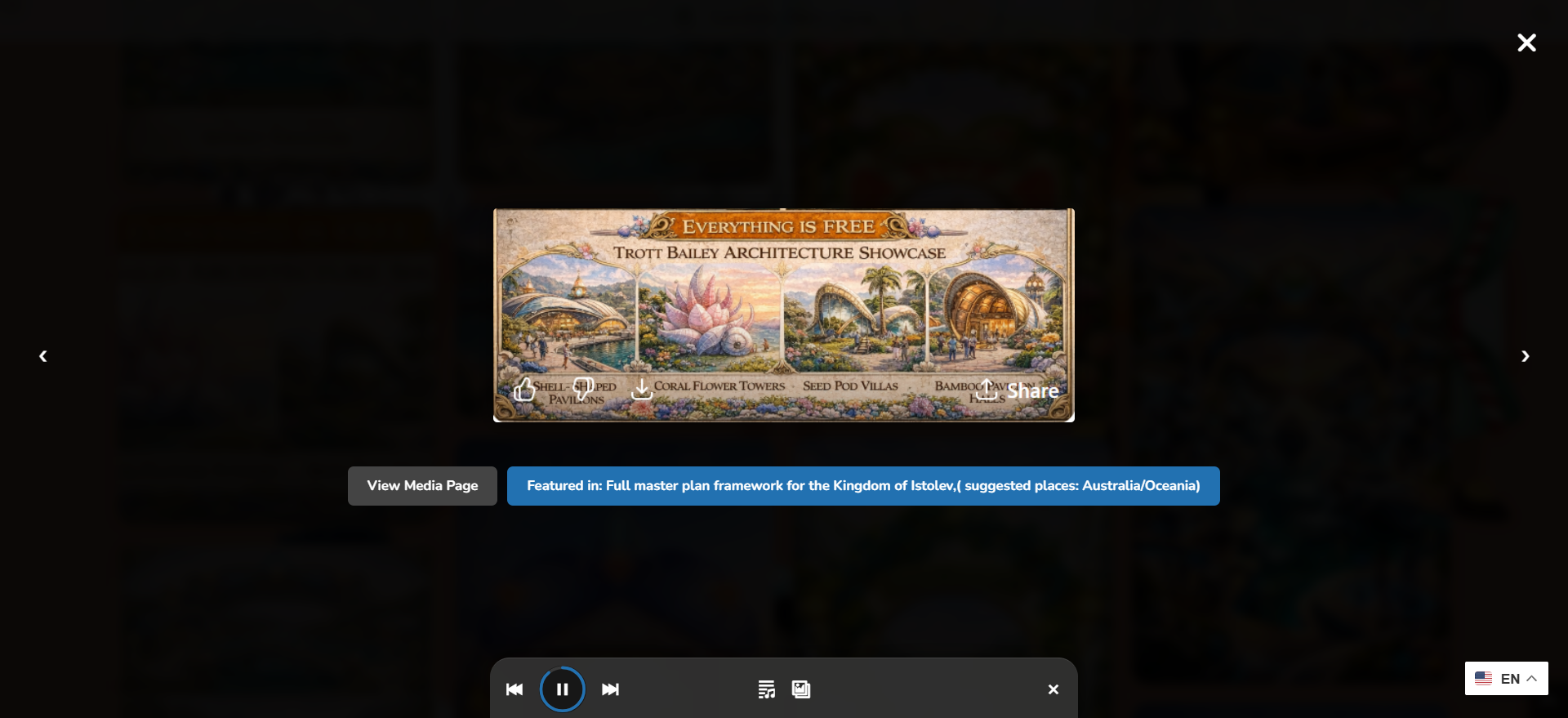
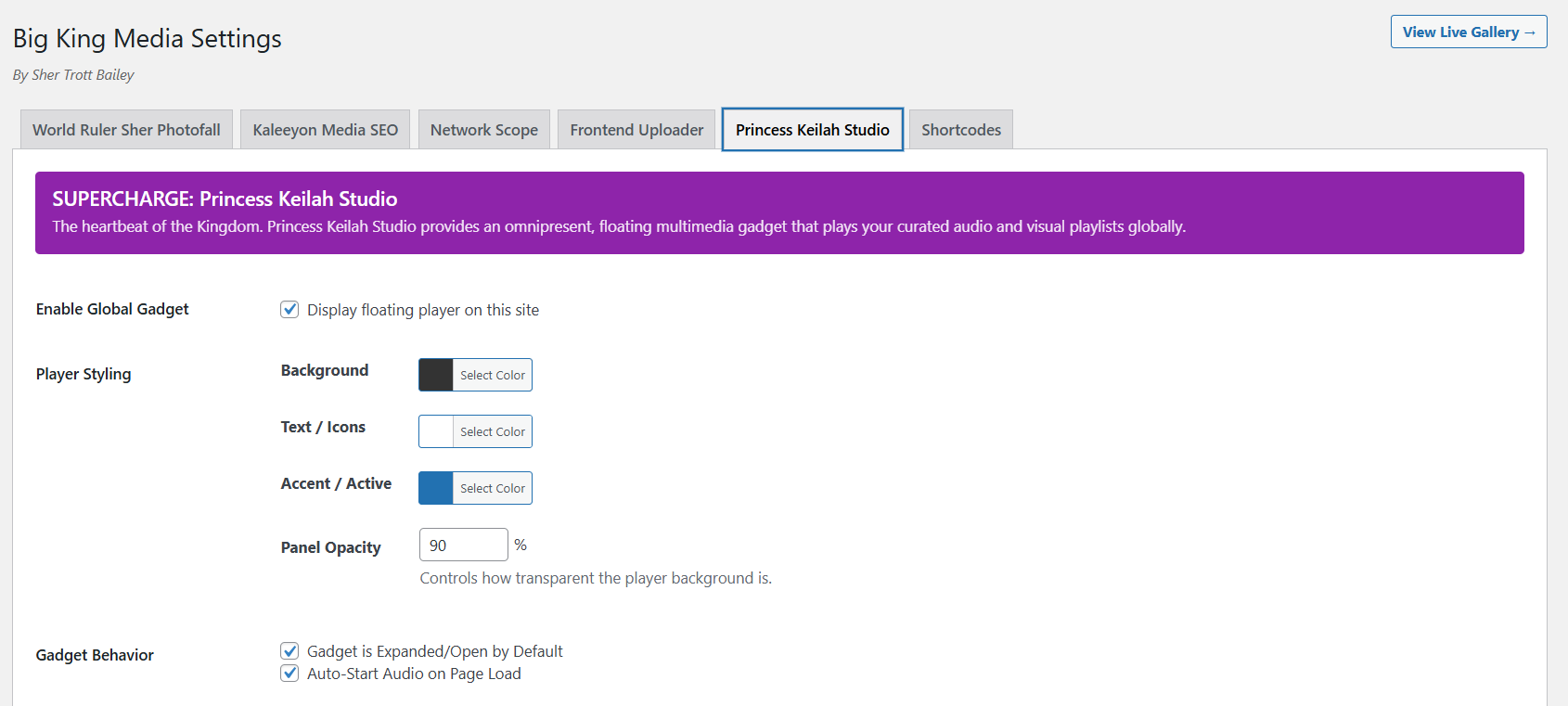
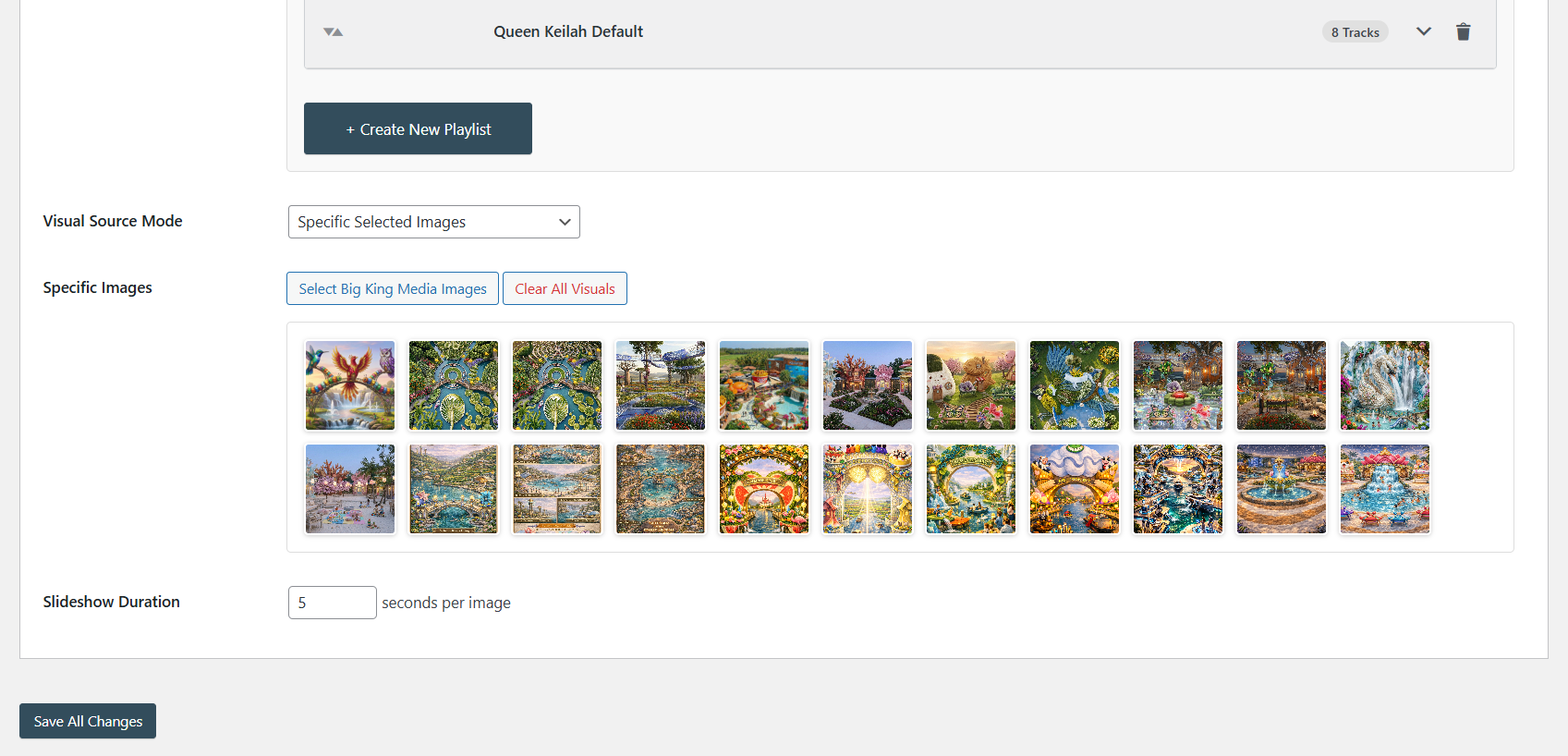
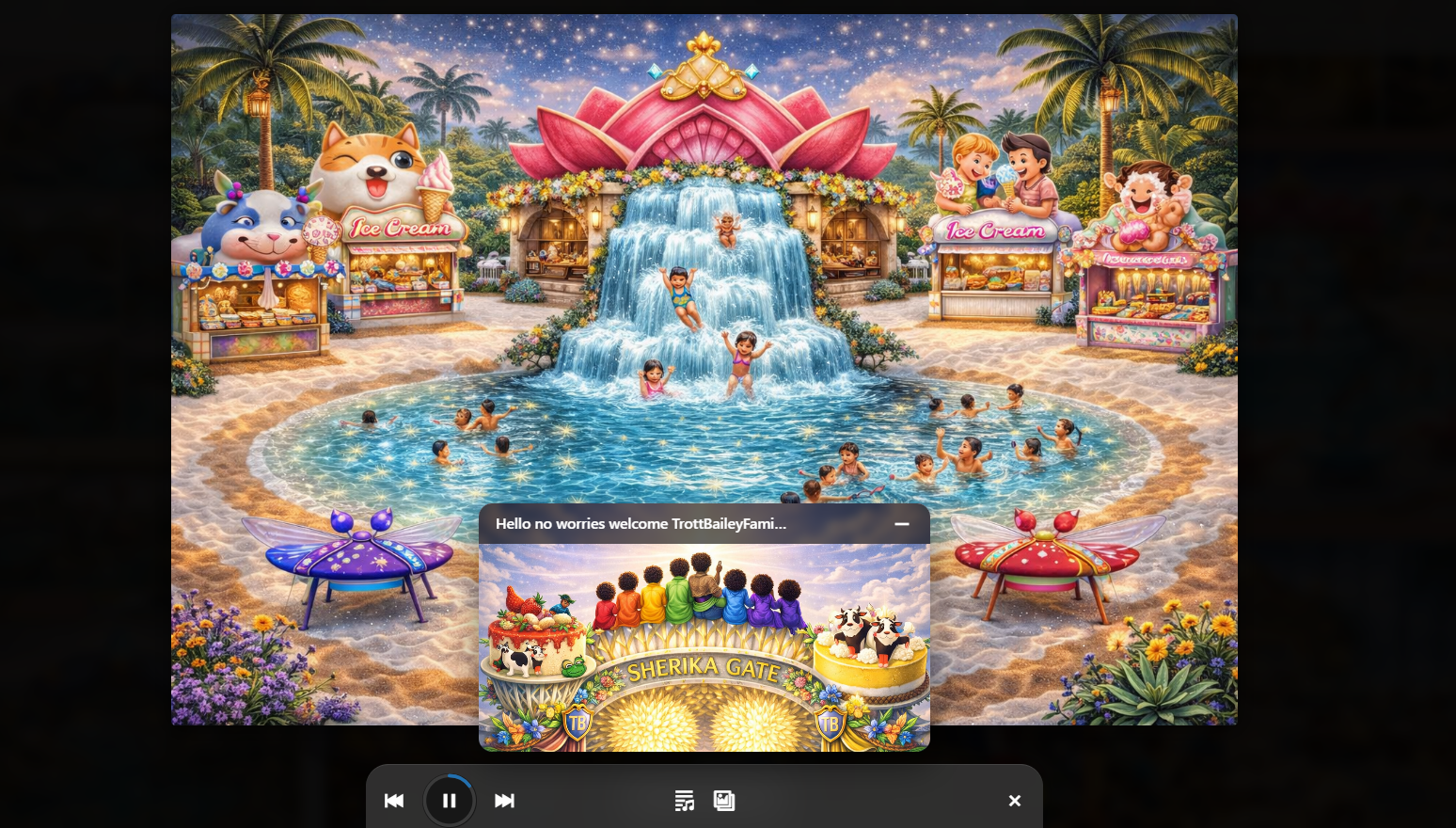
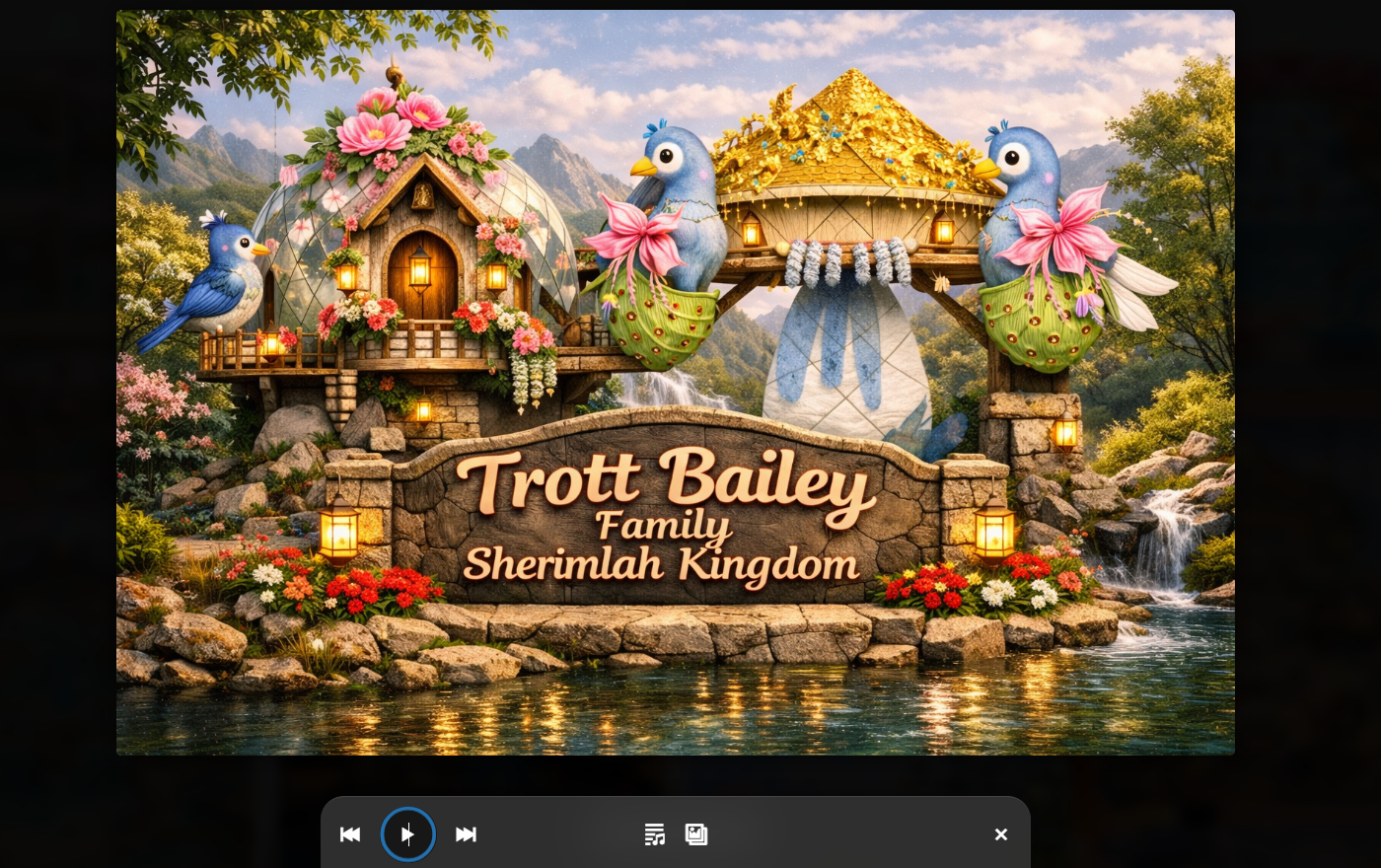
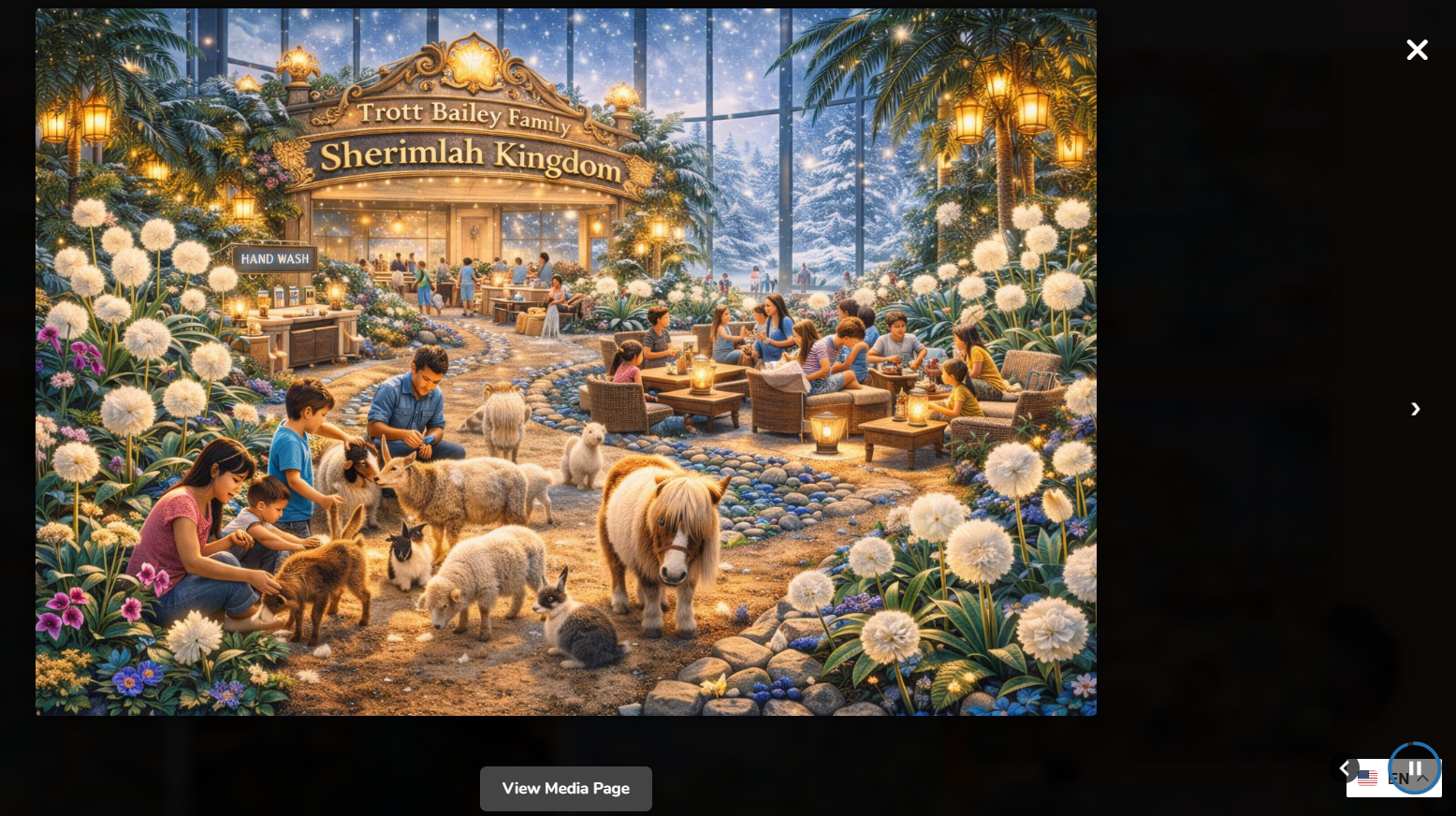
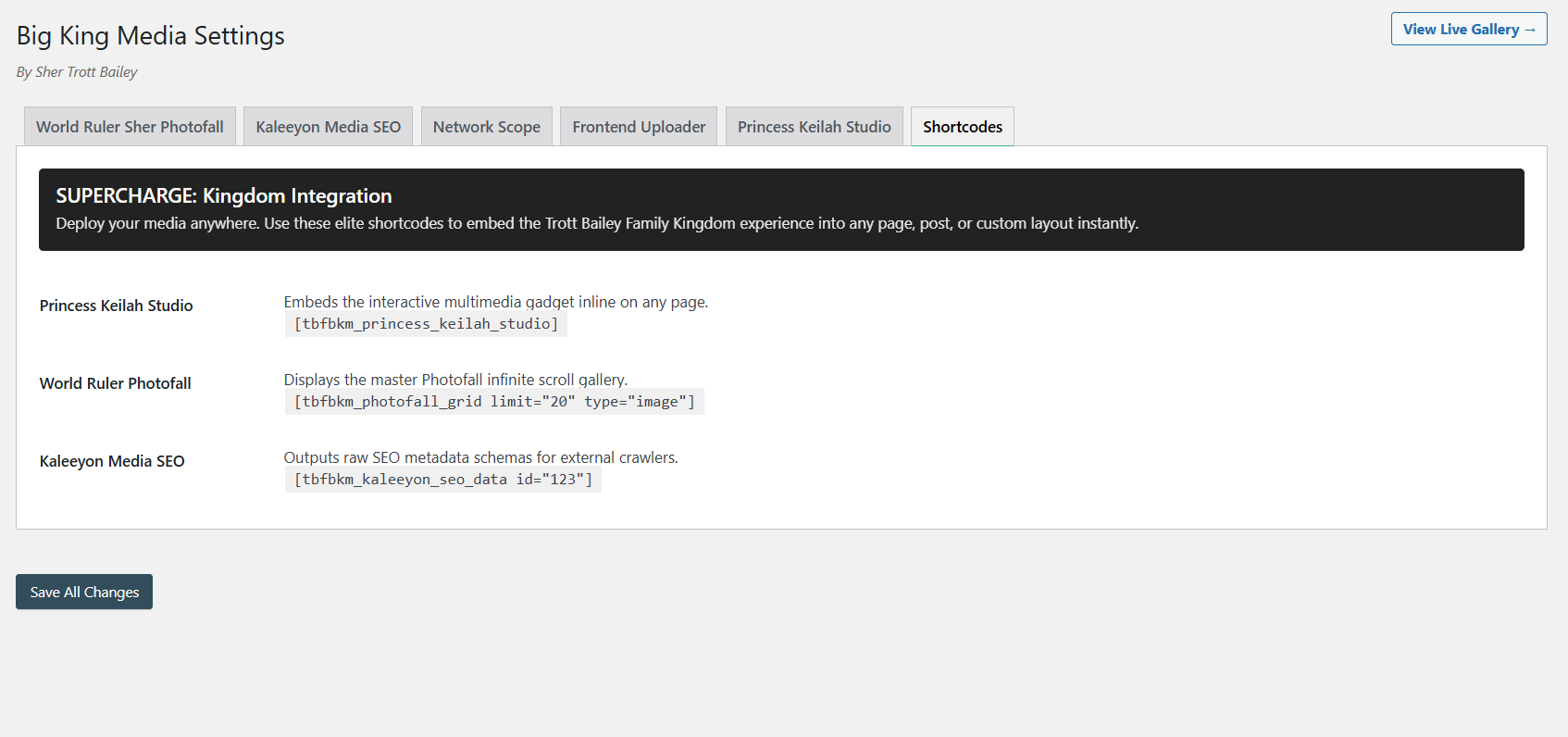
Instead of relying on third-party plugins to display your shared media, Big King Media ships with native responsive masonry grids (Photofall Galleries), interactive lightboxes, and a full-fledged audio/video player known as Princess Keilah Studio.

SEO & Shortcode Deployment
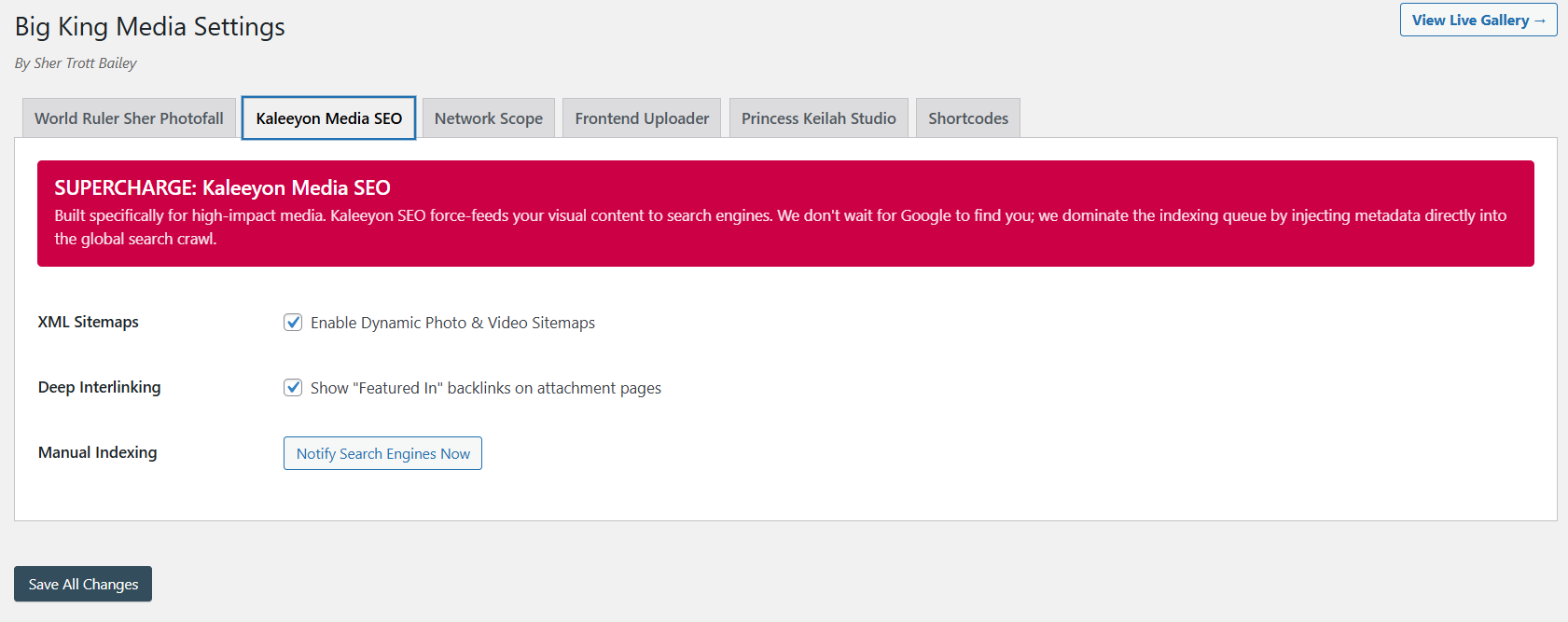
Finally, the plugin includes a Media SEO Panel to assign metadata and custom thumbnails to specific files, all deployable via network-wide shortcodes.
Feature Comparison Matrix
| Feature | Rudrastyh | CodeCanyon (Media Sync) | Central Media Library | TBF Big King Media |
|---|---|---|---|---|
| Virtual Shared Media Library Access | ✔ | ✘ | ✔ | ✔ |
| Physical File Syncing & Cloning | ✘ | ✔ | ✘ | ✘ |
| Frontend Media Uploading | ✘ | ✘ | ✘ | ✔ |
| AJAX Network Indexing | ✘ | ✘ | ✘ | ✔ |
| Native Masonry Galleries & Lightbox | ✘ | ✘ | ✘ | ✔ |
| Integrated Audio & Video Studio | ✘ | ✘ | ✘ | ✔ |
| Advanced Metadata SEO Tools | ✘ | ✘ | ✘ | ✔ |
| Pricing Model | Costly Recurring Sub | Premium One-Time | Free | Free Lifetime |
TBF Big King Media Masterclass
For a deep dive into how the TBF Big King Media plugin manages to pack so many premium features into a free tool, watch the full 28-minute masterclass covering setup and frontend functionality.
The Final Verdict
There is no “one size fits all” plugin here, because these tools solve different problems.
If your specific architectural requirement is to physically duplicate files across subsites so they exist independently on the server, the CodeCanyon Media Sync plugin is your only viable choice. It executes the syncing process beautifully.
If you have a budget and want the most un-intrusive, native-feeling backend tab without any extra bells and whistles, Rudrastyh is a polished, premium product.
However, if you want to drastically reduce server bloat via virtual sharing while simultaneously supercharging your network with frontend upload portals, dynamic masonry galleries, an entire media studio, and SEO tools, TBF Big King Media stands entirely unopposed. The fact that it is free is frankly unbelievable for the value it delivers.

 and then