Upload without wp-admin
Let authorized users add media from a public-facing or controlled front-end page.
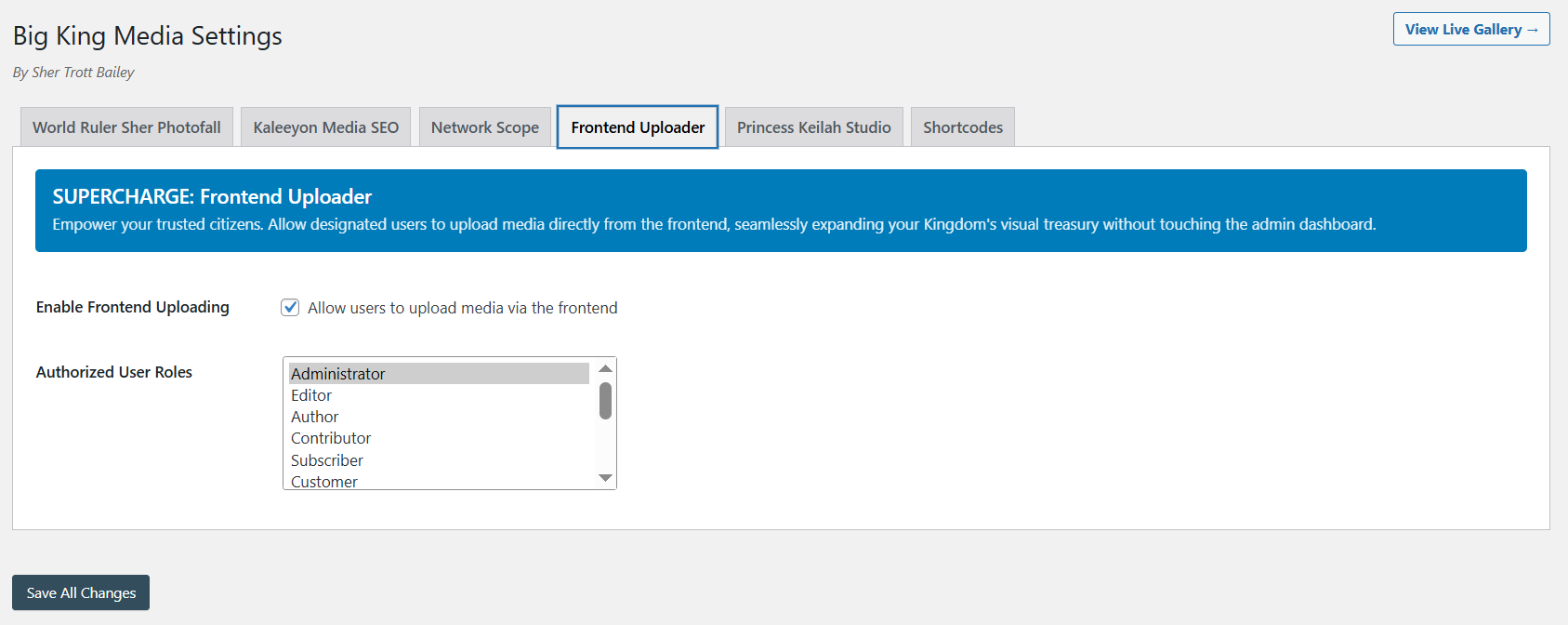
Big King Media lets trusted users upload media from the front end without forcing every contributor into wp-admin.
In the new positioning, this is not just an uploader. It is an intake layer inside the Big King Media WordPress Media Operating System — a controlled entry point where media can arrive with titles, alt text, folder placement, visibility awareness, and connection to shared media workflows.
Many WordPress sites need media from people who are not full administrators: teachers, ministry workers, event teams, artists, school staff, editors, volunteers, clients, and family archive contributors.
The default answer is often messy: give too much dashboard access, ask contributors to email files, upload everything manually, or let media arrive without titles, alt text, folders, or organization. Big King Media turns contribution into a more controlled media intake workflow.
Media operating system shift: frontend upload is not just file submission. It is the intake gate of the media operating system — the place where new media should enter with context, permissions, folder routing, and future publishing paths.
A useful frontend uploader should not only accept files. It should protect the site, capture meaning, support accessibility, place uploads into the right folder, and connect uploads to the rest of the media system.
Let authorized users add media from a public-facing or controlled front-end page.
Improve media quality at the moment of upload instead of cleaning everything up later.
Place new uploads into an existing folder or create a new folder during upload so media enters the system organized from the beginning.
Uploads can support shared-media workflows, Photofall galleries, lightbox views, and media SEO.
Keep contribution controlled through role, permission, and admin policy rather than open chaos.
New media can become part of galleries, posts, playlists, collections, and visual homepage experiences.
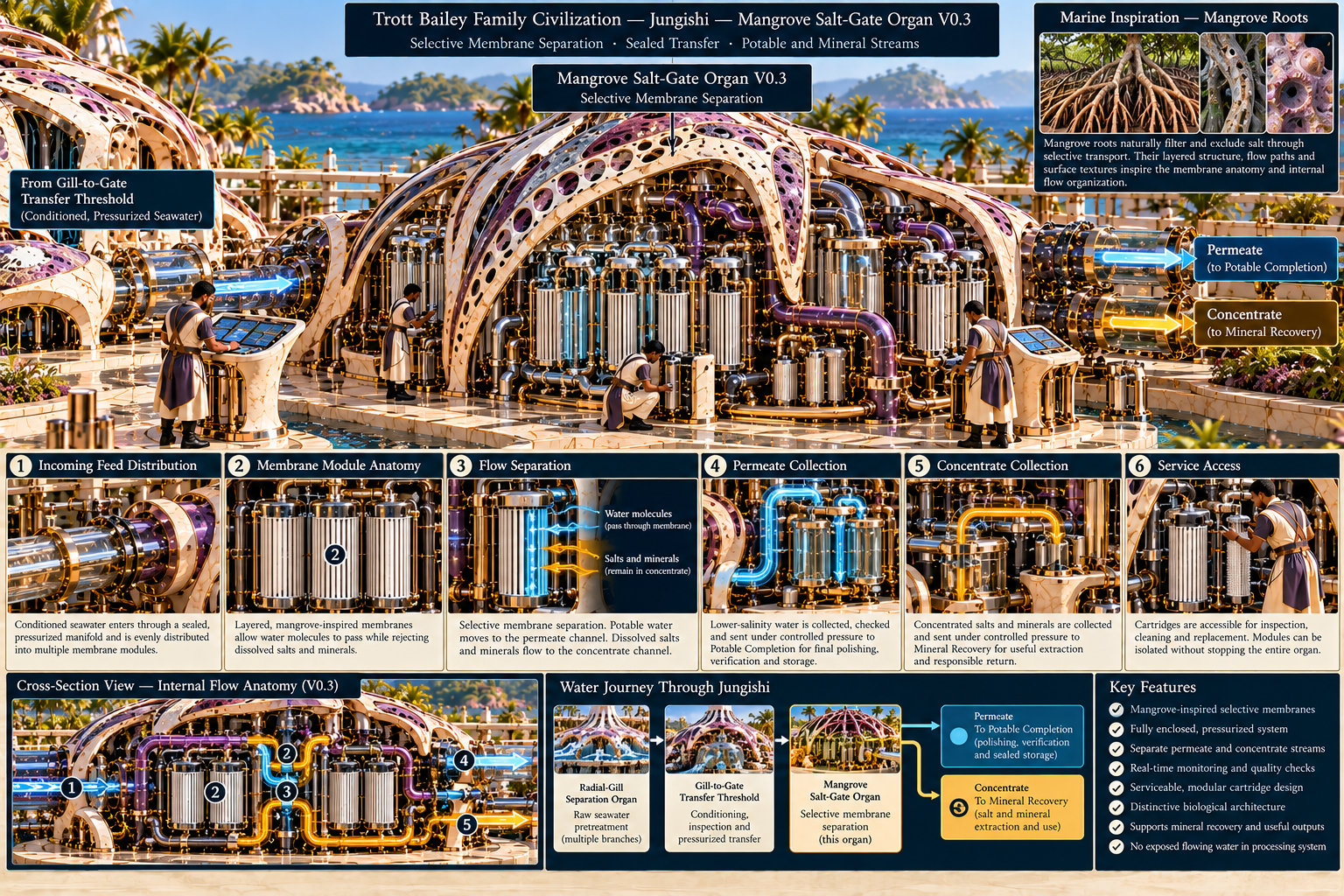
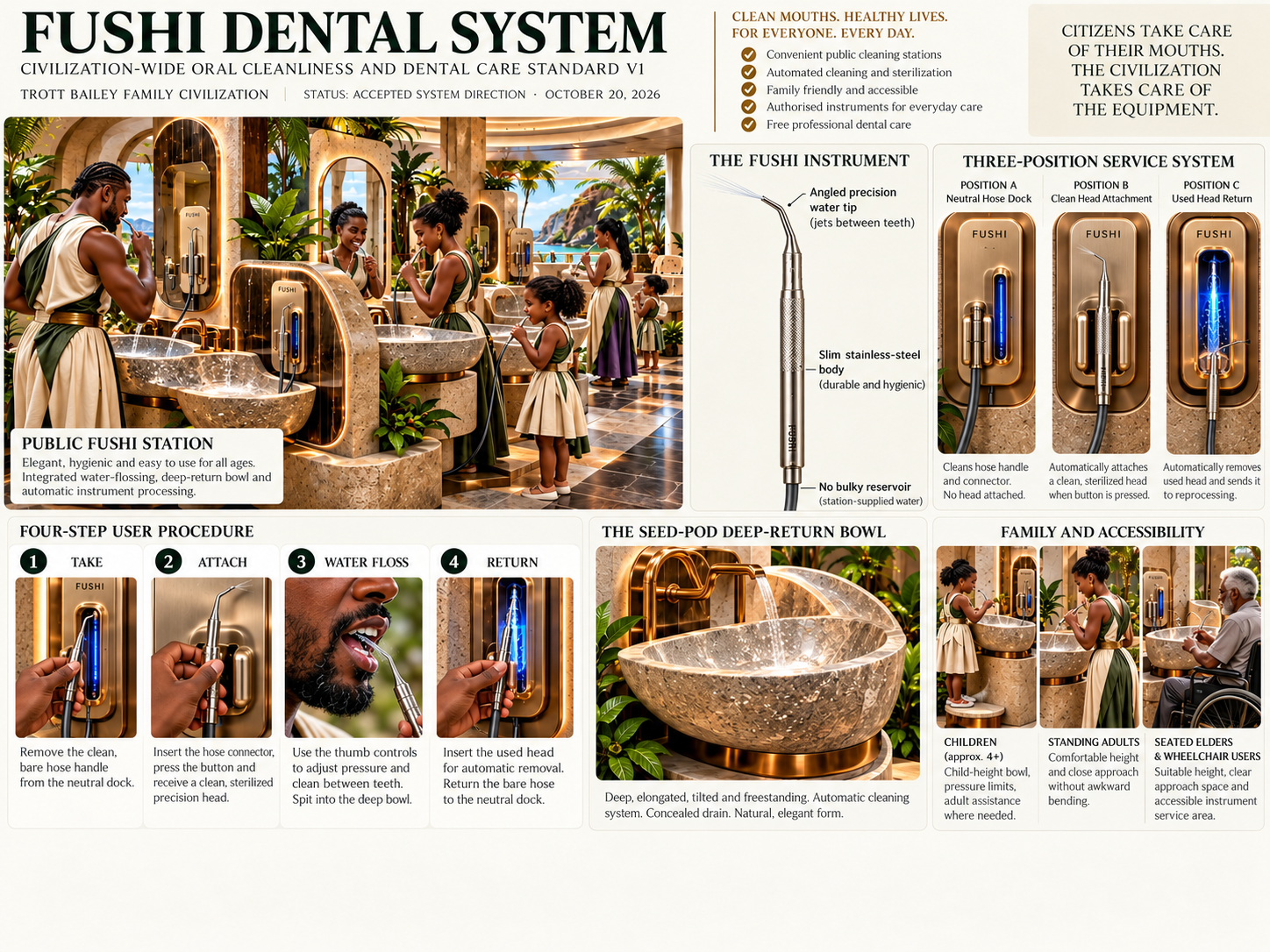
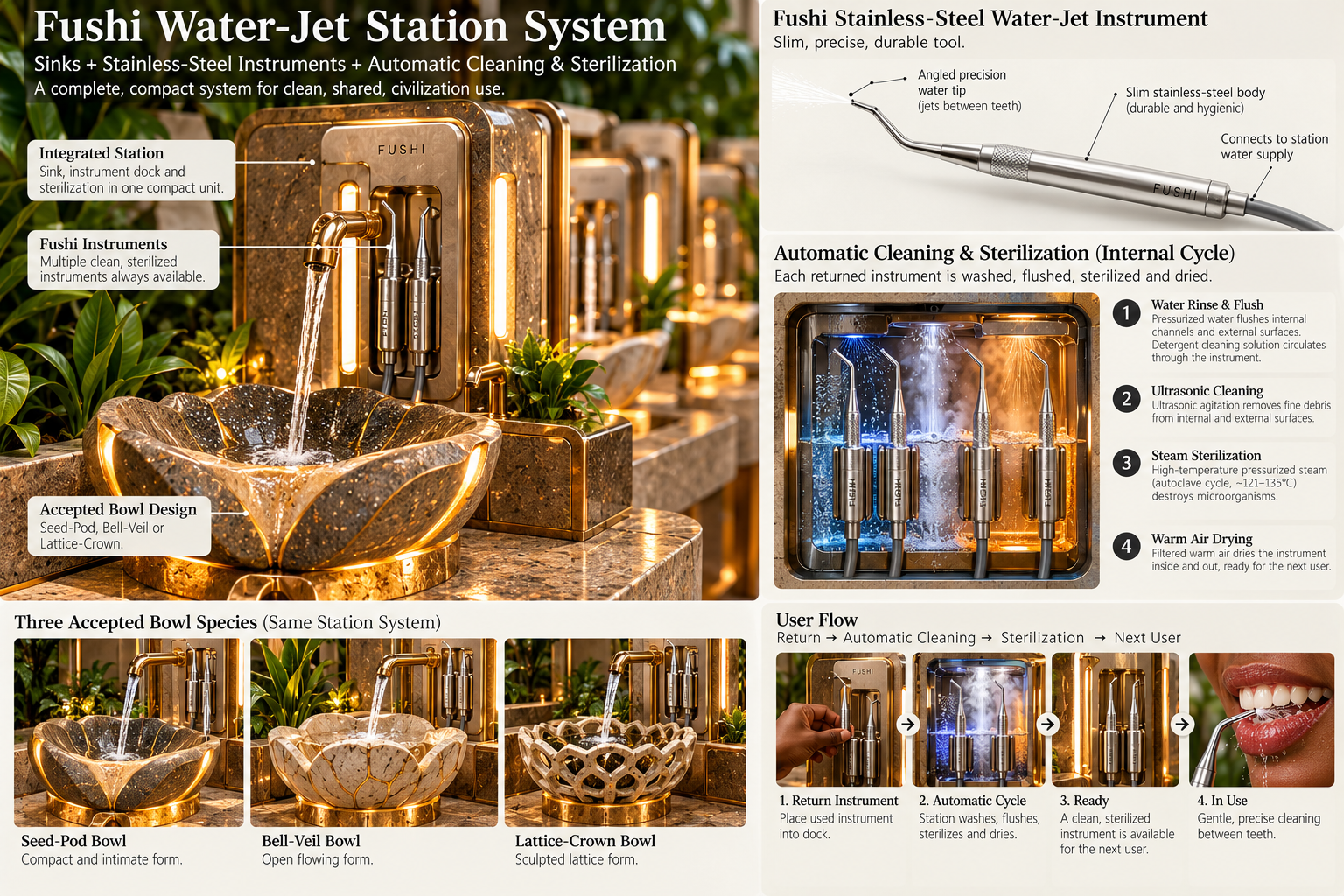
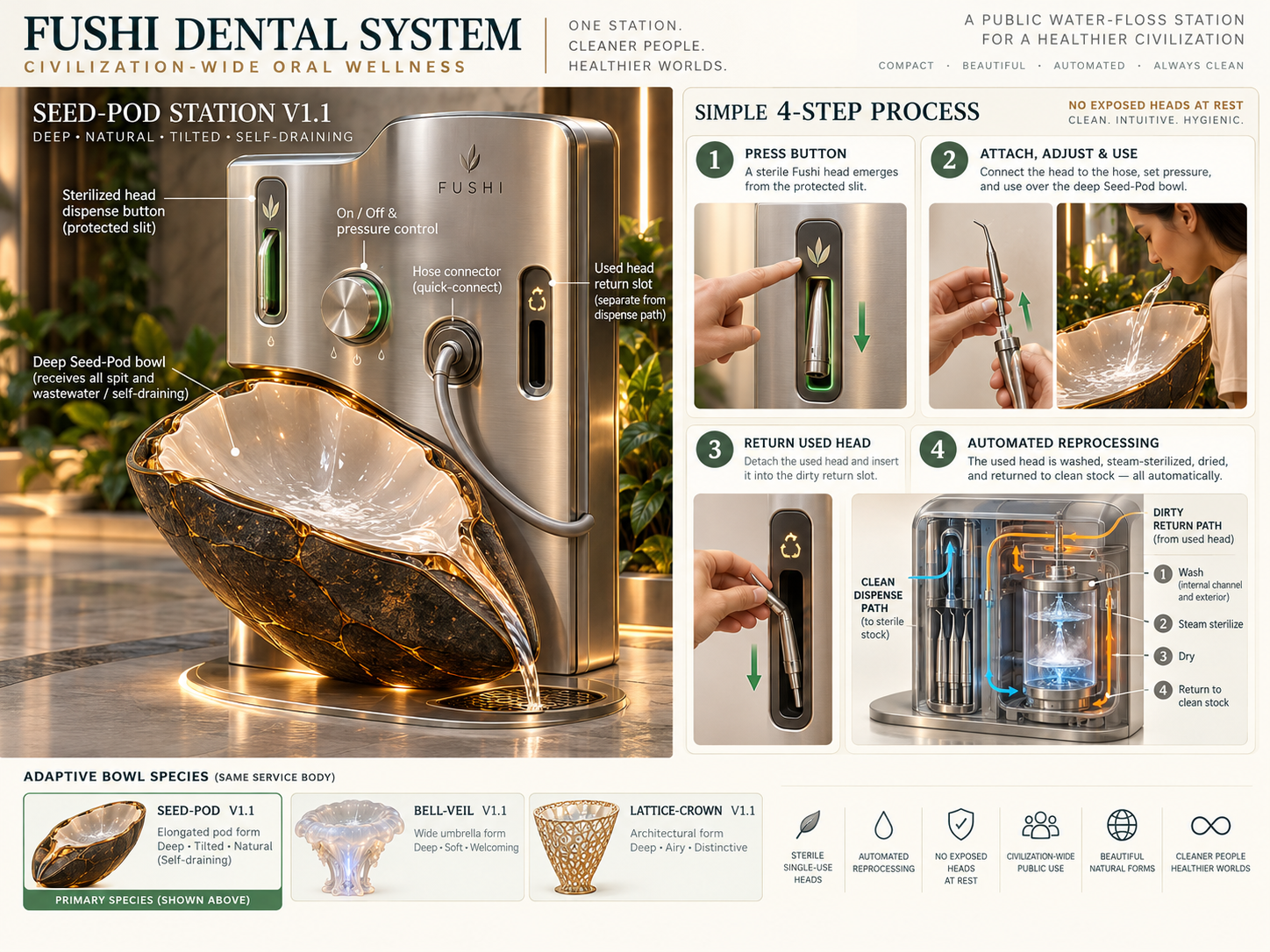
These live product assets show how upload connects to shared media, metadata, folders, management, galleries, lightbox, and the wider WordPress Media Operating System.
Upload media from the front end without opening the WordPress dashboard.
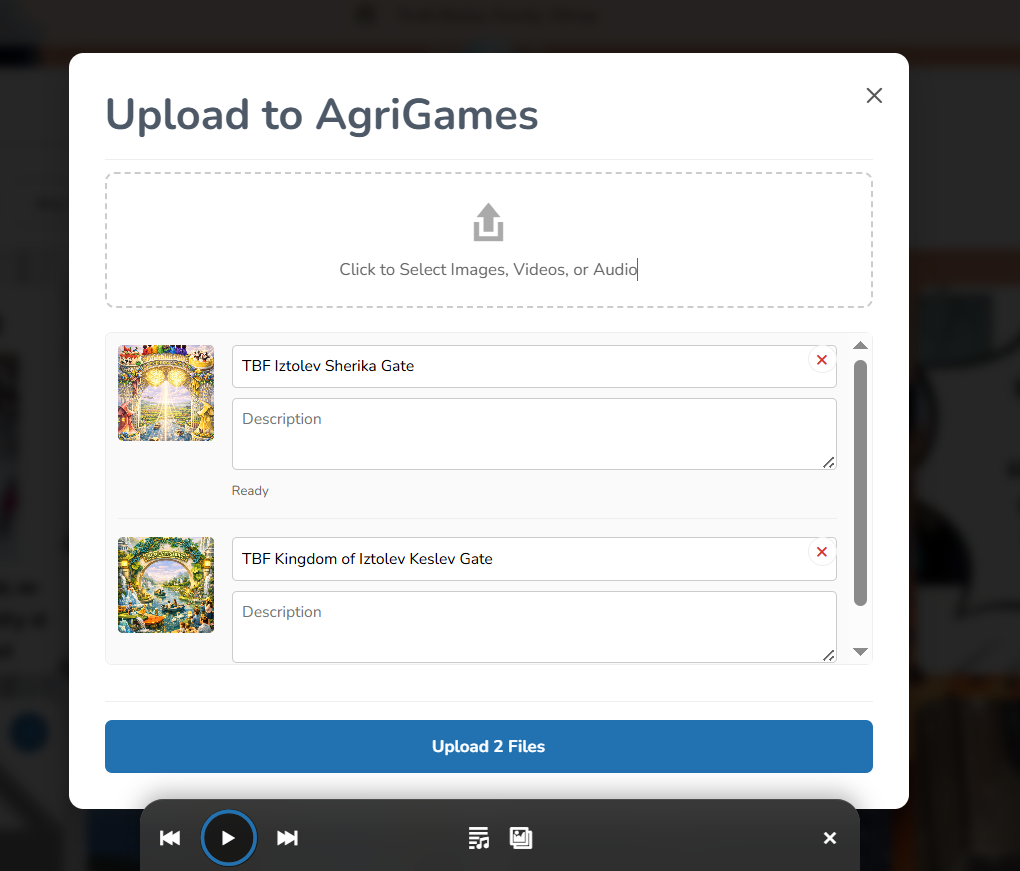
Capture media with useful title, alt text, and folder direction instead of only a raw file.
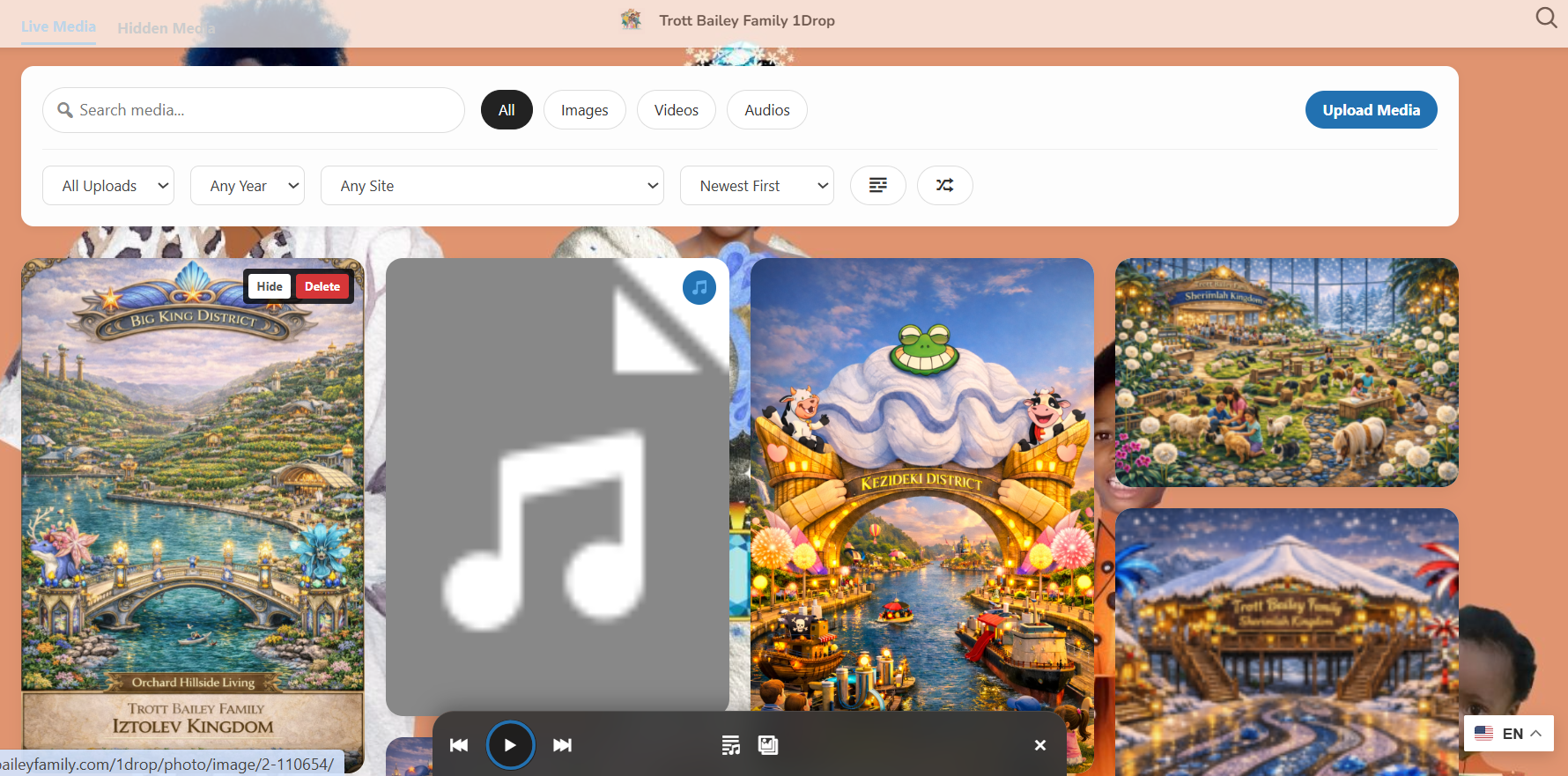
Authorized users can manage media visibility and cleanup from the front end.
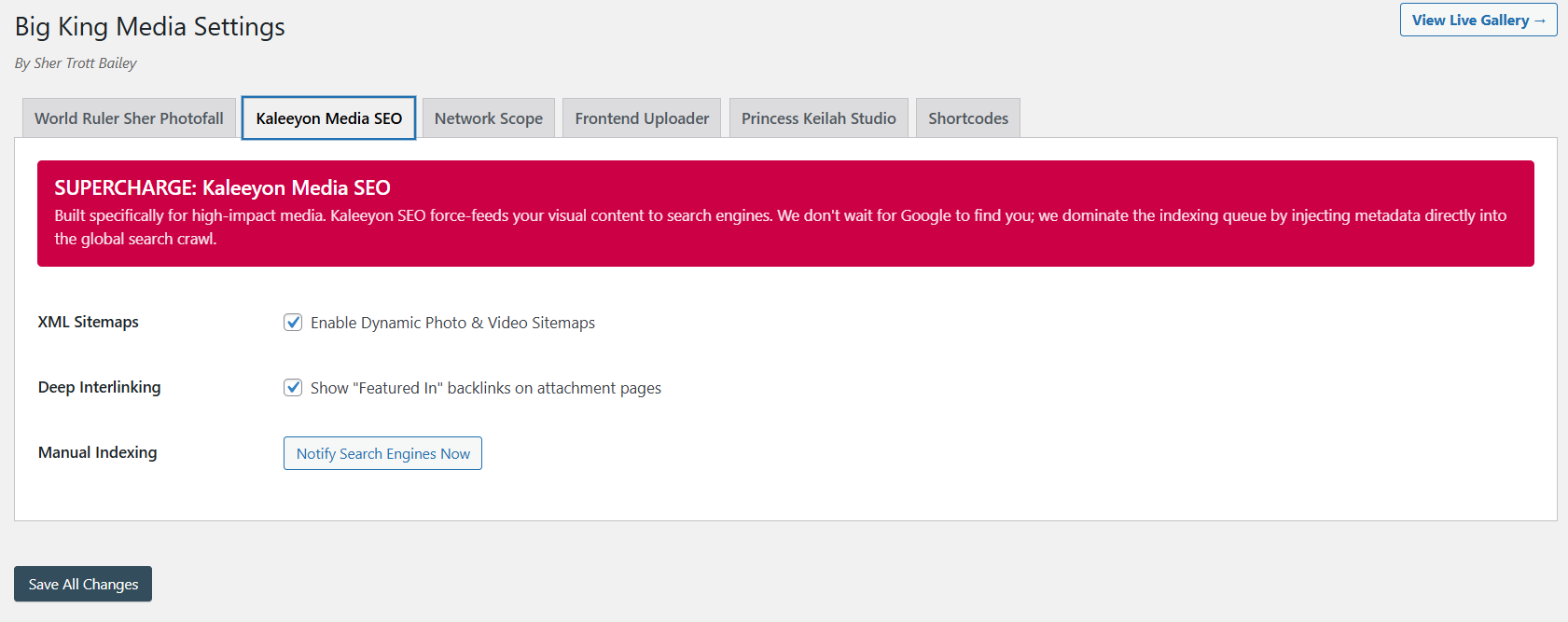
Uploads become stronger when they connect to metadata and discovery workflows.
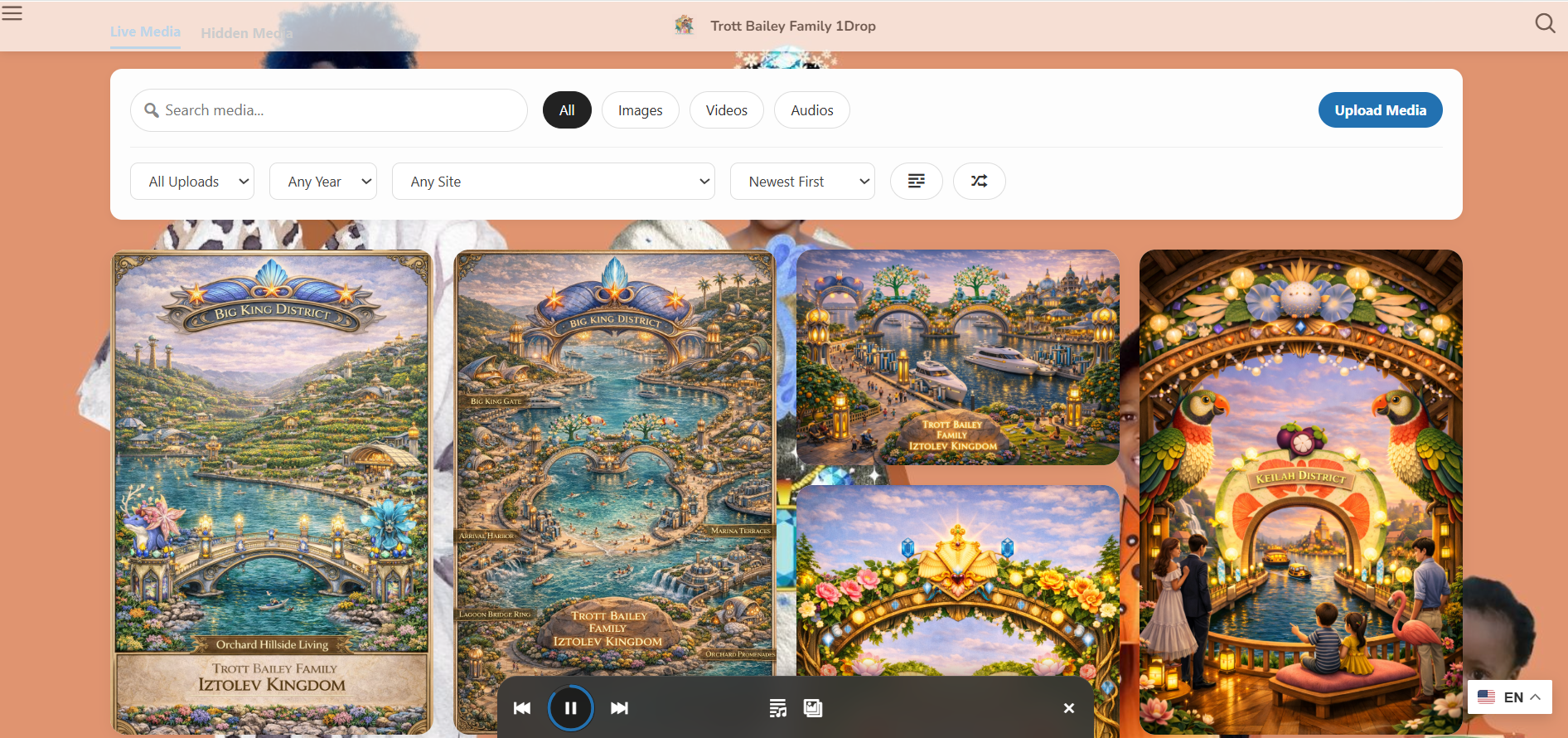
Frontend contributions can feed visual media-first gallery experiences.
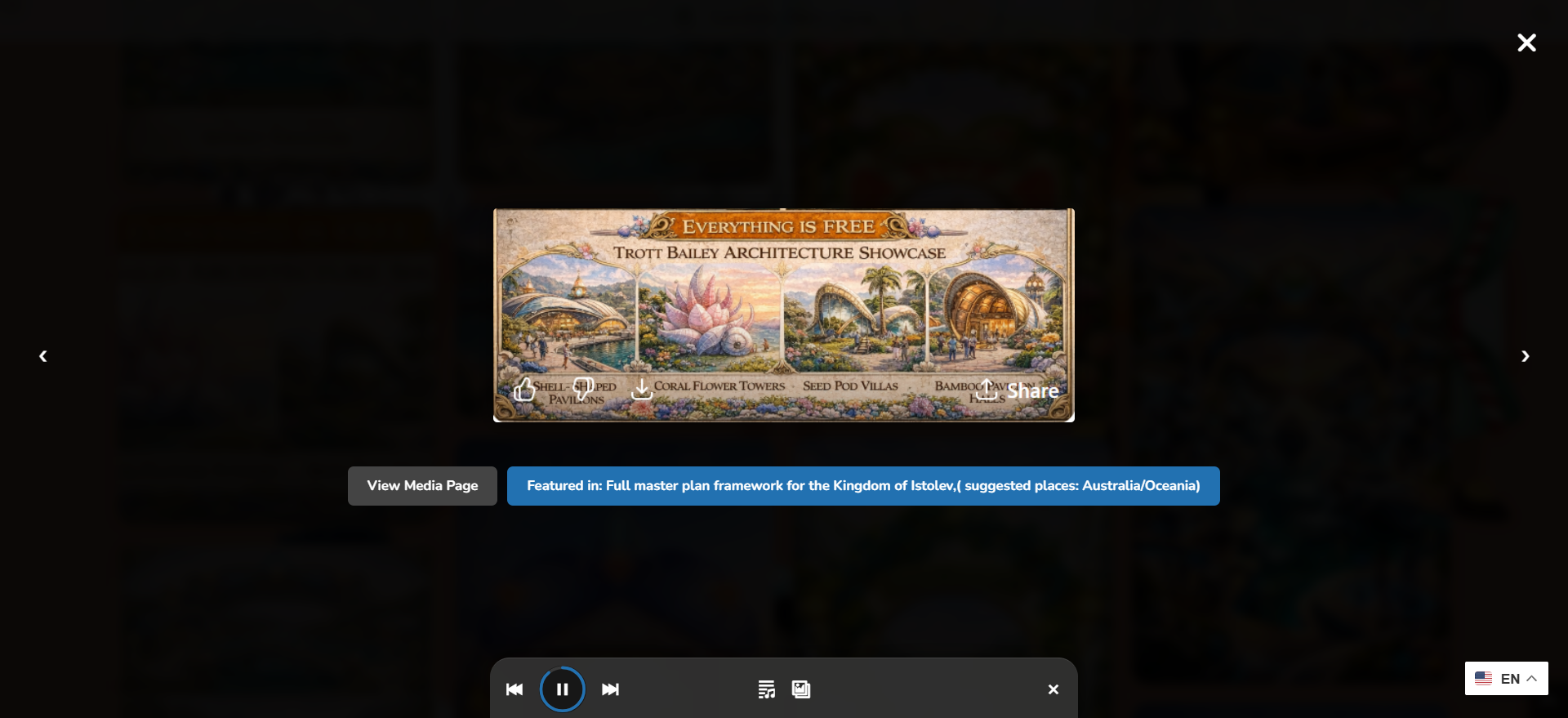
Uploaded media can become browsable through polished front-end media experiences.
Uploading a file is only the first step. The stronger workflow is uploading media directly into the right folder so the library does not become messy after the fact.
Big King Media’s frontend upload direction should support choosing an existing folder during upload or creating a new folder as part of the upload flow. This makes uploads more useful immediately for galleries, archives, shared media workflows, and editorial organization.
Trusted users can place files into the right folder at intake instead of leaving everything unorganized.
When a new project, event, album, class, sermon, or client needs a folder, the upload workflow can create one during submission.
Folder-aware intake reduces the pile-up of uncategorized files and helps media remain easier to find, review, publish, and reuse.
Frontend uploads are strongest when they are part of a controlled workflow: upload, describe, organize into folders, review, improve, and publish.
The WordPress dashboard is powerful, but it is not always the right place for every contributor. Big King Media creates a cleaner bridge between contributors and the media system.
| Approach | Strength | Weakness | Best use |
|---|---|---|---|
| wp-admin upload | Native and powerful. | Too much dashboard exposure for some contributors. | Admins, editors, and trained staff. |
| Email/file transfer | Easy for contributors. | Creates manual work and loses metadata, folder, and permission context. | Emergency or one-off submissions. |
| Standalone upload form | Accepts files from users. | Often disconnected from folders, media SEO, galleries, and shared media workflows. | Simple file collection. |
| Big King Media frontend upload | Connects upload to metadata, folder placement, shared media, media SEO, galleries, and governance. | Requires thoughtful permission and folder-policy setup. | Media-heavy sites, communities, schools, ministries, agencies, and archives. |
Big King Media helps WordPress collect media with context, folder organization, control, and future publishing in mind — not just raw file storage.
These answers support searches around WordPress frontend upload, user-submitted media, frontend file upload, folder-aware upload, and media contribution workflows.
Frontend media upload lets authorized users submit media from a front-facing page instead of entering the WordPress dashboard.
Yes. Big King Media includes frontend upload workflows so trusted users can contribute media without needing full dashboard access.
Yes. Big King Media’s frontend and shared upload direction supports title and alt text capture so media enters the system with more meaning.
Yes. The frontend upload workflow should support choosing an existing folder during upload so new media enters the library already organized.
Yes. Where permissions allow, the upload workflow can support creating a new folder during upload for a new project, event, class, sermon, collection, client, album, or archive branch.
Frontend upload should be controlled through permissions, roles, file type restrictions, folder policies, and admin review. It is best used for trusted contributors or carefully governed submission workflows.
Frontend upload acts as the intake layer. Uploaded media can connect to folders, shared media workflows, metadata, AI alt text, media SEO, Photofall galleries, lightbox experiences, and homepage layers.

 and then