Play music, sermons, lessons, podcasts, and tracks
Big King Media gives WordPress a front-end listening experience for individual audio files and playlist-style playback.
Big King Media includes a WordPress music video maker built for creators who want more than a plain audio player. It combines an audio track with images, video clips, cover art, and visual sequences to create a richer release experience inside WordPress.
This feature belongs to Princess Keilah Studio, the creative performance layer of the Big King Media WordPress Media Operating System. It helps artists, churches, schools, podcasters, storytellers, archives, and media teams build audio-visual experiences without leaving their own site.
Uploading an audio file is not the same as creating a listening experience. Uploading images is not the same as building a visual story. Uploading videos is not the same as making a media release feel alive.
Many WordPress creators end up stacking separate plugins for audio players, playlist tools, galleries, video embeds, sliders, and lightboxes. Princess Keilah Studio gives Big King Media a stronger creative center: a studio layer where audio and visuals work together as part of one media operating system.
Media operating system shift: Big King Media is not only helping WordPress store media. Princess Keilah Studio helps WordPress perform media.
Princess Keilah Studio is the creative performance layer of Big King Media: audio playback, playlist control, slideshow visuals, music-video sequences, compact players, and visual storytelling working together inside the WordPress Media Operating System.
Big King Media gives WordPress a front-end listening experience for individual audio files and playlist-style playback.
Create music releases, teaching series, spoken-word collections, sermon playlists, or media archives that visitors can listen through.
Audio plays alongside a visual sequence so tracks, lessons, and stories feel more alive than a plain audio bar.
Create music-video style experiences directly inside WordPress using audio plus a sequence of visual media.
Front-end playback supports a richer site experience instead of trapping audio inside one static post.
Audio and visuals connect to Photofall, lightbox, shared media, frontend uploads, media SEO, and homepage layers.
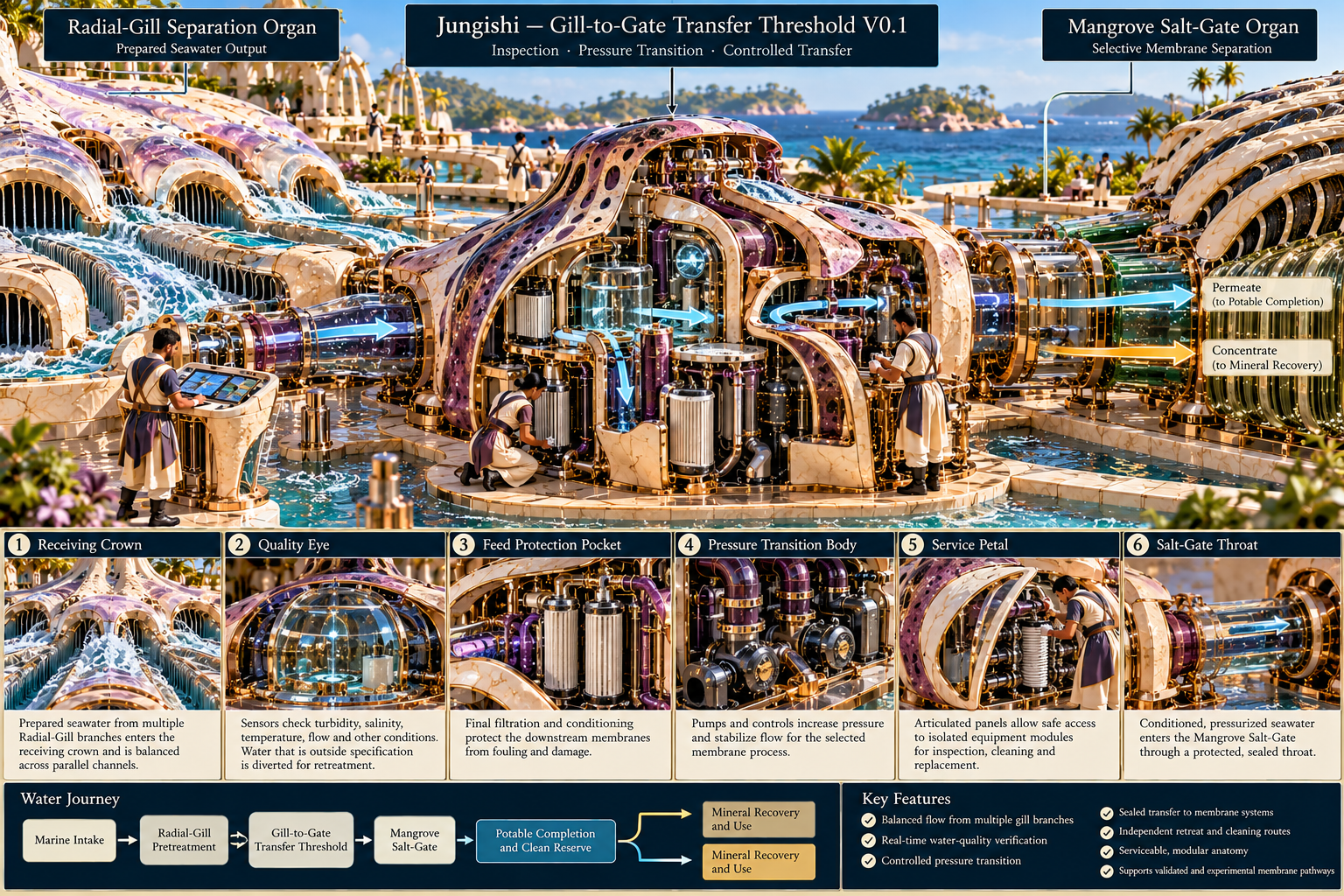
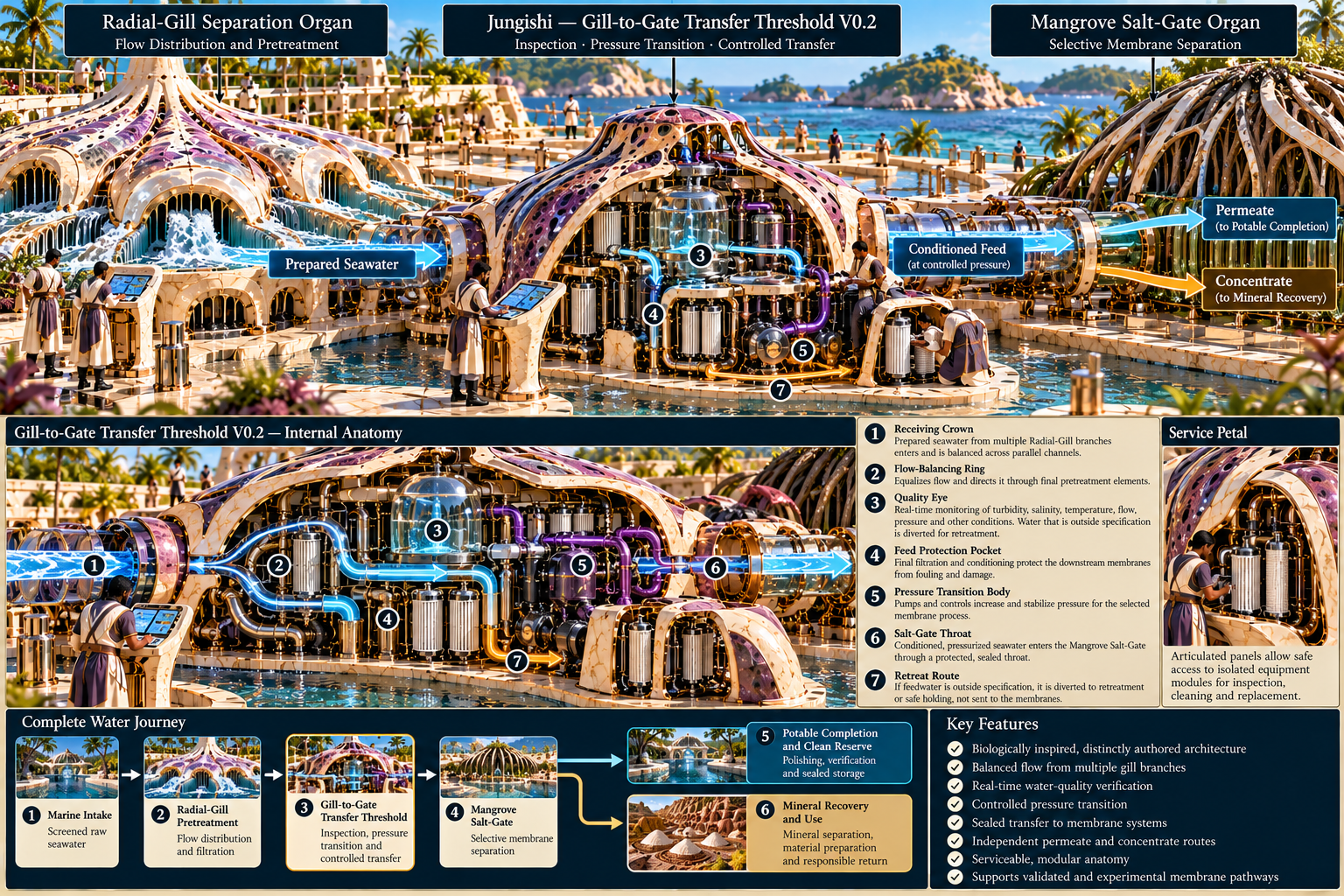
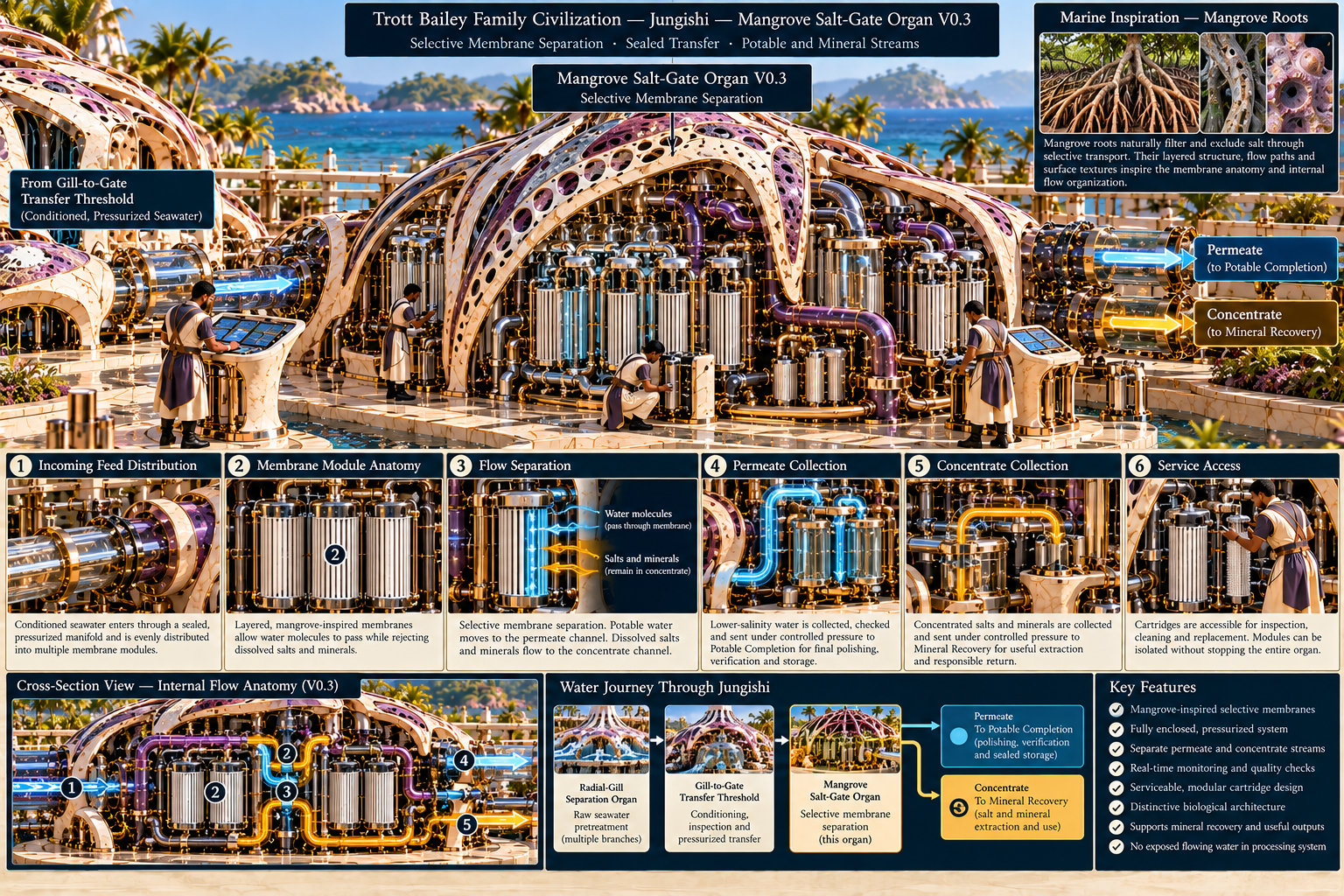
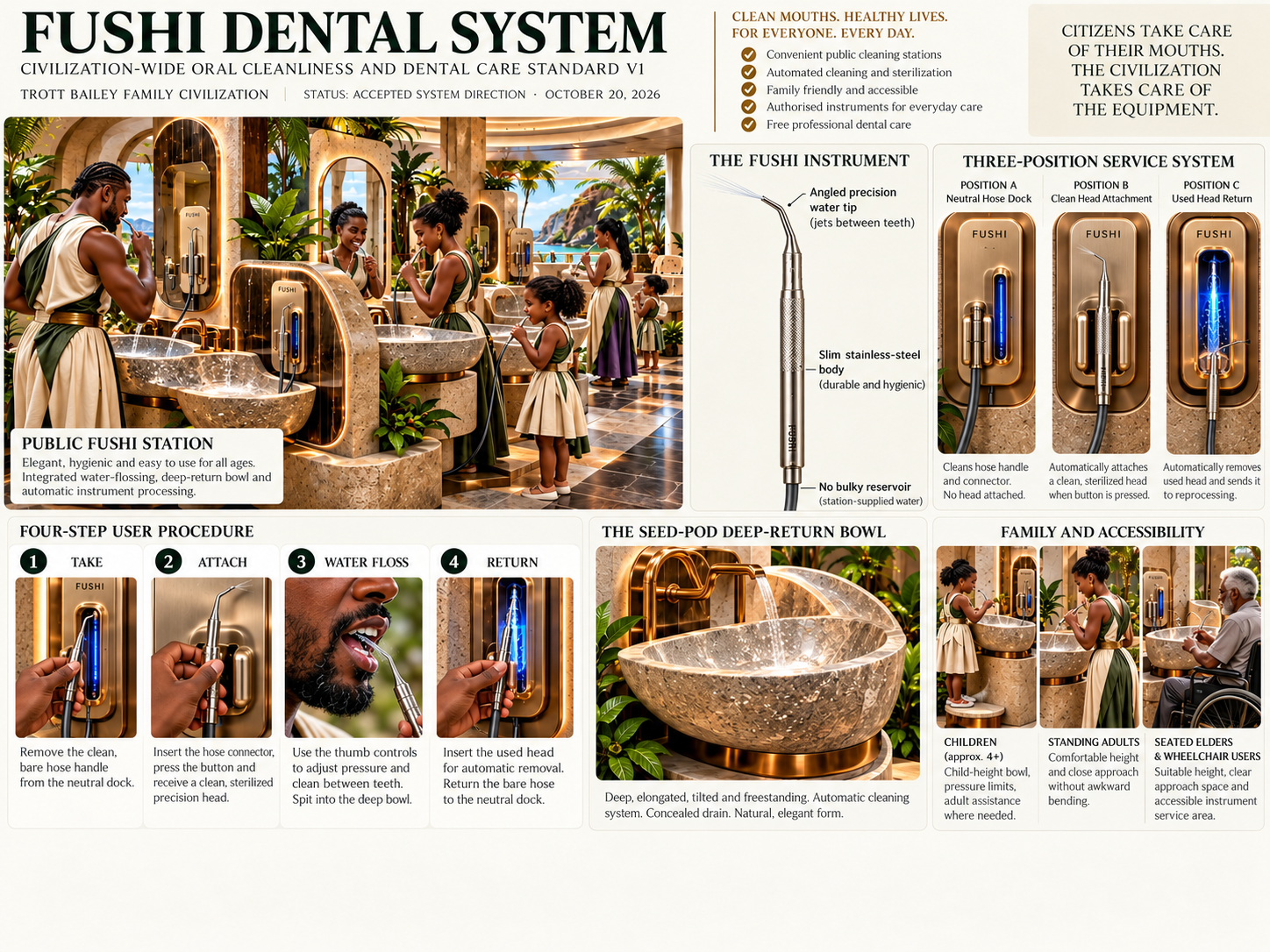
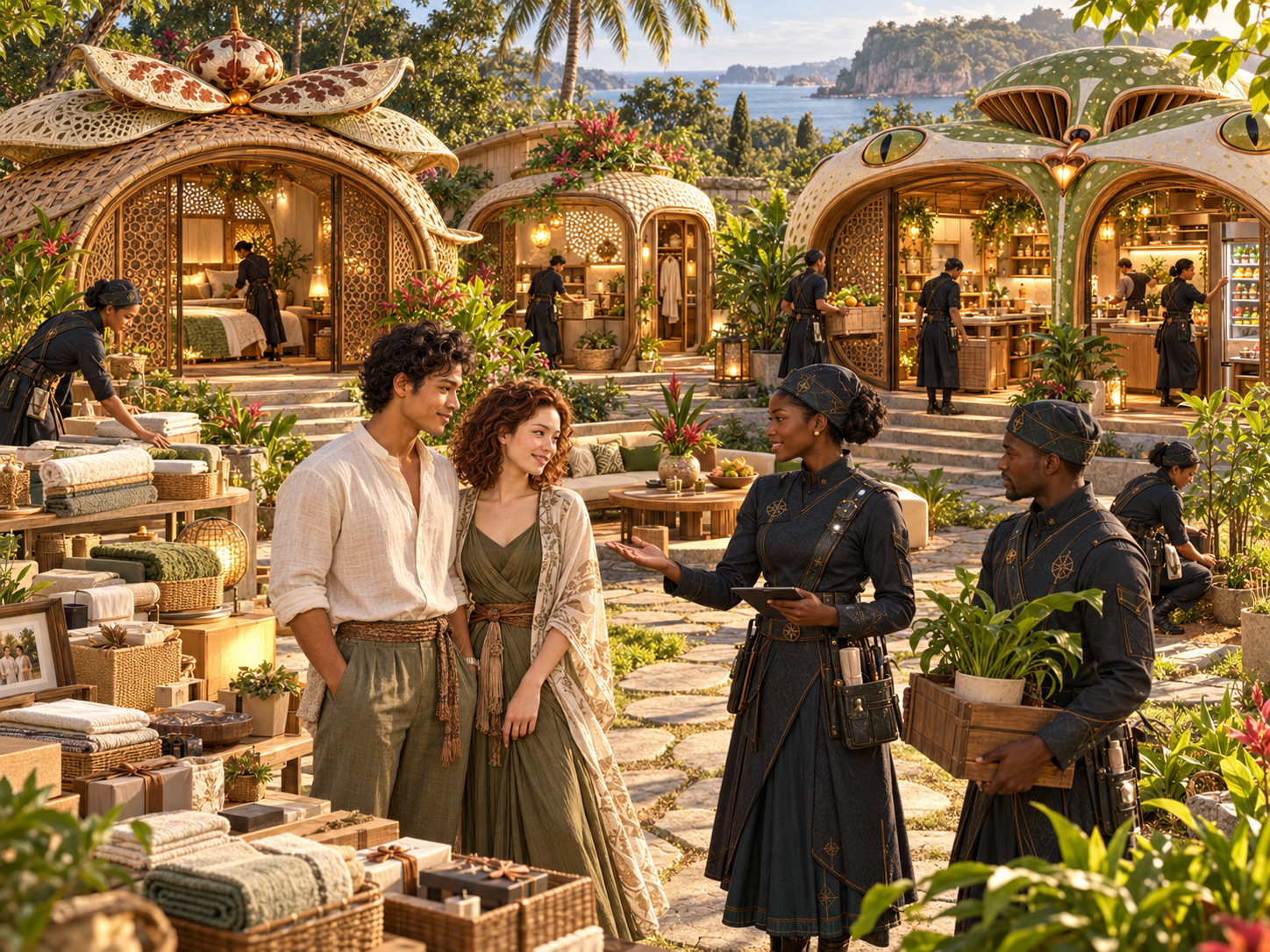
These assets show how Princess Keilah Studio connects audio, slideshows, galleries, upload workflows, lightbox, and front-end media presentation.
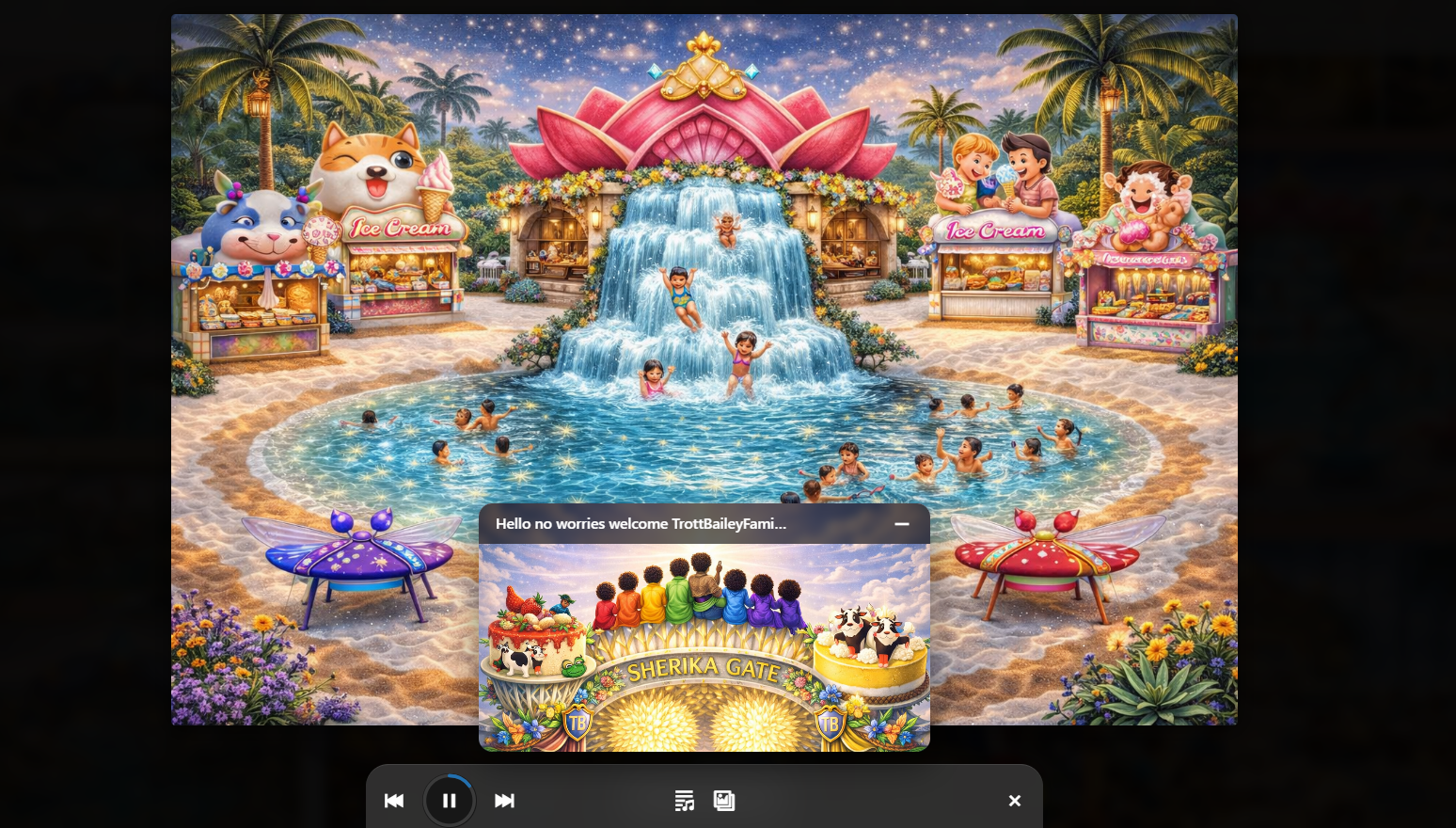
Combine audio playback and slideshow visuals into a richer media experience.
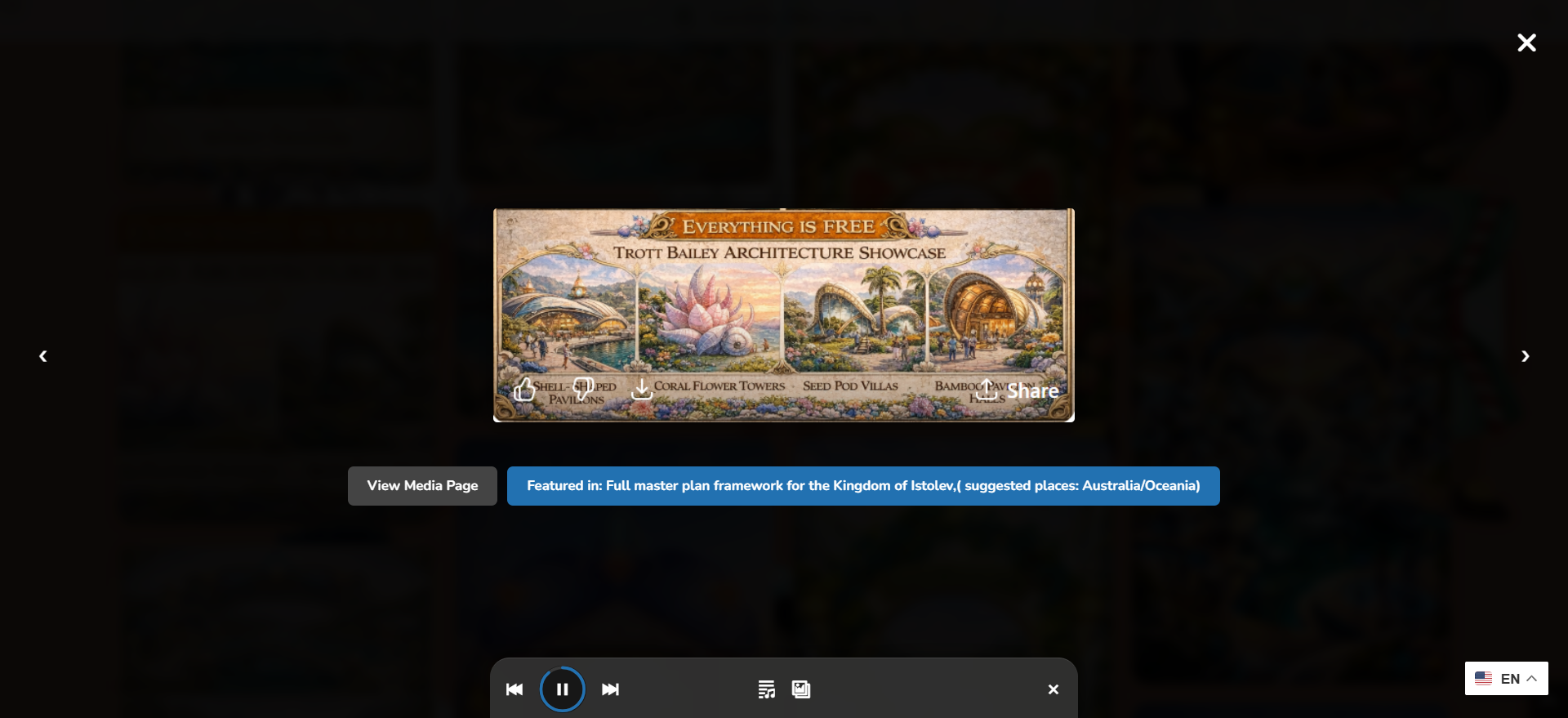
Audio, video, and images live inside a more immersive front-end media flow.
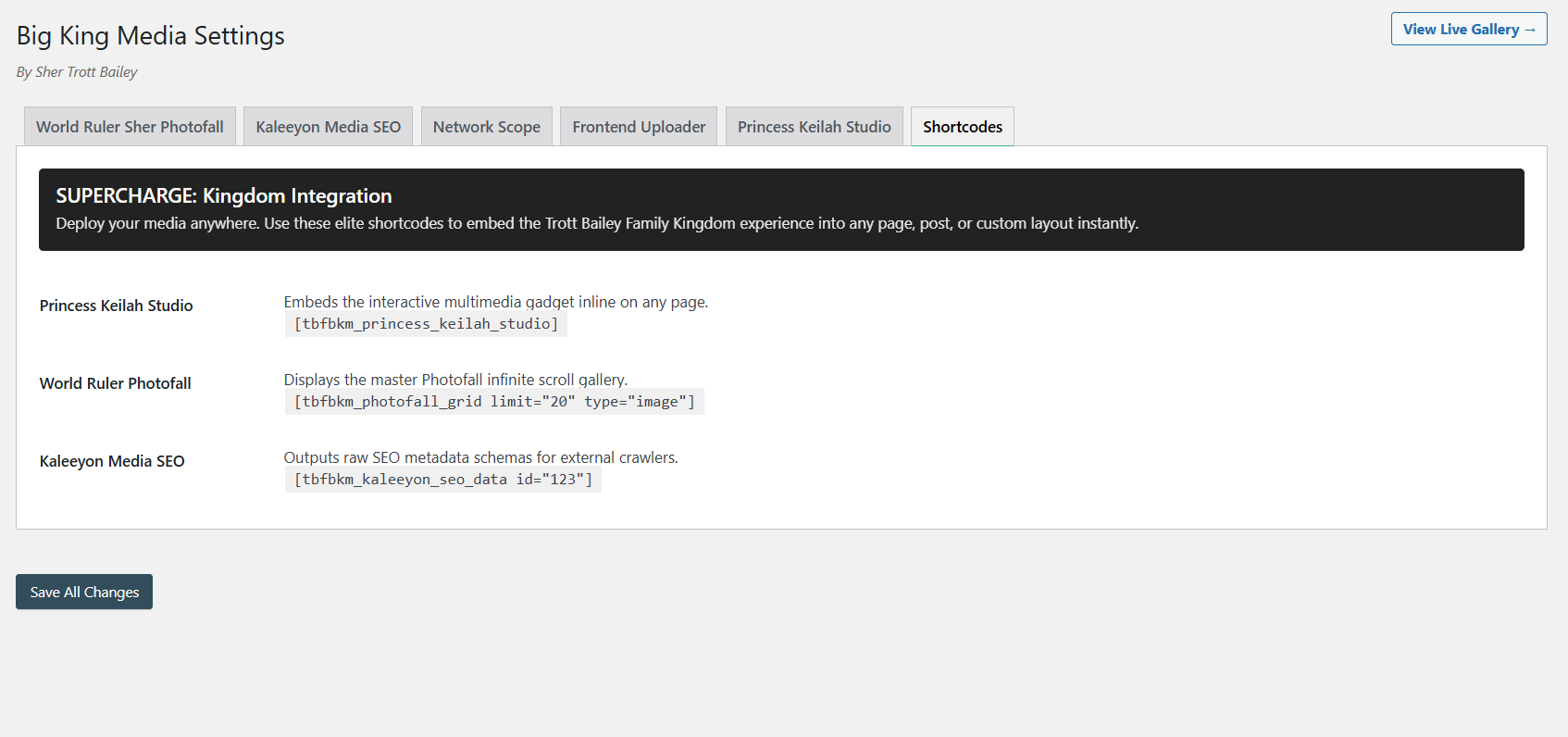
Add players, galleries, and uploaders wherever the media experience needs to appear.
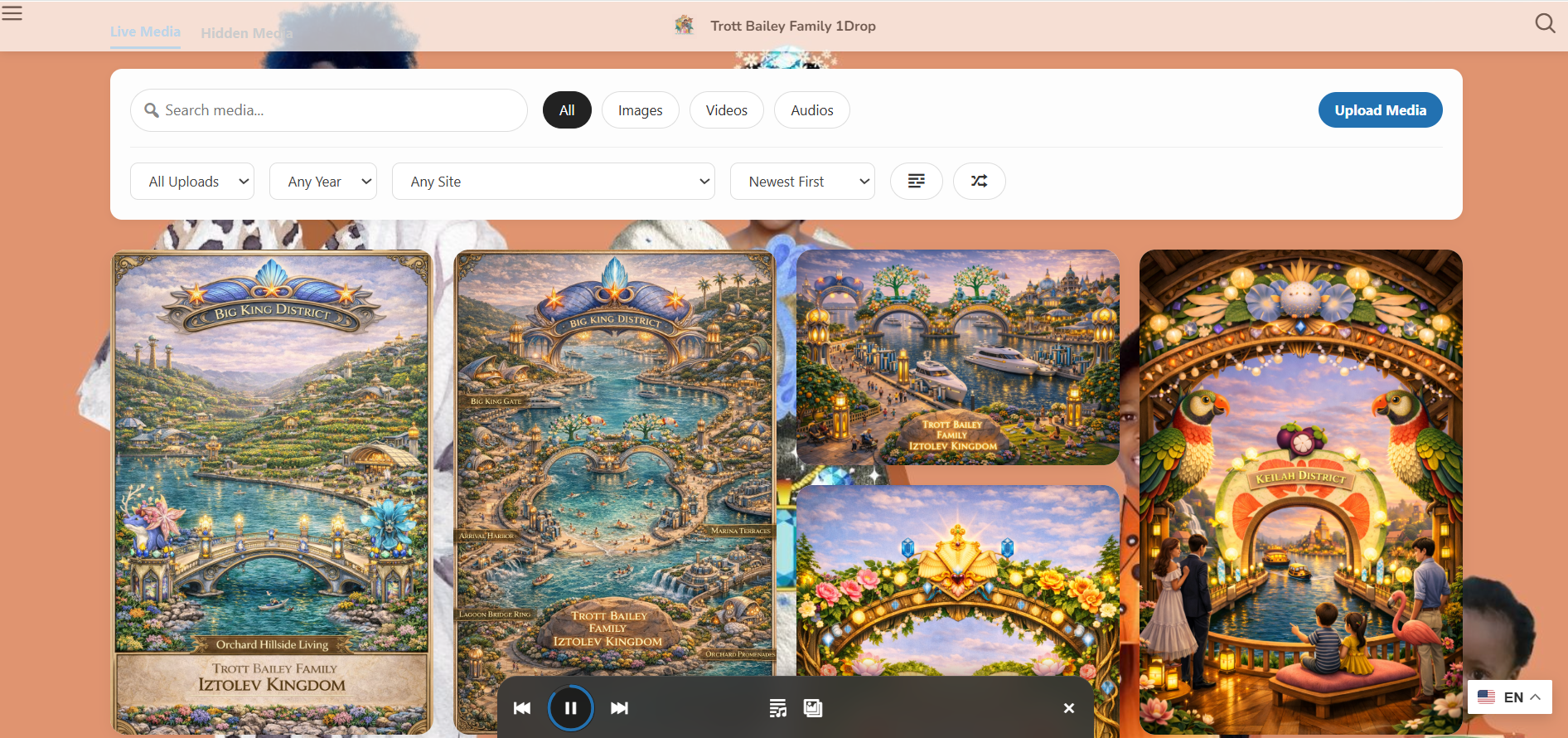
Studio media connects to a visual gallery and media-first browsing layer.
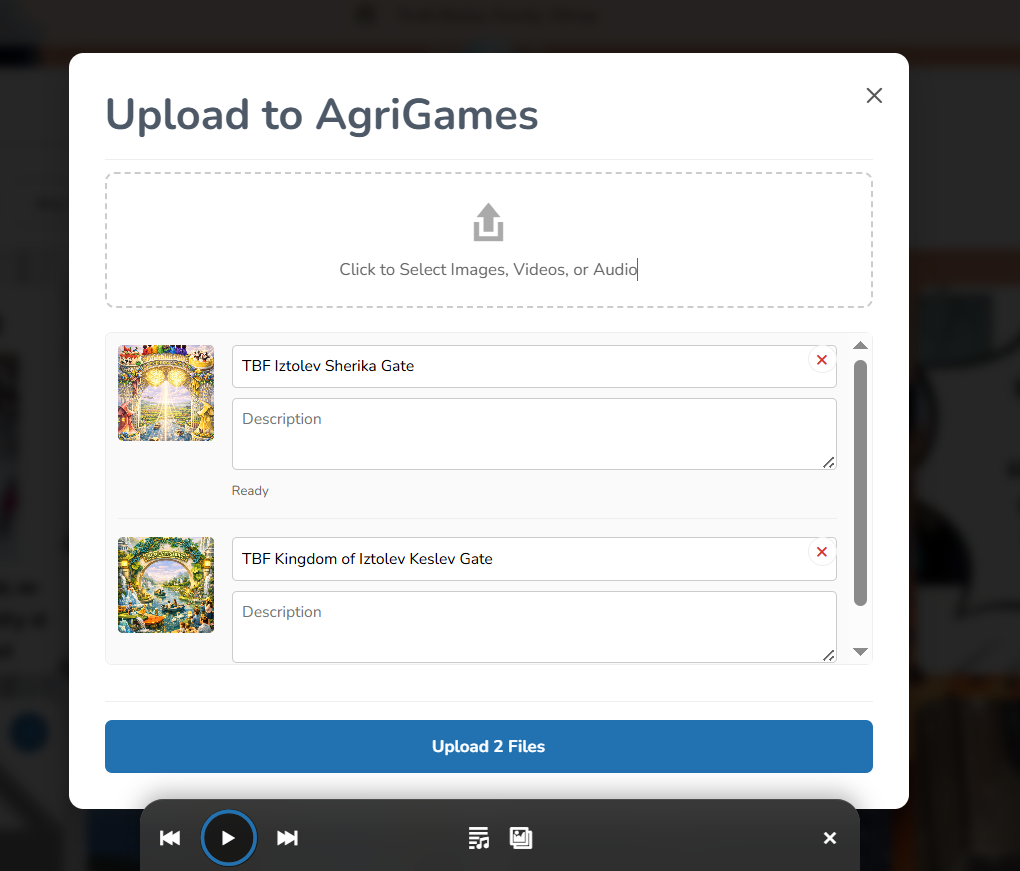
Creative media begins with better intake: title, alt text, organization, and shared library workflows.
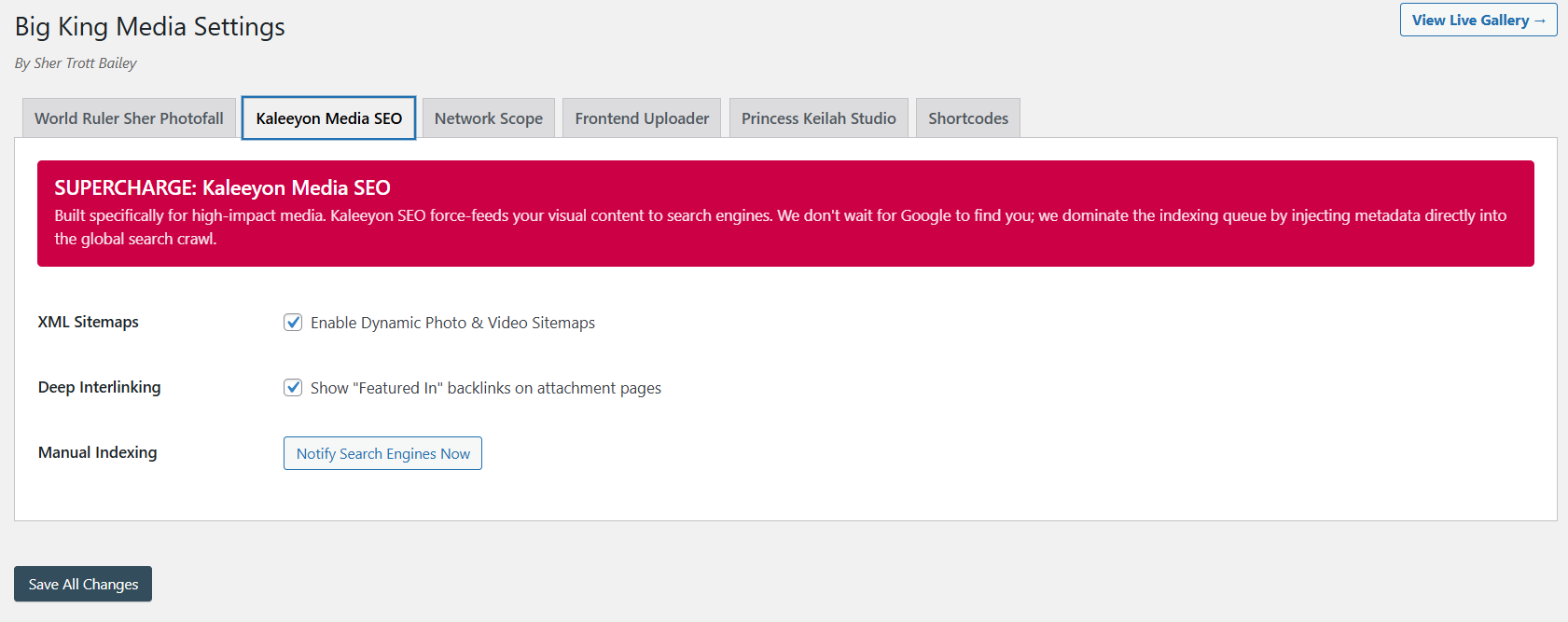
Studio assets become more useful when descriptions, titles, visibility, and discovery are connected.
The product video and masterclass show why Princess Keilah Studio belongs inside Big King Media’s bigger product story: storage, management, presentation, AI, SEO, upload, and creative media performance.
This video shows how the studio fits into the full media operating system.
The longer walkthrough gives visitors the full product context.
Princess Keilah Studio works as a complete creative workflow, not only a player. It helps turn audio and visual assets into finished front-end media experiences.
A normal audio player plays a file. Princess Keilah Studio is a creative media studio that connects playback to visuals, playlists, galleries, lightbox, and the broader WordPress Media Operating System.
| Capability | Typical audio player plugin | Princess Keilah Studio | Why it matters |
|---|---|---|---|
| Audio playback | Usually supported. | Supported as part of a larger media system. | Audio should not be trapped as a lonely file inside a post. |
| Playlist flow | Often supported. | Built for music, sermons, lessons, series, and media archives. | Listeners need organized paths through audio content. |
| Slideshow visuals | Usually separate. | Connects audio to image and visual storytelling sequences. | Sound becomes more powerful when paired with the right visual world. |
| Music-video style workflow | Rare or not included. | Supports audio plus image/video sequence direction inside WordPress. | Creators can publish richer releases without leaving their site ecosystem. |
| Gallery and lightbox connection | Usually separate from audio tools. | Connects to Photofall, lightbox, media cards, and homepage layers. | The studio becomes part of the public media experience. |
| Media OS connection | Usually no. | Connects to shared media, folders, uploads, metadata, media SEO, and governance. | Creative publishing works better when it is connected to the full media system. |
Princess Keilah Studio is built for anyone whose media is not only meant to be stored, but experienced.
Publish songs, releases, cover art, playlists, lyric visuals, behind-the-scenes media, and music-video style sequences.
Share sermons, worship tracks, teaching series, event recaps, devotional audio, and visual sermon companions.
Build audio lessons, language practice, student media showcases, lecture support, and visual learning sequences.
Turn episodes into richer media pages with cover visuals, supporting images, playlists, and archive browsing.
Pair old photos, voice recordings, event videos, memory audio, and archive storytelling into emotional media experiences.
Give client sites stronger audio, playlist, slideshow, and visual storytelling tools without building a custom platform.
Big King Media is becoming a WordPress Media Operating System. Princess Keilah Studio is its creative performance layer: audio, playlists, slideshows, visual sequences, and music-video style experiences working together.
These answers support searches around WordPress audio player, playlist plugin, slideshow audio, music video plugin, and media studio workflows.
Princess Keilah Studio is the creative media studio inside Big King Media. It connects audio playback, playlists, slideshow visuals, image/video sequences, and front-end media presentation inside WordPress.
No. It includes audio playback, but its stronger role is as a creative media studio that connects sound with visuals, playlists, galleries, lightbox experiences, and music-video style workflows.
Yes. Princess Keilah Studio supports playlist-style listening experiences, including music releases, sermons, lessons, podcast collections, spoken-word archives, and media series.
Yes. The studio supports pairing audio with visual media, including image slideshows and music-video style sequences using images and videos.
Princess Keilah Studio connects creative media to Photofall, lightbox viewing, media cards, shortcodes, and media-first homepage layers so visitors can listen, watch, and keep browsing.
Because it connects creative playback to the rest of the media workflow: uploads, folders, shared media, metadata, media SEO, galleries, lightbox, playlists, and front-end publishing.

 and then