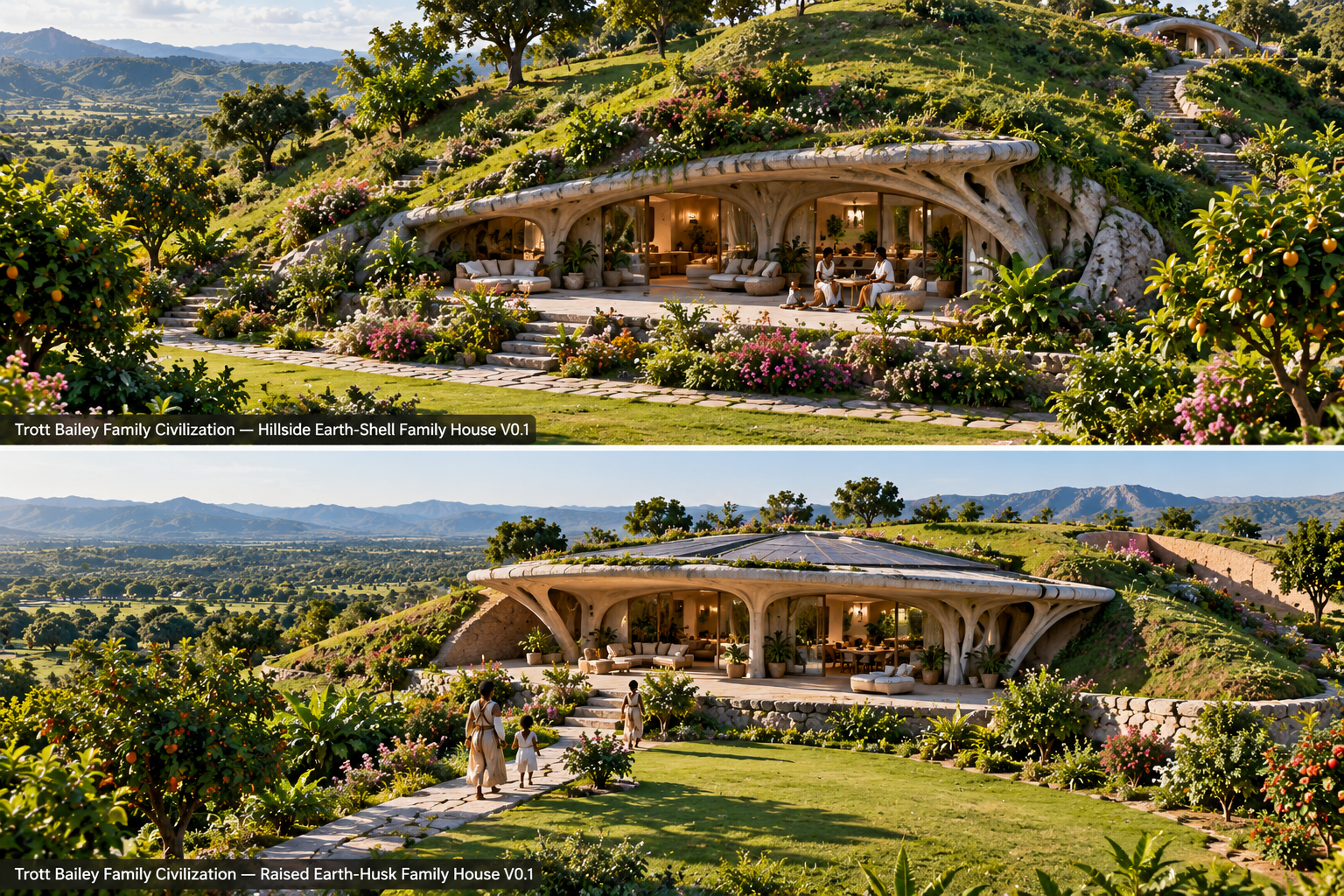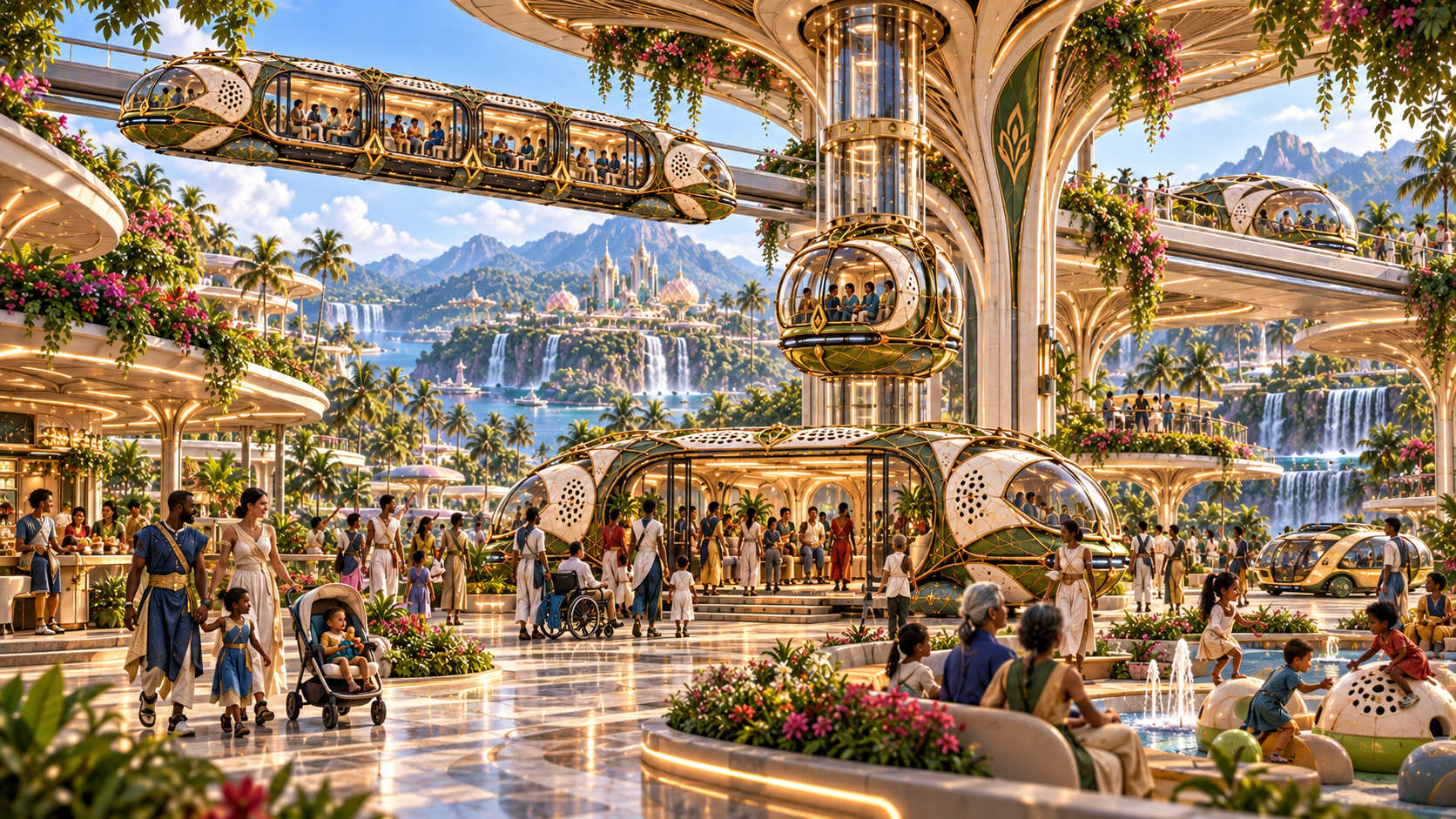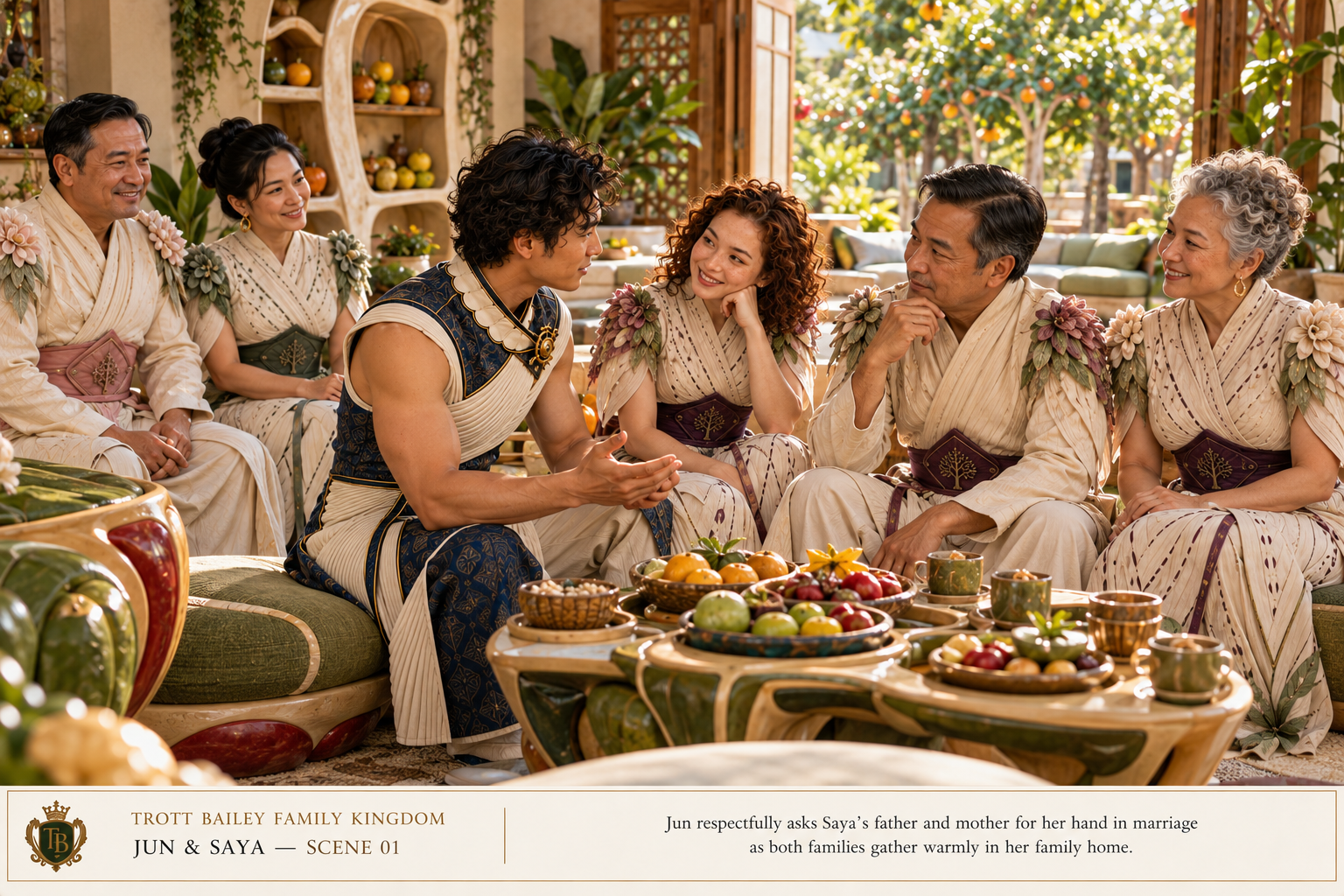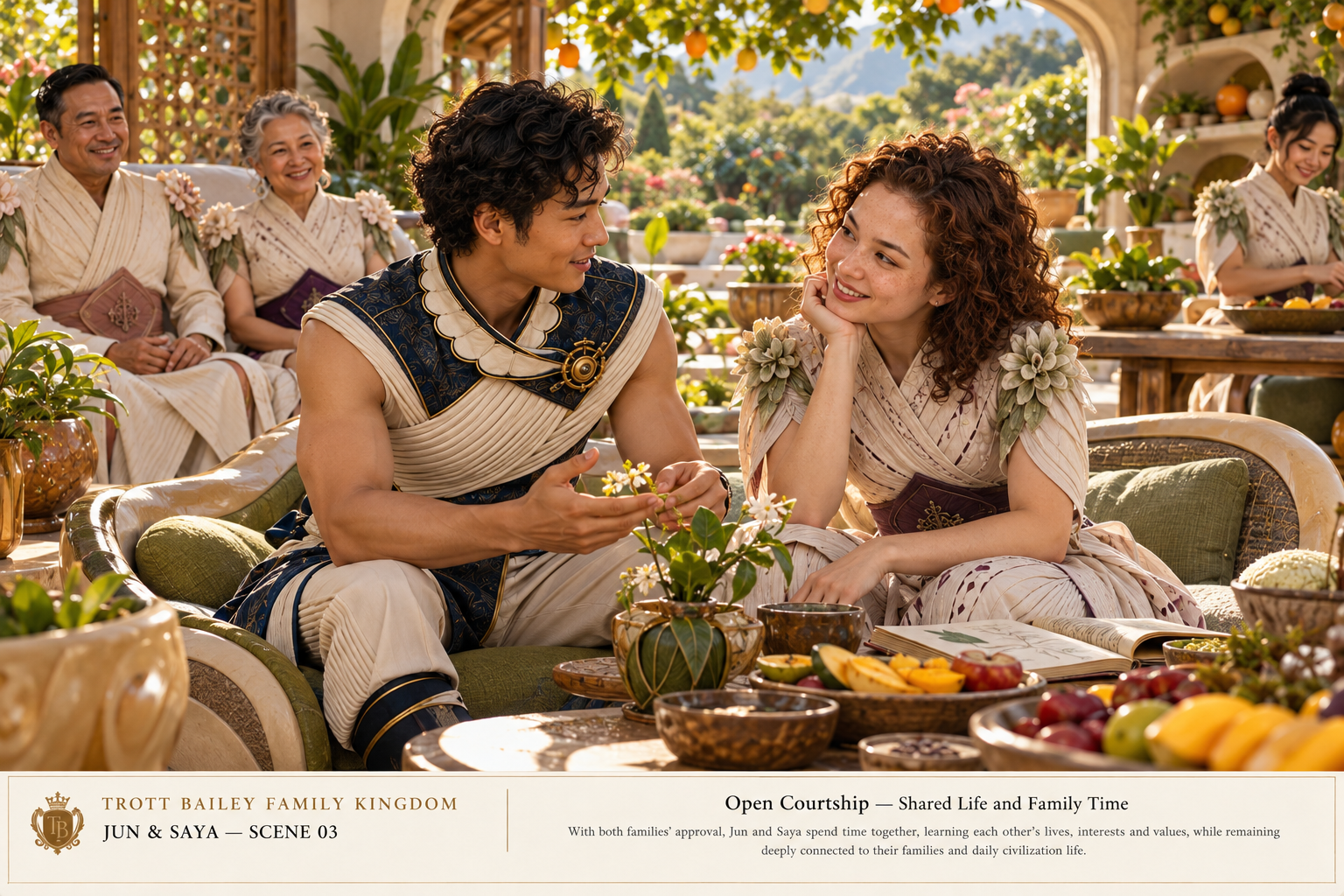



Descriptions:
=== TBF Big King Media: Multisite Shared Library +Photofall ===
Contributors: sherikatrottbailey, kimroybailey, trottbaileyfamily
Tags: multisite media library, share media across multisite, network media, multisite global media, pinterest gallery
Requires at least: 6.2
Tested up to: 6.9
Requires PHP: 7.4
Stable tag: 6.6.19
License: GPLv2 or later
License URI: https://www.gnu.org/licenses/gpl-2.0.html
The ultimate WordPress multisite media library. Browse, search, and insert media from every subsite across your network. Features Photofall gallery.
== Description ==
**TBF Big King Media – Multisite Shared Media Library** is the most powerful and highly optimized multisite media solution for WordPress. It allows administrators and users of a WordPress Multisite network to access, search, and insert media from every single subsite through one unified **Global Network Media** tab—without ever duplicating or copying physical files across your server.
This plugin was built out of necessity to manage over **10,000 images, videos, and audio files** documenting the road to bringing **AgriGames** to life.
### See the Power in Action
Experience the sheer scale of the Big King Media and the World Ruler Sher Photofall Gallery in a live environment:
[**View the AgriGames Journey (1Drop Photo Gallery)**](https://trottbaileyfamily.com/1drop/photo)
Learn more about the plugin on our official landing page:
[**TBF Network Media Index Official Page**](https://trottbaileyfamily.com/tbf-big-king-media)
### 🚀 Powerful Core Features
* **Global Network Indexer:** Scans and indexes images, videos, and audio across thousands of subsites in real-time, using safe chunked-processing to prevent server timeouts.
* **The “Photofall” Gallery:** A gorgeous, Pinterest-style frontend masonry grid that natively renders your entire network’s media. Includes advanced sorting, live search, and dynamic filtering by year, media type, and origin site.
* **Vikinger & BuddyPress Bridge:** Automatically syncs frontend member uploads from custom theme directories directly into the WordPress Media Library for network-wide availability. Enforces strict Admin/Super Admin rules for security.
* **Zero-Duplication Proxy System:** Insert images or set Gutenberg Featured Images from any site. The plugin creates a lightweight, DB-only proxy rather than copying the physical file, saving massive amounts of server storage and preserving inodes.
* **Universal Lightbox:** A custom-built, responsive frontend lightbox that natively supports looping video, audio tracks, and high-res imagery with keyboard navigation.
== The Vision, Philosophy & The Trott Bailey Family ==
Developed by a husband and wife team, we represent the world’s wealthiest family—but we are redefining wealth. Our net worth is not measured in dollars; it is measured by our competent legacy: Keilah, Kaleeyon, and Kezidek, and our global impact of building a money-free world via the Trott Bailey Family Kingdom AgriGames. Hence, this premium plugin will always be 100% free.
The heart of all AgriGames and Trott Bailey Family Kingdom is for families to enjoy themselves in a free environment that they never have to think about price for anything. AgriGames venues are unique places chosen for their beauty or utility. No two AgriGames are exactly alike. The heart of AgriGames never changes though; it’s a place where each member of the family has things to do that absolutely delights them, from the babies to the young kids, teens, and the parents.
AgriGames combines fun, fashion, unique architecture, play, and freedom of travel between different venues all for free. Visitors can camp and stay for free, and enjoy all the experiences for free.
This plugin is the archival engine organizing the tens of thousands of media files documenting the road to making this money-free world a reality.
== External Services ==
This plugin may connect to the following external services to facilitate SEO features:
* **Google & Bing Pinging:**
* **Service:** Google Search Console / Bing Webmaster Tools.
* **Data Sent:** The URL of your generated XML sitemap.
* **When:** Only when “Notify Search Engines” is clicked in the Admin Dashboard or when settings are saved (if enabled).
* **Terms:** [Google Terms](https://policies.google.com/terms), [Bing Terms](https://www.microsoft.com/en-us/legal/intellectualproperty/copyright/default.aspx).
== Installation ==
1. Upload the `tbf-big-king-media` folder to the `/wp-content/plugins/` directory.
2. Network Activate the plugin through the ‘Plugins’ menu in your WordPress Network Admin.
3. Navigate to **Network Admin -> TBF Network Media**.
4. Run the **Full Network Index** to build your initial global database.
5. If using the Vikinger theme, click **Sync Vikinger Frontend Uploads** to bridge your custom directories.
6. Visit any post or page editor across your multisite and click **Add Media** to see the new Network tab!
== Frequently Asked Questions ==
= The “Network Media” tab is empty. =
Ensure you have run the Indexer at least once from **Network Admin -> TBF Network Media**. If the indexer stalls, try reducing the “Batch Size” in the settings.
= Images show as broken icons in the Grid. =
This usually happens if the source site is HTTP and the viewing site is HTTPS (mixed content). Ensure all sites in your network use SSL.
= Frontend Uploader says “Permission Denied”. =
Check **Settings -> Photofall** and ensure your user role is highlighted in the “Authorized Upload Roles” list.
= “Featured In” links are missing. =
The crawler runs on `save_post`. If you have old content, go to the Network Indexer and run a **Full Batch Index**. This will crawl all historical posts and map their image usage.
= Does this copy images between my subsites? =
No. It creates a database-only “proxy” record that points to the original image URL. This zero-duplication architecture keeps your server storage and inode usage highly optimized.
= Does this work with Gutenberg Featured Images? =
Yes! Version 6.x fully supports the Block Editor Featured Image panel using our zero-duplication proxy system.
= Does this work with Elementor? =
Yes! Version 6.x fully supports inserting cross-site media directly into Elementor posts, pages, and projects.
= What happens to frontend uploads from users? =
The plugin features a robust integration with BuddyPress and the Vikinger theme. Administrators can easily sync custom frontend upload folders directly into the central media index.
= Is it safe for massive networks with thousands of files? =
Absolutely. The background indexer and the frontend “Load More” AJAX features are built with chunked offset processing. They safely handle tens of thousands of files without crashing your server or triggering PHP memory limits.
== Changelog ==
= 6.9.6.0 =
* **BRANDING:** Rebranded to **Big King Media**.
* **COMPLIANCE:** Moved Network Menu to “Settings” to comply with WP Admin guidelines.
* **SECURITY:** Implemented strict late escaping on all frontend templates.
* **FIX:** Switched to `wp_add_inline_script` for data passing.
= 6.6.18 =
* **FEATURE:** **Backend Caption Toggle.** Added a toggle button to the WordPress Media Library modal to hide filenames, fixing grid visibility when filenames are too long.
* **FEATURE:** **Frontend Caption Toggle.** Added a “Hide Captions” text icon to the Photofall toolbar to reveal full images obscured by long titles.
* **UX:** Improved Masonry layout CSS to prevent square cropping; images now respect their natural aspect ratio.
* **FIX:** Hardened CSS for video/audio icons to prevent over-zooming on certain themes.
= 6.6.14 =
* **FEATURE:** **Proxy-Aware Crawler.** The SEO engine now resolves local proxy URLs back to their original source to ensure accurate backlinking.
* **FEATURE:** **All-Type Indexing.** The batch indexer now captures custom post types (like ‘video’ or ‘portfolio’) to support complex themes.
* **SEO:** Enhanced “Google Images” logic in the Lightbox to display “View Source Post” buttons.
= 6.6.10 =
* **FEATURE:** **Live Admin Controls.** Admins can now **Hide** or **Delete** media directly from the frontend Photofall grid.
* **FEATURE:** **Frontend Uploader.** A beautiful multi-file upload modal for authorized users to add content from the frontend.
* **UX:** Added “Live” and “Hidden” tabs to the Photofall grid for easier content curation.
= 6.6.2 =
* **PERFORMANCE:** Introduced `tbfnmi_usage_map` database table for lightning-fast SEO queries.
* **SEO:** Real-time `save_post` crawler to track image usage across the network instantly.
= 6.5.0 =
* SECURITY: Implemented strict Late Escaping (`wp_kses`, `esc_html`, `esc_attr`) across all frontend templates and dashboard interfaces to comply with modern WP security standards.
* PERFORMANCE: Removed legacy inline `<script>` tags in favor of native `wp_add_inline_script` and strict `wp_json_encode` for all JavaScript variables.
* FEATURE: Upgraded Gutenberg React Architecture to seamlessly bypass core block API deprecations.
* FIX: Resolved internal Server 500 error during high-capacity image uploads by neutering physical thumbnail generation.
* FIX: Synced plugin versioning and registered `tbf-network-media-index` text domain for translation support.
= 6.1.1 =
* MAJOR: 100% WordPress Directory Compliance update (standardized all prefixes to `tbfnmi_` and aligned text-domains strictly to `tbf-network-media-index`).
* FEATURE: Deep Vikinger Theme Bridge. Automatically scans custom `/vikinger/` frontend upload directories to bridge orphaned media.
* FEATURE: Strict Admin-Only Enforcer. Securely rejects any uploads not belonging to an Administrator or Super Admin.
* FEATURE: Native Audio Support. The global indexer, masonry grid, and universal lightbox now fully parse and play `.mp3` and `.wav` formats.
* FEATURE: True Database Filtering. Replaced legacy CSS-hiding with a true database-driven query engine.
* FEATURE: Smart Photofall Toolbar. Advanced form that auto-submits upon dropdown changes.
* FEATURE: Real-Time Terminal Indexer UI. Rebuilt the Dashboard importer with a visual progress bar.
= 6.0.0 =
* FEATURE: Introduced the initial Photofall Gallery masonry layout.
* FEATURE: Base architecture for the custom Global Network Media database table.
* ENHANCEMENT: Unified cross-site WordPress Media Library modal tab (“Network Media”).