Remove media from public browsing
Hide media from public-facing experiences such as Photofall, gallery cards, media feeds, and frontend browsing surfaces.
Big King Media gives WordPress media visibility controls so site owners can hide media from public-facing experiences without treating every change like a permanent deletion.
Inside the Big King Media WordPress Media Operating System, visibility is part of media governance. A file may need to be hidden from Photofall, removed from a public gallery, restored later, reviewed by an admin, kept in a hidden area, or controlled differently across frontend and backend workflows.
WordPress media libraries often mix finished public assets with tests, duplicates, drafts, outdated graphics, private reference files, wrong uploads, temporary event media, and items that need review.
Deleting is too final for many workflows. Leaving everything public is too messy. Big King Media gives media teams a middle path: hide media from front-end experiences, keep it manageable, and restore it when it is ready or needed again.
Media operating system shift: visibility is not only a display setting. It is part of the media governance system that decides which assets are public, hidden, reviewable, restorable, searchable, and publishable.
Big King Media visibility controls make public media management safer and more flexible for galleries, Photofall, shared media, frontend uploads, and large media libraries.
Hide media from public-facing experiences such as Photofall, gallery cards, media feeds, and frontend browsing surfaces.
Restore hidden media when the asset is approved, corrected, needed again, or ready for public use.
Hidden media can be treated as a managed review area instead of disappearing into confusion or requiring permanent deletion.
Authorized users can manage visibility actions without needing to live inside the full WordPress dashboard for every change.
Media-heavy sites benefit from selecting multiple items and applying visibility decisions as a controlled workflow.
Visibility controls work alongside folders, uploads, shared media, Photofall, media SEO, World Within World, and studio media.
These assets show how visibility control connects to frontend management, Photofall, shared media, uploads, lightbox, and media SEO.
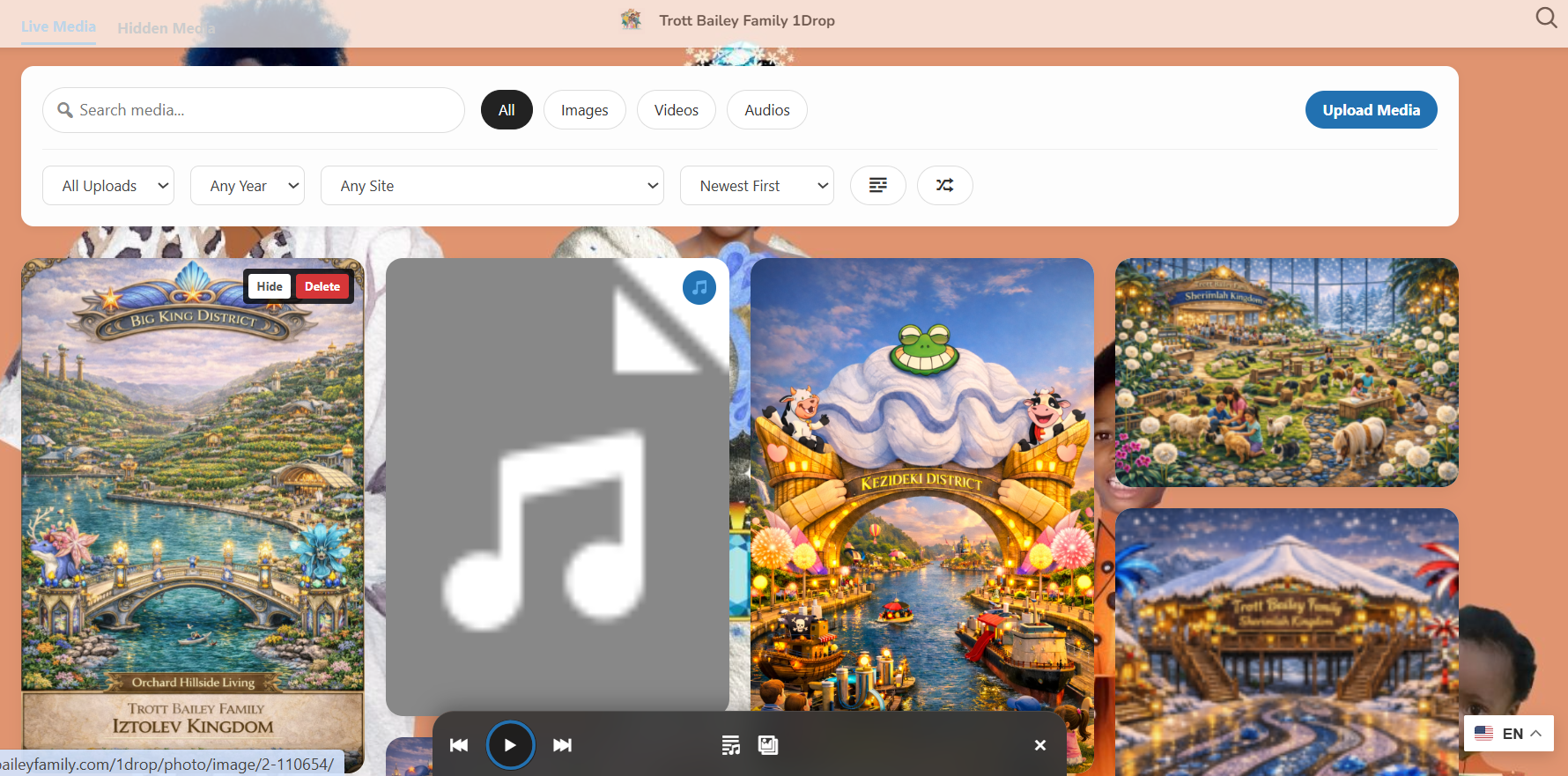
Authorized users can hide, manage, or clean up media from the front-end workflow.
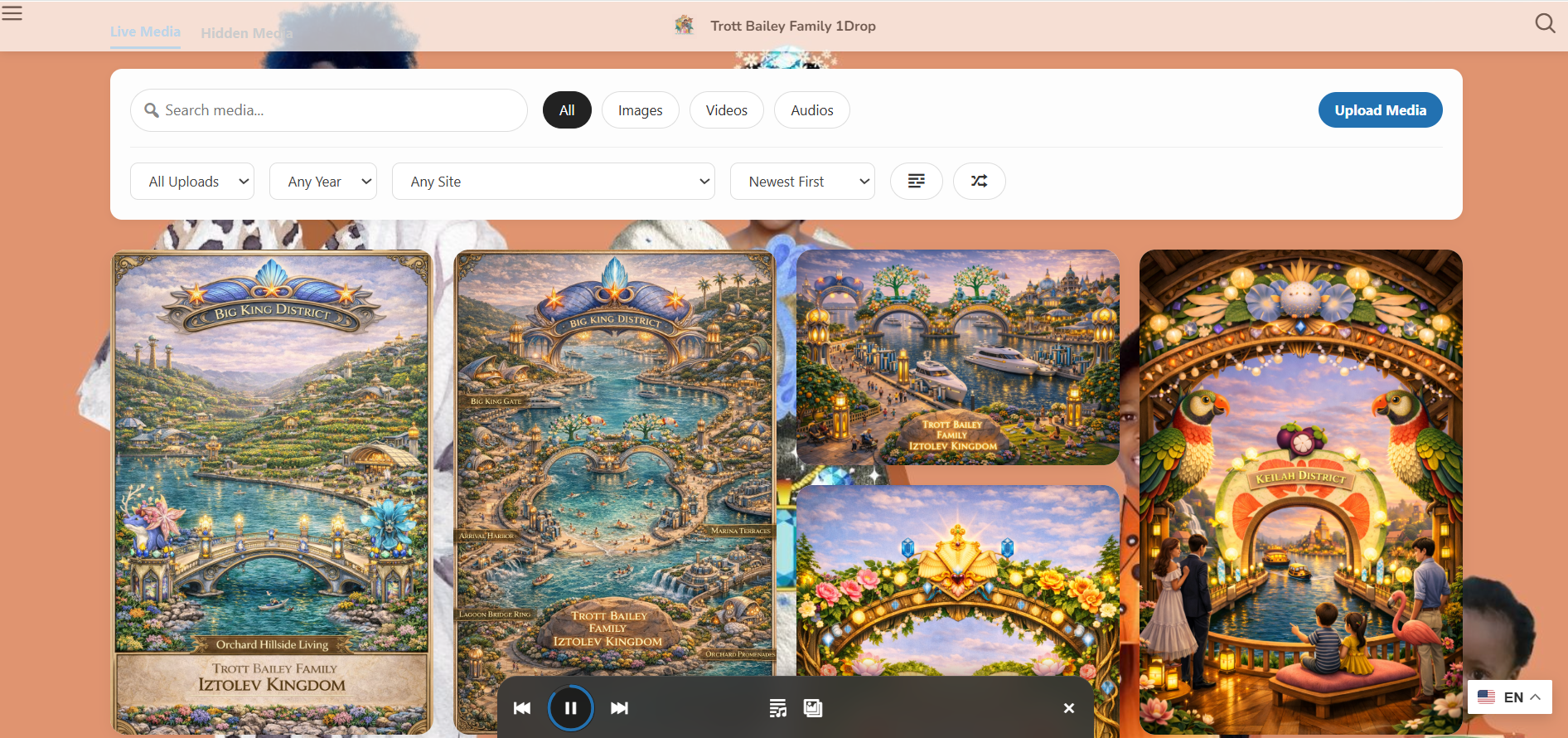
Visibility decisions affect which media belongs in the public browsing experience.
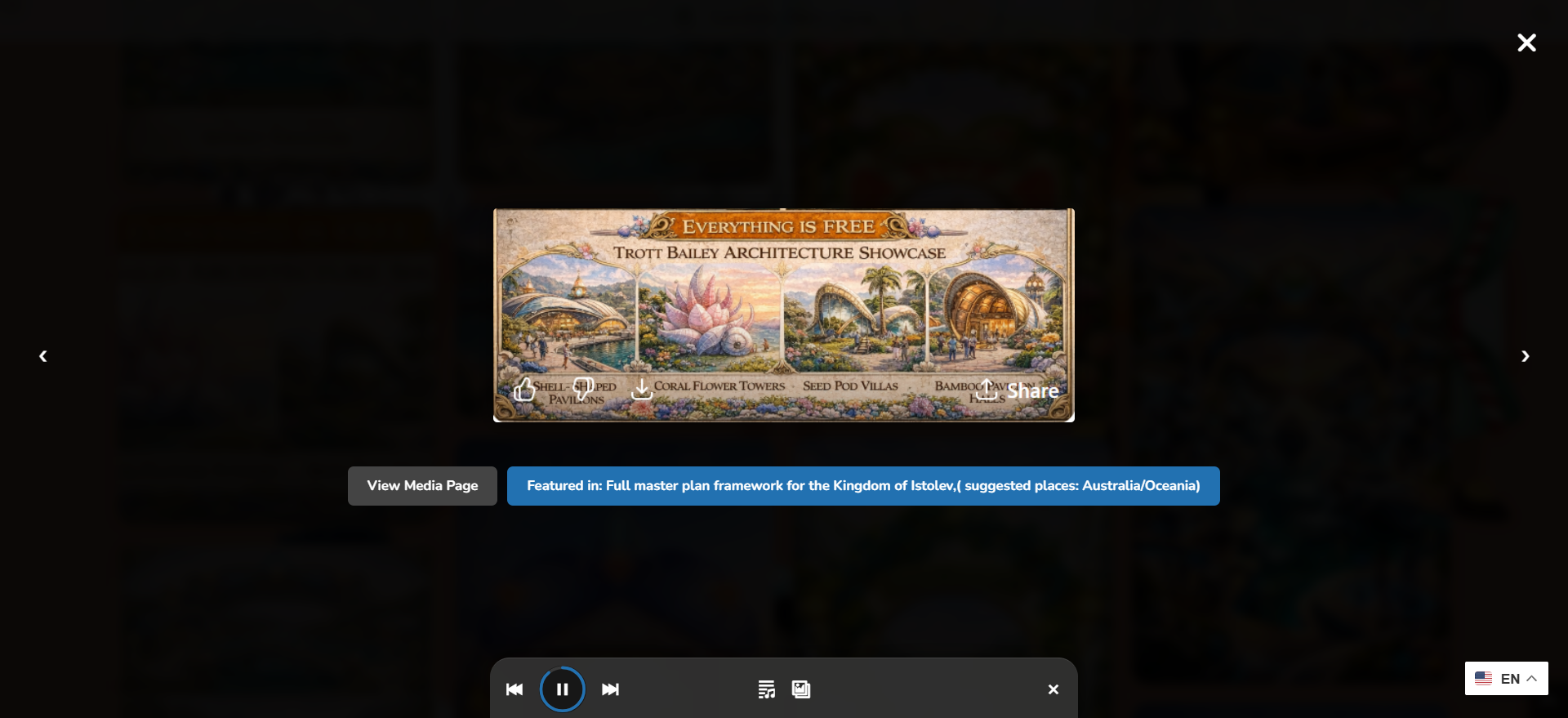
Public lightbox experiences stay cleaner when hidden media is kept out of display flows.

Visibility control matters more when media can be reused across sites, pages, and galleries.
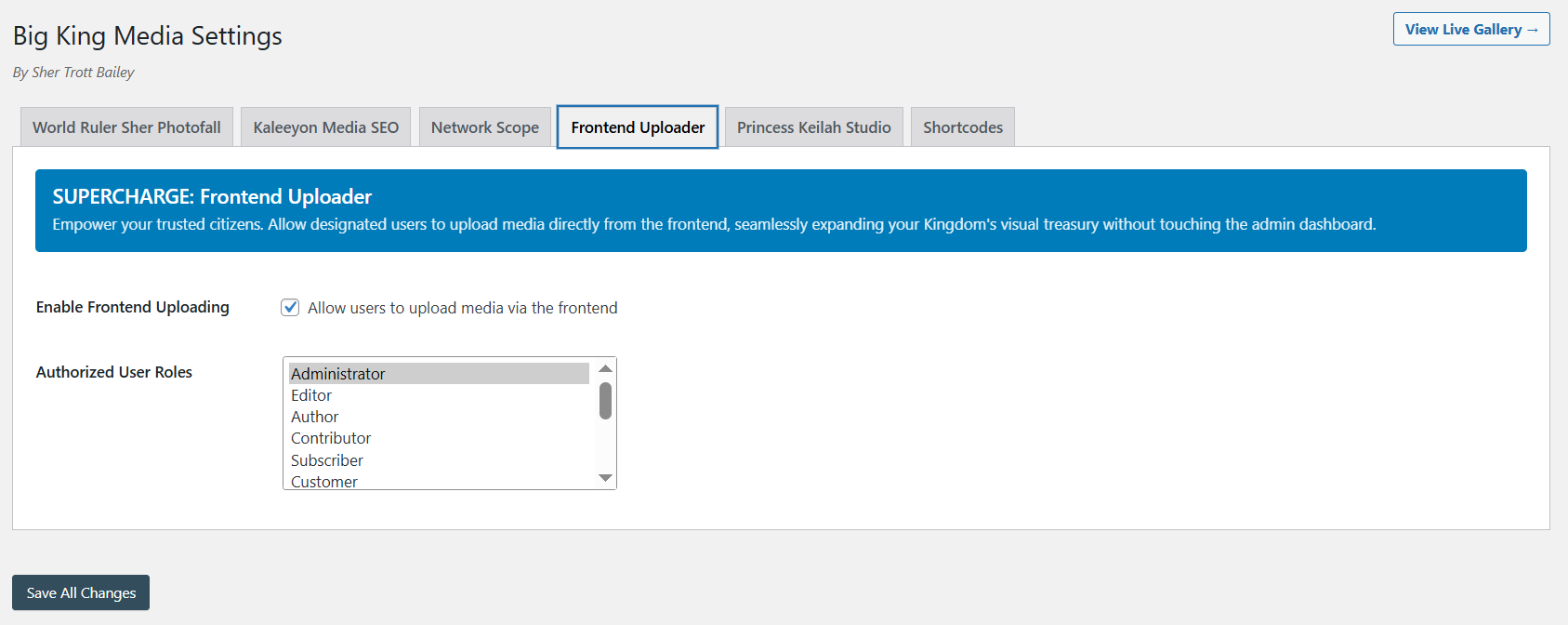
Frontend uploads become safer when visibility and review workflows are part of the system.
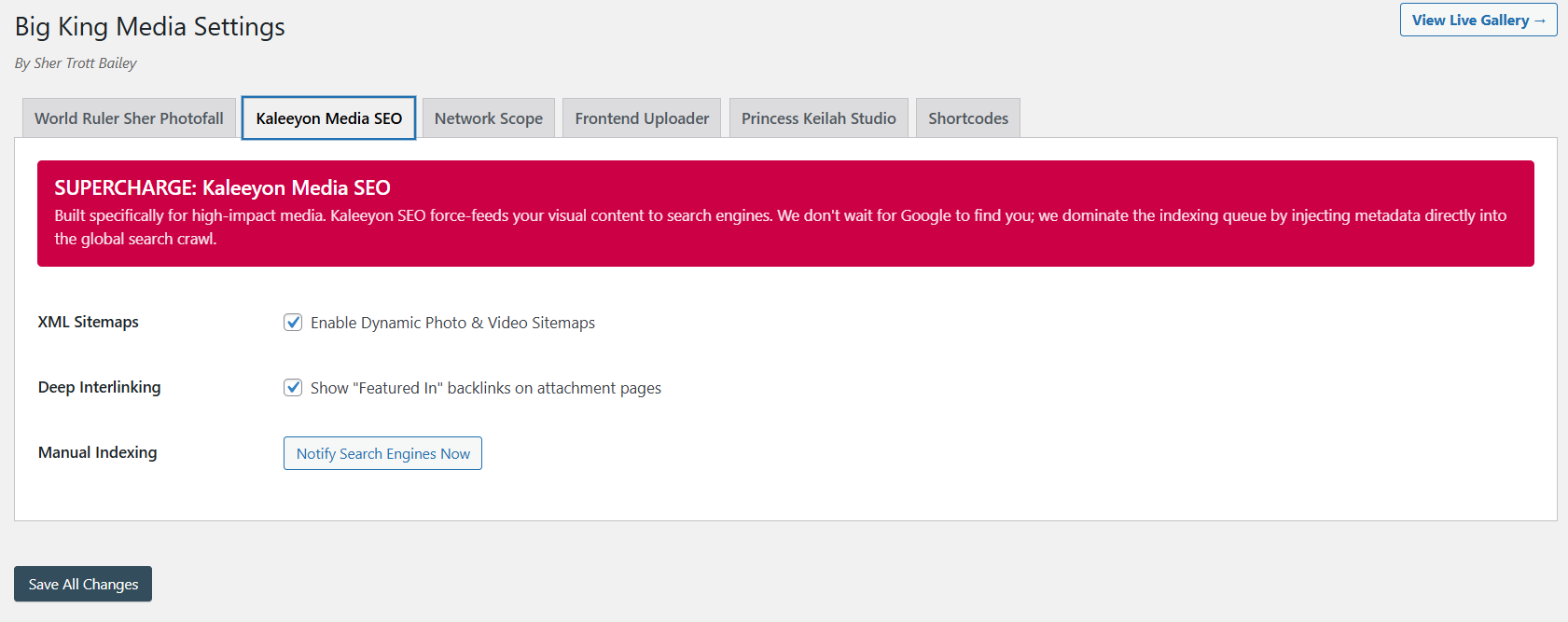
Visibility controls help make sure media SEO supports the right public-facing assets.
Big King Media gives site owners a clearer way to manage whether media belongs in front-end display, hidden review, or restored public use.
The product video and masterclass help visitors understand visibility as part of Big King Media’s larger system: upload, folders, shared media, Photofall, lightbox, metadata, SEO, and media governance.
This video shows the larger media-first product direction behind visibility governance.
The longer walkthrough gives visitors the full product context.
Deleting media is sometimes necessary, but it is not the right first answer for every public display problem. Big King Media visibility controls give media teams a safer way to remove media from the front end while keeping review and restoration options open.
| Approach | Strength | Risk | Big King Media advantage |
|---|---|---|---|
| Leave everything public | No extra management work at first. | Creates clutter, outdated media, wrong display, and weak public control. | Visibility controls help keep public surfaces clean. |
| Delete media immediately | Removes the file from the library. | Can break links, remove reusable assets, or destroy files that only needed temporary hiding. | Hiding gives a reversible governance step before deletion. |
| Unpublish related page only | Can remove one display context. | The media may still appear in galleries, lightboxes, feeds, or shared workflows. | Media-level visibility controls target the asset itself. |
| Backend-only cleanup | Admin can manage media from wp-admin. | Slower for teams that work from the front-end media experience. | Authorized users can act closer to the public display context. |
| Big King Media visibility controls | Hide, review, restore, govern, and keep public media surfaces cleaner. | Requires clear permission policy and review discipline. | Turns visibility into part of the media operating system. |
Visibility controls are useful anywhere a media library contains more than finished public assets.
Hide outdated graphics, duplicates, tests, drafts, wrong uploads, temporary assets, and media that no longer belongs in public display.
Control event photos, sermon media, announcement graphics, private ministry images, and media that needs review before public display.
Manage student media, classroom uploads, event photos, outdated notices, and sensitive media with stronger review discipline.
Hide campaign drafts, client revisions, unused assets, off-brand media, and temporary work without immediately deleting files.
Control what appears in media feeds, featured galleries, post cards, and public archives across fast-moving editorial workflows.
Keep sensitive, unfinished, duplicate, or private archive material out of public display while preserving review and restoration options.
Big King Media helps WordPress media teams hide, restore, review, and govern media as part of a real WordPress Media Operating System. Public galleries stay cleaner, hidden media stays manageable, and deletion no longer has to be the first answer.
These answers support searches around WordPress hide media, media visibility controls, frontend media management, hidden media folders, and media governance.
Big King Media visibility controls let authorized users hide, restore, review, and govern media so public-facing galleries, media feeds, lightboxes, and Photofall experiences show the right assets.
Yes. Big King Media supports hiding media from front-end display so the file can remain manageable for review, cleanup, restoration, or later use.
Yes. Hidden media can be restored when it is approved, corrected, needed again, or ready to return to public-facing experiences.
Deleting is useful when a file should truly be removed, but many files only need to be hidden, reviewed, corrected, moved, or restored later. Visibility controls provide a safer step before permanent deletion.
Visibility controls help keep public media experiences such as Photofall, lightbox, galleries, and media cards cleaner by keeping hidden items out of front-end browsing.
Media-heavy businesses, churches, schools, agencies, news teams, creators, archives, and multisite operators benefit from better control over which media appears publicly.

 and then