Display posts from the current site
Photofall can show native post cards from the active WordPress site alongside images, videos, audio, and media groups.
Big King Media turns Photofall into a media-and-content discovery surface. On a single WordPress site, Photofall can display posts from the current site. On WordPress Multisite, it can pull posts from selected network sites and display them as native Photofall cards.
Visitors can open a post card, read the article inside the Photofall lightbox, continue browsing media, or use a button at the end of the article to visit the original source site. This gives WordPress networks a powerful way to present posts, featured images, media, and cross-site content in one visual experience.
A media-heavy site may have strong posts, strong featured images, strong videos, strong audio, and strong galleries — but visitors are forced to browse them in separate parts of the site.
On multisite networks, the problem grows larger. Important posts may live across many subsites, but visitors rarely get one clean visual surface to discover the best content across the network. Big King Media solves this by letting Photofall become a post-and-media orchestration layer.
Media operating system shift: Big King Media does not treat posts and media as separate worlds. Photofall brings article cards, featured images, media files, audio, video, and curated groups into one browsable front-end experience.
Post orchestration turns Photofall into a content discovery system that works for single sites and multisite networks.
Photofall can show native post cards from the active WordPress site alongside images, videos, audio, and media groups.
On WordPress Multisite, admins can control which subsites contribute posts to the Photofall content stream.
Posts can appear as media-first cards with featured images, titles, excerpts, and visual browsing behavior.
Visitors can open a post card and read the article inside the Photofall lightbox without immediately leaving the browsing flow.
At the end of the lightbox article, a clear button can send visitors to the original post on its source site.
After reading, visitors can close the lightbox and continue exploring Photofall posts, media, videos, audio, and groups.
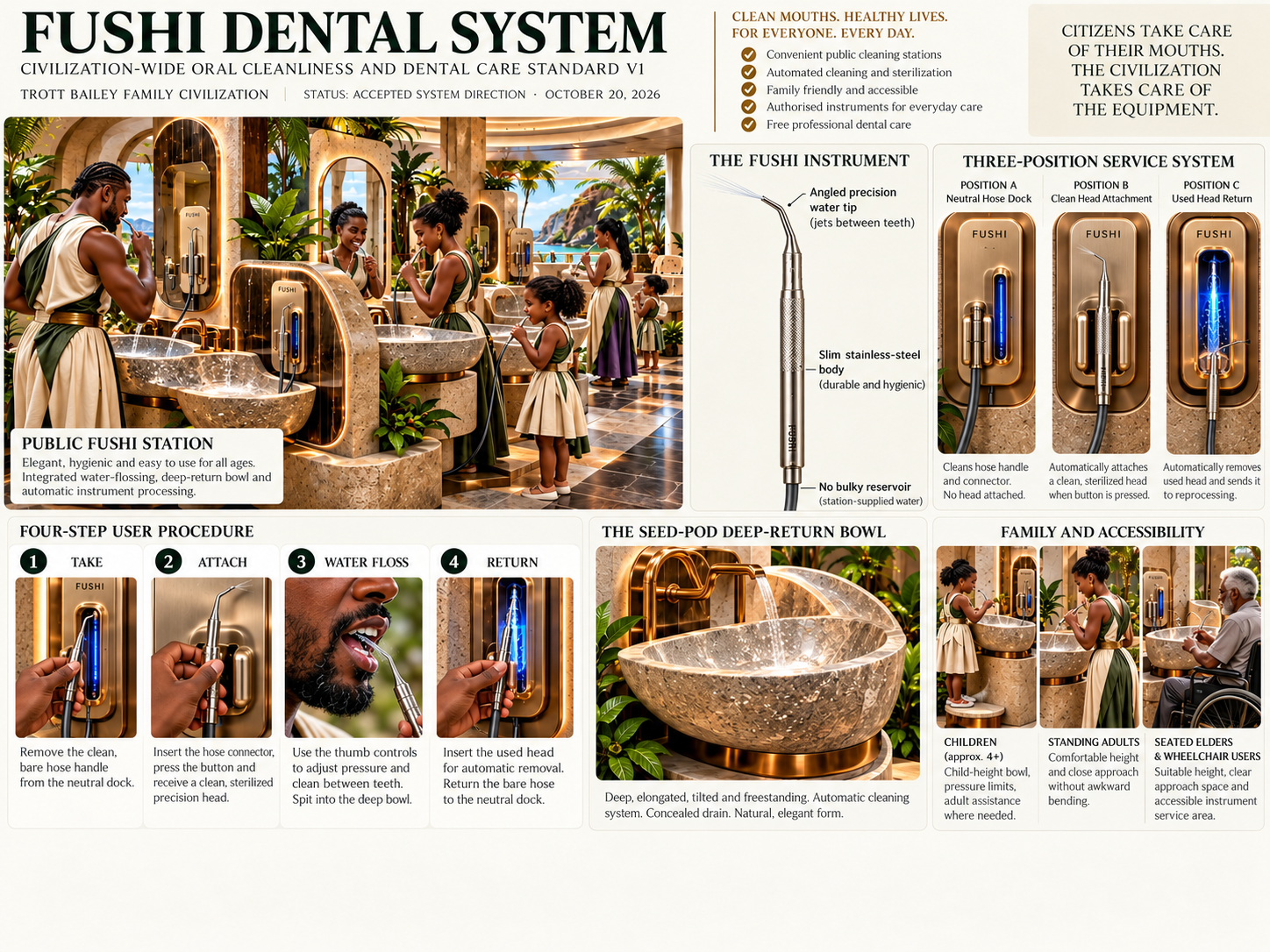
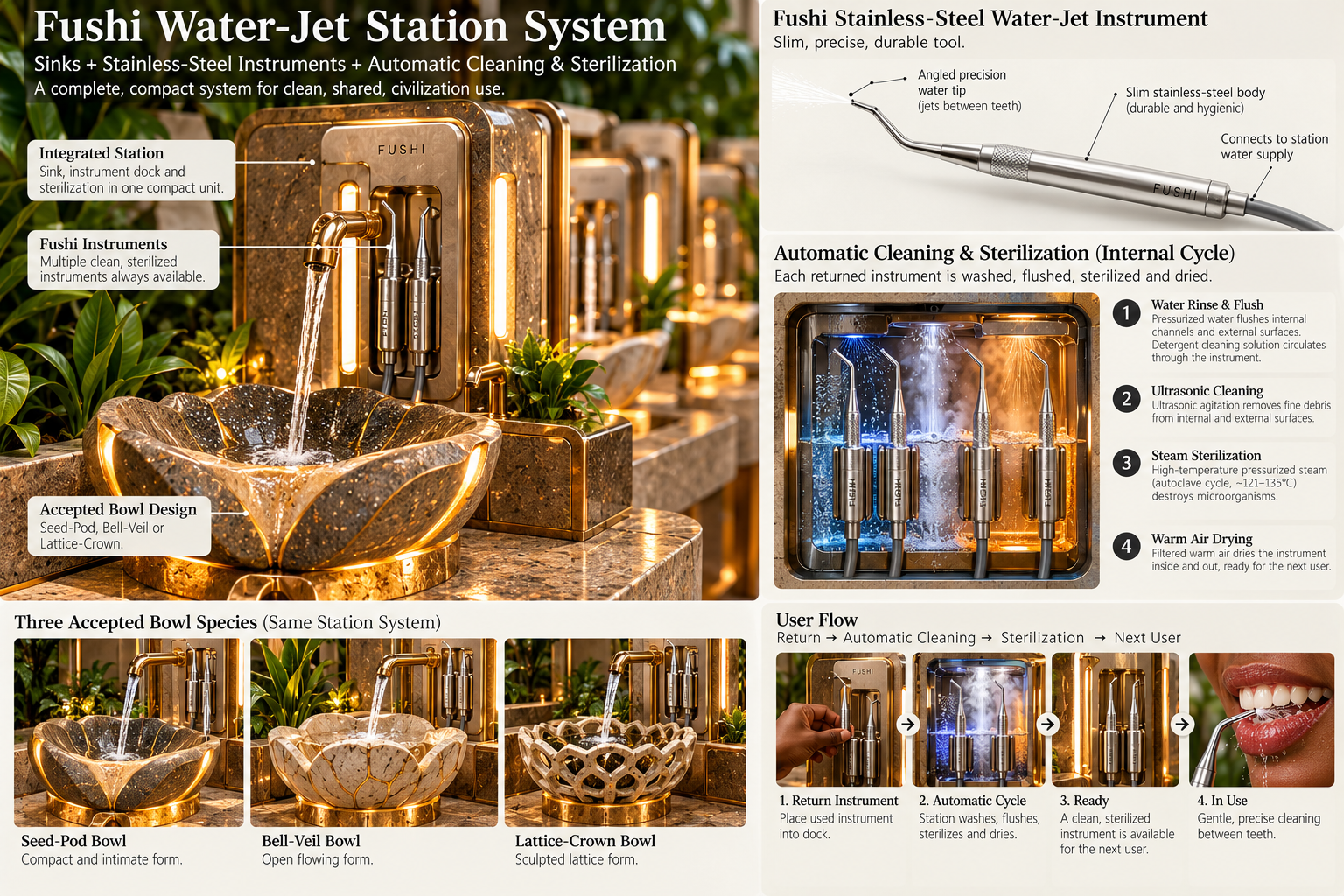
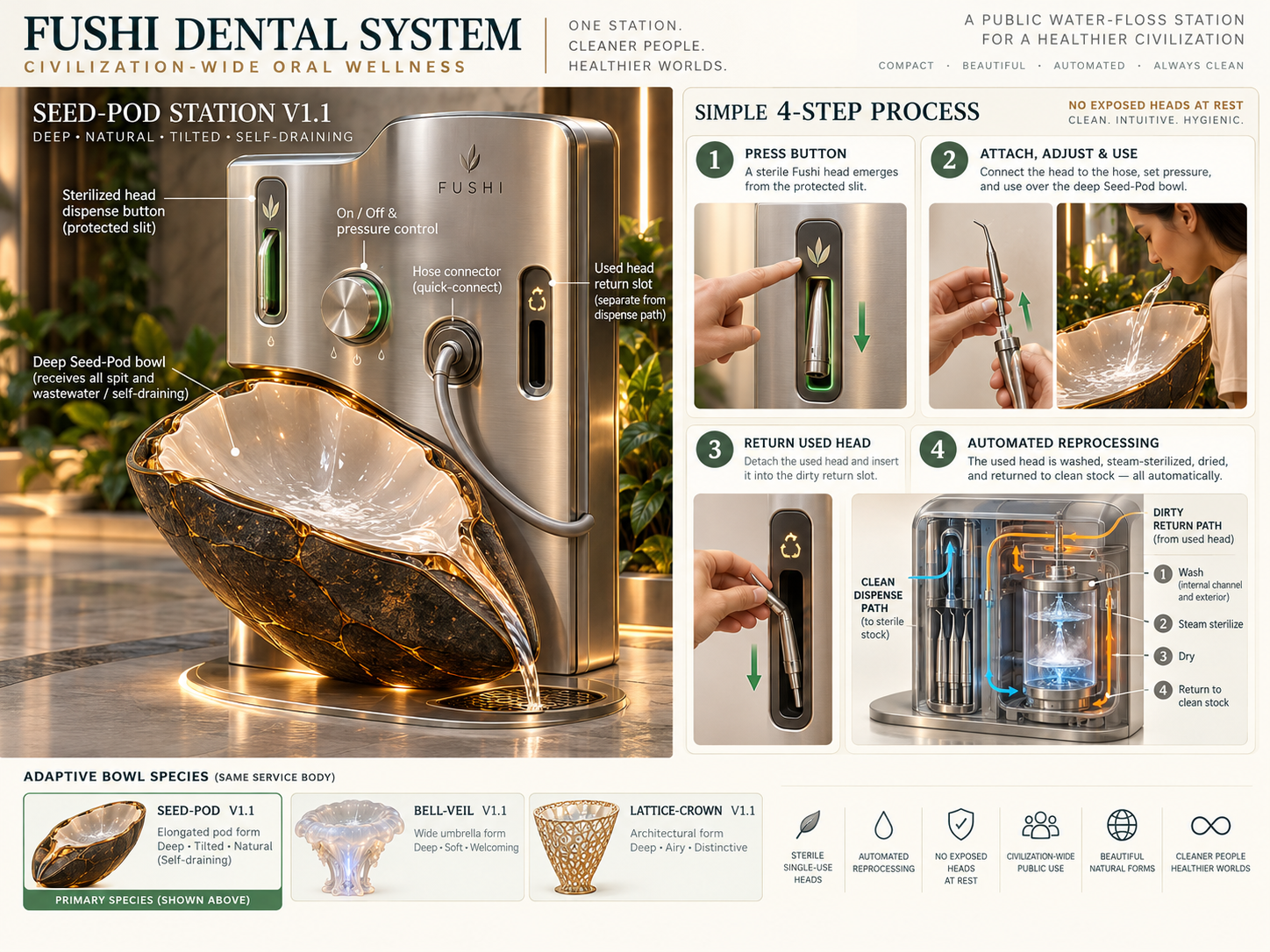
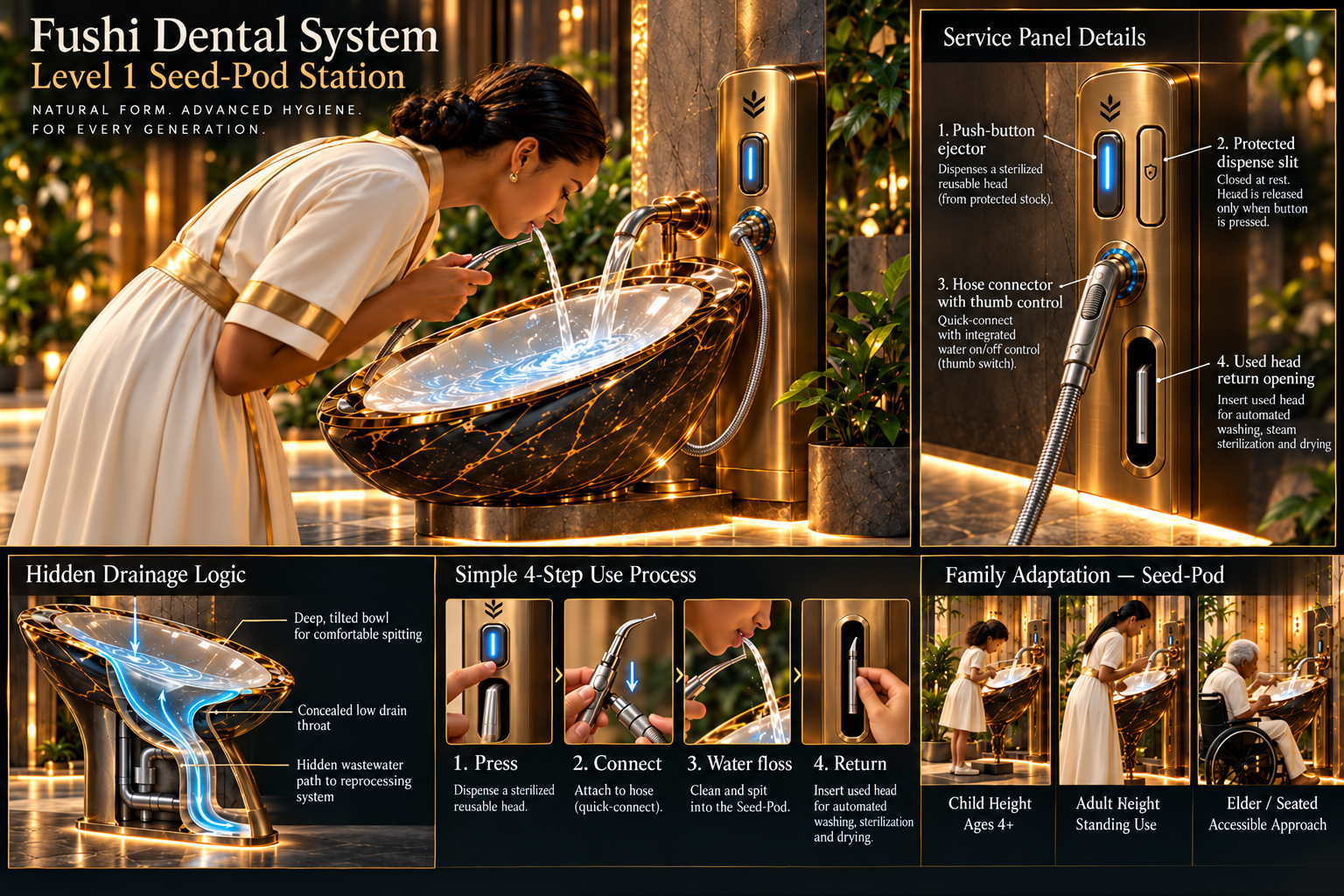
These product assets show how post orchestration works with Photofall, lightbox, shared media, frontend publishing, media SEO, and theme-safe homepage pages.
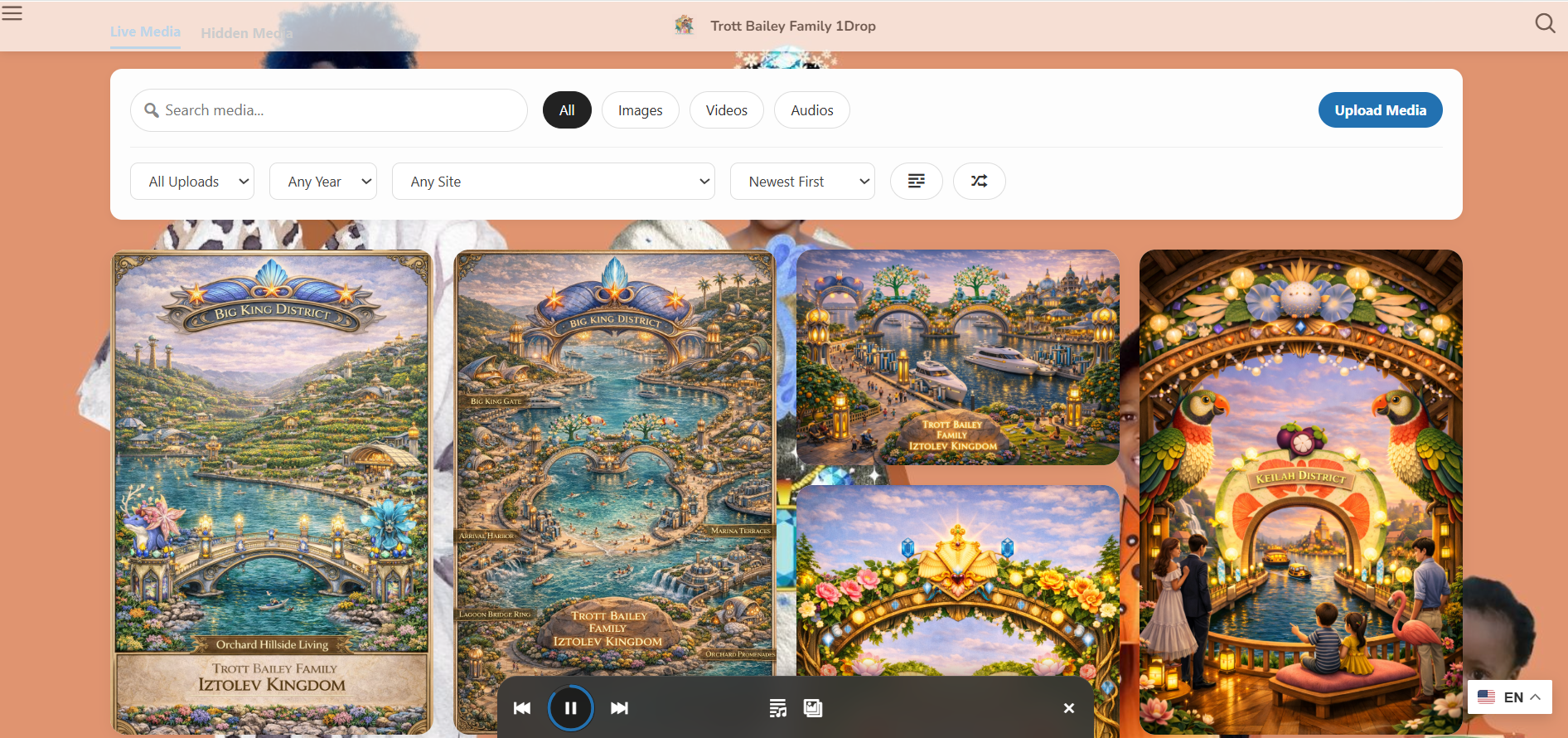
Posts and media can appear together inside a visual browsing layer.
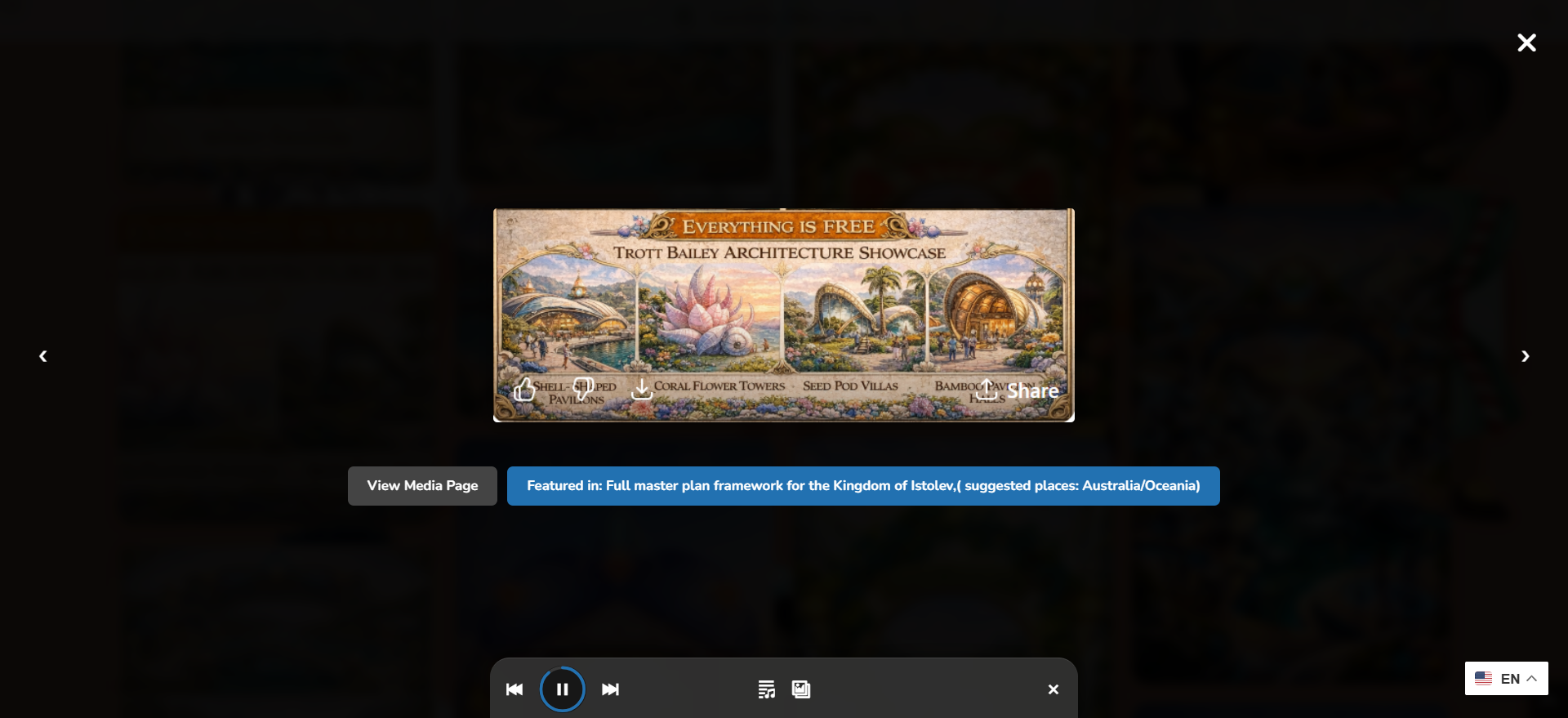
Visitors can read posts inside the media flow and continue browsing afterward.

Multisite workflows become stronger when admins can choose which sites contribute content.
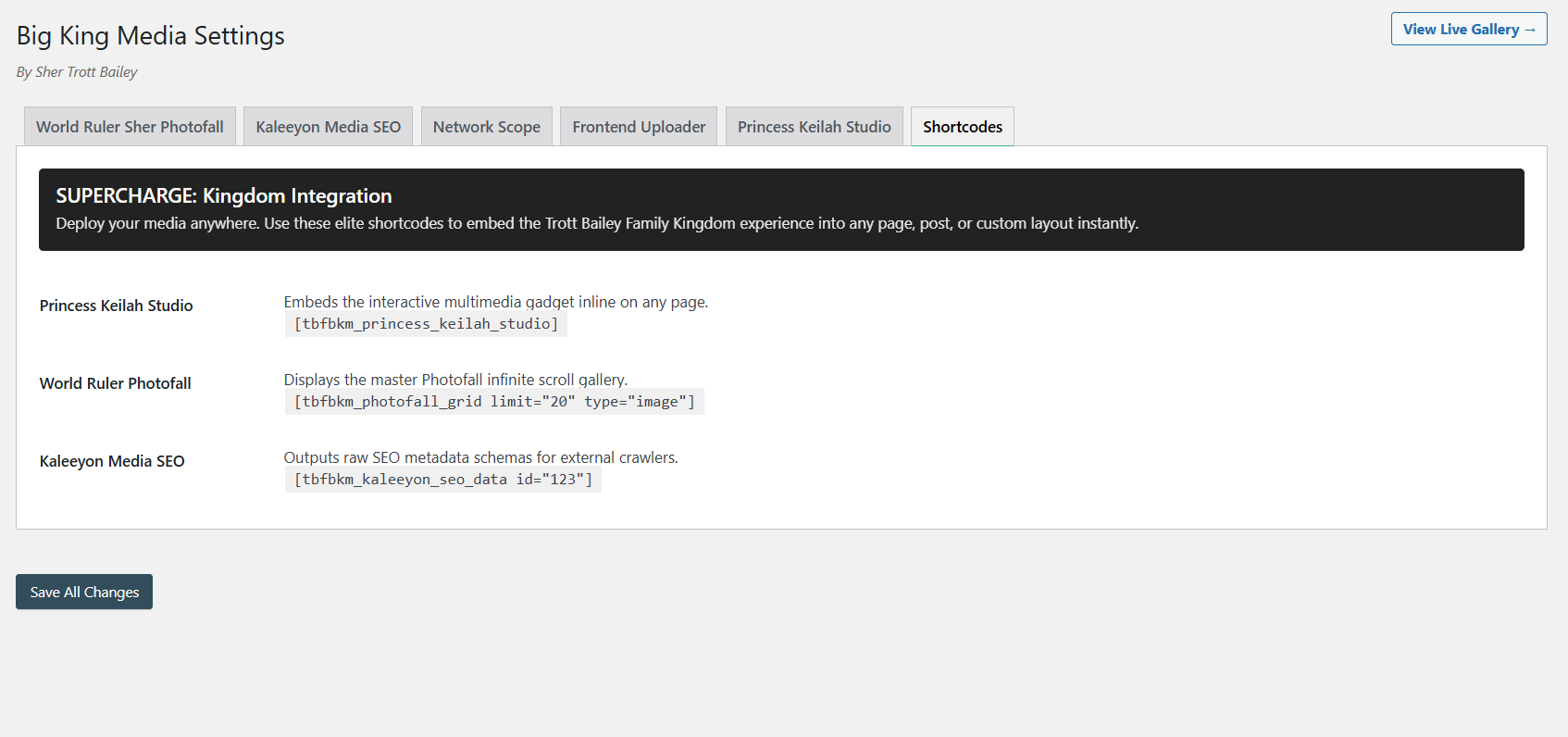
Post-and-media experiences can be placed inside pages, layouts, and theme-safe front-end areas.
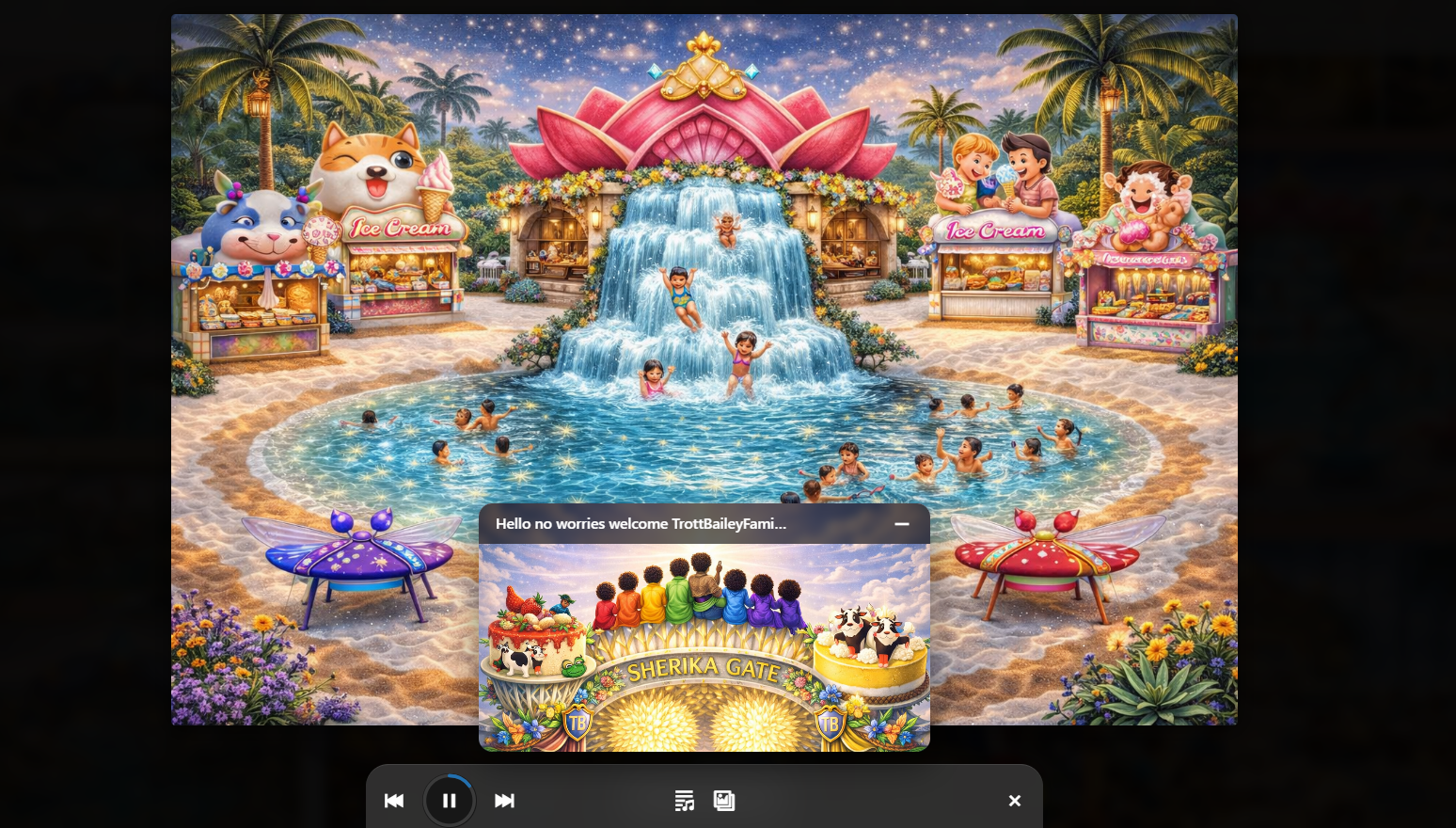
Audio, playlists, slideshows, and music-video media can live beside article content.
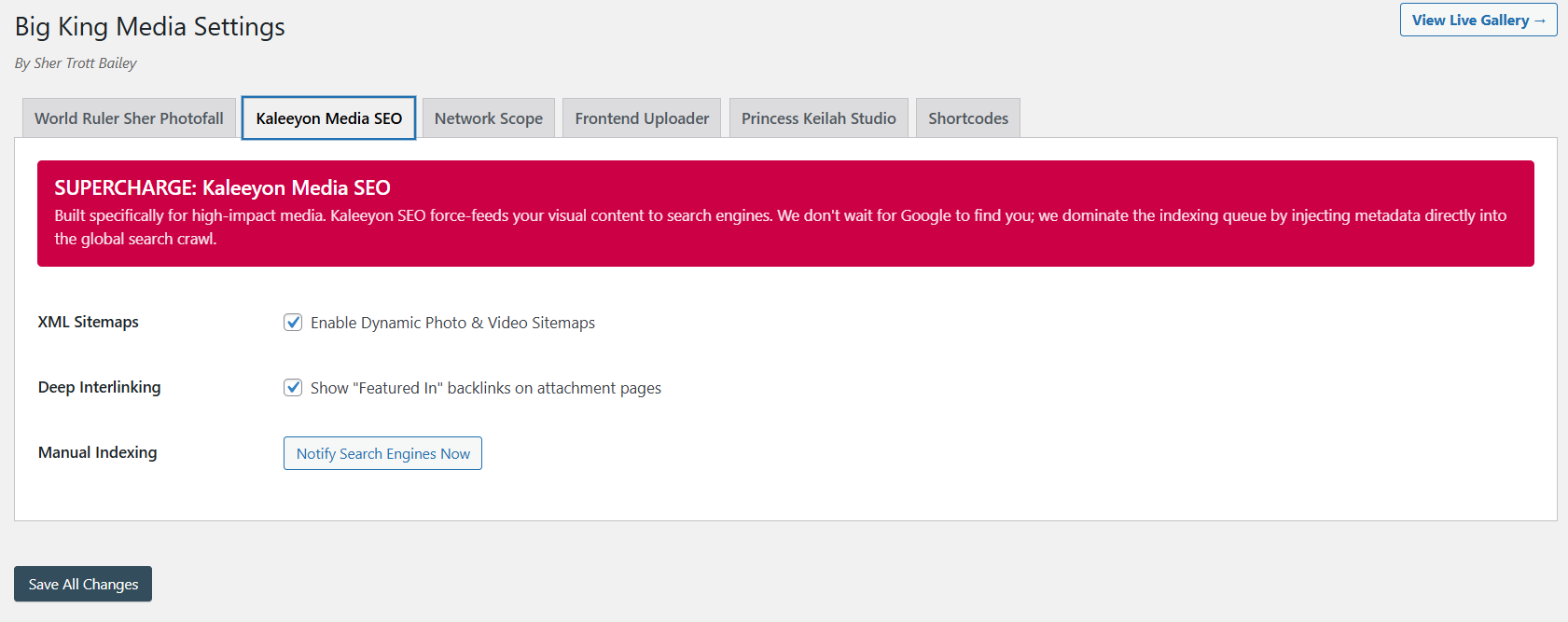
Posts and media become more useful when metadata, visibility, and discovery are connected.
The product video and Masterclass show how Big King Media connects posts, media, galleries, lightbox, shared assets, uploads, folders, SEO, and theme-safe front-end publishing.
This video shows the larger media-first product direction behind post orchestration.
The Masterclass gives visitors the full product context.
Big King Media gives WordPress a cleaner way to present article content alongside media. Posts can enter Photofall from the current site or selected multisite sources, then open into a native lightbox reading experience.
A normal blog feed lists posts. Big King Media turns posts into part of a media-first discovery system where articles, images, videos, audio, and collections can live together.
| Approach | Strength | Limitation | Big King Media advantage |
|---|---|---|---|
| Standard blog feed | Simple post listing. | Often separate from galleries, media, audio, video, and visual discovery. | Turns posts into media-first cards inside Photofall. |
| Archive page | Useful for chronological browsing. | Usually not built for visual media discovery. | Combines post browsing with image, video, audio, and curated media experiences. |
| External content aggregator | Can combine sources. | Moves discovery away from the site’s own WordPress experience. | Keeps discovery inside the site-owned WordPress Media Operating System. |
| Manual cross-linking | Gives editorial control. | Becomes slow and inconsistent across many posts or subsites. | Allows configured post sources and repeatable visual presentation. |
| Big King Media post orchestration | Displays posts from the current site or selected multisite sources inside Photofall. | Requires source selection and publishing strategy. | Creates a unified post-and-media discovery layer with native lightbox reading. |
Post orchestration is strongest for sites and networks where article content needs to be presented visually alongside media.
Pull posts from selected subsites into one Photofall discovery surface while preserving source-site context.
Display articles, featured images, videos, audio, and updates as visual cards across a richer browsing layer.
Combine sermons, announcements, event recaps, devotionals, teaching posts, audio, and media into one browsing experience.
Show school news, classroom posts, student projects, media galleries, lessons, and campus updates in one visual stream.
Connect blog posts, release notes, music videos, visual media, studio updates, and archive collections inside Photofall.
Build visual post-and-media discovery experiences for clients without replacing the active WordPress theme.
Big King Media turns Photofall into a post-and-media orchestration layer for WordPress. Single sites can show their own posts. Multisite networks can choose source sites. Visitors can read inside the lightbox, continue browsing, or open the original article on its source site.
These answers support searches around WordPress multisite post feed, cross-site post display, Photofall post cards, media-first blog feed, and WordPress content orchestration.
Big King Media post orchestration lets Photofall display WordPress posts as visual cards alongside media. On a single site, it can display posts from that site. On WordPress Multisite, it can pull posts from selected network sites.
Yes. Photofall can display posts from the current WordPress site as part of the media-first browsing experience.
Yes. On WordPress Multisite, Big King Media can support selected post sources so admins can control which subsites contribute posts to Photofall.
Yes. Visitors can open a post card and read the article inside the Photofall lightbox, then continue browsing posts and media.
Yes. At the end of the lightbox article, a button can send visitors to the original article on its source site for the full native reading experience.
Because Big King Media connects posts to the rest of the media workflow: featured images, Photofall, lightbox, shared media, audio, video, media SEO, visibility, folders, and front-end publishing.

 and then