Start with the track
Use a song, sermon, lesson, spoken-word piece, podcast segment, or audio recording as the center of the experience.
Big King Media includes a WordPress music video maker built for creators who want more than a plain audio player. It combines an audio track with images, video clips, cover art, and visual sequences to create a richer release experience inside WordPress.
This feature belongs to Princess Keilah Studio, the creative performance layer of the Big King Media WordPress Media Operating System. It helps artists, churches, schools, podcasters, storytellers, archives, and media teams build audio-visual experiences without leaving their own site.
A plain audio player can play a track, but it does not create a release moment. It does not show the story, cover art, visual world, behind-the-scenes media, lyric mood, or video scenes that help people feel the song.
Big King Media solves this by giving WordPress a music video workflow that connects audio to visual media. A track can carry a sequence of images and videos, giving visitors something to watch while they listen and keeping them inside the site’s media experience.
Media operating system shift: Big King Media does not only play media. It helps WordPress create media experiences where sound, visuals, publishing, SEO, folders, shared media, and front-end discovery work together.
The music video maker combines audio with selected visual media so creators can publish a more complete release directly inside WordPress.
Use a song, sermon, lesson, spoken-word piece, podcast segment, or audio recording as the center of the experience.
Build a sequence from cover art, photos, graphics, album visuals, archive images, teaching slides, or story scenes.
Use video clips where the experience needs motion, performance moments, behind-the-scenes footage, or visual emphasis.
Keep the release on your own website instead of forcing creators to depend only on outside video platforms.
Music video experiences can connect to Photofall, lightbox viewing, media cards, and front-end browsing.
Connect music videos to uploads, folders, shared media, metadata, AI alt text, media SEO, and visibility workflows.
These product assets show the connected pieces that support music video creation: studio mode, lightbox, shortcodes, uploads, Photofall, and media SEO.
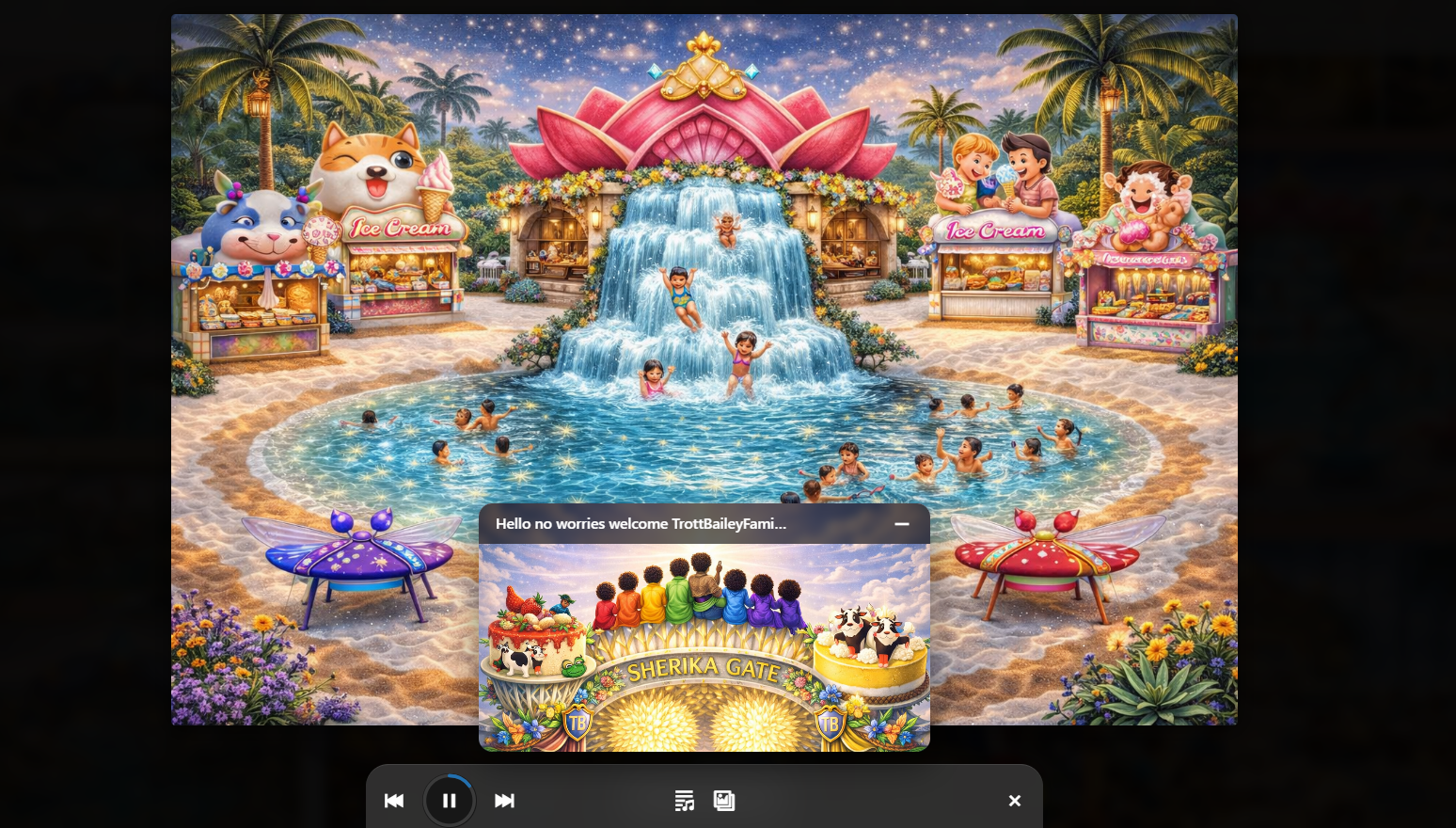
Combine audio playback with slideshow and visual sequence behavior.
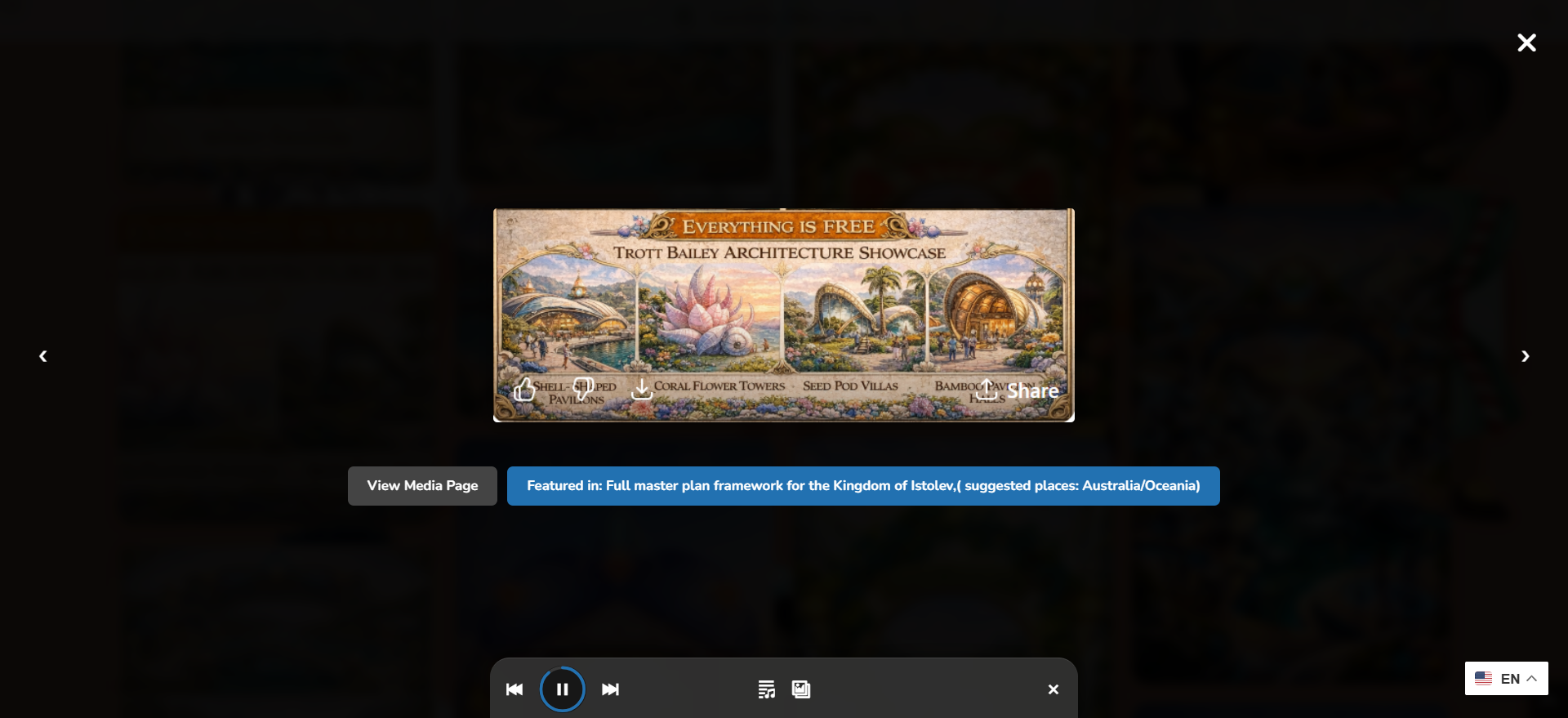
Let visitors watch, listen, and stay inside the media browsing experience.
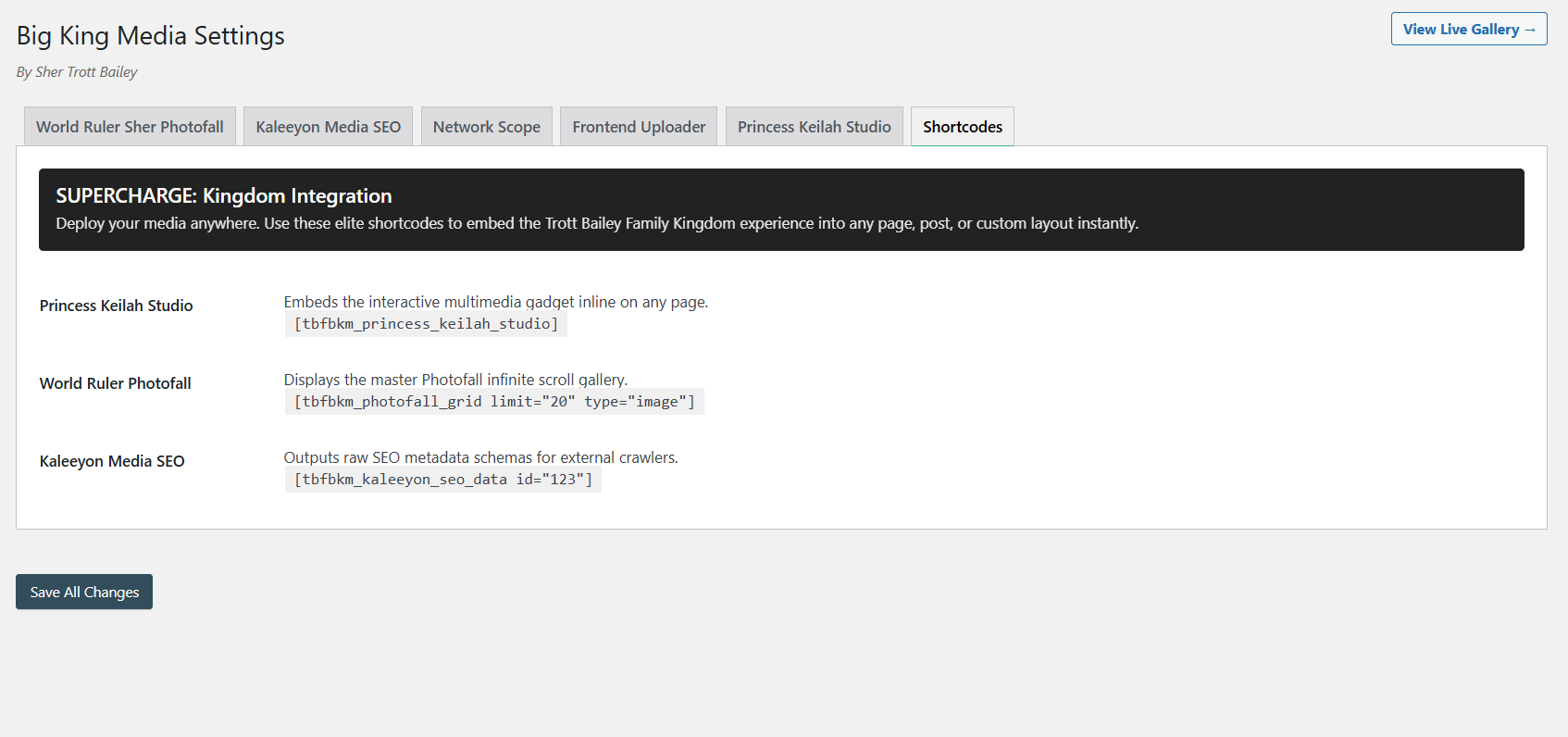
Place players, galleries, uploaders, and media experiences where your site needs them.
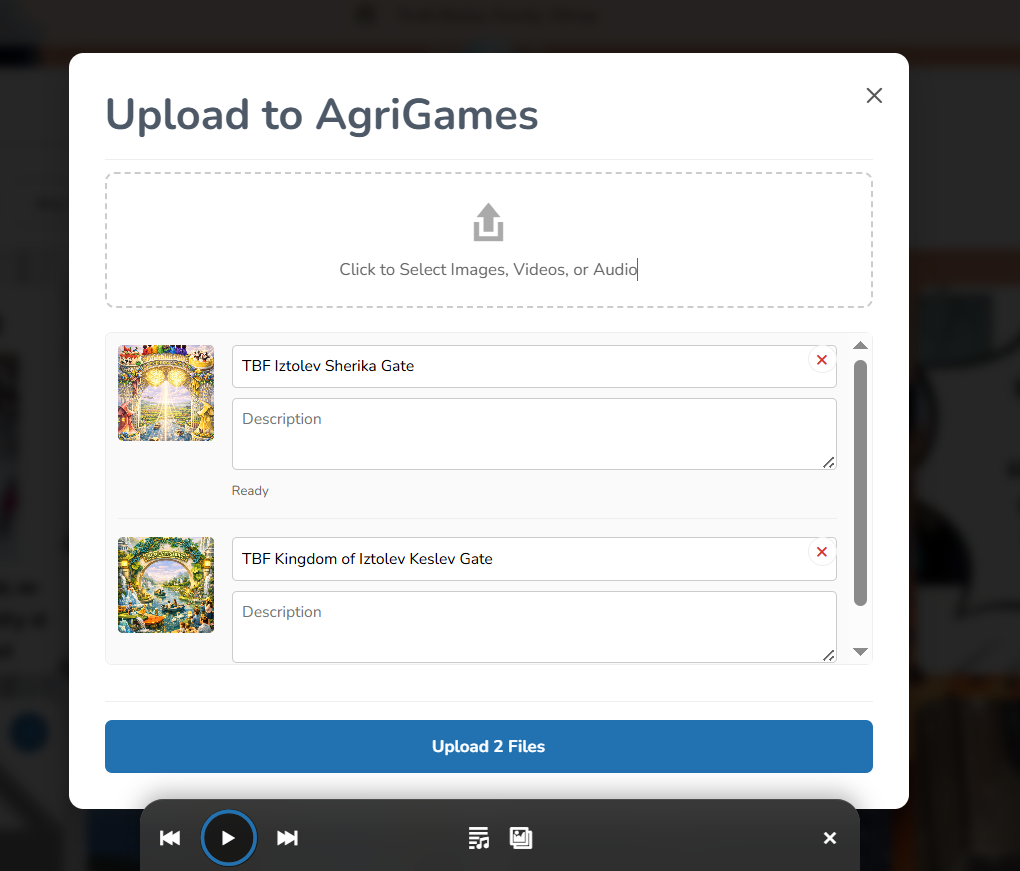
Upload music video assets with stronger title, alt text, folder, and shared library context.
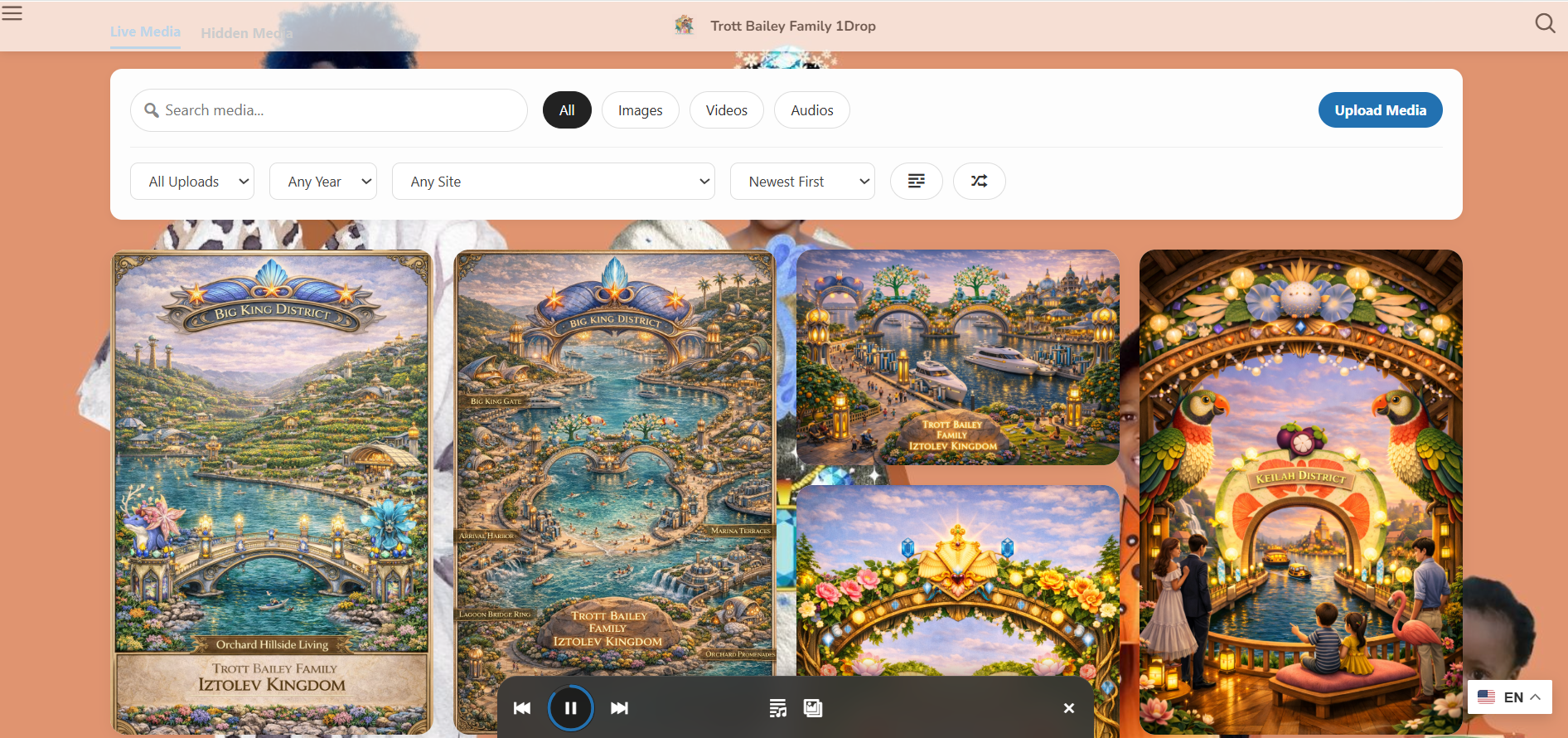
Bring music videos into the visual media-first browsing surface.
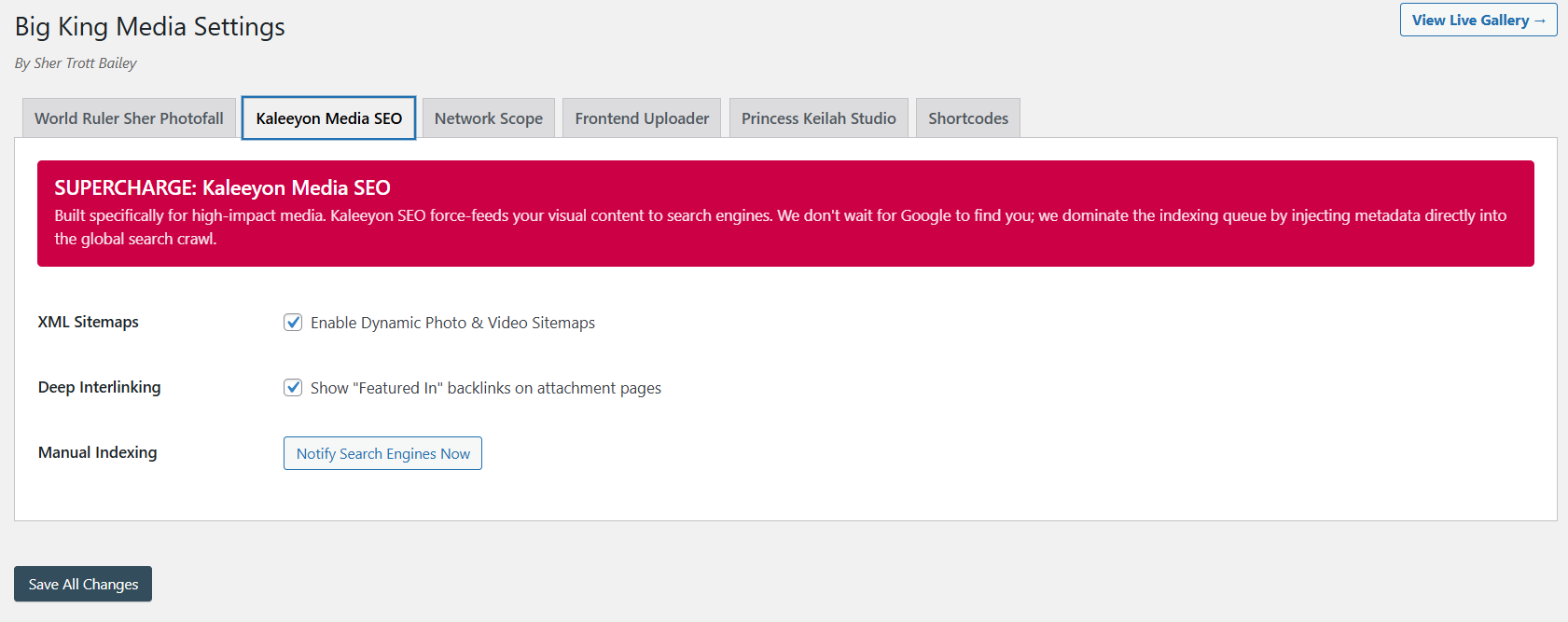
Music video assets become more useful when metadata, visibility, and discovery are connected.
The product video and masterclass show how Big King Media connects creative publishing, music video sequences, frontend display, and the broader WordPress Media Operating System.
This video shows the larger media-first product direction behind music video creation.
The longer walkthrough gives visitors the full product context.
Big King Media turns music video creation into a site-owned workflow: upload the assets, organize them, sequence them, publish them, and let visitors watch while they listen.
External video platforms are useful, but they do not replace a creator-owned media system. Big King Media lets the music video experience live inside WordPress, connected to the site’s own library, galleries, lightbox, metadata, folders, and media SEO.
| Approach | Strength | Limitation | Big King Media advantage |
|---|---|---|---|
| Plain audio player | Simple listening. | No visual release experience. | Adds images, videos, sequences, and front-end storytelling around the audio. |
| External video platform | Good for distribution and discovery. | The core experience lives outside the creator’s own site. | Keeps a site-owned music video experience inside WordPress. |
| Standalone slideshow plugin | Can show visual slides. | Usually disconnected from audio, media SEO, shared media, and galleries. | Connects slideshow visuals to audio, media intake, metadata, and front-end publishing. |
| Custom video production only | Can create polished final video files. | Requires outside editing tools and repeated exports. | Creates lighter, site-native audio-visual release experiences from existing WordPress media. |
| Big King Media music video maker | Combines audio, images, videos, sequence logic, front-end display, metadata, and media OS workflows. | Needs organized media and thoughtful visual selection. | Turns WordPress into a media release system, not just a place to embed files. |
The music video workflow is built for creators and organizations that want audio to become a full front-end media experience.
Publish songs with cover art, visual chapters, short video clips, behind-the-scenes scenes, and release visuals.
Turn sermons, worship tracks, announcements, teaching audio, and event recaps into richer visual experiences.
Pair audio lessons, language practice, student projects, lectures, and teaching tracks with supporting visuals.
Build visual podcast moments with cover images, guest visuals, topic cards, and short supporting clips.
Pair old recordings, tribute audio, oral histories, archive photos, and family videos into emotional media experiences.
Give client sites site-owned audio-visual publishing without building a custom media platform from scratch.
Big King Media turns WordPress into a Media Operating System where songs, sermons, lessons, podcasts, spoken word, and archive audio can become visual front-end experiences.
These answers support searches around WordPress music video plugin, audio slideshow, music player, visual release pages, and media studio workflows.
The Big King Media music video maker is a WordPress workflow that combines an audio track with images, video clips, cover art, and visual sequences to create a music-video style front-end experience.
Yes. Big King Media can pair an audio track with selected images, cover art, visual chapters, archive photos, teaching slides, or other visual media.
Yes. The workflow supports mixing video clips into the visual sequence so the experience can include motion, performance moments, scenes, and supporting footage.
No. It also works for churches, schools, podcasters, speakers, family archives, cultural archives, agencies, and any media-heavy site that wants audio to become a visual experience.
The music video maker is part of Princess Keilah Studio, the creative performance layer of Big King Media. It connects audio playback, visual sequences, playlists, lightbox, Photofall, and front-end publishing.
External video platforms can help with distribution, but Big King Media keeps a creator-owned music video experience inside WordPress, connected to the site’s own media library, metadata, folders, SEO, galleries, and media-first pages.

 and then