Organize media at intake
New media can enter an existing folder or create a new folder during upload where permissions and workflow allow.
If you are searching for a WP Media Folder alternative, you are looking for better control over WordPress media organization. Big King Media gives you folder-aware organization — then connects it to the full media stack.
Big King Media is a WordPress Media Operating System with media folders, frontend uploads, Photofall galleries, shared media, visibility controls, AI alt text, media SEO, featured media, audio, video, slideshows, music videos, post orchestration, shortcodes, and lightbox experiences.
Big King Media is a sovereignly free gift from the Trott Bailey Family Kingdom — premium in ambition, free in access, and built to help WordPress owners take control of their full media stack.
Folder organization is useful, but it is not the full media problem.
A growing WordPress site needs media to enter with context, move into the right folder, carry title and alt text, stay visible or hidden at the right time, appear in galleries, open in lightbox, feed posts and featured media, support audio and video workflows, and remain searchable through media SEO.
Big King Media is the stronger alternative because it turns media organization into part of a larger media operating system.
The difference in one line: WP Media Folder improves organization. Big King Media connects organization to uploads, galleries, visibility, SEO, audio, video, posts, multisite reuse, and public media experiences.
Big King Media is built for WordPress owners who need folder organization to become part of a complete media workflow.
New media can enter an existing folder or create a new folder during upload where permissions and workflow allow.
Frontend uploads let trusted users submit media with better title, alt text, folder direction, and contributor context.
Folders can feed richer media-first experiences through Photofall, lightbox, media cards, and homepage layers.
Big King Media adds visibility governance so media can be hidden, reviewed, restored, or kept out of public display.
Kaleeyon AI and media SEO connect titles, alt text, metadata, visibility, and discoverability to the media workflow.
Princess Keilah Studio connects organized media to playlists, slideshow visuals, video clips, and music-video experiences.
These product assets show how Big King Media connects folder-style organization to upload, publishing, visibility, SEO, creative media, and front-end experiences.
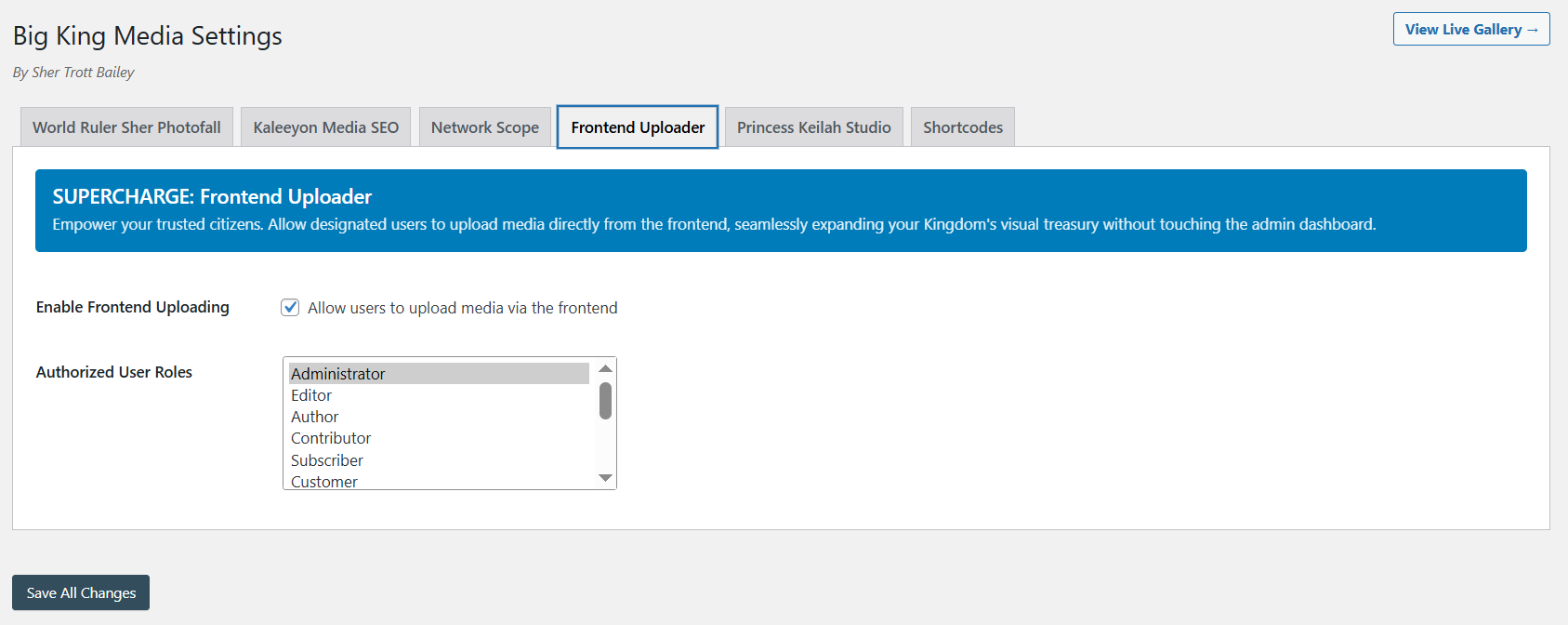
Media can enter the system with contributor context, title, alt text, and folder direction.
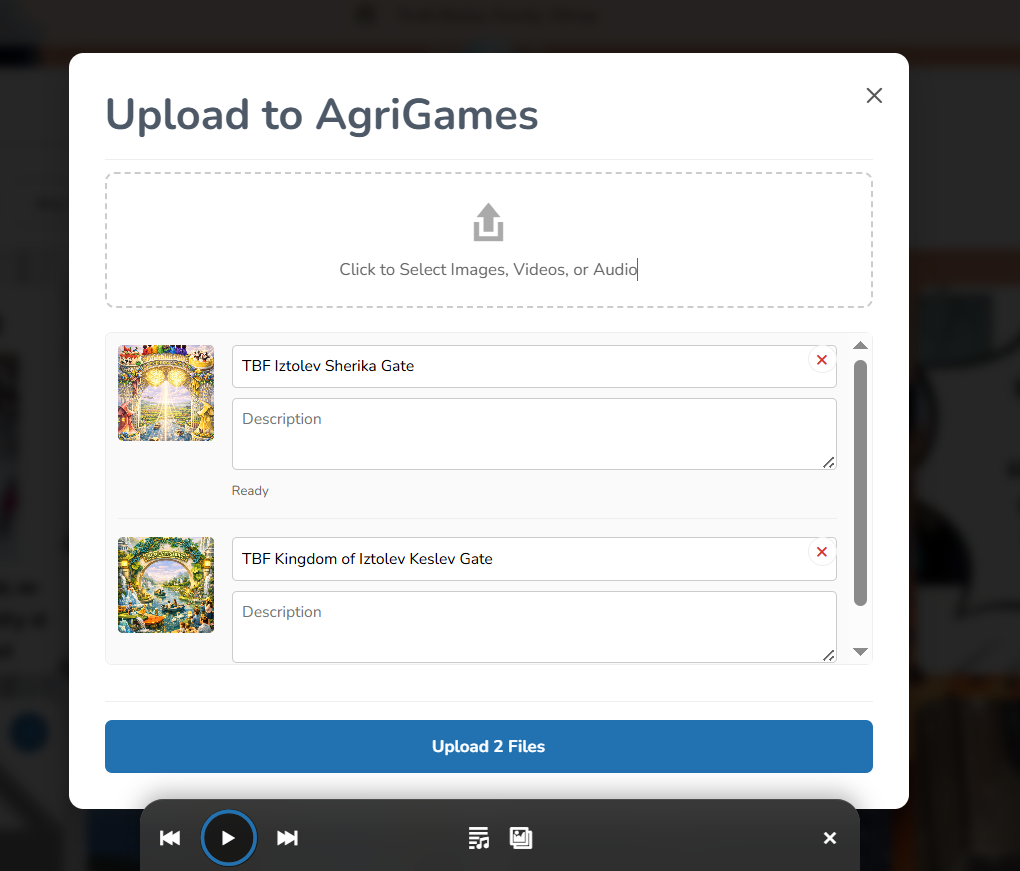
Uploads become stronger when folder organization, metadata, and shared library logic work together.
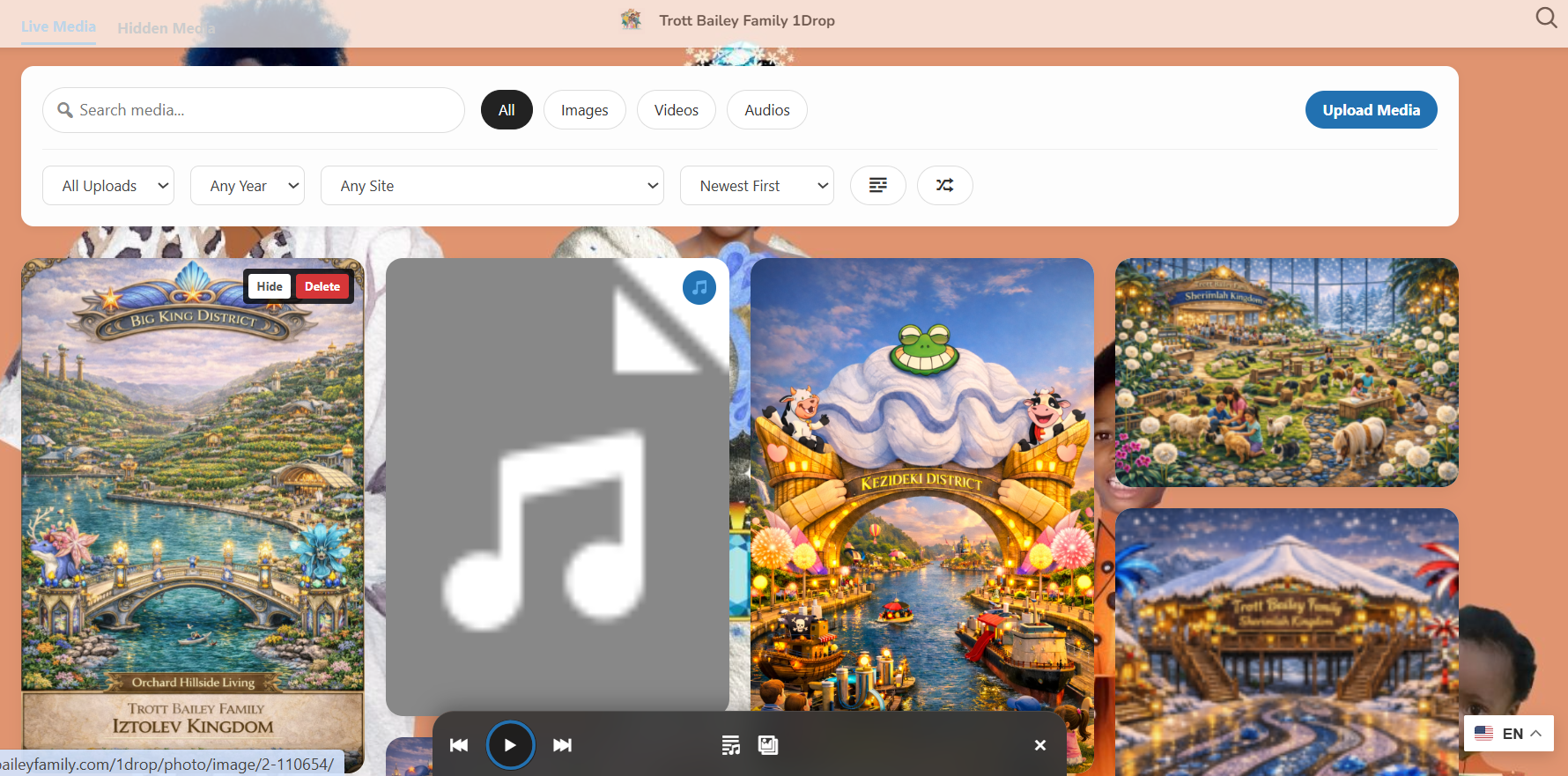
Organized media can also be hidden, restored, reviewed, and governed for public display.
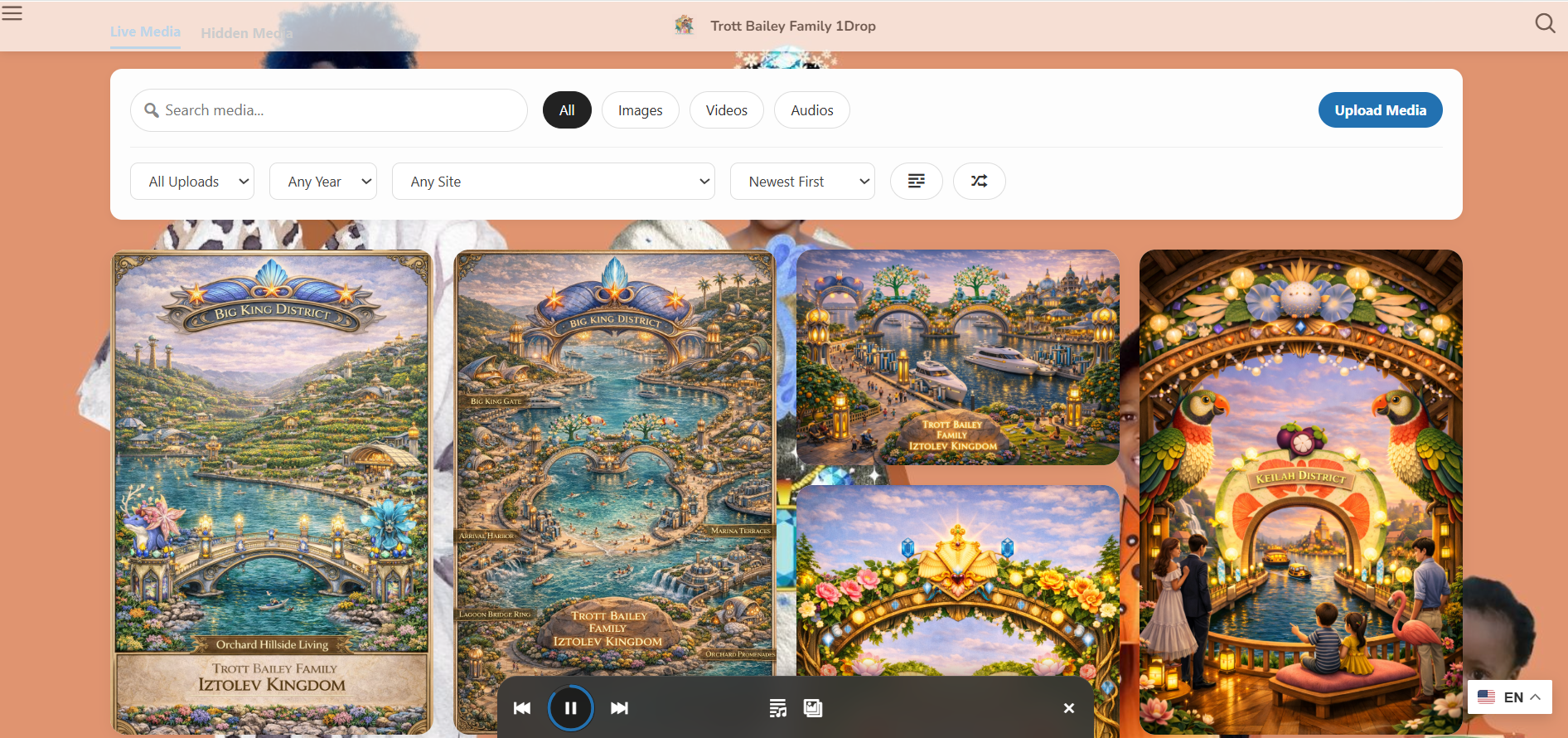
Organized assets can become visual public browsing, not only backend folders.
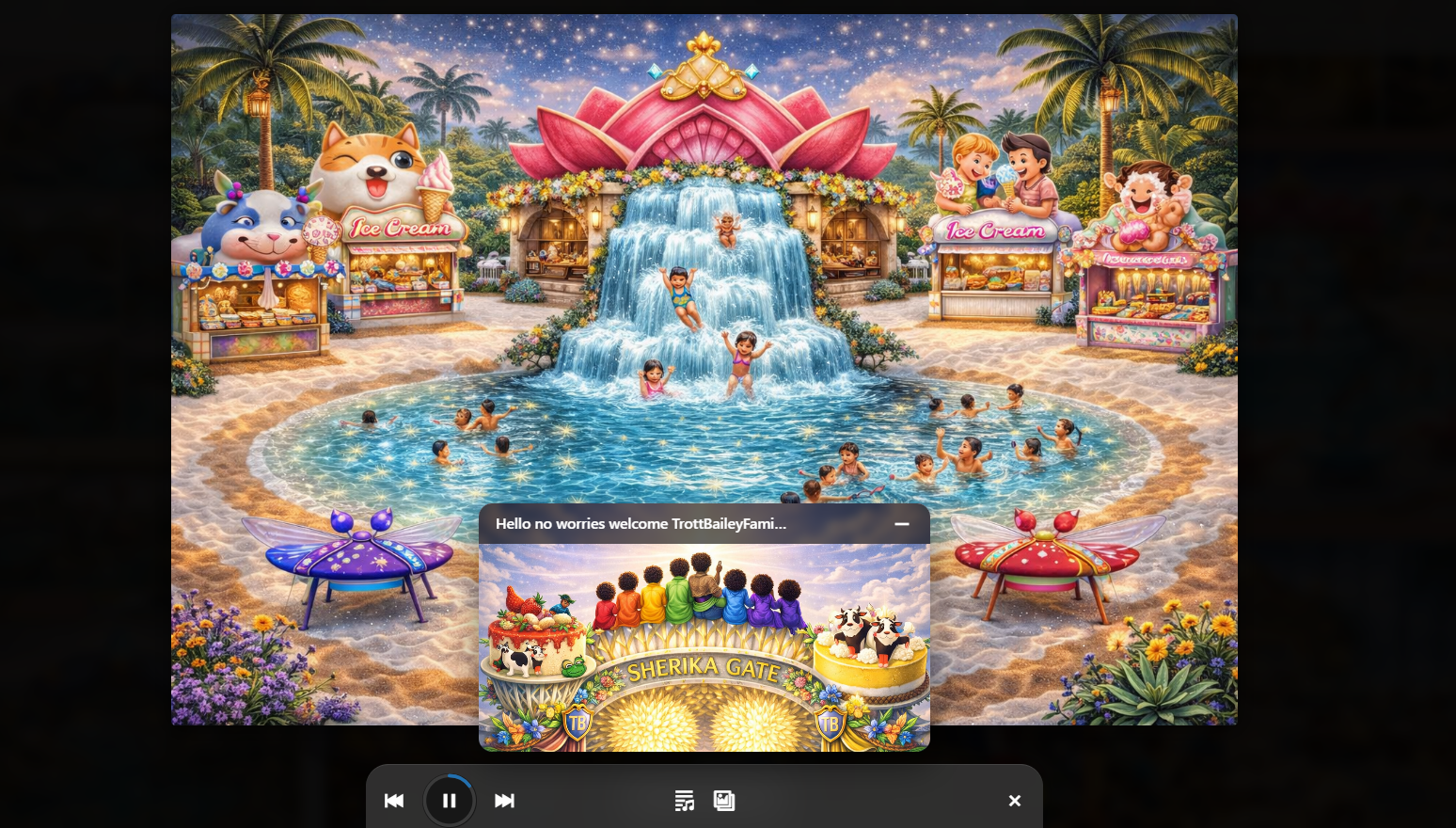
Folders support audio, playlists, slideshows, music videos, cover art, clips, and release media.
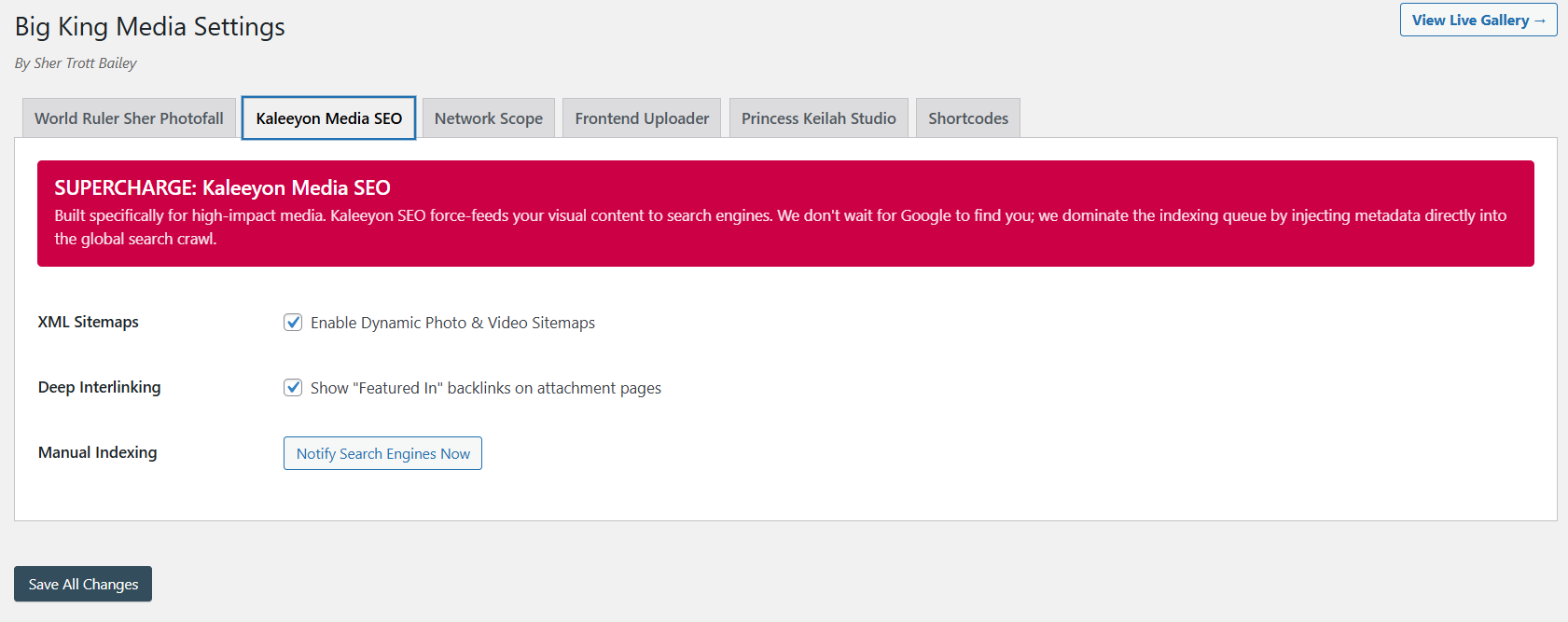
Organized media becomes more valuable when it is also searchable, described, visible, and discoverable.
The self-hosted product videos are loaded in portrait frames with metadata-only preload. They do not autoplay, but visitors can play each proof video when they are ready.
Curated media groups that open into deeper media experiences.
Audio, images, and video clips become a WordPress-native media release experience.
The broader media operating system direction in motion.
The Masterclass gives visitors the full product context.
The clearest difference is scope. WP Media Folder focuses on media organization. Big King Media includes media organization inside a complete WordPress Media Operating System.
| Capability | WP Media Folder | Big King Media | Why it matters |
|---|---|---|---|
| Media folders | Strong folder and organization category fit. | Folder-aware organization inside a broader media operating system. | Organization is stronger when it connects to upload, publishing, SEO, and governance. |
| Upload into folder | Folder organization is a key workflow. | Media can enter an existing folder or create a new folder during upload where permissions allow. | Media should not enter the system already disorganized. |
| Frontend uploads | Not the complete product identity. | Frontend uploads connect to title, alt text, folder direction, and contributor workflows. | Trusted users need controlled ways to submit media without wp-admin. |
| Visibility controls | Organization-first approach. | Hide, restore, review, and govern media across public front-end display. | Media-heavy sites need display governance, not only folder sorting. |
| Photofall galleries | Gallery features may exist, but organization remains the center. | Photofall creates media-first public browsing for images, videos, audio, posts, and groups. | Organized media should become a public experience. |
| Lightbox media experience | May require separate display workflows. | Images, videos, audio, posts, and groups can open inside lightbox flows. | Visitors need polished media viewing, not only backend organization. |
| Audio, slideshow, and music video workflows | Not the central product layer. | Princess Keilah Studio supports audio, playlists, slideshows, and music-video experiences. | Creators and media teams need creative media performance tools. |
| Media SEO and AI alt text | Usually handled through other workflows. | Kaleeyon AI and media SEO connect accessibility, metadata, visibility, and discovery. | Organized media should also be searchable, described, and accessible. |
| Featured media system | Not the central product direction. | Featured images, videos, slideshows, and music videos can be pulled into Photofall cards. | Posts and cards need richer front-end representation. |
| WordPress Multisite shared media | Not the defining product promise. | Shared media and multisite workflows remain major strengths. | Networked sites need media reuse, governance, and discovery across more than one site. |
Big King Media is the stronger alternative when media organization needs to connect to uploads, public display, governance, media SEO, video, audio, posts, and network-level media use.
Choose Big King Media when folders need to connect to galleries, uploads, lightbox, visibility, SEO, and public browsing.
Choose Big King Media when shared media, post orchestration, reuse, folders, and governance need to work across sites.
Choose Big King Media when cover art, songs, video clips, playlists, slideshows, and music videos need one connected workflow.
Choose Big King Media when sermons, event photos, worship media, uploads, announcements, and teaching assets need structure and display.
Choose Big King Media when student media, class uploads, event photos, lessons, videos, and public galleries need organization plus publishing.
Choose Big King Media when clients need organization, galleries, uploaders, lightbox, media SEO, and governance from one product direction.
WP Media Folder-style organization is useful. Big King Media keeps that usefulness and expands it into a full WordPress Media Operating System.
Big King Media gives WordPress owners folder-aware uploads, frontend contribution, Photofall galleries, shared media, visibility controls, media SEO, AI alt text, featured media, studio media, music videos, post orchestration, shortcodes, and lightbox experiences — as a sovereignly free gift from the Trott Bailey Family Kingdom.
These answers support searches around WP Media Folder alternative, WordPress media folder alternative, best WordPress media organizer, and WordPress Media Operating System.
Big King Media is a strong WP Media Folder alternative for WordPress users who need more than media folders. It connects folders to frontend uploads, Photofall galleries, visibility controls, shared media, media SEO, AI alt text, featured media, audio, video, music videos, and post orchestration.
No. Big King Media includes folder-aware organization, but it is a WordPress Media Operating System for intake, organization, governance, discovery, publishing, playback, SEO, and public presentation.
Yes. Big King Media supports folder-aware upload direction, including placing new media into an existing folder or creating a new folder during upload where permissions and workflow allow.
Choose Big King Media when you need folders plus frontend uploads, visibility controls, Photofall galleries, lightbox, media SEO, AI alt text, audio, video, music video workflows, featured media, and shared media workflows.
Yes. Big King Media supports multisite media workflows and remains especially useful for networks that need shared media, post orchestration, reuse, organization, and media governance.
Yes. Big King Media is committed as a sovereignly free gift from the Trott Bailey Family Kingdom, built with premium ambition to help WordPress owners take control of their full media stack.

 and then