Group media by purpose
Create folders for releases, events, lessons, sermons, campaigns, clients, albums, archives, departments, or projects.
Big King Media includes folder-aware media organization for WordPress. Folders help site owners, editors, contributors, and network teams keep images, videos, audio, music videos, posts, and media groups easier to find, manage, publish, and govern.
Inside the Big King Media WordPress Media Operating System, folders are not just visual labels. They help route uploads, support frontend media intake, organize shared assets, prepare Photofall experiences, and keep large media libraries from turning into unmanaged piles.
A small media library can survive with search and upload dates. A serious media library cannot.
Once a site has years of photos, event graphics, audio files, sermon media, teaching videos, podcast assets, product images, client uploads, music videos, archive material, and social media artwork, the library needs structure. Big King Media folders help media stay usable as the site grows.
Media operating system shift: folders are not an afterthought. They are part of the governance layer that helps WordPress media move from upload to discovery, reuse, publishing, and long-term control.
Big King Media folders make organization practical across upload, browsing, front-end contribution, shared media, and media-first publishing workflows.
Create folders for releases, events, lessons, sermons, campaigns, clients, albums, archives, departments, or projects.
Media can be uploaded into an existing folder or routed into a new folder during the upload workflow where permissions allow.
Trusted contributors can submit media into the right organizational structure instead of creating future cleanup work.
Folders help organize media that may be reused across galleries, pages, sites, posts, and shared media workflows.
Music videos, playlists, slideshows, cover art, video clips, and supporting visuals become easier to prepare and publish.
Folders give large libraries a clearer structure for review, visibility, SEO, curation, reuse, and long-term management.
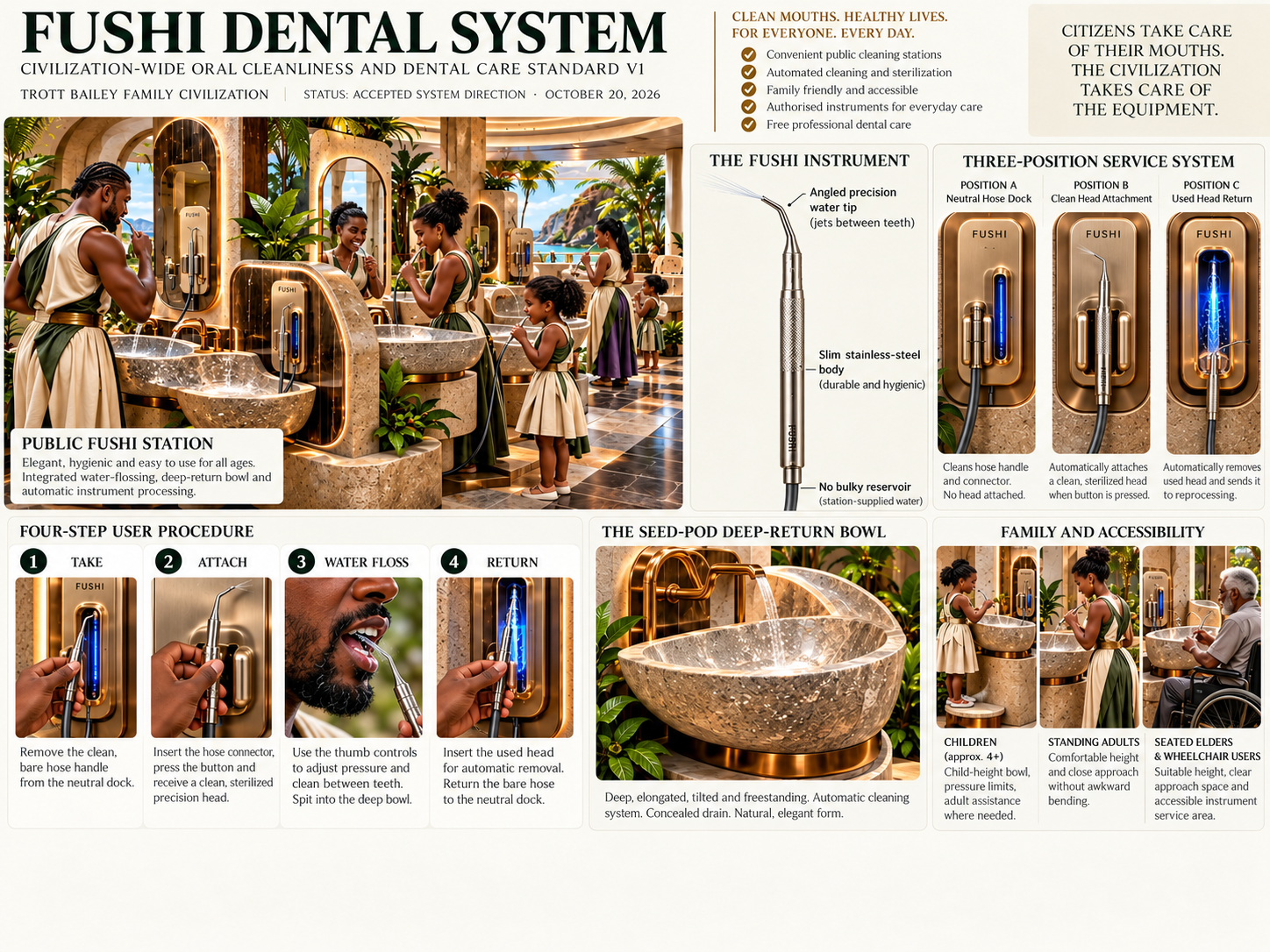
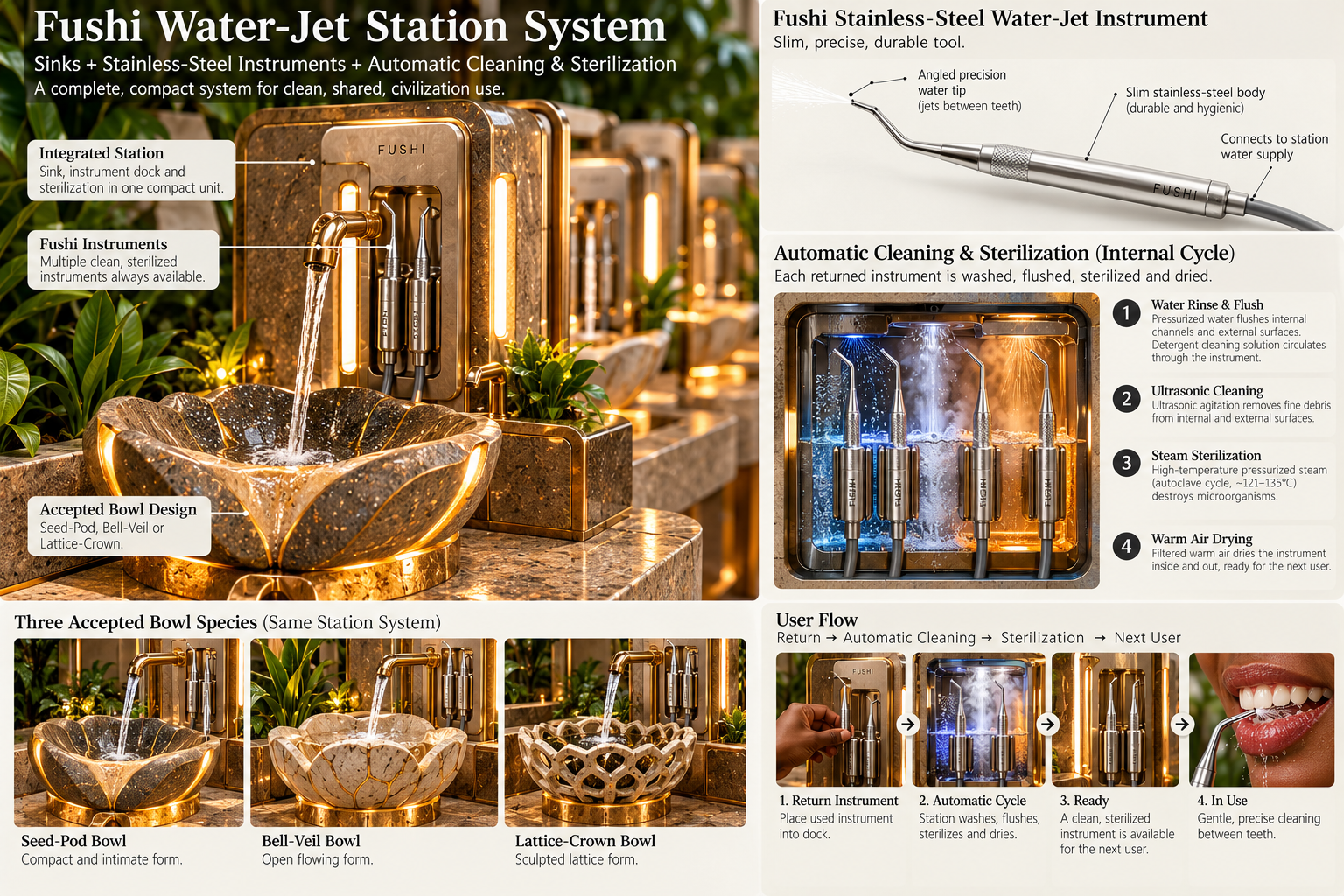
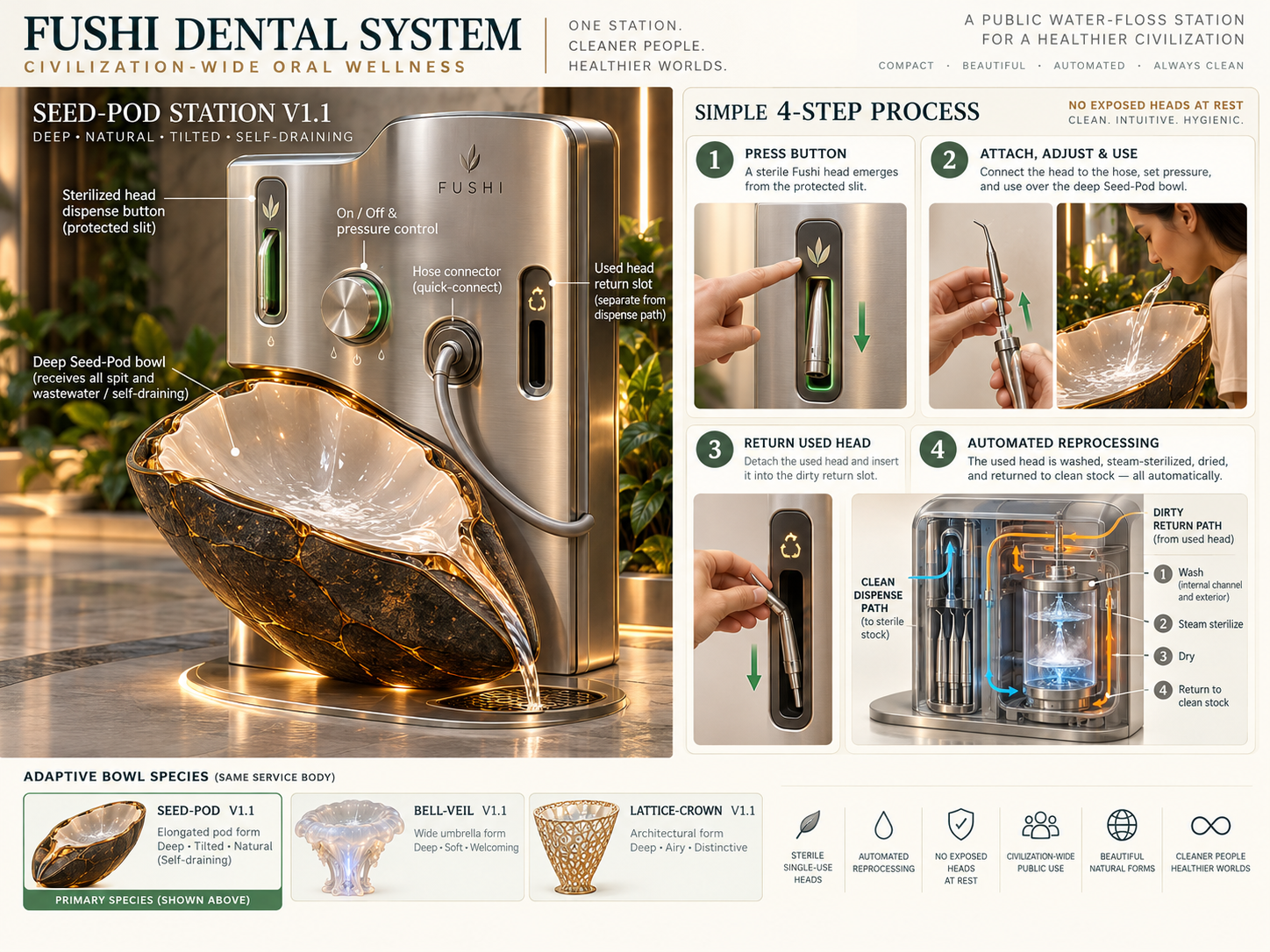
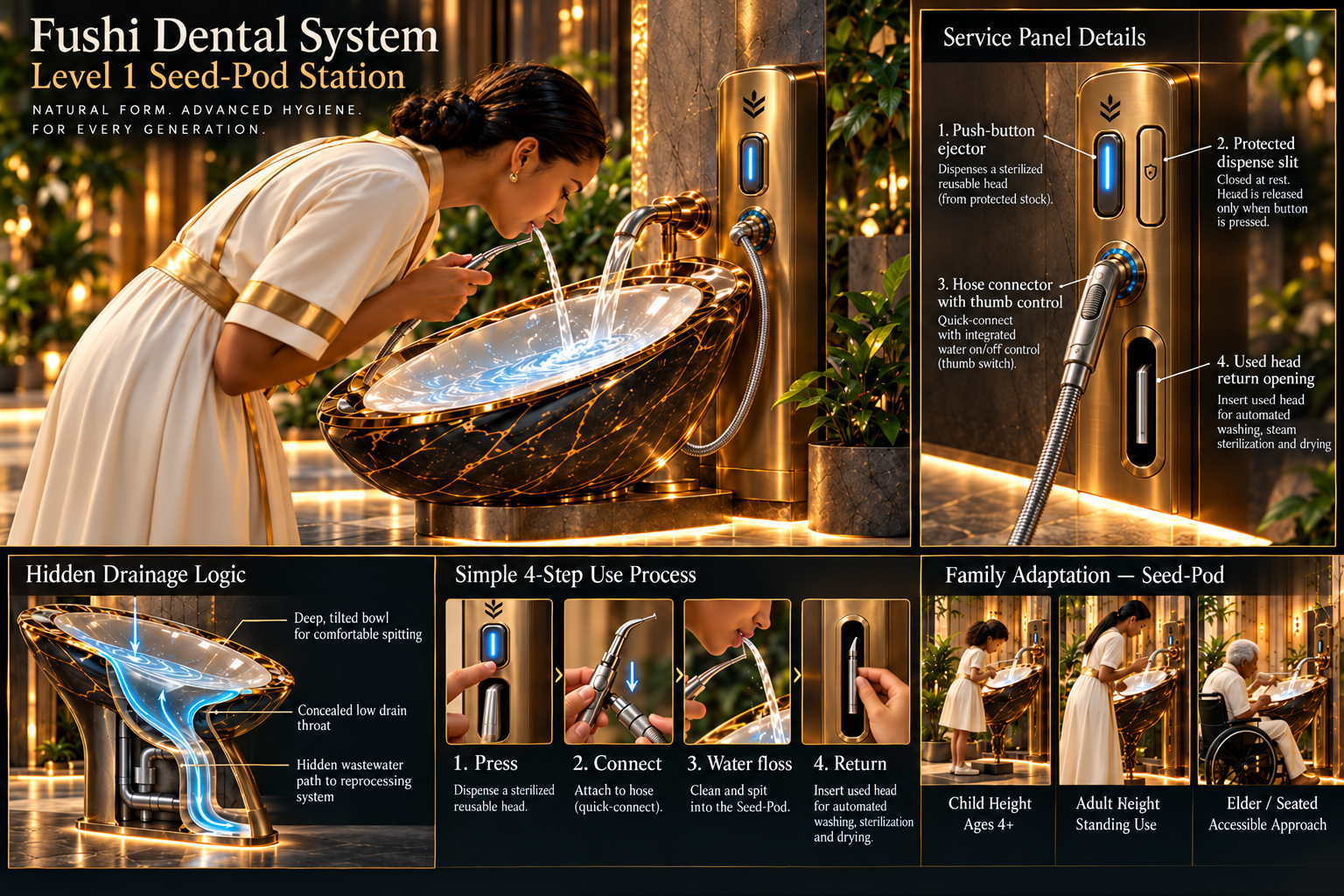
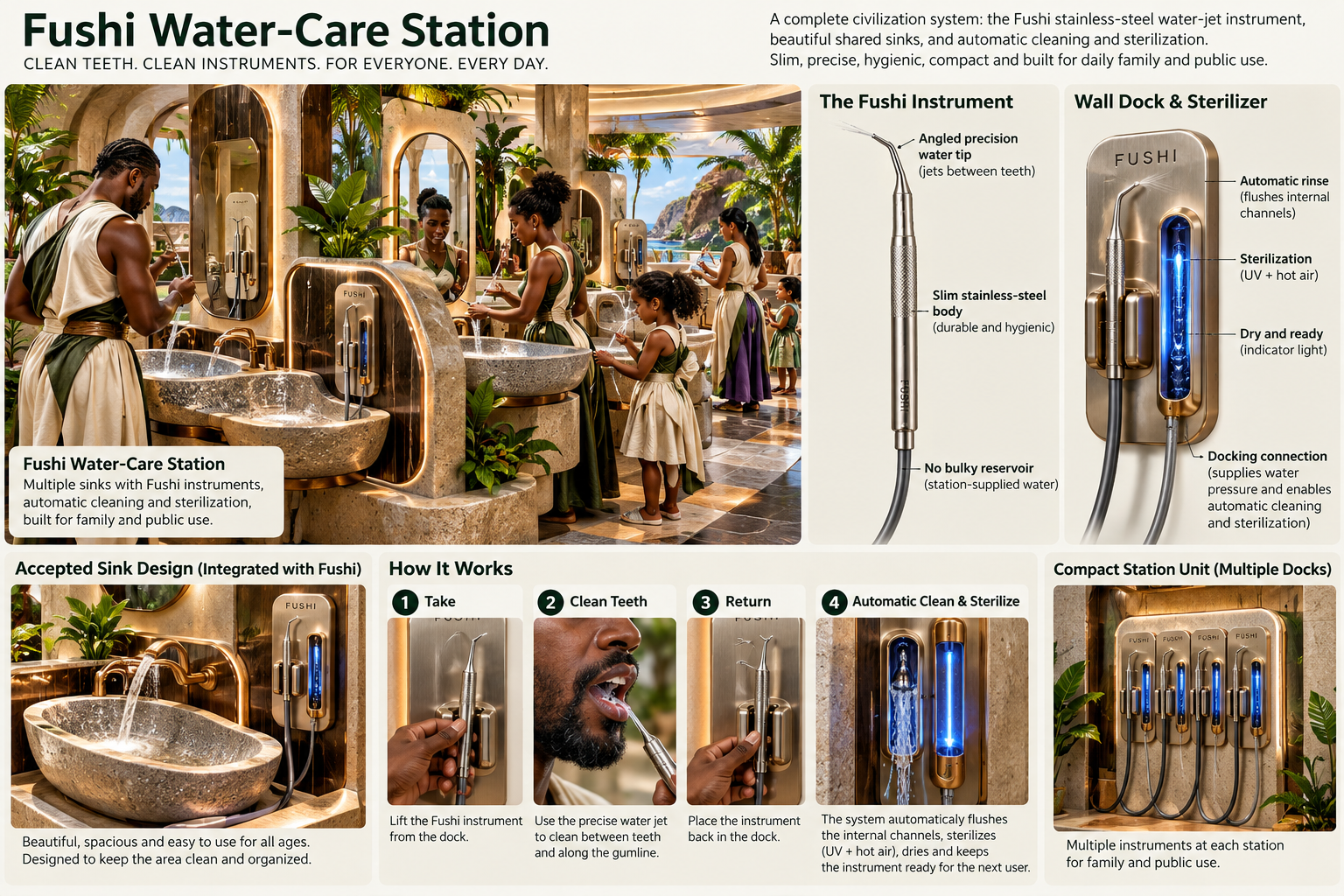
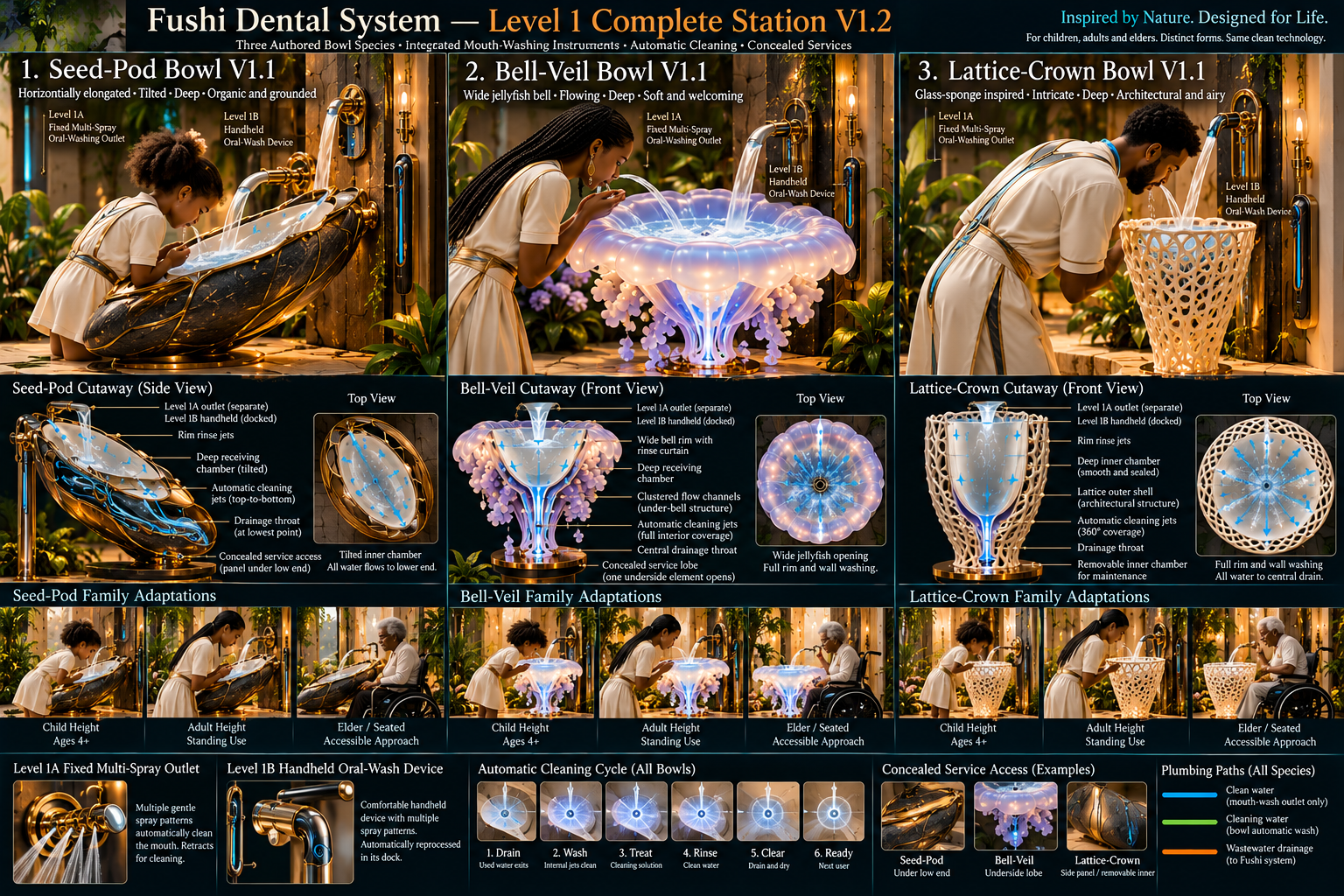
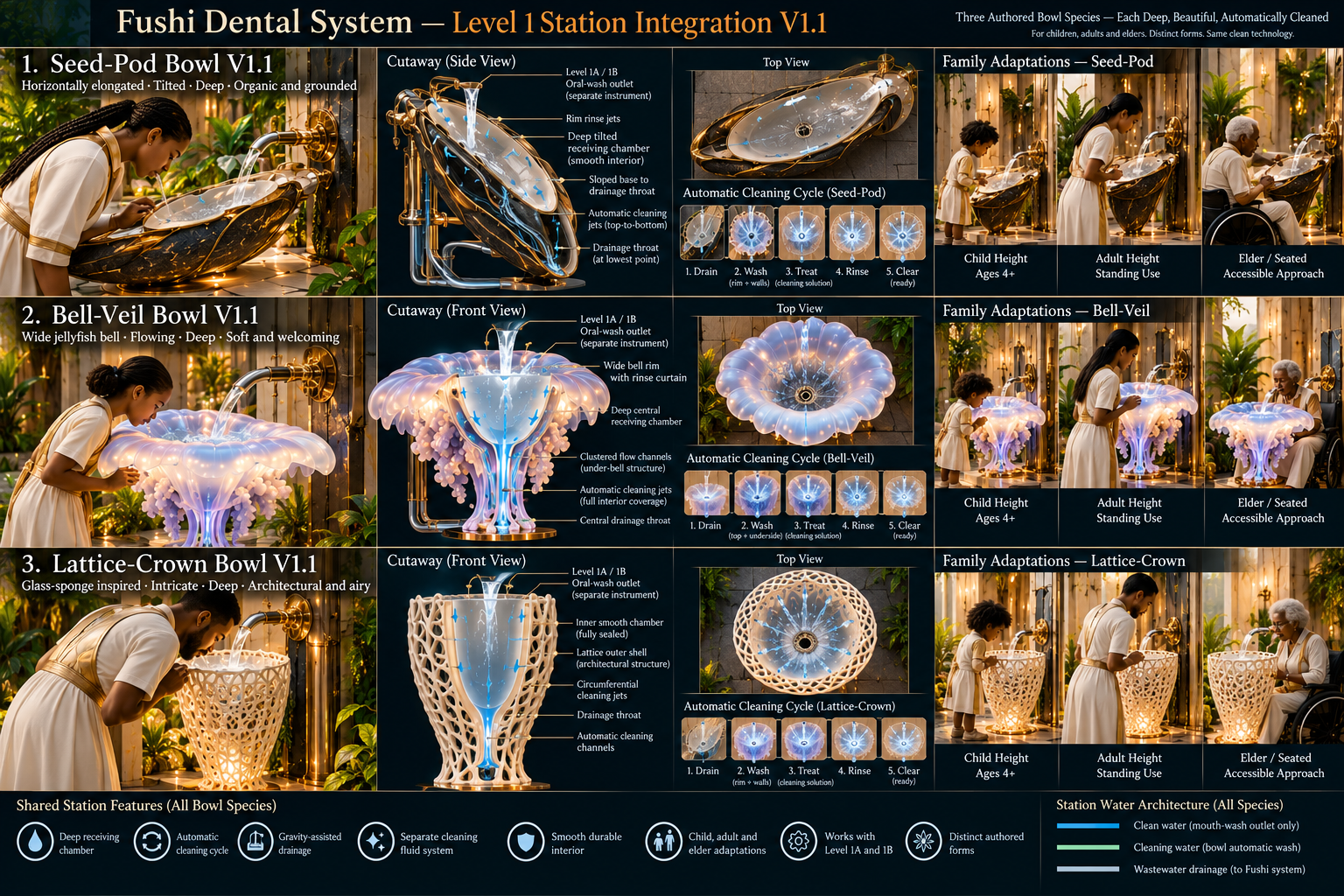
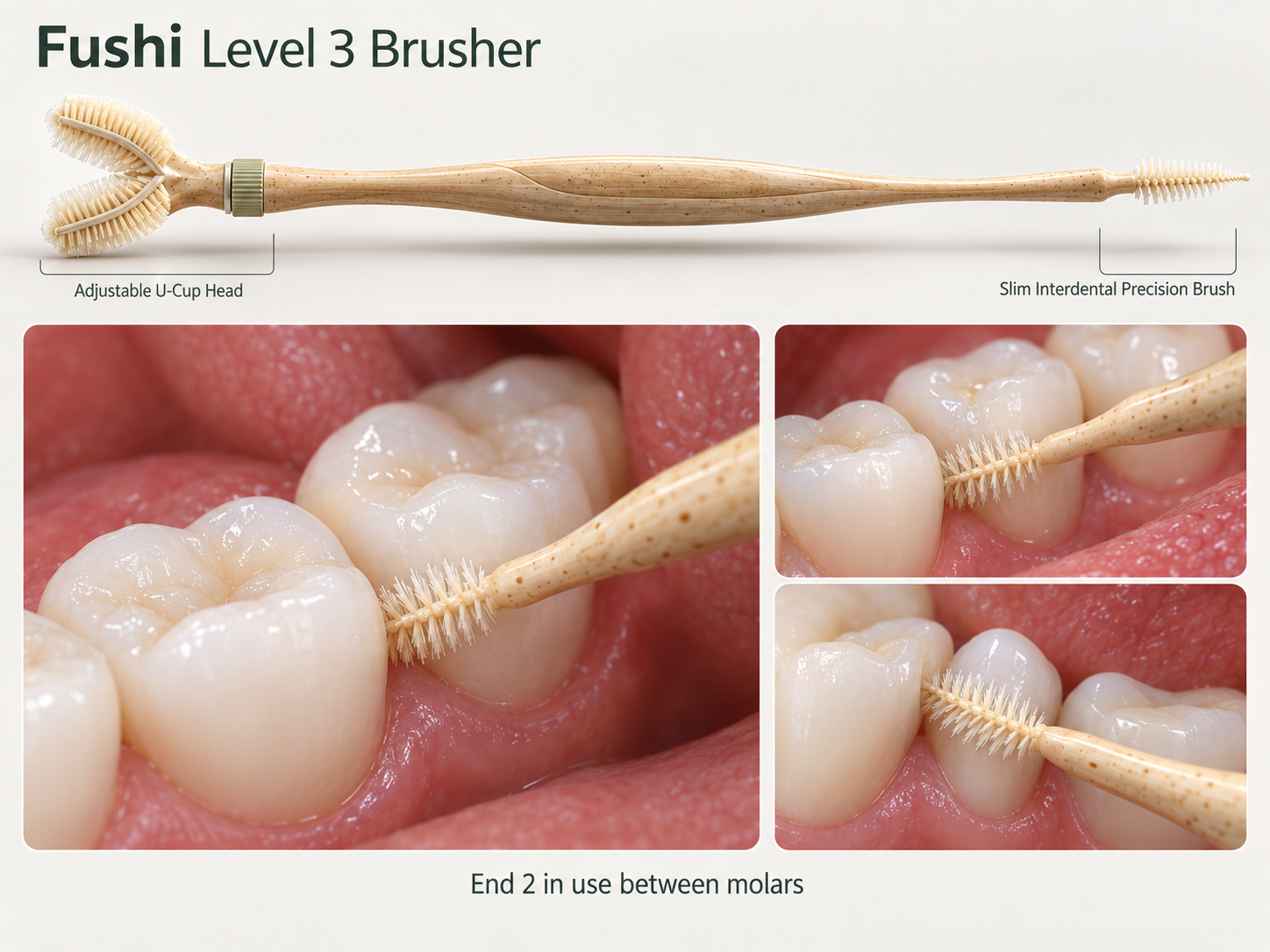
These assets show how folder organization connects to frontend uploads, shared media, Photofall, lightbox, studio media, and media SEO.
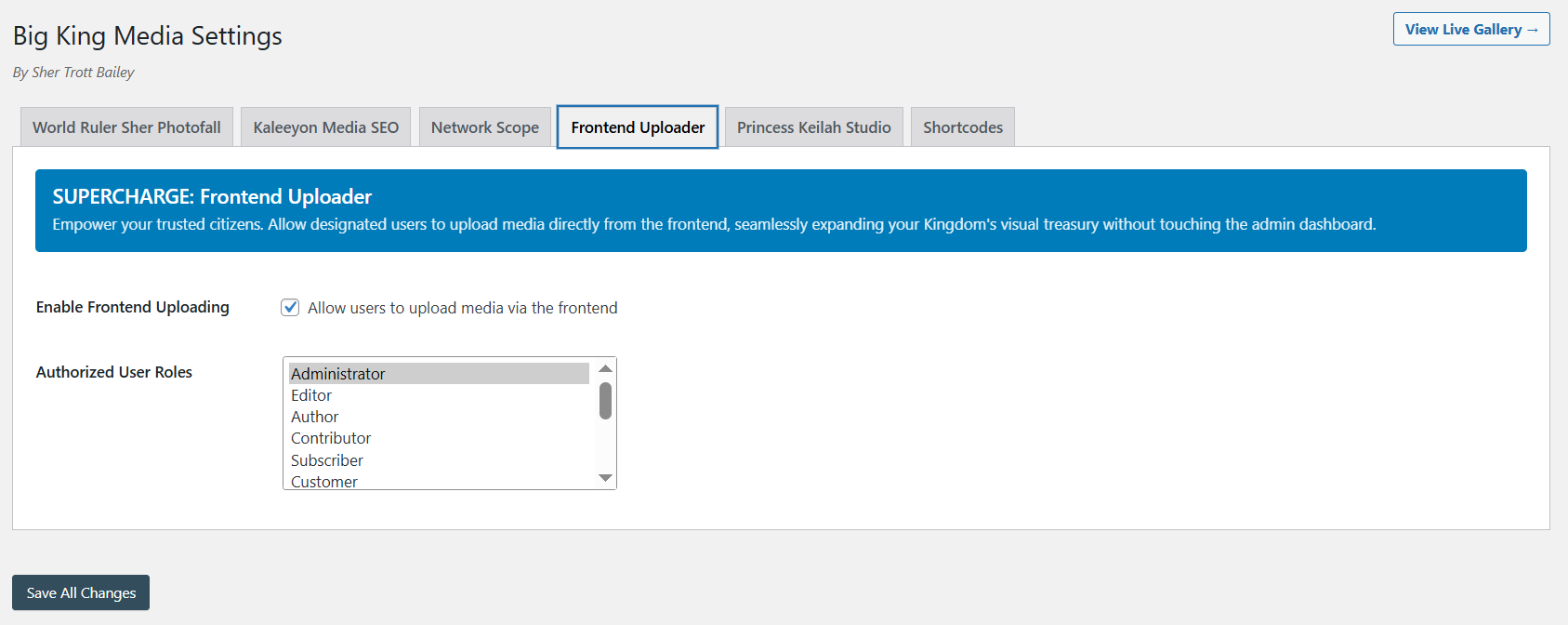
Folder-aware upload keeps contributor media organized from the beginning.
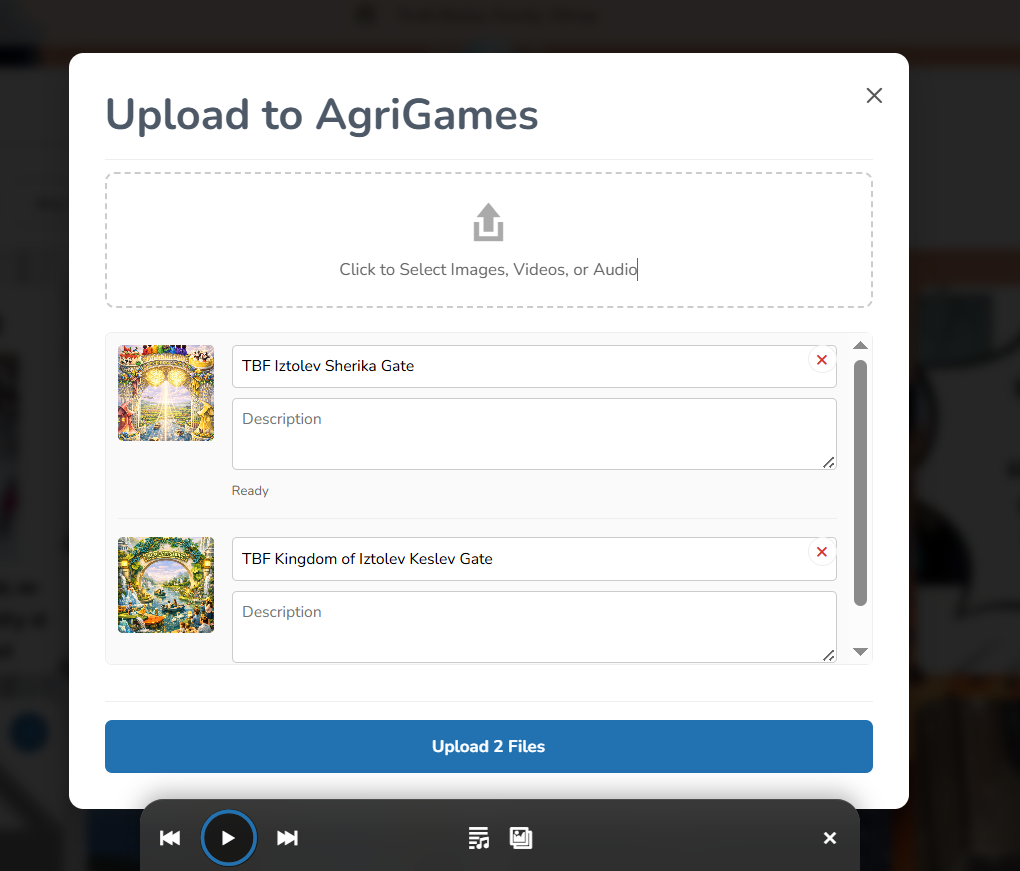
Uploads become stronger when title, alt text, and folder context are captured together.

Folders help editors find assets faster inside a larger shared media workflow.
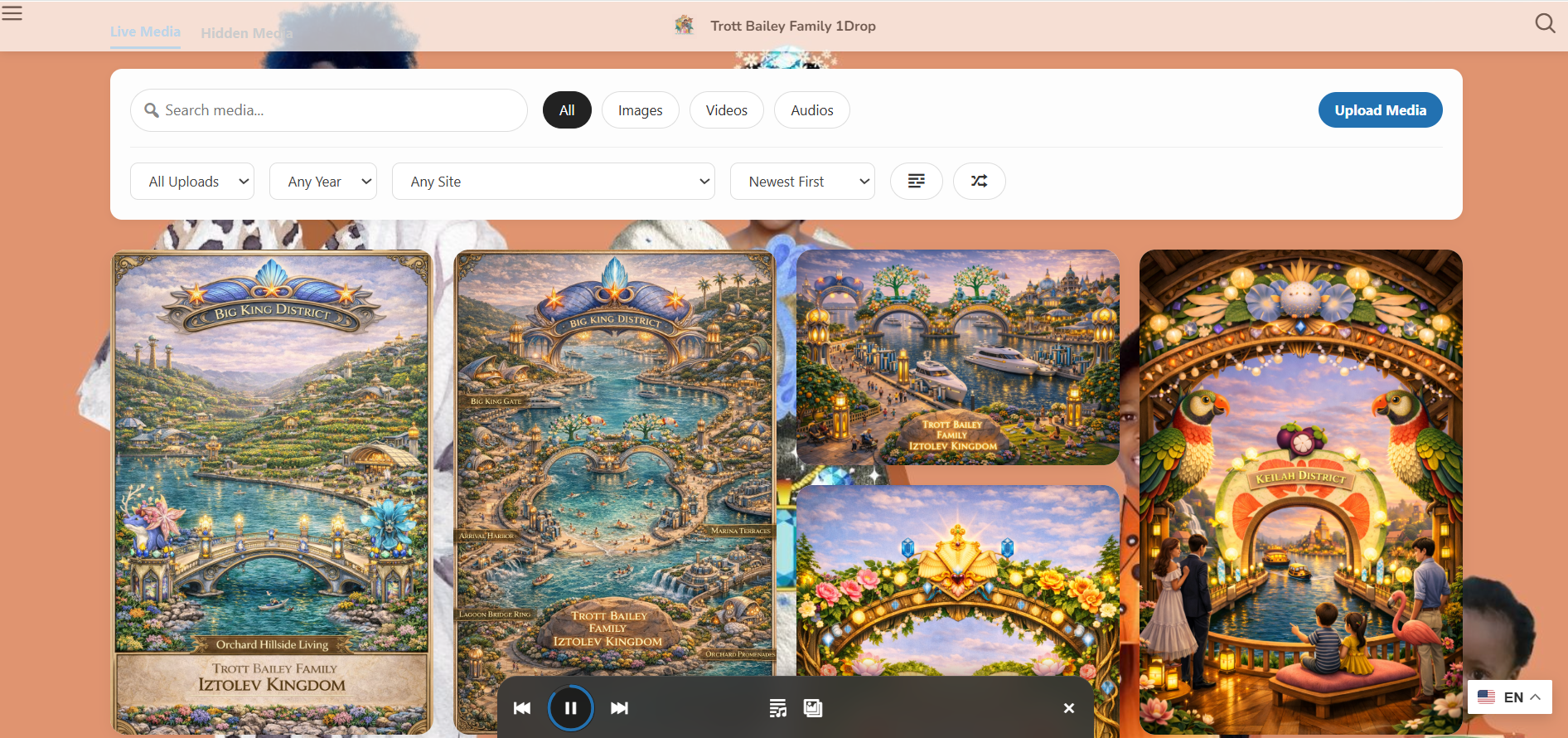
Organized media is easier to turn into public-facing galleries and media-first pages.
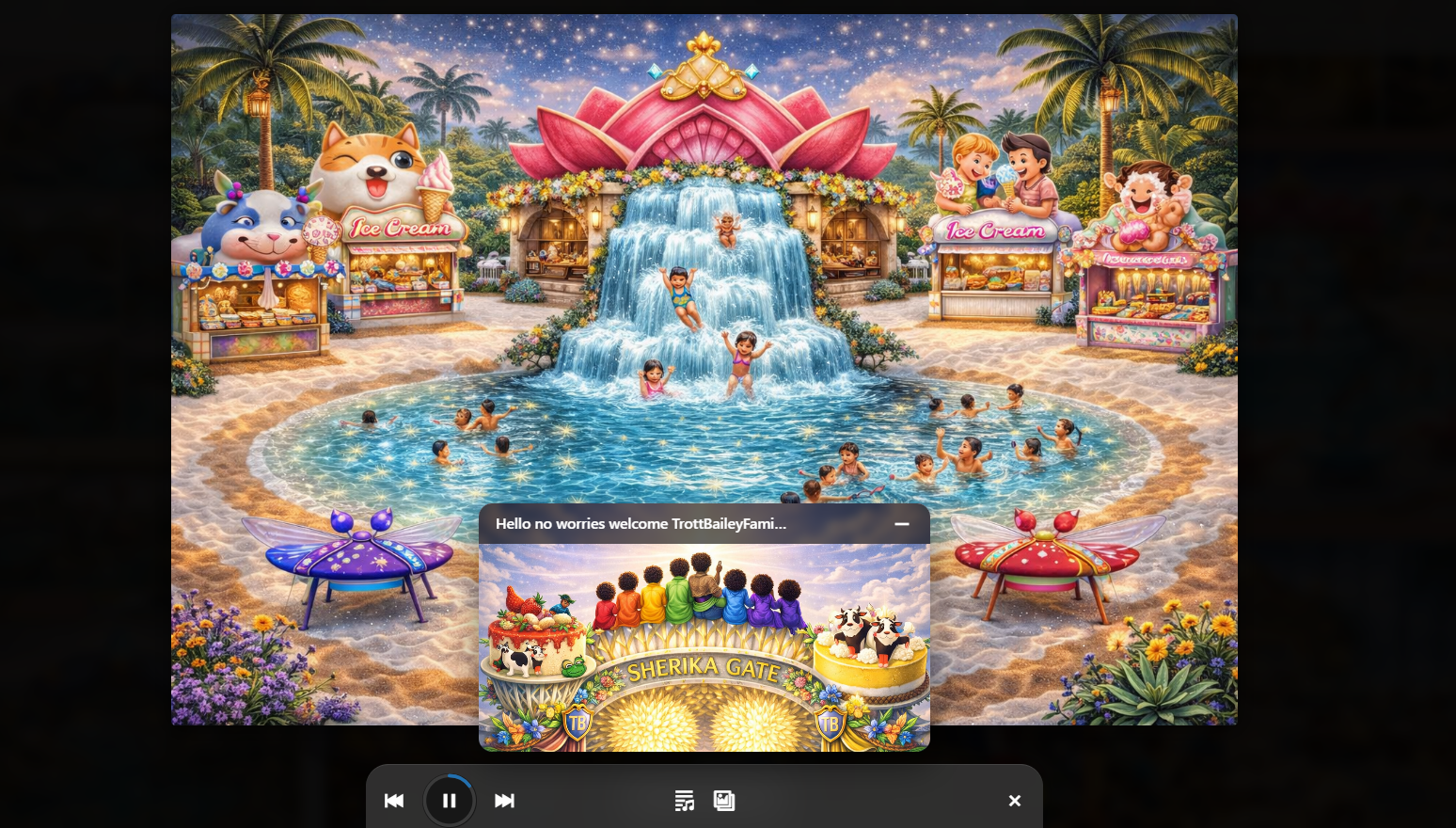
Creative workflows depend on keeping audio, visuals, cover art, and clips easy to find.
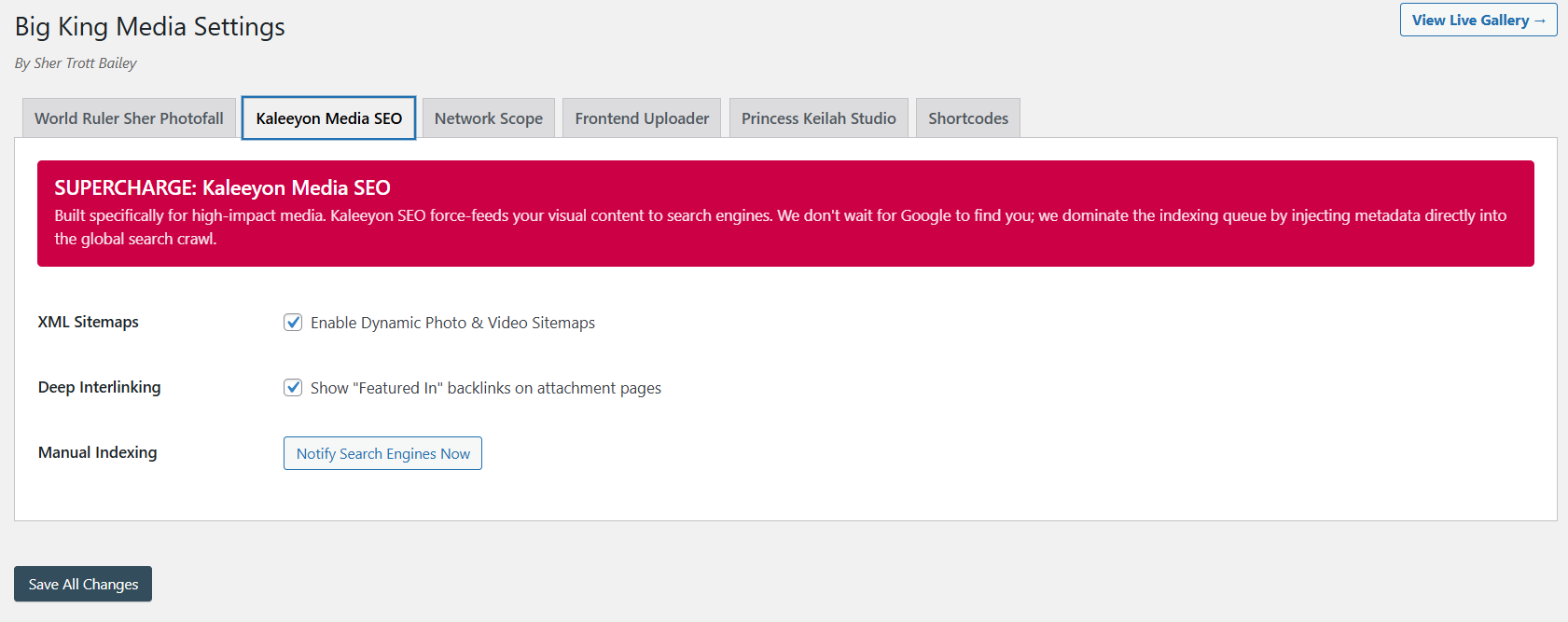
Folders work with metadata, visibility, alt text, and discoverability to improve the media system.
Big King Media folders help WordPress media enter, move, and publish with more order. They support the full path from upload to public display.
The product video and masterclass help visitors understand that folders are part of Big King Media’s larger structure: uploads, shared media, Photofall, lightbox, studio workflows, metadata, SEO, and governance.
This video shows the media-first product direction behind folder-aware organization.
The longer walkthrough gives visitors the full product context.
A basic folder plugin helps sort files. Big King Media uses folders as part of a larger WordPress Media Operating System that connects organization to upload, shared media, frontend publishing, media SEO, creative studio workflows, and governance.
| Capability | Typical media folder plugin | Big King Media folders | Why it matters |
|---|---|---|---|
| Basic organization | Usually supported. | Supported as part of the broader media system. | Folders are useful, but they are stronger when connected to publishing and governance. |
| Frontend upload folder routing | Often limited or separate. | Uploads can enter an existing folder or create a new folder where permissions allow. | Media should not enter the system already disorganized. |
| Shared media workflow | Usually not the core focus. | Folders connect to shared media, network discovery, and media reuse workflows. | Large sites and multisite networks need organization beyond one isolated library. |
| Photofall publishing | Usually separate from folder systems. | Organized media can feed Photofall, lightbox, homepage layers, and media-first pages. | Folders help prepare media for real front-end use, not just backend tidiness. |
| Creative studio support | Usually no. | Folders support audio, visuals, music-video sequences, playlists, and studio media preparation. | Creative publishing depends on finding the right assets quickly. |
| Media governance | Basic organization only. | Folders connect to visibility, SEO, shared media, upload policy, curation, and long-term control. | Media-heavy sites need governance, not only visual folders. |
Folder-aware media management is valuable anywhere media volume grows beyond what a simple upload date or search box can handle.
Organize cover art, tracks, video clips, release visuals, behind-the-scenes media, playlists, and music-video sequences.
Group sermons, events, announcement graphics, worship media, teaching series, photos, and video recaps.
Organize classroom media, student projects, lesson assets, event galleries, department media, and learning collections.
Keep client uploads, campaigns, brands, revisions, galleries, portfolios, and media deliverables easier to manage.
Sort featured images, article media, field photos, video clips, audio commentary, and cross-site content packages.
Separate old photos, family videos, oral histories, event folders, tribute media, documents, and curated memory collections.
Big King Media folders help WordPress media stay organized from intake to publishing. They connect uploads, shared media, Photofall, World Within World, Princess Keilah Studio, media SEO, and visibility controls into one cleaner media operating system.
These answers support searches around WordPress media folders, media organization, frontend upload folders, media library management, and media governance.
Big King Media folders help organize WordPress media by project, event, release, client, lesson, sermon, archive, campaign, or other useful categories inside the broader media operating system.
Yes. Big King Media’s folder-aware upload direction supports placing new media into an existing folder during upload where the workflow and permissions allow.
Yes. Where permissions allow, users can create a new folder during upload for a new project, album, class, sermon, event, client, collection, or archive branch.
Ordinary media folder plugins mainly organize the backend library. Big King Media folders connect organization to frontend uploads, shared media, Photofall, World Within World groups, Princess Keilah Studio, media SEO, visibility controls, and publishing workflows.
Folders support media SEO by making assets easier to find, review, describe, govern, and reuse. They work alongside titles, alt text, captions, metadata, visibility, and sitemap direction.
Media-heavy businesses, churches, schools, creators, agencies, news networks, family archives, cultural archives, and multisite operators benefit from folder-aware media organization.

 and then