For broader workflows
TBF Big King Media is the most expansive option here for teams that want more than a simple shared library.
For focused shared access
Rudrastyh and Central Media Manager both take a narrower route centered on shared or central media access.
For clone or sync workflows
The CodeCanyon sync/unsync plugin is the one to notice if your workflow is about moving media between sites.
For families and mission-led work
Big King Media also comes from a bigger operational mission tied to AgriGames and a money-free world for families.
TBF Big King Media
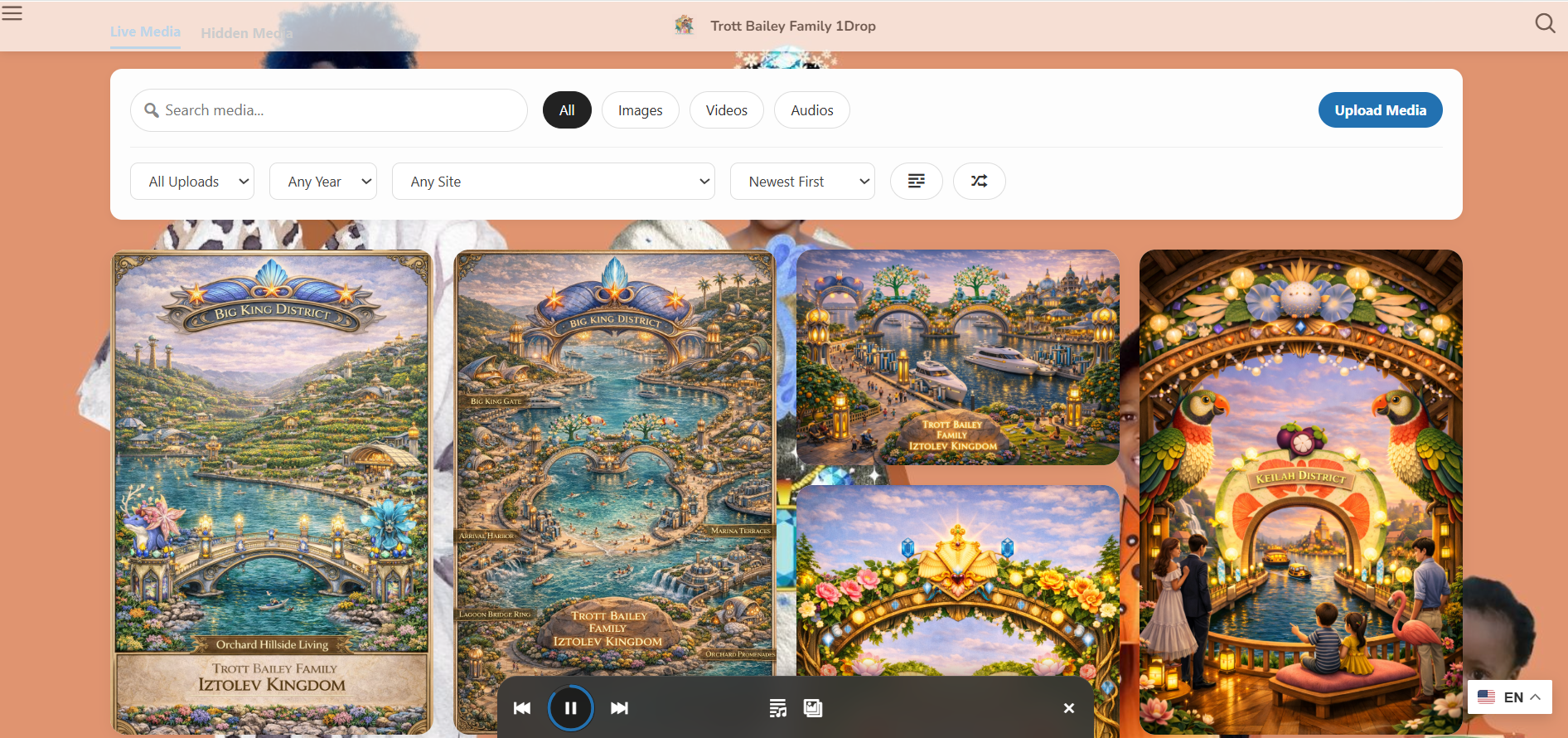
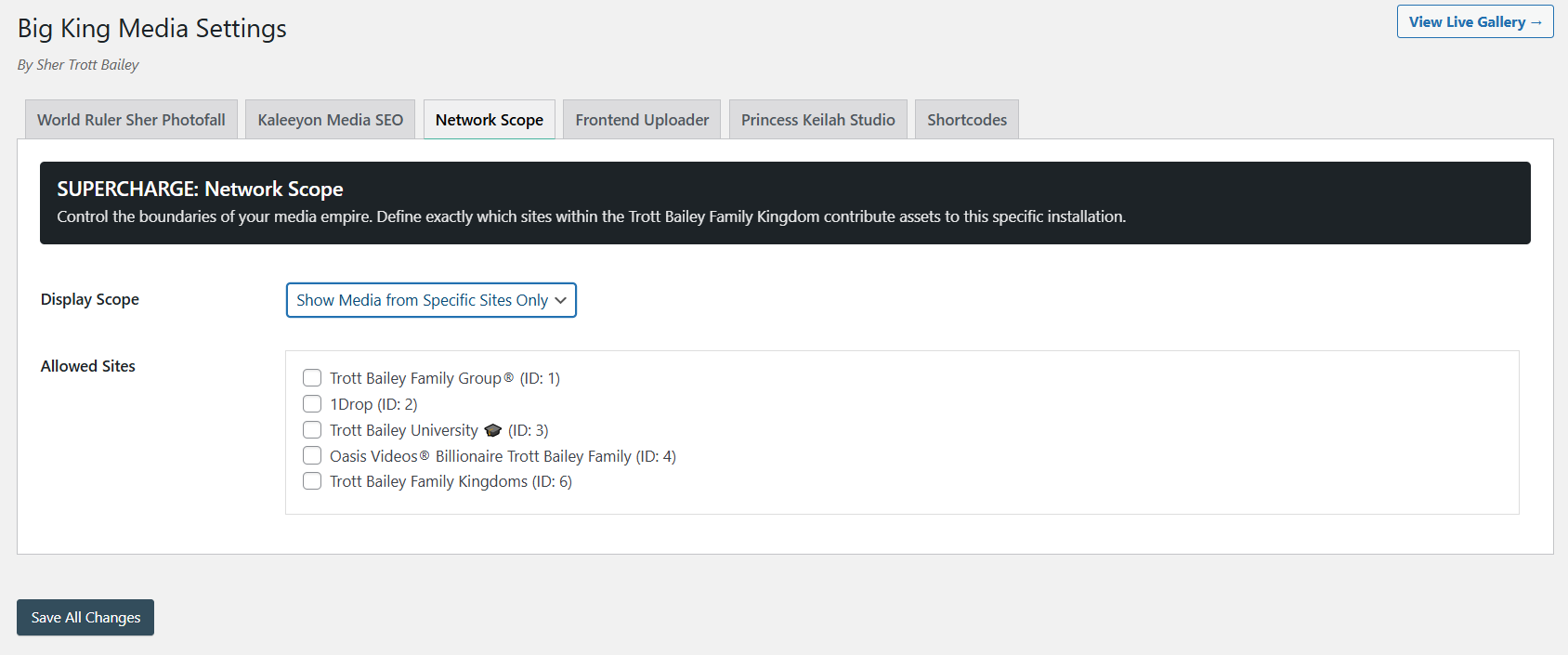
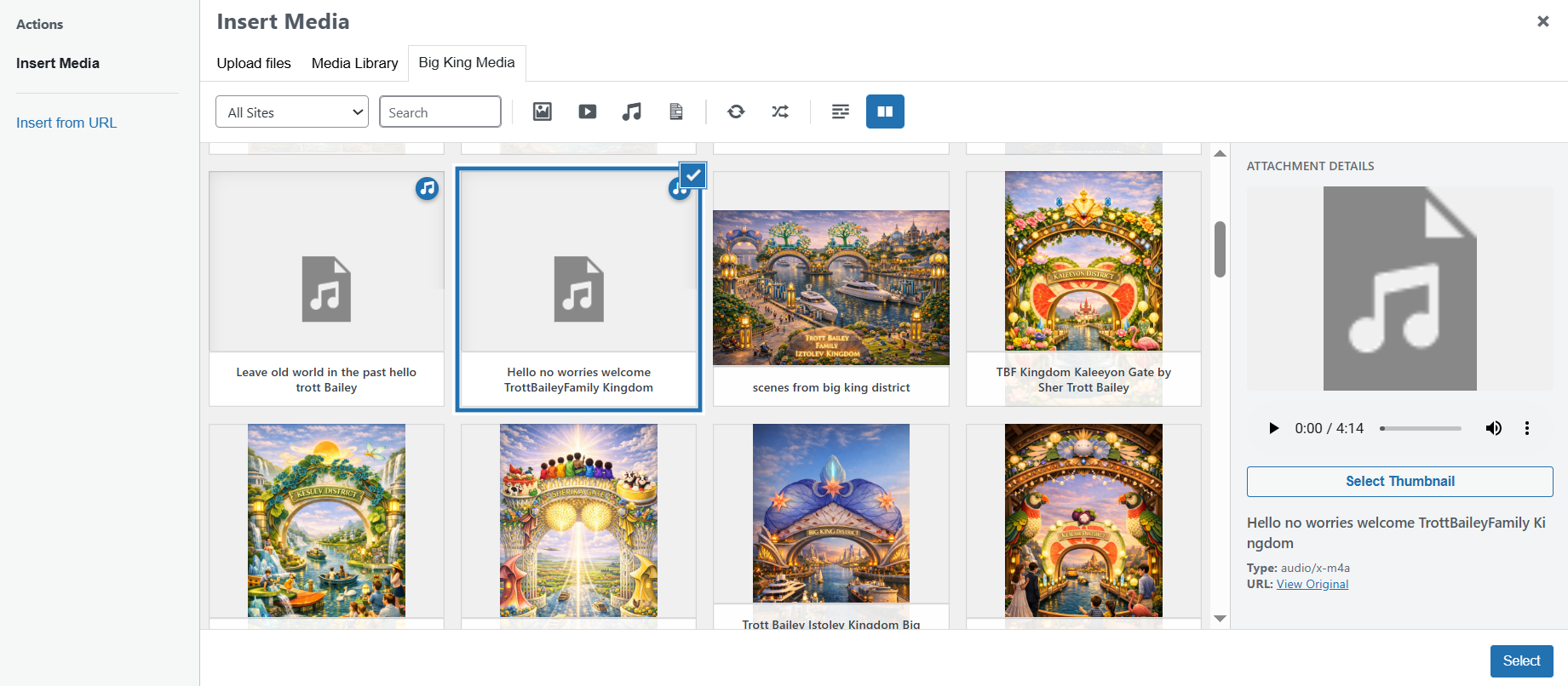
TBF Big King Media is not just a narrow shared-library utility. It is a wider WordPress multisite media workflow plugin built for teams that want to browse, search, filter, upload, manage, and publish media across a network with less friction.
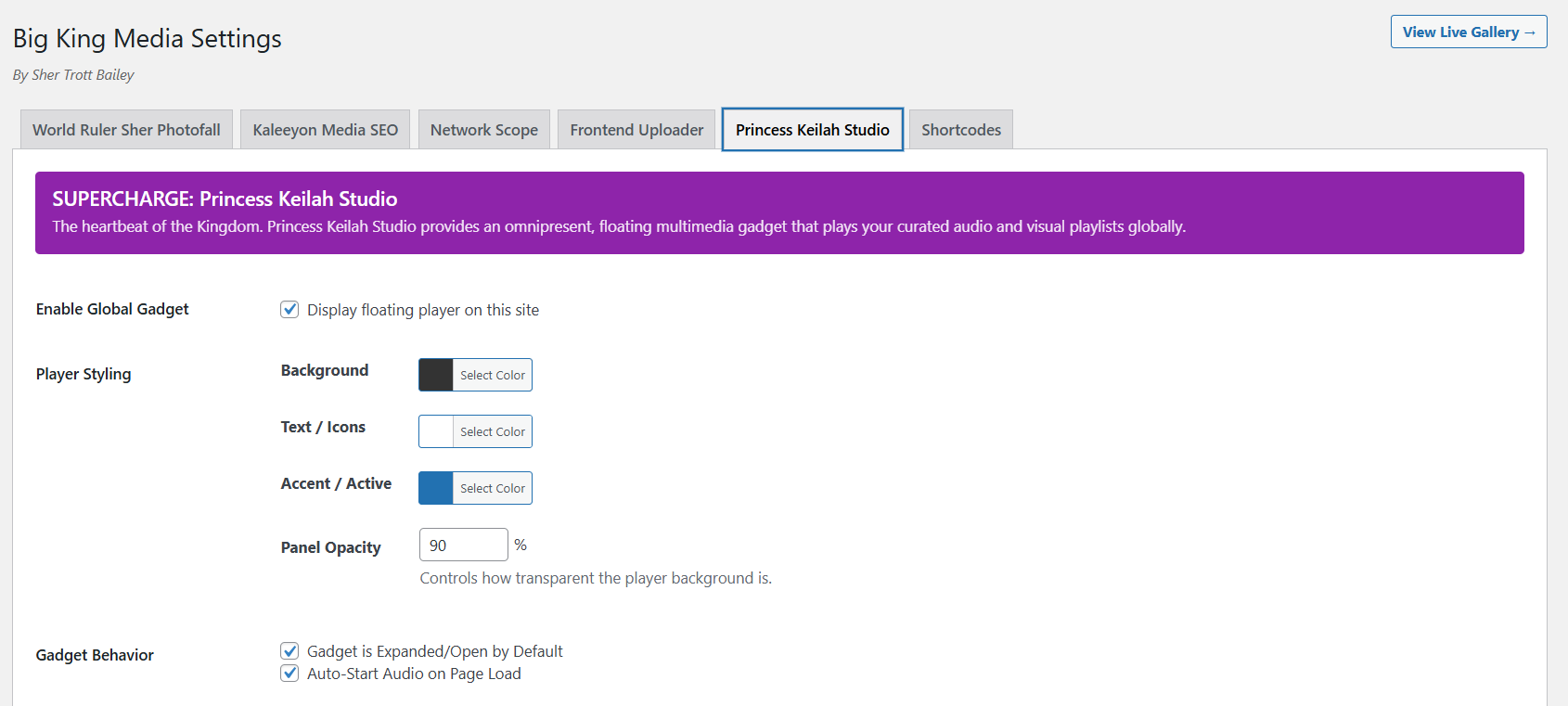
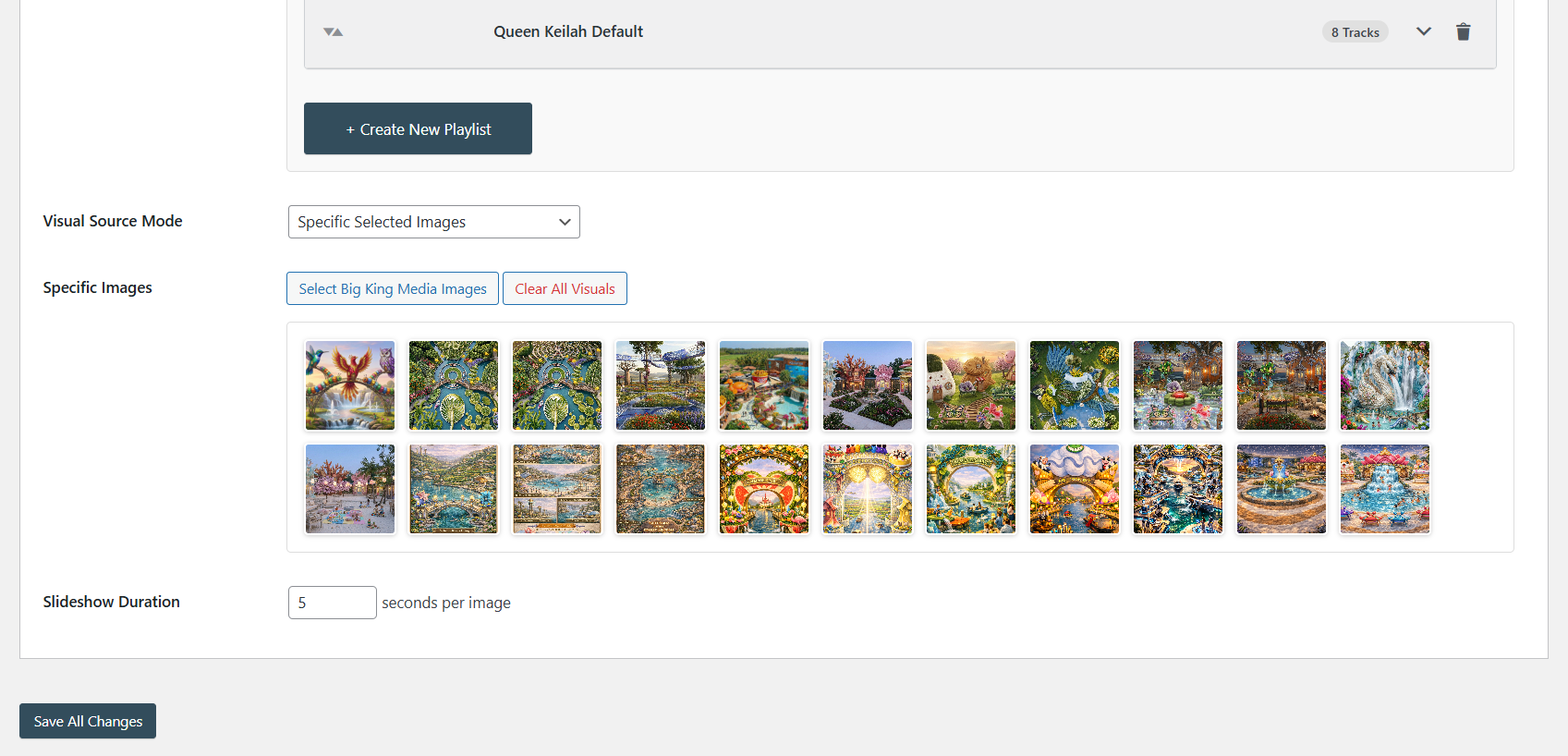
Instead of stopping at central access alone, it stretches into gallery presentation, frontend uploads, featured image workflows, lightbox viewing, audio and slideshow tools, metadata controls, and network-level settings. That makes it especially relevant when your multisite is not small, your media is not simple, and your workflow goes beyond basic library reuse.
It also comes with a different kind of origin story. Big King Media grew out of the Trott Bailey Family’s AgriGames mission — a money-free world for families built around food, accommodation, culture, leisure, and operational self-sufficiency. In that context, media was not just decoration. It became part of documentation, storytelling, continuity, and network-wide publishing. The plugin reflects that operational need.
For the main overview, visit the official TBF Big King Media page. For a fuller editorial walkthrough, see the full TBF Big King Media review.
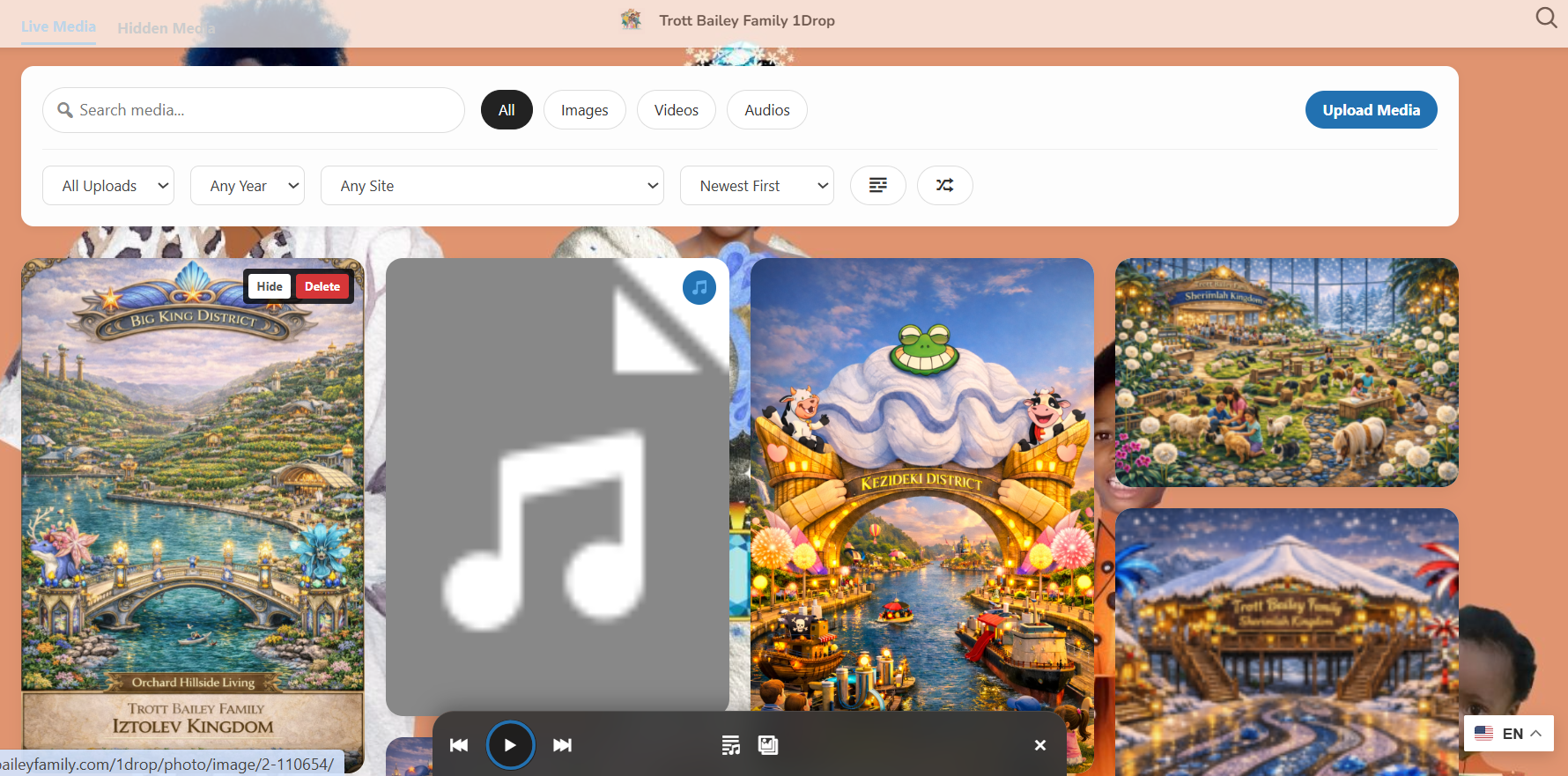
- Network-wide browsing, search, and filtering across subsites
- A zero-duplication proxy model instead of constant file copying
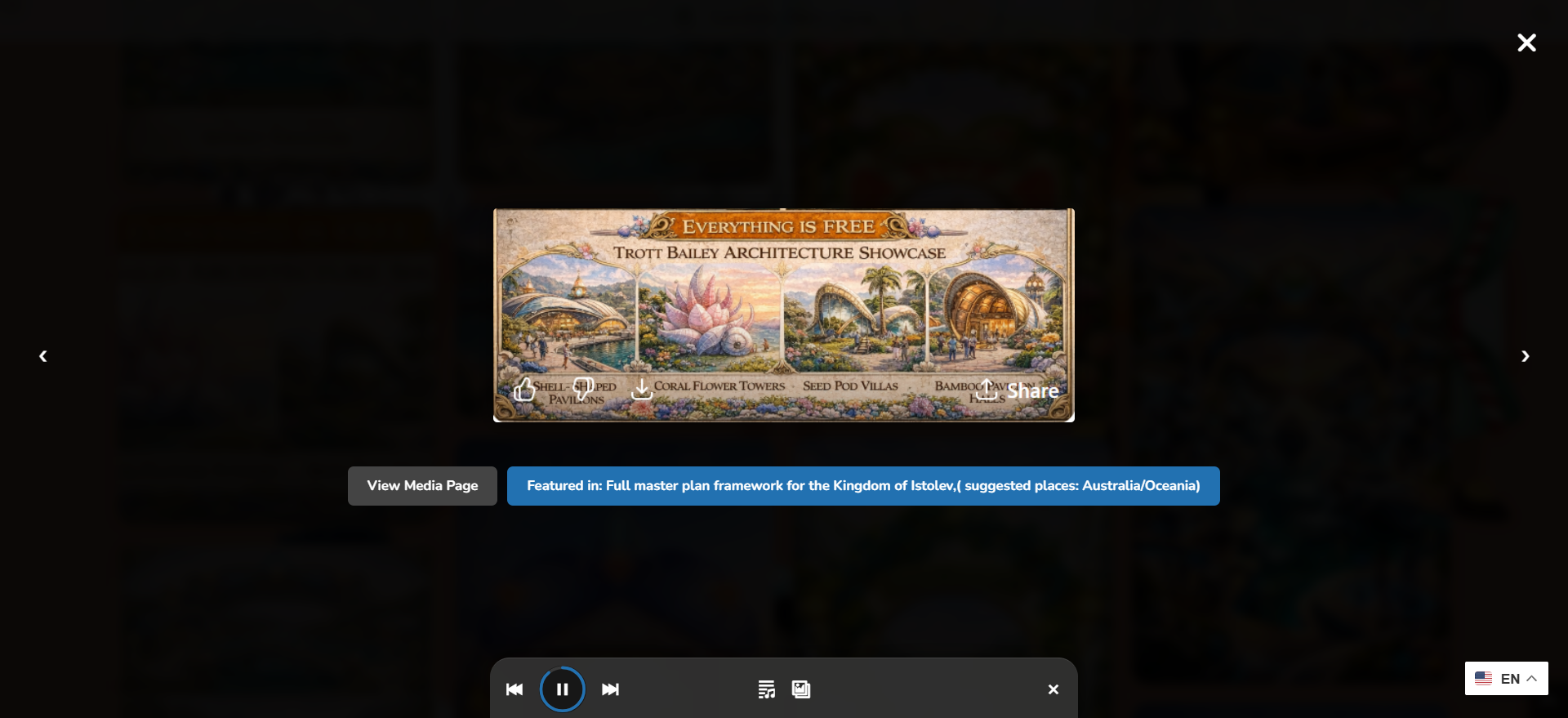
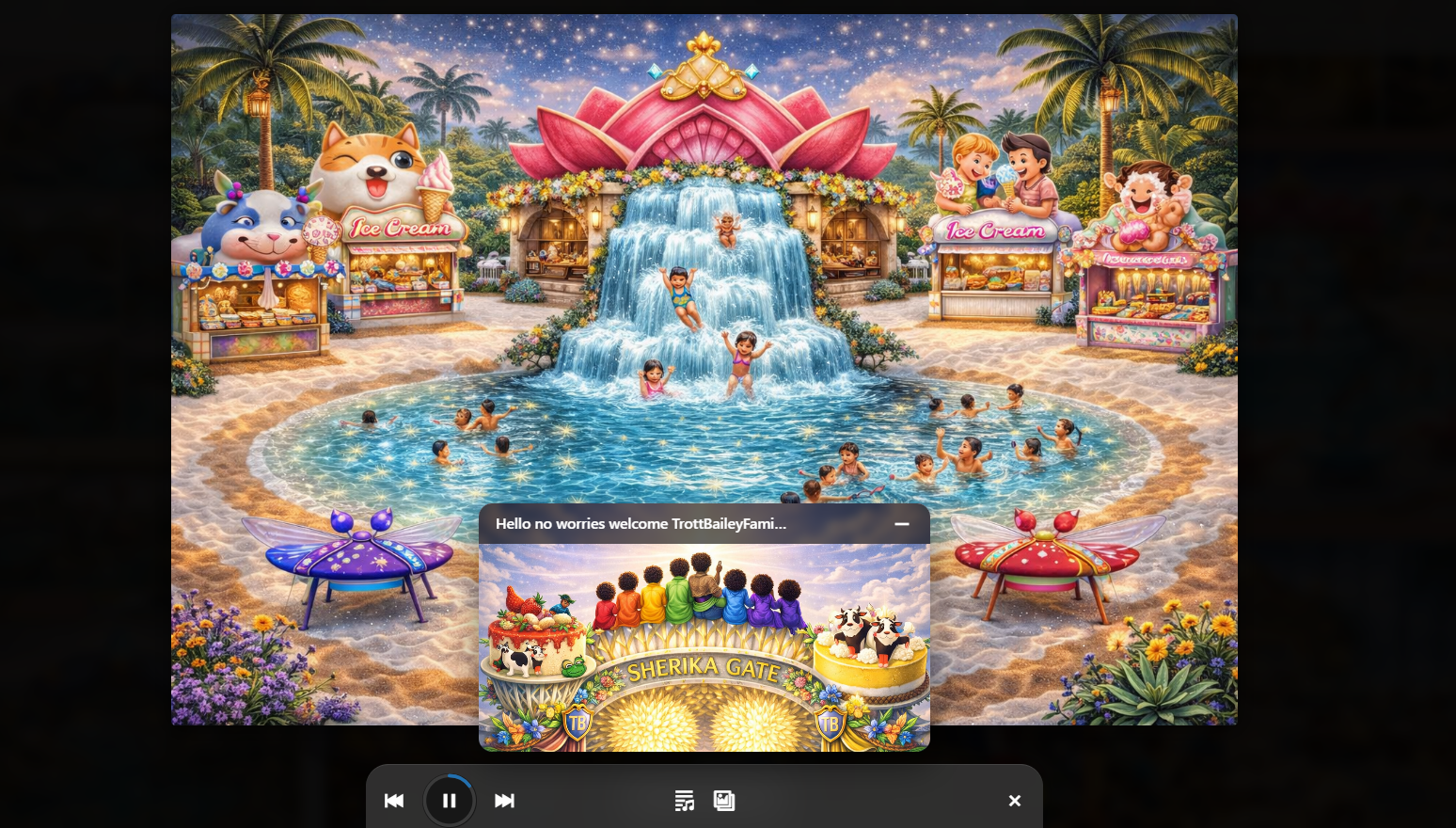
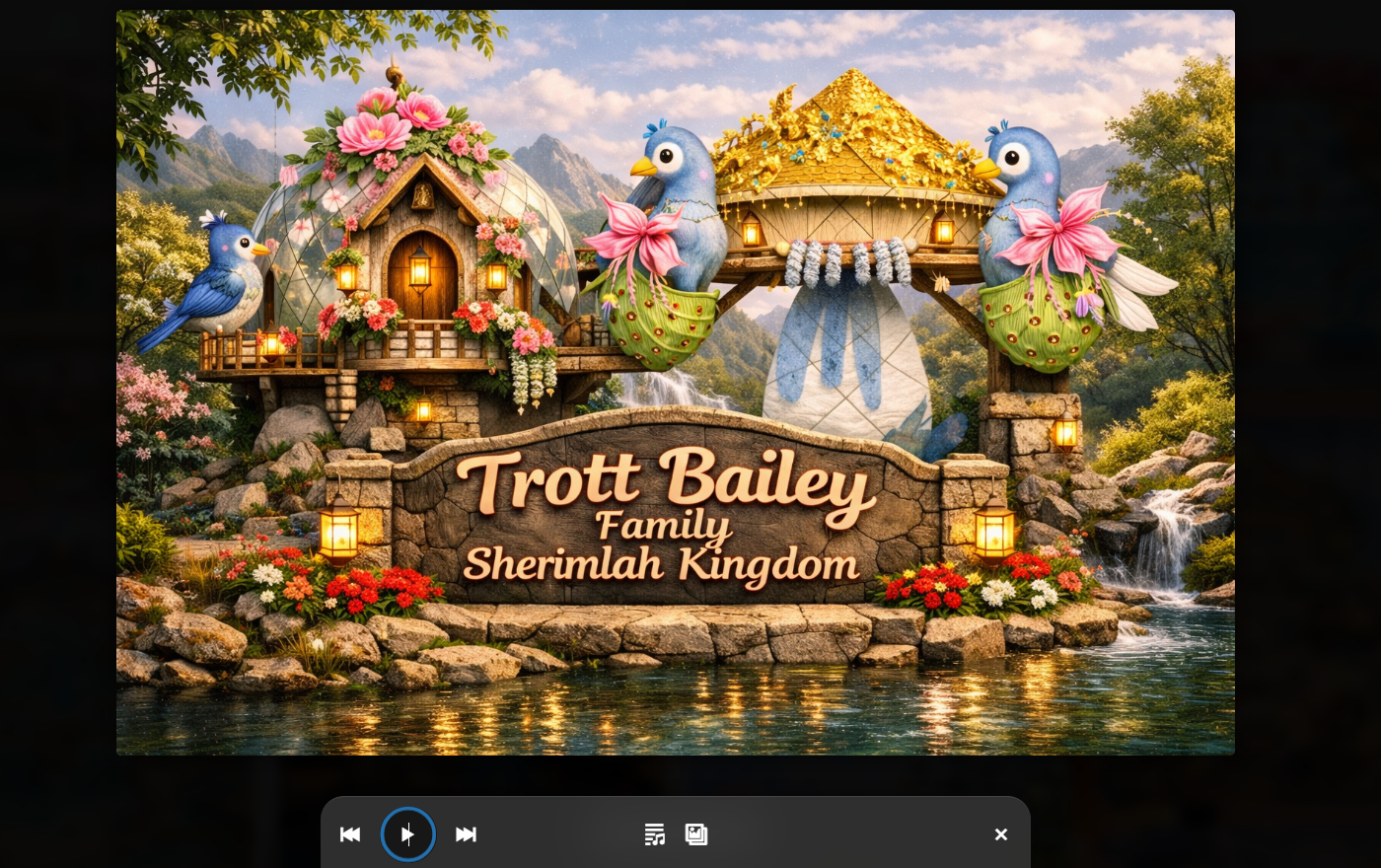
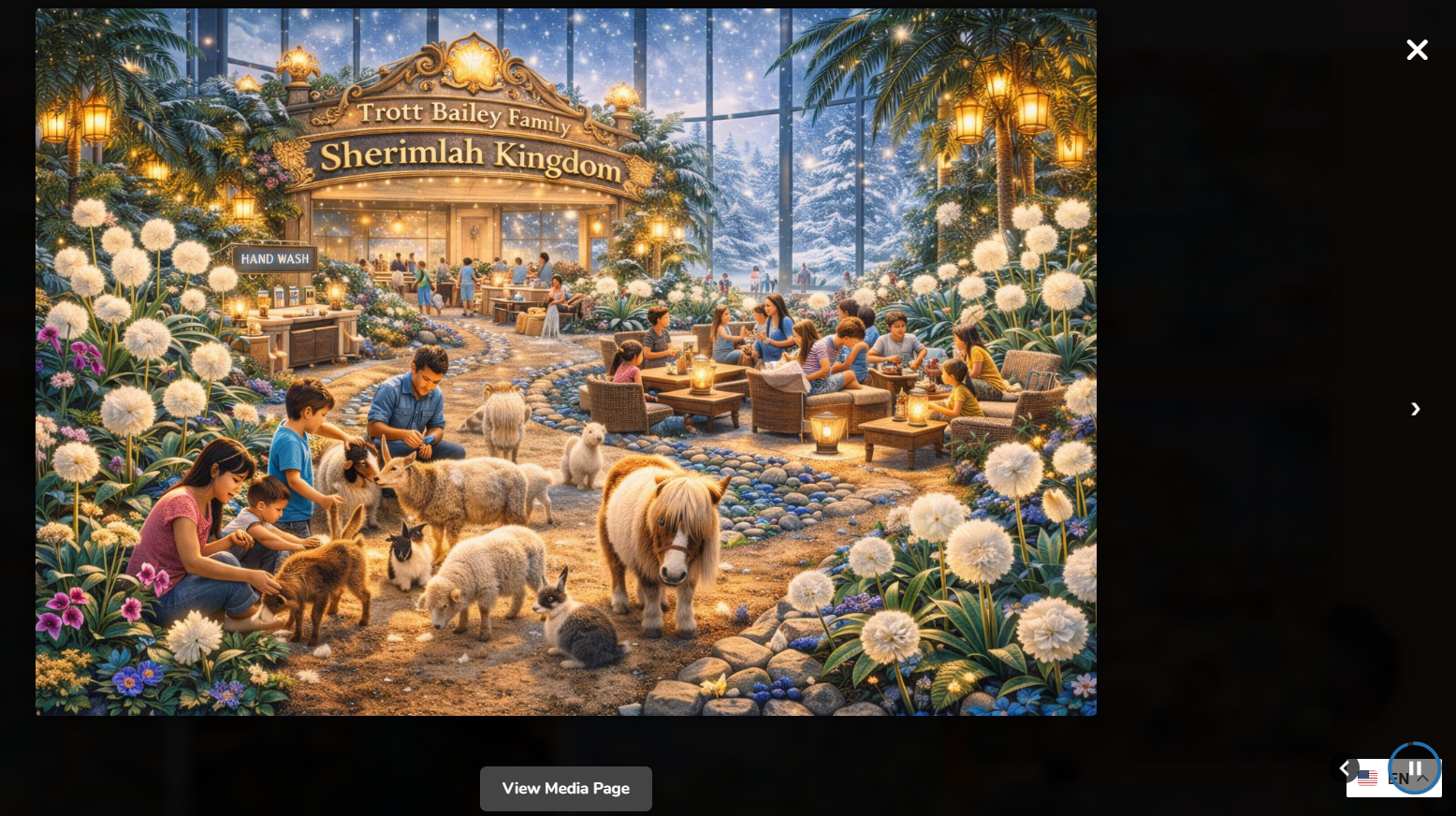
- Photofall masonry gallery and lightbox-style display tools
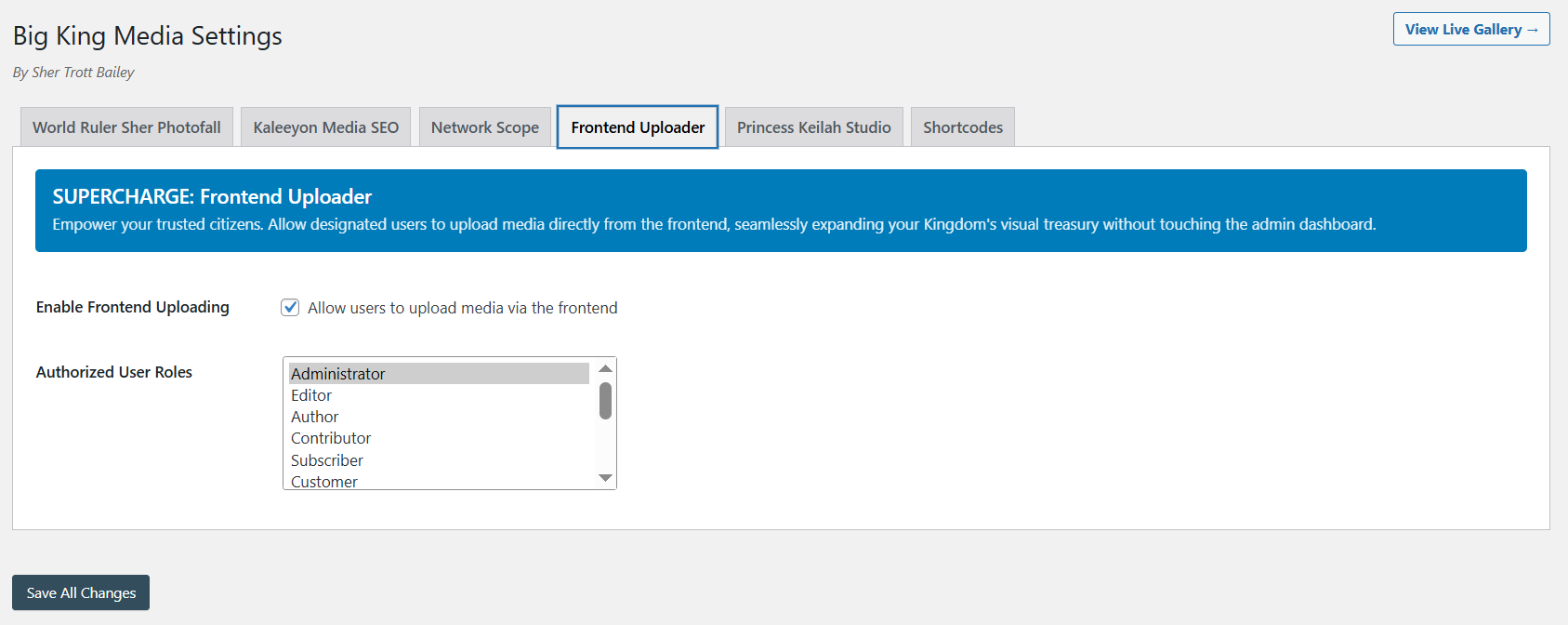
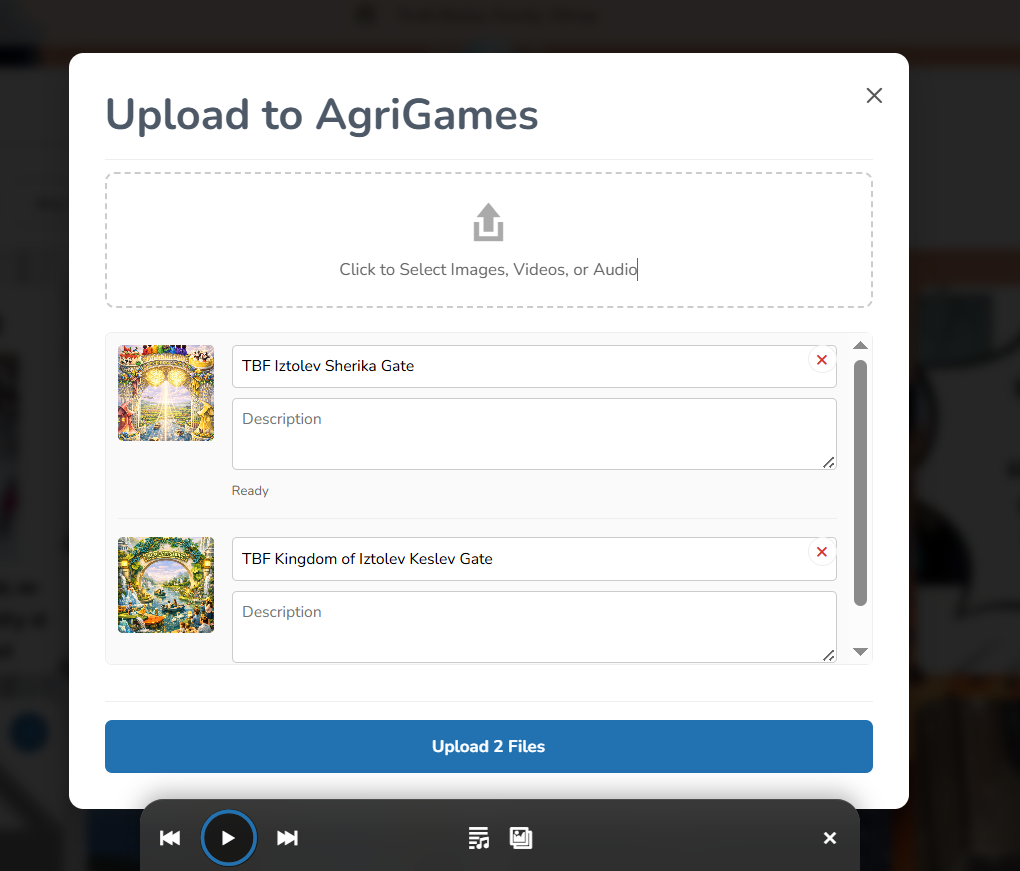
- Frontend uploads and frontend media-management options
- Cross-site featured images and broader editorial workflow support
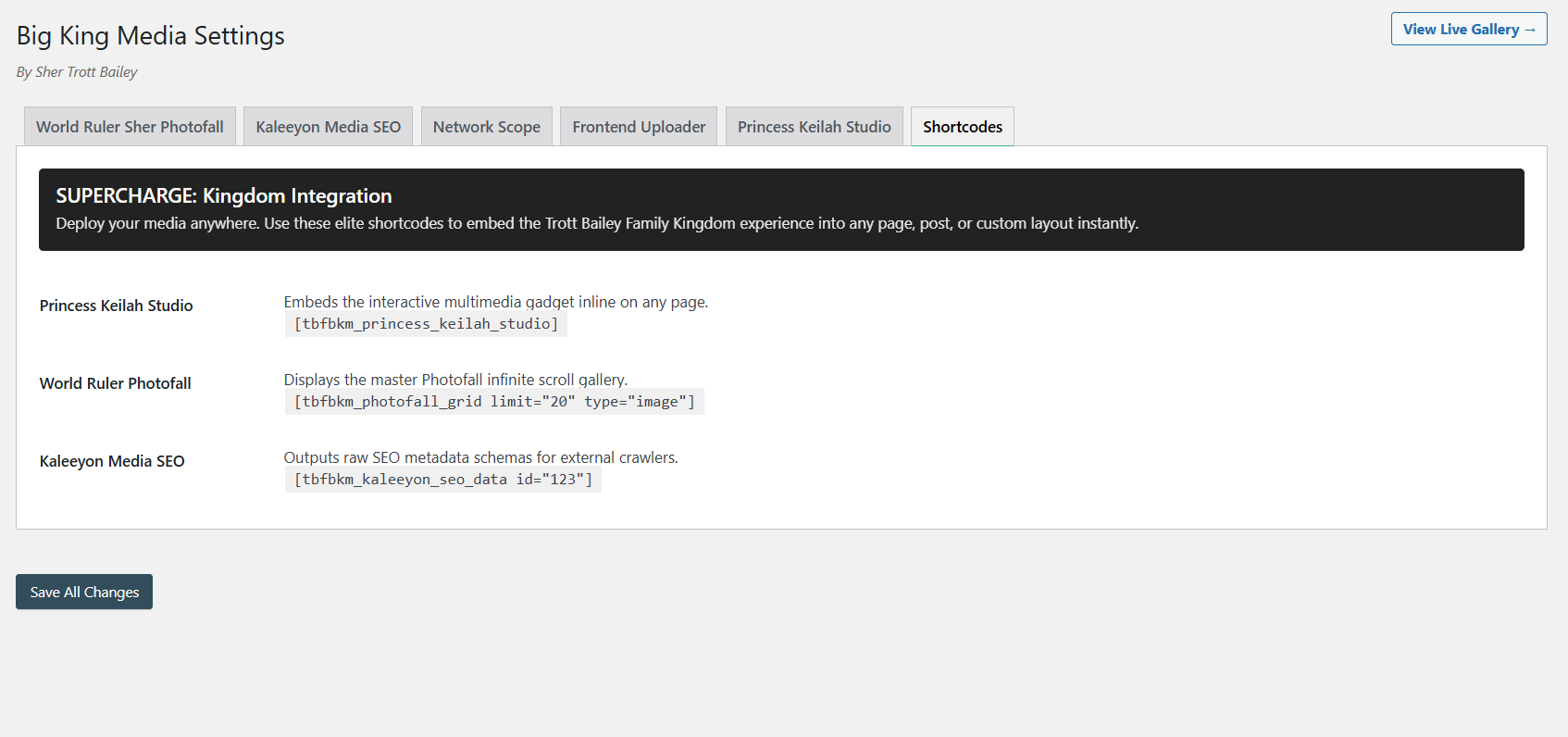
- Audio, playlist, studio, and shortcode-based media presentation tools
- Indexing, overrides, and controls shaped for larger multisite archives



Rudrastyh Multisite Shared Media Library
Rudrastyh’s plugin is one of the clearest and most focused products in this space. Publicly, it presents itself as a plugin that turns the media library of a specific site in a multisite network into a shared network media library available across all sites.
Its strength is clarity. The concept is tight, the positioning is specific, and the public documentation and screenshots are easy to follow. If your main goal is a shared media library from one selected site, and you do not need a larger publishing layer, this plugin makes a very strong case for itself.
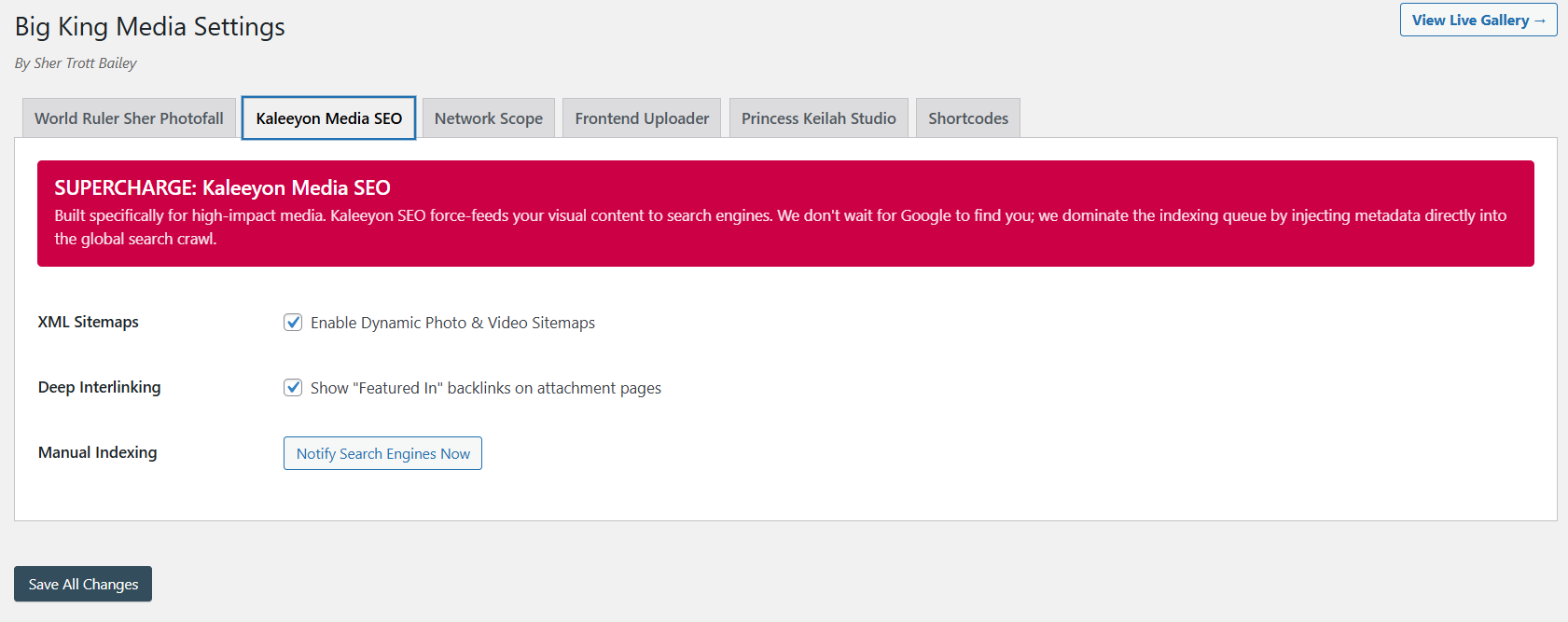
Where it differs from Big King Media is scope. Big King Media stretches into frontend uploads, gallery systems, display tools, shortcode-driven media output, and a more expansive workflow. Rudrastyh’s plugin appears more intentionally concentrated on the core shared-library problem.


WordPress Multisite Media Sync/Unsync
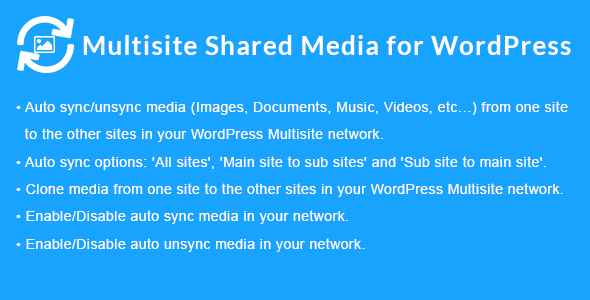
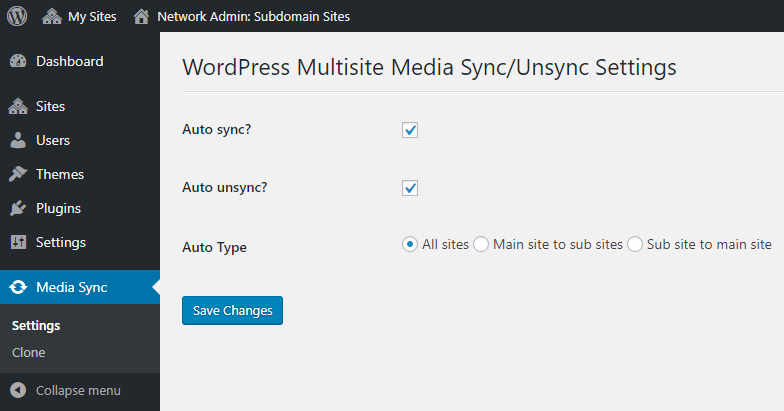
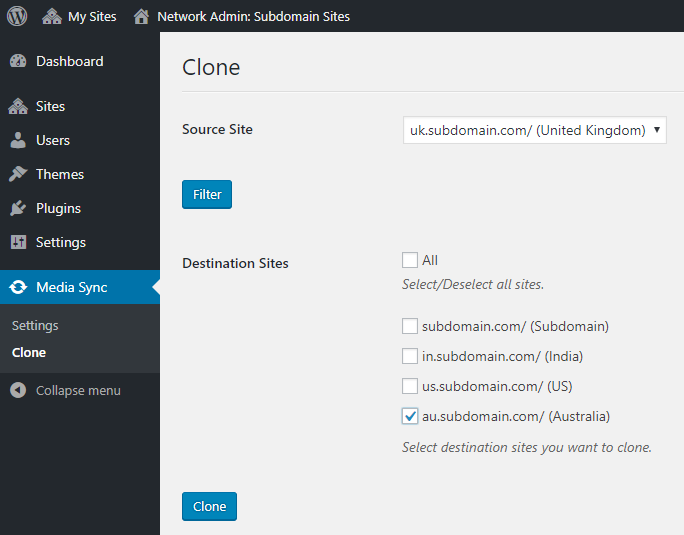
This CodeCanyon plugin takes a noticeably different approach. Instead of positioning itself primarily as a central shared library, it focuses on syncing and unsyncing media between sites in a multisite network.
That means it may fit better when your workflow depends on cloning or propagating assets from one site to others. Its feature list emphasizes automatic sync, automatic unsync, all-sites options, main-site-to-subsites, subsite-to-main-site, and cloning media from one site to selected destinations.
Compared with Big King Media, this is less about one large shared media environment and more about moving media across sites according to synchronization logic. If that is your exact operational need, it is worth serious consideration.
Central Media Manager for Multisite
Central Media Manager for Multisite appears to be the lightest and most straightforward option in this comparison. Its public plugin description says that it enables all subsites in a WordPress multisite network to access and use a shared, centralized media library.
The feature list is very concise: share a single media library across the network, prevent duplicate uploads across subsites, make newly uploaded media available network-wide, and support both featured images and Elementor. This is a good sign if your taste runs toward simplicity.
Compared with Big King Media, it is a much narrower tool. That can be a positive. Not every network needs front-end media tools, gallery systems, playlists, lightboxes, metadata tooling, and multiple media presentation modes. Some just want one central library and a clean setup. That is where a lighter plugin can make sense.

Feature comparison at a glance
The table below keeps the differences practical. It is less about declaring one universal winner and more about showing the kind of workflow each plugin seems best suited to.
| Capability | TBF Big King Media | Rudrastyh | Media Sync/Unsync | Central Media Manager |
|---|---|---|---|---|
| Primary public angle | Broad multisite media workflow | Focused shared-library solution | Sync and clone media between sites | Simple centralized media library |
| Network-wide media browsing | Yes | Yes | Different emphasis | Yes |
| No-duplicates or zero-duplication angle | Yes | Yes | Sync model instead | Prevents duplicates |
| Gallery and display layer | Photofall, lightbox, audio tools | Not a main public focus | Not a main public focus | Not a main public focus |
| Frontend upload workflows | Yes | Not publicly emphasized | Not publicly emphasized | Not publicly emphasized |
| Featured images | Yes | Supported | Not the main public angle | Supported |
| Elementor compatibility | Part of broader workflow | Publicly stated | Not emphasized in supplied materials | Publicly stated |
| Large-network controls and operations | Indexer, overrides, settings, broader control layer | Focused settings model | Sync-focused controls | Lighter central model |
| Public pricing model | Free repository distribution | $59/year personal, $259/year developer | $30 regular license | Free repository distribution |
| Best fit | Teams that want a wider media operating system inside multisite. | Teams that mainly want a clean shared library from one chosen site. | Teams that mainly want media synchronized or cloned between sites. | Teams that want a simpler central library with less extra scope. |
Why the AgriGames mission matters here
Most plugin comparisons stop at feature lists. Big King Media has a more unusual background, and that matters because origin shapes product design.
The plugin emerged from the Trott Bailey Family’s work on AgriGames in Brazil, a broader mission built around a money-free world for families. In that world, operations are not arranged around transactions first. They are arranged around care, hospitality, provision, continuity, and infrastructure that actually works.
That helps explain why Big King Media does not feel like a narrow add-on. It feels like a plugin that was built from operational necessity inside a bigger system. Media had to be searchable, reusable, presentable, and manageable at scale. The plugin reflects that practical need.
Whether or not a buyer shares the wider mission, that origin still tells them something useful: this product was not imagined only as a marketing idea. It grew from repeated use inside a larger, real-world workflow.
Frequently asked questions
Which plugin is best if I only want one central shared library?
If your only real goal is a straightforward central library that all sites can use, a narrower option like Rudrastyh or Central Media Manager may be enough. Big King Media becomes more compelling when you want a broader media workflow on top of shared access.
Which plugin is best if I want to clone or sync files between sites?
The CodeCanyon Media Sync/Unsync plugin is the most obvious choice in this comparison if syncing, unsyncing, and cloning media between source and destination sites is the main job you need done.
What makes Big King Media different from a typical shared-library plugin?
Its public feature set is broader. It includes shared media access, but also galleries, frontend uploads, featured image workflows, display tools, audio features, metadata tooling, and more operational controls.
Is Big King Media the cheapest option?
For teams that want to begin without a paid commercial license, Big King Media and Central Media Manager have the most accessible public entry point because they are distributed through WordPress.org.
Is Rudrastyh a serious competitor?
Yes. It is one of the clearest and most credible commercial options in the niche if your focus is a cleaner, more concentrated shared-library model.
Who should look at Big King Media first?
Teams running media-heavy WordPress multisite setups, especially those that want one plugin to support both access and publishing rather than only one narrow library function.
So which plugin should you choose?
If you want the simplest possible answer, here it is.
Choose a narrow central-library plugin if your need is narrow. Choose a sync plugin if your need is sync and cloning. But if your multisite media workflow is broader — if you want shared access, galleries, frontend tools, display features, featured images, and a plugin that behaves more like a media operating system than a single-purpose utility — TBF Big King Media is the strongest and most comprehensive option in this comparison.
To explore it further, visit the official TBF Big King Media page or read the full review here.

 and then