Bundle related media together
Group images, videos, audio, posts, and supporting media into one authored media collection.
World Within World is Big King Media’s curated media group system. It lets a single Photofall card open into a deeper collection of images, videos, audio, posts, and related media instead of behaving like one flat gallery item.
This turns WordPress media from isolated files into layered experiences. A release, lesson, sermon series, event, family archive, product story, creative project, or editorial package can become its own media world inside the larger Big King Media WordPress Media Operating System.
by
Standard galleries often treat every file as a separate item. That works for simple image grids, but it breaks down when the media belongs together.
A music release may have cover art, visual scenes, a music video, behind-the-scenes photos, lyrics, clips, and related posts. A church event may have photos, sermon audio, recap video, announcement graphics, and testimonies. A school project may include images, student audio, videos, documents, and article cards. World Within World keeps related media together as one browsable media group.
Media operating system shift: Big King Media does not force every asset to stand alone. World Within World lets WordPress publish nested media experiences where one card opens into a complete curated collection.
World Within World turns media grouping into a public browsing experience. It is built for projects, releases, events, archives, courses, series, and stories that need more depth than a single image card.
Group images, videos, audio, posts, and supporting media into one authored media collection.
A single front-end card can represent the whole media group and open into the deeper collection.
World Within World supports more than photo albums by connecting multiple media types into one experience.
Visitors can move through the grouped media inside a focused viewing flow instead of being scattered across pages.
Use media groups for articles, event recaps, albums, projects, sermons, lessons, portfolios, and campaigns.
World Within World connects to folders, shared media, frontend uploads, Photofall, lightbox, metadata, and media SEO.
These product assets show how curated media groups connect to Photofall, lightbox, shared media, uploads, studio media, and media SEO.
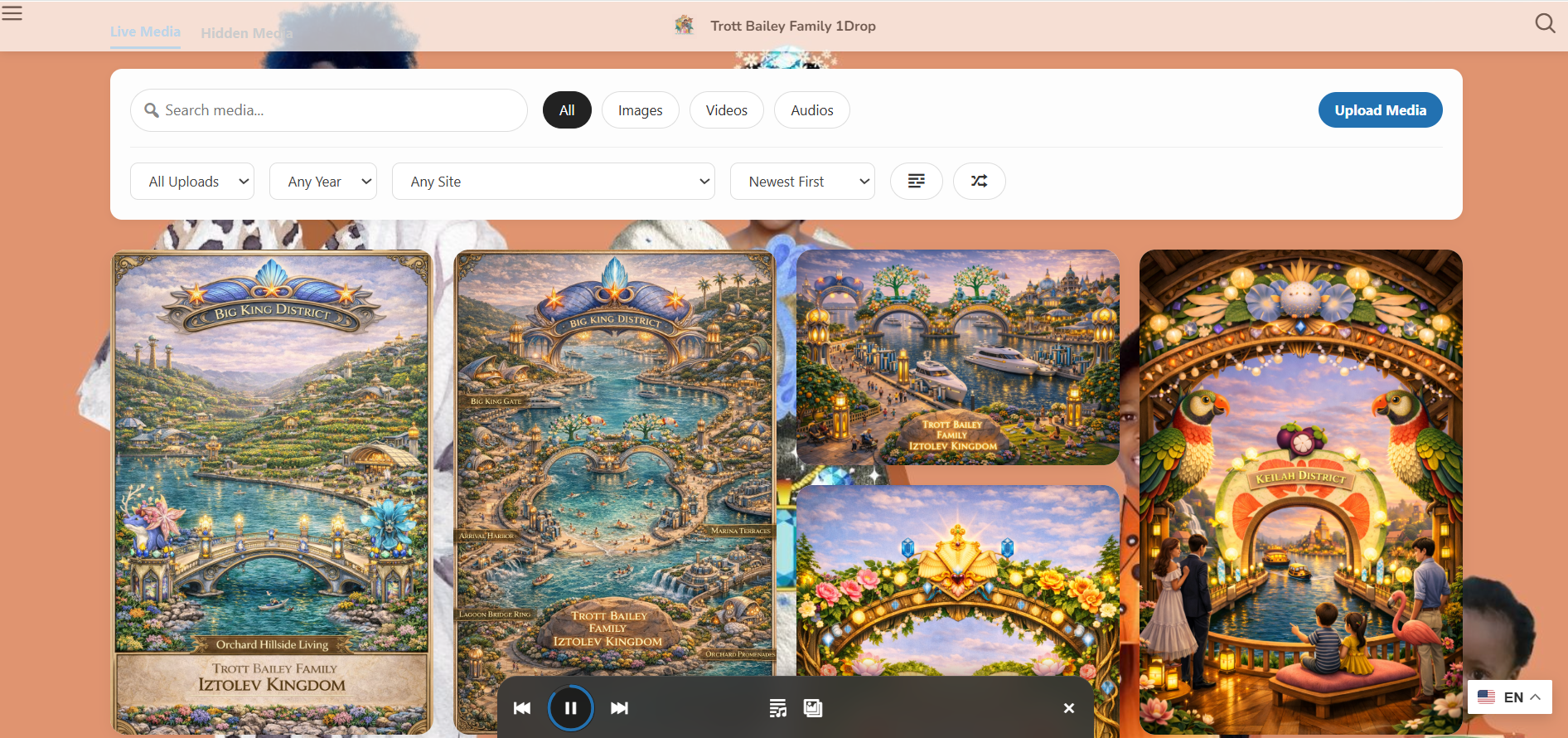
World Within World groups can appear as curated cards inside the visual media browsing layer.
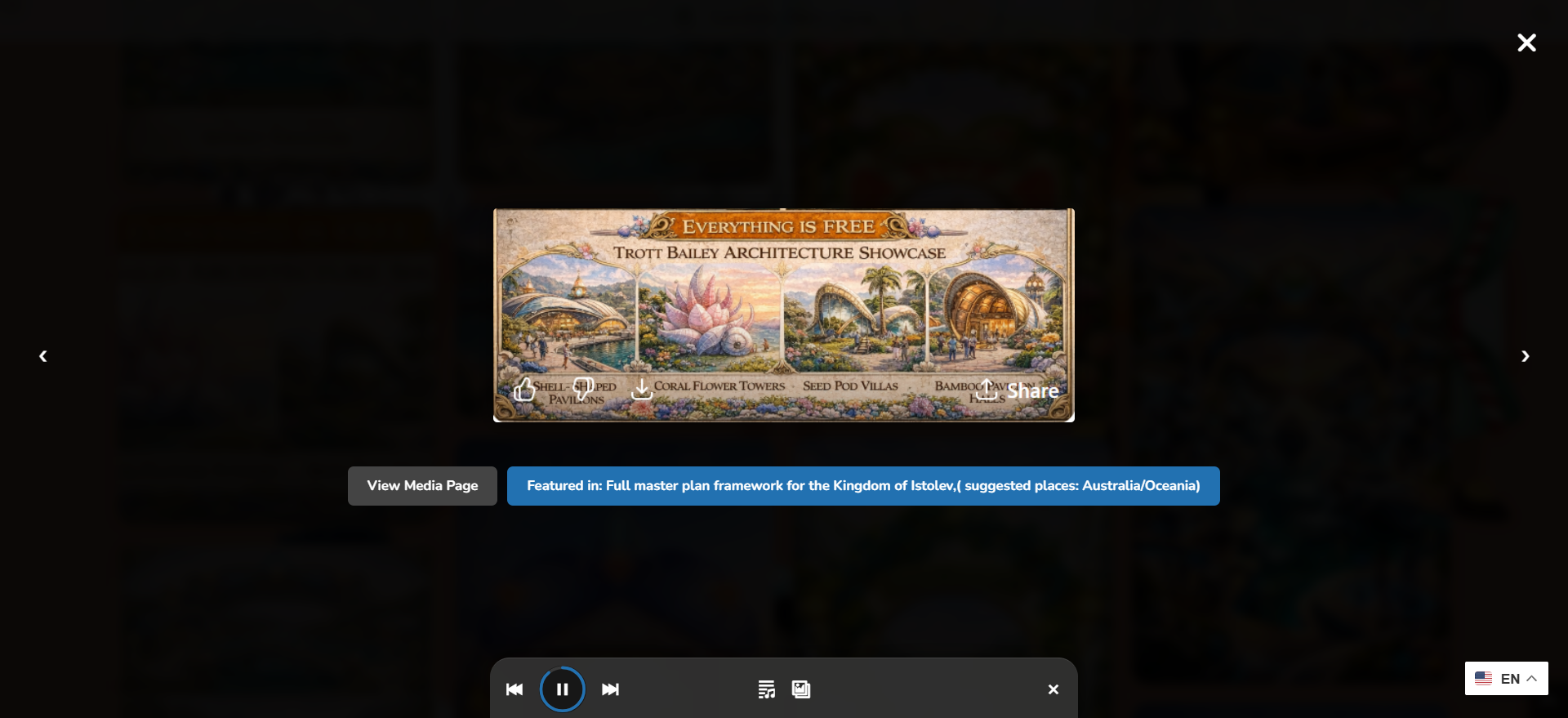
Grouped media opens into a focused viewing flow instead of scattering visitors across unrelated pages.

Curated groups become stronger when media can be discovered and selected from the broader library.
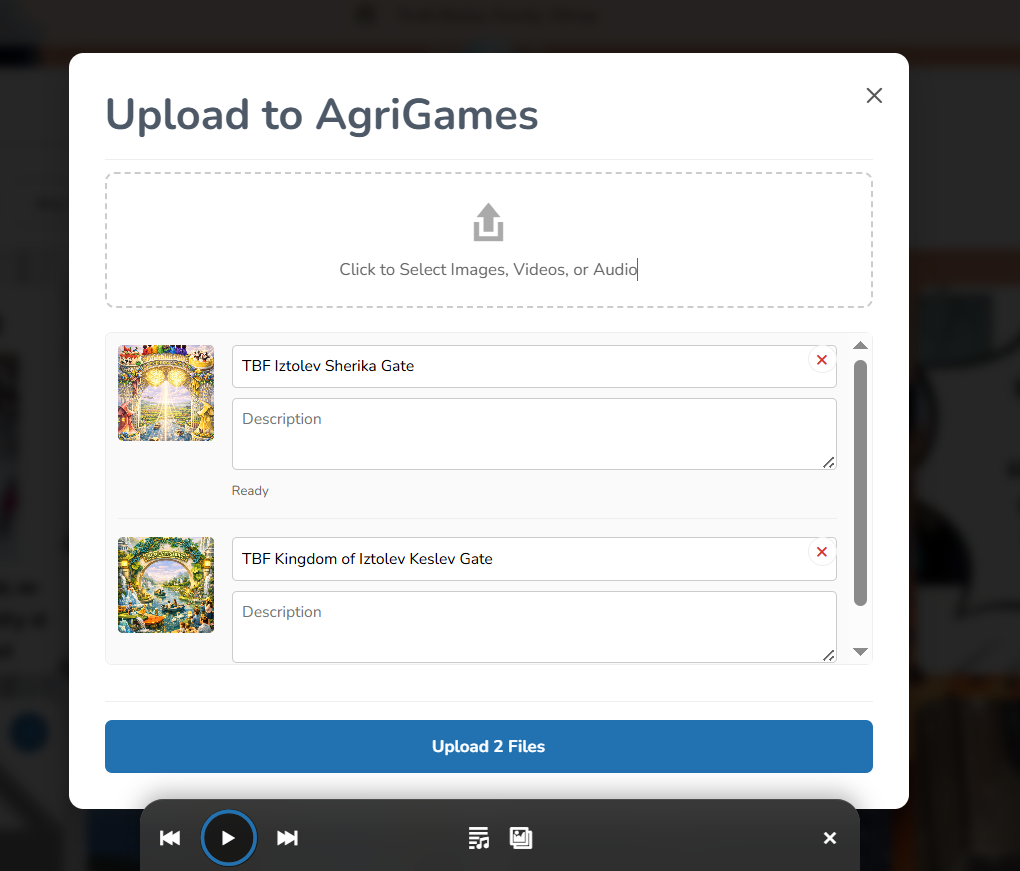
New uploads can feed grouped collections with better title, alt text, and organizational context.
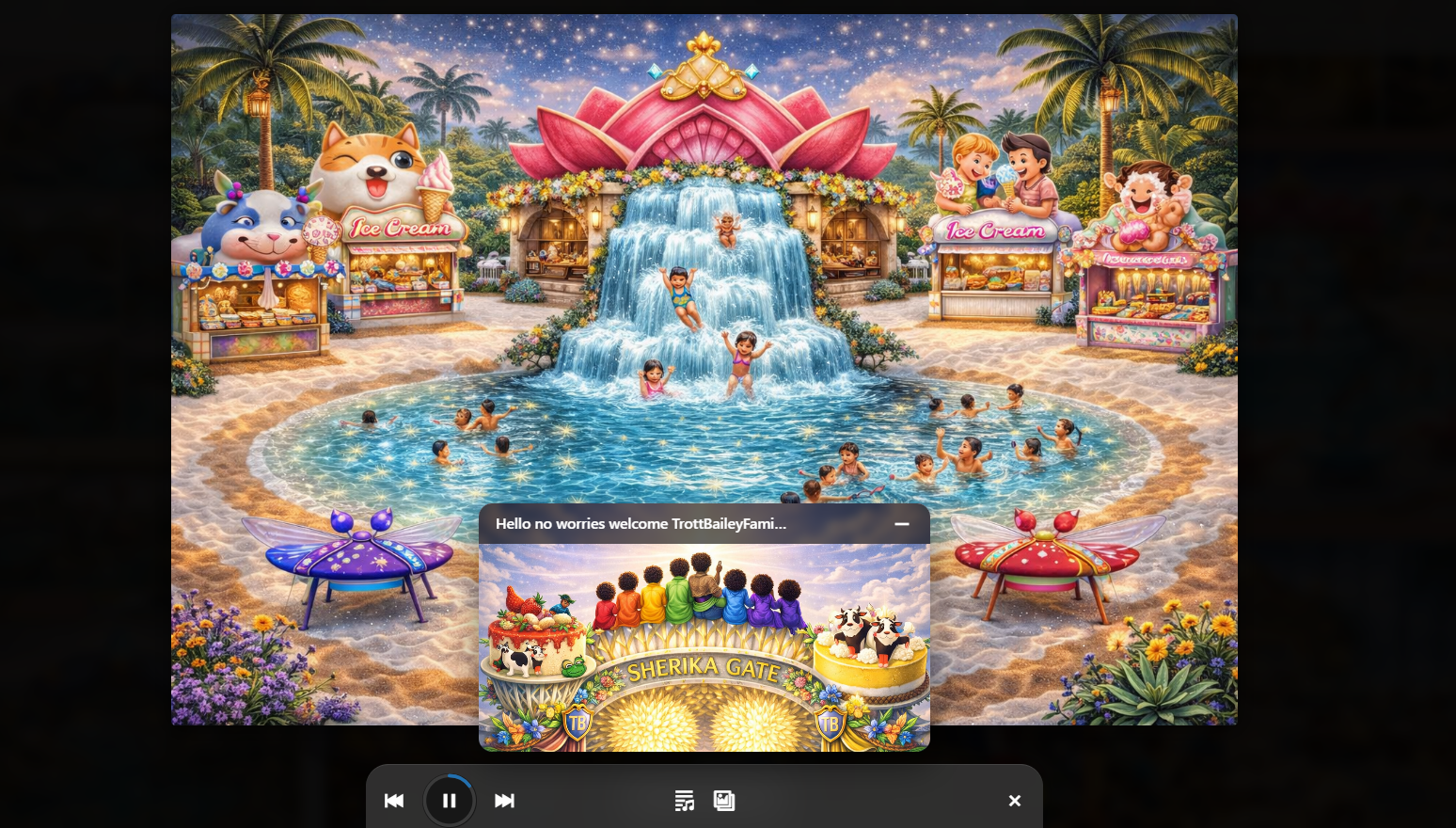
Audio, slideshows, music-video sequences, and visual scenes can become part of a deeper grouped media world.
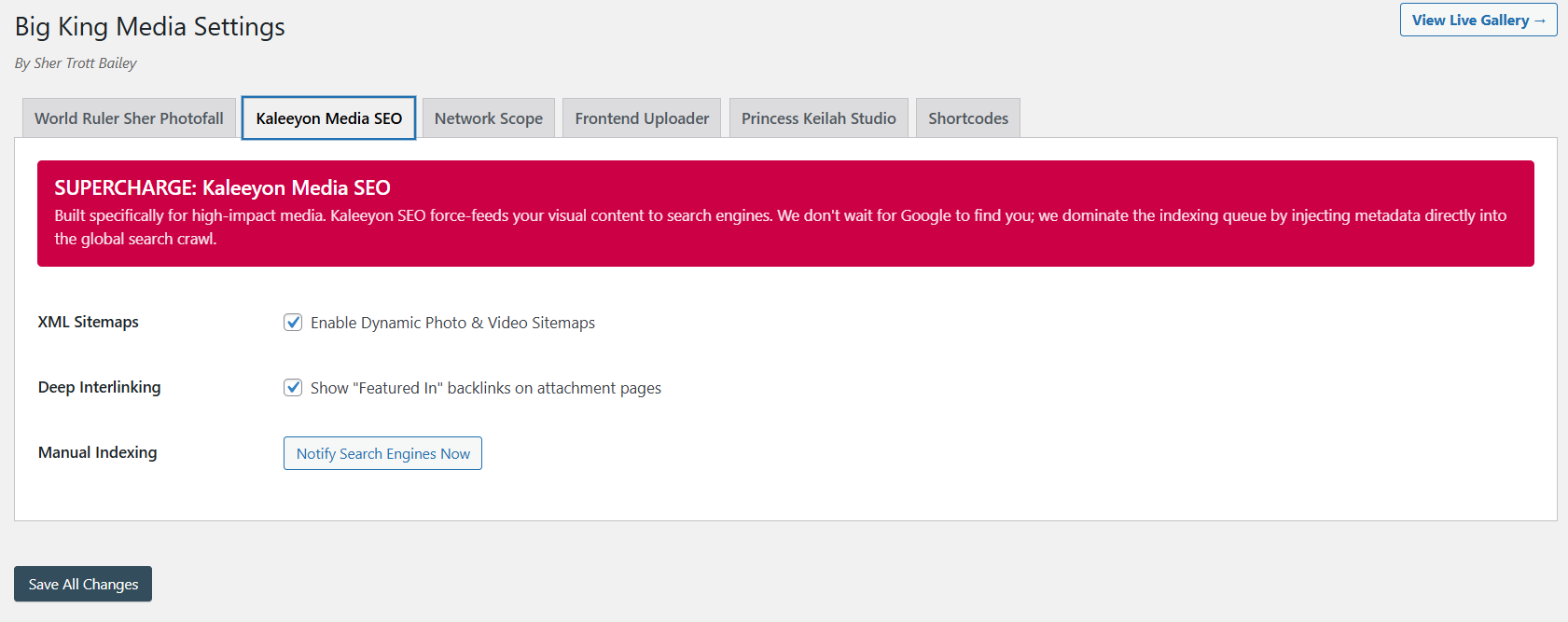
Curated groups become more useful when titles, descriptions, visibility, and discovery are connected.
The product video and masterclass help visitors understand that World Within World is not a simple album. It is part of Big King Media’s larger media operating system: shared media, folders, uploads, Photofall, lightbox, studio media, metadata, and SEO.
This video shows the larger media-first product direction behind curated media groups.
The longer walkthrough gives visitors the full product context.
World Within World gives WordPress a cleaner way to package related media. It turns a collection into a front-end experience instead of leaving every asset to fight for attention on its own.
A normal album groups images. World Within World groups media experiences. It can hold images, videos, audio, posts, visual sequences, and supporting assets as one deeper media package inside the WordPress Media Operating System.
| Approach | Strength | Limitation | World Within World advantage |
|---|---|---|---|
| Standard image album | Simple photo grouping. | Usually limited to images. | Groups images with video, audio, posts, and deeper media context. |
| Flat masonry gallery | Good for visual browsing. | Can flatten related media into too many separate cards. | One card can open into a complete collection. |
| Post with embedded media | Useful for article-based storytelling. | Media can become trapped inside one post layout. | The collection can exist as a media-first experience in Photofall and lightbox. |
| External album platform | Can be convenient for sharing. | Moves the experience outside the creator-owned site. | Keeps curated media worlds inside WordPress. |
| World Within World | Nested media grouping with front-end browsing. | Requires thoughtful curation and organization. | Turns grouped media into a site-owned experience connected to the full media operating system. |
World Within World is built for any media story that needs to hold more than one file, one post, or one gallery row.
Group cover art, audio, music-video sequences, promo images, behind-the-scenes clips, lyrics, and release notes.
Collect photos, sermon audio, recap videos, worship clips, announcement graphics, testimonies, and related posts.
Package lessons, student projects, event galleries, audio learning, class videos, and article cards into one browsable group.
Group article cards, featured images, video clips, audio commentary, field photos, and related updates.
Turn old photos, audio memories, videos, documents, and stories into living archive collections.
Package client projects, campaign visuals, videos, case-study posts, before-and-after media, and creative deliverables.
World Within World turns Big King Media into more than a gallery system. It gives WordPress nested media collections where related images, videos, audio, posts, and stories can live together as one browsable experience.
These answers support searches around WordPress media collections, curated media groups, photo/video albums, nested galleries, and mixed media galleries.
World Within World is Big King Media’s curated media group system. It lets one front-end card open into a deeper collection of related images, videos, audio, posts, and supporting media.
A normal gallery usually displays separate files in a flat layout. World Within World creates a nested media experience where related media is grouped into one browsable collection.
Yes. World Within World can group mixed media, including images, videos, audio, posts, and creative studio media where supported by the Big King Media setup.
Yes. A World Within World group can appear as a Photofall card that opens into a deeper grouped media experience.
Creators, churches, schools, agencies, editorial teams, family archives, cultural archives, and media-heavy businesses can use curated media groups to package related media into stronger front-end experiences.
Because World Within World connects media grouping to the rest of the workflow: uploads, folders, shared media, metadata, media SEO, Photofall, lightbox, and front-end publishing.

 and then