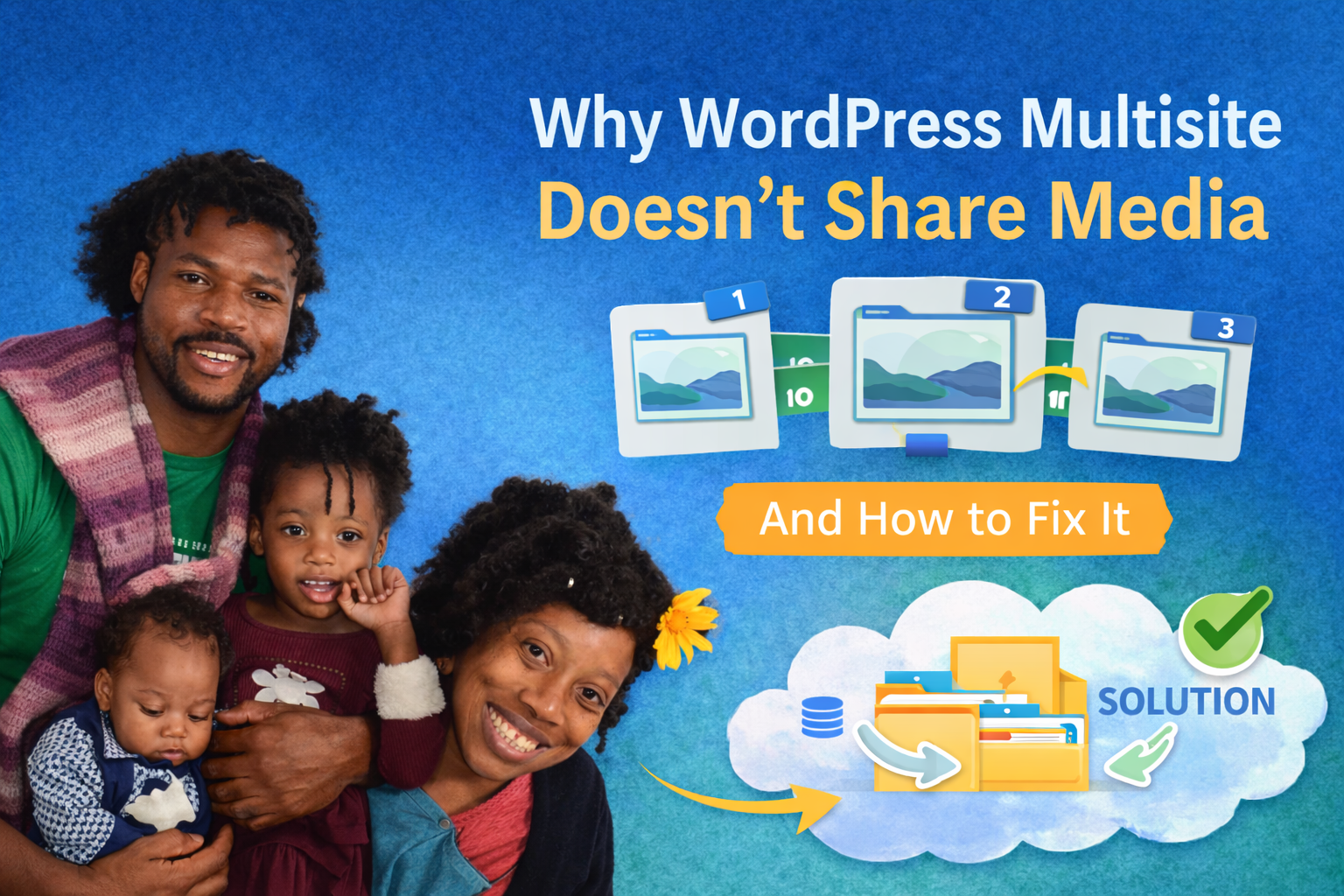
Why WordPress Multisite Doesn’t Share Media (And How to Fix It)
If you have ever tried to reuse a simple corporate logo or a featured image across multiple sites in a WordPress Multisite network, you have hit the same infuriating wall: you have to upload it again, and again, and again.
This is not a bug. It is exactly how the WordPress Multisite architecture was designed to function.
However, for modern networks managing dozens or hundreds of subsites, this default behavior quickly becomes inefficient, expensive, and virtually impossible to manage at scale. In this guide, we will break down the exact technical reasons why WordPress isolates your media, the critical bottlenecks this creates, and how to deploy a scalable, production-ready solution to fix it.
Download Big King MediaThe Core Architecture: Why Multisite Isolates Media
WordPress Multisite is built on a strict principle of site independence. Even though all your subsites exist within the exact same WordPress installation, the core code treats them as entirely separate entities. This isolation is enforced at three distinct levels:
1. Fragmented Upload Directories
By default, each subsite stores its media in an isolated folder path, typically structured as /wp-content/uploads/sites/X/. This architecture was chosen to ensure site isolation, make individual subsite backups easier, and maintain a clean separation of data. The massive trade-off is that it completely destroys cross-site visibility. Site A literally cannot see the physical files belonging to Site B.
2. Isolated Database Tables
The isolation goes deeper than just the file system. Each subsite generates its own specific database tables, including the posts table (where media attachments are recorded) and the postmeta table. Even if you manually upload the exact same image to two different subsites, the WordPress database treats them as completely separate, unrelated records.
3. The Security and Permissions Model
Multisite was originally engineered for networks that might have different administrators managing different content. Sharing media globally by default could unintentionally expose private files or break strict access controls. To prevent this, WordPress keeps every asset locked inside its respective silo.

The Real-World Cost of Siloed Media
At a small scale, managing isolated media libraries is an annoyance. At an enterprise scale, it becomes a severe operational bottleneck.
- Massive File Duplication and Wasted Storage: If you need the same hero image across 20 subsites, you are forcing your server to process 20 separate uploads and store 20 identical copies. This rapidly inflates your hosting costs, bloats your server inodes, and turns routine network backups into massive, bloated operations.
- Slower Content Production: Your editorial teams waste countless hours hunting for specific files, downloading them from one subsite, and re-uploading them to another. This entirely breaks the flow of content creation.
- Inconsistent Network Branding: Without a central repository acting as a single source of truth, different subsites inevitably end up using outdated logos, slightly altered featured images, and assets that drift away from your core brand standards.
Evaluating the Workarounds (And Why They Fail)
Administrators generally try three approaches to solve this problem before looking for a real architectural fix. All three fail at scale.
Manual Uploads
The default approach. You simply accept the isolation and upload media to each site individually. It is highly time-consuming, prone to human error, and completely unscalable.
Sync Plugins
Many plugins attempt to solve the problem by automatically copying media between sites whenever a new file is uploaded. The fatal flaw here is that it still duplicates the physical files. You are not fixing the architecture; you are simply automating the inefficiency and accelerating your server bloat.
External Storage (CDN / Amazon S3)
Offloading your media to an external bucket is a great technical practice for server speed, but it does not solve the WordPress-level media management problem. The files are centralized on the server side, but the WordPress database is still fragmented, leaving your editors with the same disconnected UI.
The Enterprise Fix: TBF Big King Media
To actually solve the multisite media problem, you need an architecture that provides one central media library, accessible across all subsites, with absolutely zero file duplication.
Instead of copying files across directories, the TBF Big King Media plugin is a WordPress Multisite Shared Media Library that takes a fundamentally different approach: it indexes and references media across your entire network.
How the Architecture Works


When you network-activate TBF Big King Media, you deploy an AJAX-powered global indexer. This indexer scans the isolated /uploads/sites/X/ directories and unifies them into a central database index.
When an editor opens the native WordPress media library on any subsite, they are no longer restricted to that site’s silo. They can instantly browse, search, and insert media from across the entire network via the high-speed “Photofall” masonry gallery.
The Impact on Your Network
Because the plugin proxies the media rather than copying it, there is zero duplication of files. It works seamlessly inside the native WordPress media modal, meaning it is instantly compatible with page builders like Elementor and the Gutenberg block editor.
If you are managing a network with 20 subsites and hundreds of shared assets, Big King Media turns thousands of scattered, duplicate files into a single, highly optimized source of truth.
Frequently Asked Questions
Can WordPress Multisite share media without a plugin?
No. Native WordPress core does not support shared media across subsites. You must intervene at the database level to proxy the attachments.
Is duplicating media bad for SEO?
Indirectly, yes. Massive file duplication increases server storage bloat, which can impact server response times and complicate site migrations. A slower, heavier server infrastructure directly hurts technical SEO.
Will a shared media library slow down my network?
No. When engineered correctly with proper database indexing (like the AJAX indexer used by Big King Media), a unified library is highly optimized and will not drag down subsite performance.
Does this integrate with standard page builders?
Yes. Because a proper shared media solution taps directly into the core WordPress media modal, it works natively with Gutenberg, Elementor, and standard custom fields.
Final Thoughts
WordPress Multisite is a powerful infrastructure, but its default media architecture is incomplete for modern demands. The system prioritizes strict isolation over network efficiency. For serious network administrators, a shared media library is no longer just a convenience—it is mandatory infrastructure.
Stop duplicating files and start scaling your network efficiently.
[Fix Your Multisite Media Today with TBF Big King Media] (Link to Plugin Page)
Would you like me to draft the “Best Multisite Media Plugins Compared” article next to serve as a high-converting feeder page that pushes traffic directly to this guide and the plugin repository?



 and then