
How to Generate WordPress Users in Bulk (Without the Mess)
If you have ever tried to build a WordPress community, membership site, BuddyPress network, demo environment, or staging site, you already know the problem: an empty user base makes everything feel unfinished.
A blank directory looks weak. Empty profiles look untrustworthy. Testing workflows becomes harder. Community pages feel dead. And manually creating users one by one is a terrible use of time.
That is why so many WordPress site owners eventually start looking for a better way to generate WordPress users in bulk.
But bulk user generation is only useful if it is done properly.
The real issue is not just creating a lot of users. The real issue is creating them in a way that leaves your site organized, believable, and manageable afterward.
Why people need bulk user generation in WordPress
There are several common situations where bulk user generation becomes necessary.
The first is community launch preparation. If you are building a social, membership, or BuddyPress-style site, you may want your environment to feel populated from day one rather than looking like an empty shell.
The second is staging and demo setup. Agencies, developers, and product teams often need realistic user environments to test layouts, directories, messaging systems, permissions, profile pages, and onboarding flows.
The third is dummy data creation. Designers and developers need something more useful than a blank install when they are trying to evaluate how a site behaves under realistic conditions.
The fourth is migration or cleanup work. Sometimes the goal is not just creating users, but rebuilding or standardizing a user base after imports, broken naming patterns, or incomplete records.
In all of these cases, the challenge is the same: you need volume, but you also need control.
The problem with most bulk user workflows
A lot of bulk user workflows stop too early.
They create usernames, maybe create some display names, and then leave you with the rest of the mess:
- blank avatars
- weak profile presentation
- inconsistent usernames
- mismatched slugs
- no review step before actions run
- no reliable history of what was changed
This is where many WordPress admins get stuck.
They do not just need a “user generator.” They need a population and cleanup workflow.
Because once the users exist, the quality of those users still matters.
A site with 1,000 ugly, inconsistent, empty-looking user accounts does not feel ready. It feels broken at scale.
What a better bulk user workflow looks like


Bulk User Generation process from TBF Bulk Feedback Manager Plugin – check out comprehensive documentation.
A smarter WordPress bulk user workflow usually has five parts.
1. Name-based user creation
The process should begin with real first and last names, not just random junk values. This creates a more believable starting point for member directories, profile cards, comments, and author boxes.
2. Preview before creation
Before anything is committed, you should be able to review the proposed users. This is one of the biggest differences between a risky workflow and a safe one.
A proper preview should show what is about to be created before it touches the site.
3. Avatar assignment
Once users are created, profiles need visual identity. Bulk avatar assignment helps your site feel more complete and trustworthy, especially for communities and social environments.
4. Username and slug cleanup
User generation is only half the battle. If usernames are messy or profile slugs are inconsistent, your user base quickly becomes harder to manage and less polished.
5. History and transparency
Bulk actions should never disappear into a black box. You should be able to review what happened afterward, especially on larger sites.
That is the difference between a throwaway utility and a serious admin tool.
Where bulk user generation makes the biggest difference
Some WordPress sites benefit from this more than others.
Community sites
On community-style WordPress sites, empty space kills momentum. If the site looks deserted, people feel it immediately. A more populated environment helps create movement, structure, and social proof.
Membership sites
Directories, member profiles, discussion spaces, and user listings all look stronger when the environment is not blank.
BuddyPress environments
BuddyPress sites in particular benefit from better user population because profile-driven design depends so heavily on visible people, names, avatars, and activity structure.
Agency demos
When an agency presents a site to a client, realistic user data helps the client understand the vision much faster than a sterile empty install ever could.
Development and QA
Testing pagination, permissions, profile templates, filters, search, or activity displays is much easier when a site has a realistic user base.
Why avatars matter more than people think
Many site owners focus on user generation first and only later realize that unassigned avatars make the whole system look unfinished.
Avatars are not a small detail.
They affect:
- profile credibility
- directory appearance
- perceived site quality
- comment realism
- overall visual density
A populated directory with names but no avatars still feels cold. A populated directory with strong avatar coverage feels much more alive.
That is one reason the strongest bulk user workflows should not stop at user creation alone.
The hidden cleanup problem after bulk generation
This is the part many people ignore.
After generating users, you often discover that what really matters is cleanup:
- usernames need standardization
- user nicenames need correction
- slugs may not match properly
- names may need editing
- records need auditing later
This is why a plugin positioned only as “dummy data” is often underselling the real value.
The bigger value is operational control after the population step.
That is especially important for WordPress communities, membership systems, and multisite environments.
What to look for in a WordPress bulk user plugin
If you are choosing a bulk user plugin, look for these traits:
Dry runs
You should be able to preview proposed changes before they happen.
Bulk avatars
A strong user environment needs profile identity, not just account creation.
Username cleanup tools
Generated or imported data often needs refinement afterward.
Slug repair
Profile URLs should be clean and consistent.
Comment seeding options
For many sites, a populated user base is even more powerful when paired with realistic engagement.
History logs
You should be able to see what was done later.
Those features turn a simple user generator into a serious WordPress administration system.
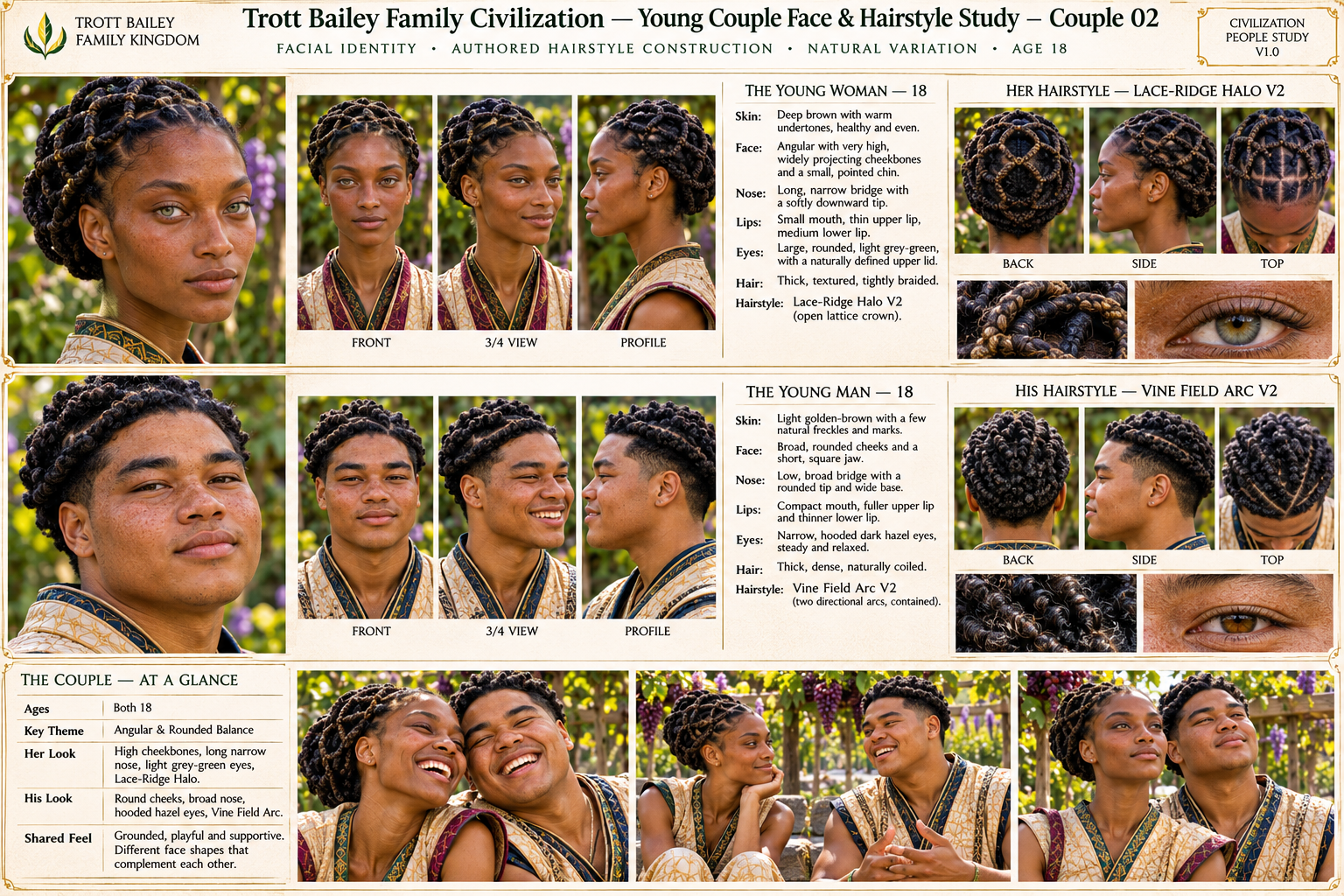
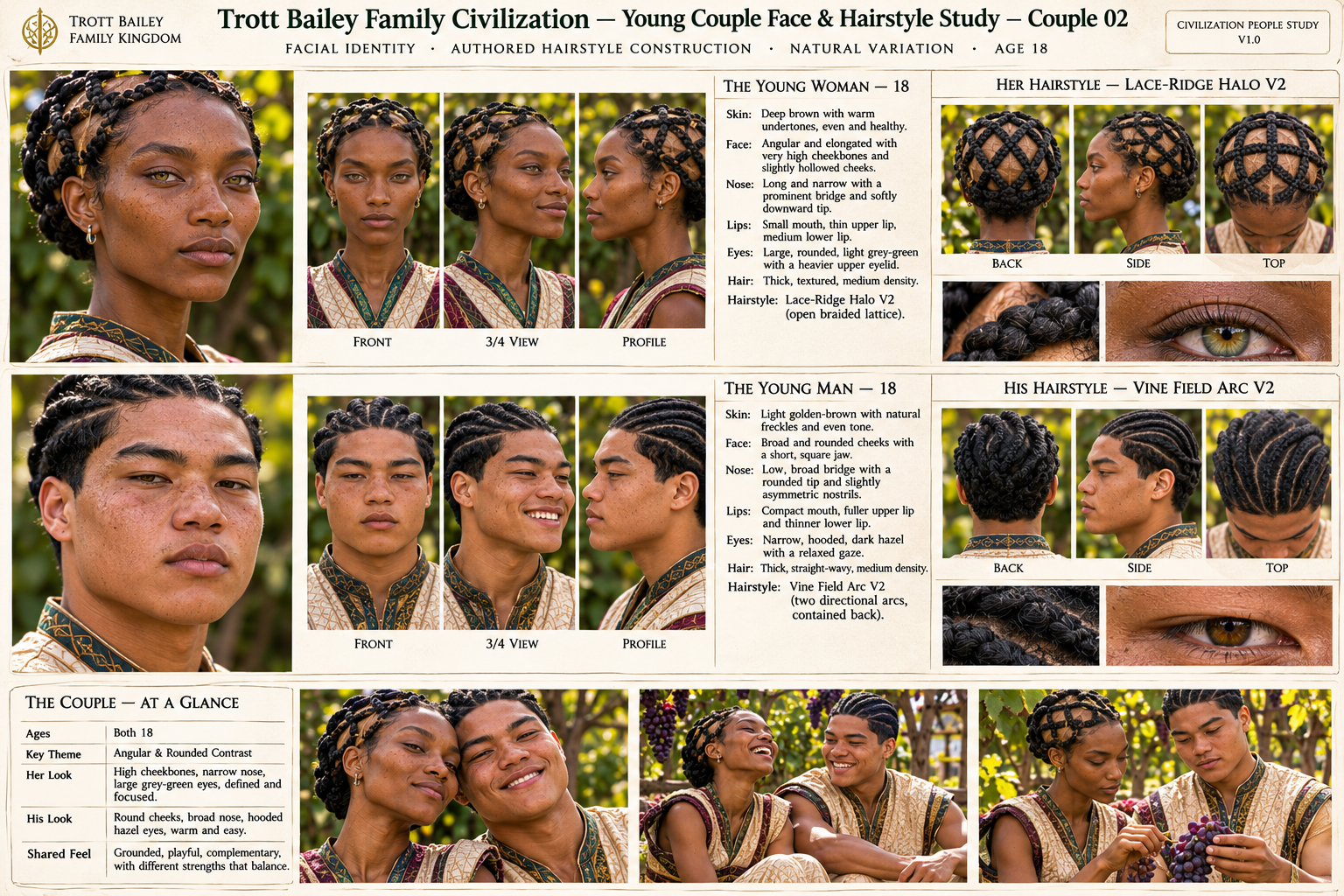
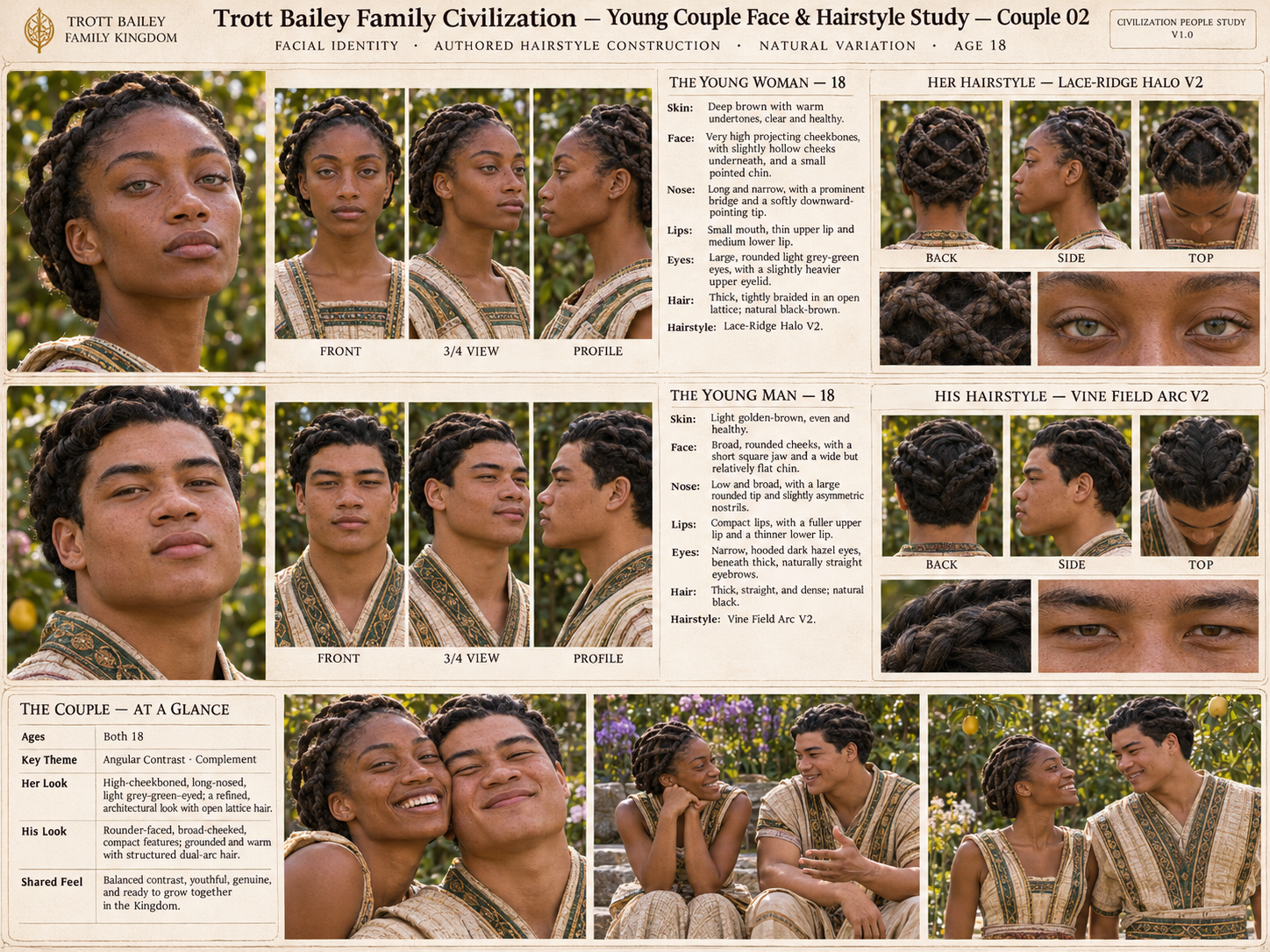
The Trott Bailey Family Kingdom approach
At Trott Bailey Family Kingdom, our larger mission through AgriGames is not built around scarcity thinking. This plugin is part of a practical, generous building philosophy: create useful tools that help people build stronger digital environments with less friction.
That is why TBF Bulk Feedback Manager is free for life.
It is designed to help WordPress site owners generate users in bulk, assign avatars, create dummy data, seed engagement, clean usernames, repair slugs, and manage high-volume admin work from one unified system.
For many site owners, the biggest value is not just speed. It is the ability to move from a blank, messy, or unrealistic user environment into something structured, believable, and launch-ready.
Final thoughts
If you want to generate WordPress users in bulk, do not think too narrowly.
The goal is not just “more users.”
The goal is:
- a better-looking site
- a more believable environment
- cleaner user data
- safer bulk actions
- a stronger foundation for growth
That is the difference between a quick script and a real WordPress workflow.
If your site needs bulk users, realistic profiles, avatars, dummy data, comments, and cleanup tools in one place, that is exactly the kind of problem TBF Bulk Feedback Manager was built to solve.



 and then